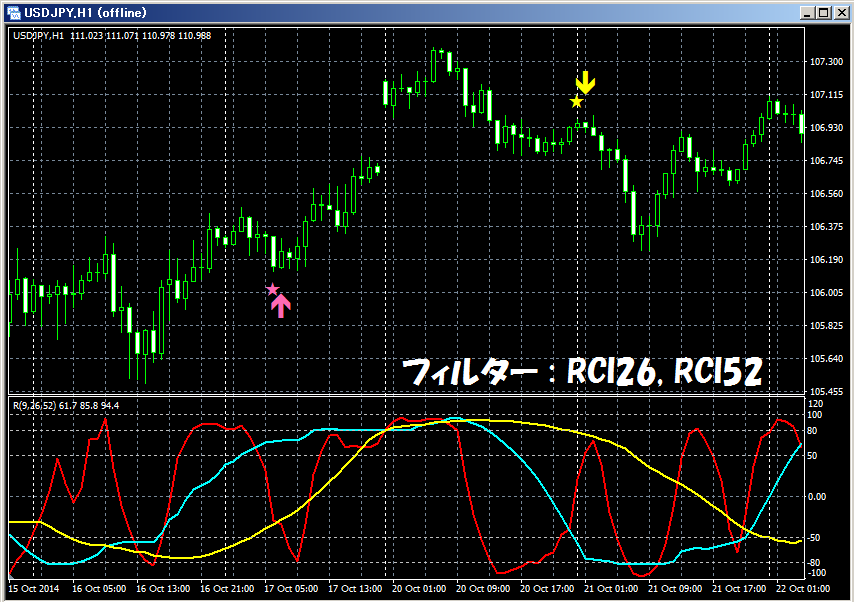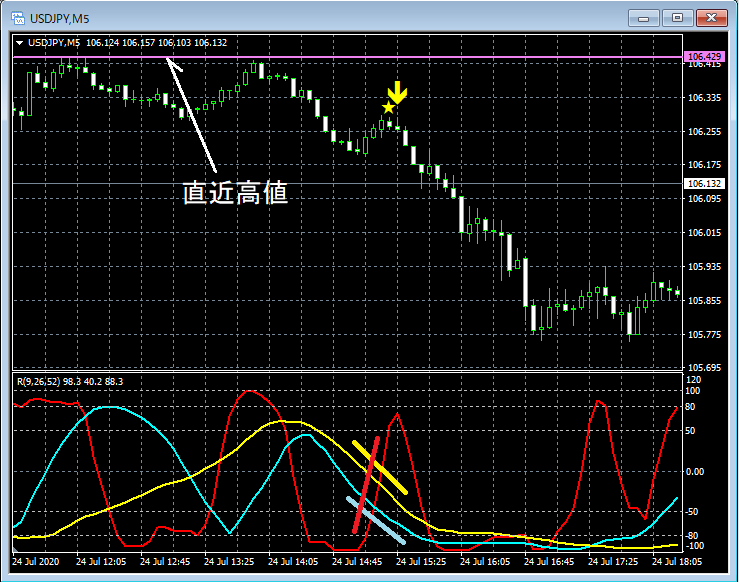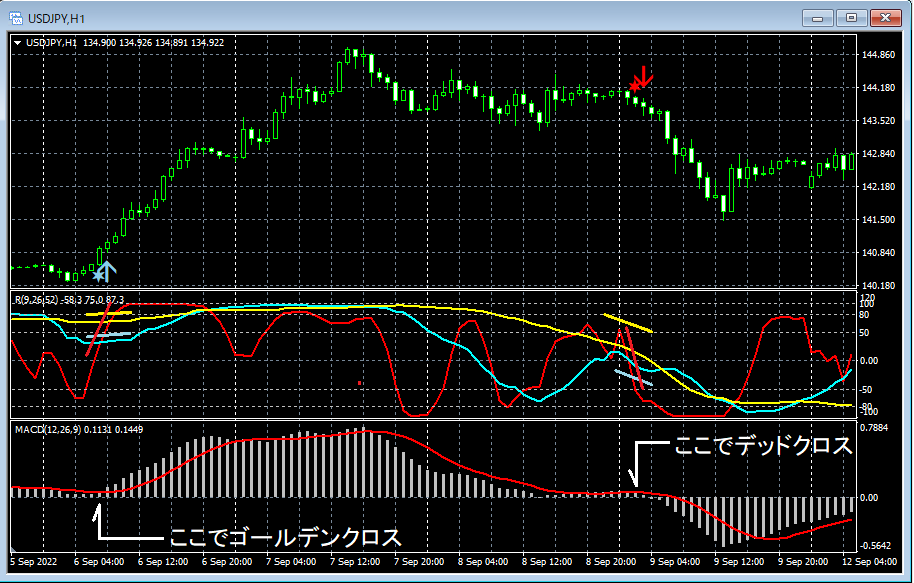

Release of "mBDSR Moving Average Filter Version"!!
Addendum
※ On December 19, 2019, we upgraded again and added a function to notify signal occurrence via push notifications, in addition to the alert functions (email, sound, dialog).
Release of the “mBDSR Moving Average Filter Version”!!
※ This indicator is included with the indicators listed below.
An indicator that shines when combined with RCI: 【BODSOR・mBDSR】
https://www.gogojungle.co.jp/tools/indicators/11836
※“mBDSR Moving Average Filter Version” is not sold standalone, so please note.
※ If you have already purchased the indicators above, re-download and you will find that“mBDSR Moving Average Filter Version” is included in the download file.
(File name: mBDSR_MA2_VAP_XXXXXXXX.ex4)
※This is an indicator without repaint.
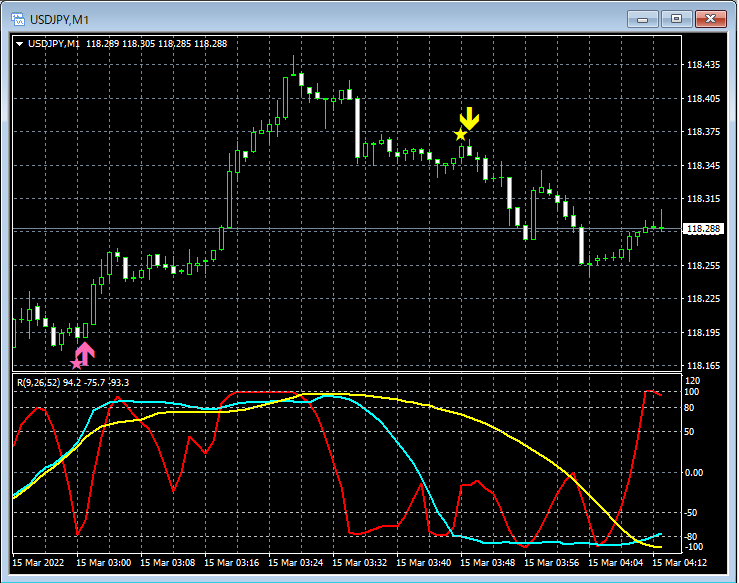
Originally, mBDSR was developed to improve the accuracy of buy-on-dips and sell-on-rebounds using three-line RCI (RCI9, RCI26, RCI52).
The figure below shows an example of a rebound-sell signal when combining RCI three lines with mBDSR.
GBP/USD, 15-minute chart
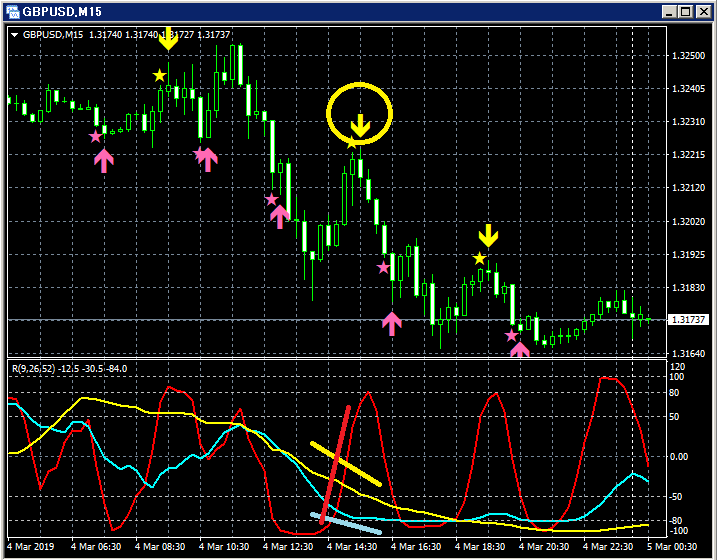
Among the three RCI lines, only RCI9 is clearly rising.
If RCI9 reverses downward, all three RCI lines may turn downward.
In other words, price could fall strongly.
In such a situation, the mBDSR rebound-sell signal (yellow arrow circled) lights up.
In the above example, a bearish candle appears five in a row right after the rebound-sell signal lights up. Also, when the candle before the confirmed reversal of the rising RCI9 confirms a downward reversal, the rebound-sell signal becomes confirmed.
In other words, we can catch the resumption of the decline very well without waiting for the RCI9 reversal downward to be confirmed.
On the other hand, in cases where a clear long-term trend is occurring, it may be beneficial not to rigidly follow the long- to mid-term directions of RCI (RCI26 or RCI52) and instead refer to the direction of moving averages to capture more entry timing.
Therefore, we have created an arrow indicator that enters according to mBDSR while not going against the direction of two moving averages—the “mBDSR Moving Average Filter Version.” .
The following is the description of“mBDSR Moving Average Filter Version”.
An arrow indicator that determines entry timing with mBDSR without going against the direction of two moving averages.
By setting the types and periods of the two moving averages used as filters, you can select which mBDSR signals to take.
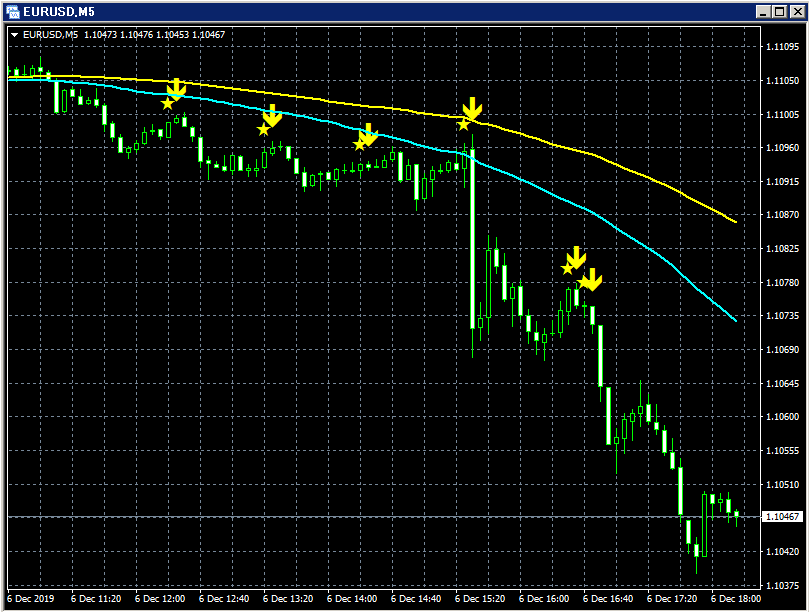
(1) When the two moving averages are SMA25 and SMA50
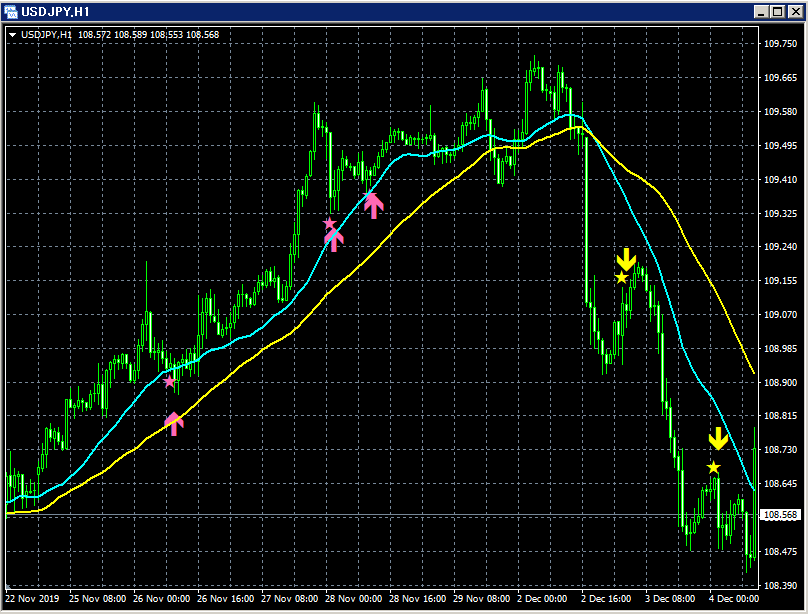
First moving average:SMA25
:SMA50
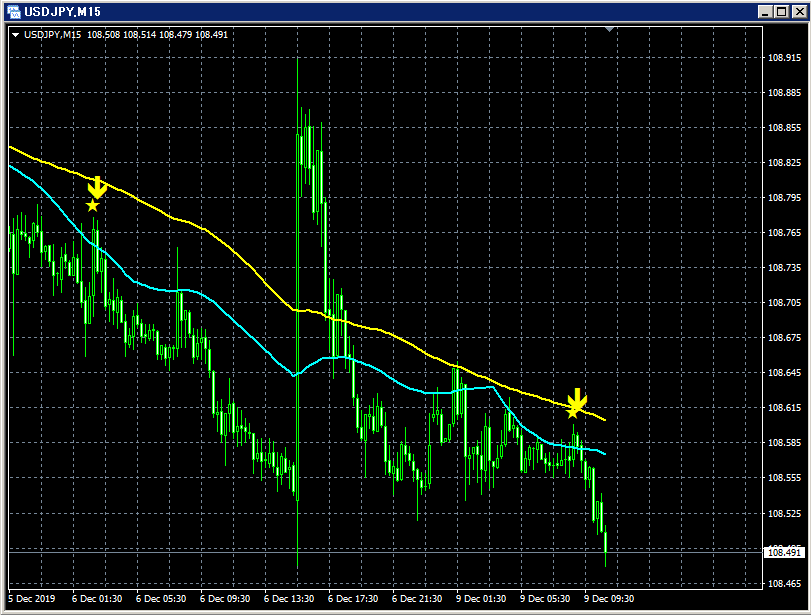
(2) When the two moving averages are SMA15 and SMA30
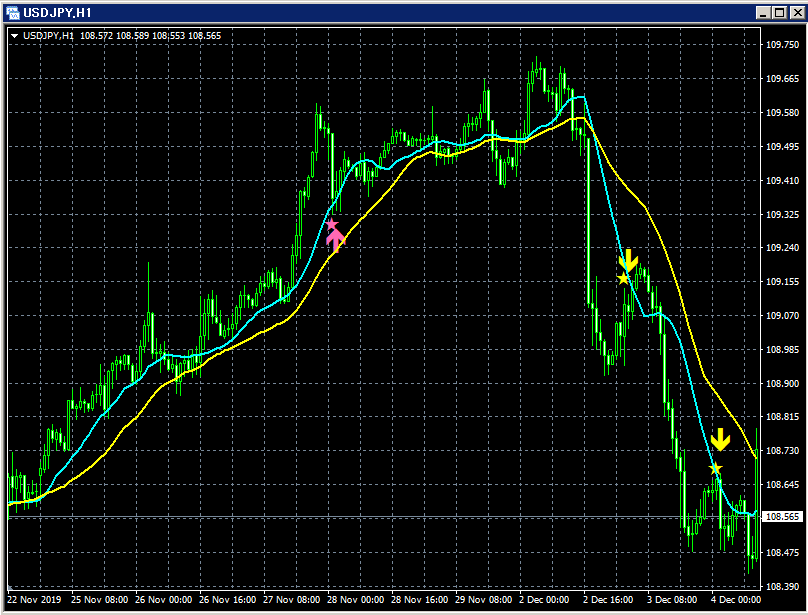
First moving average:SMA15
Second moving average:SMA30
(3) When the two moving averages are SMA50 and SMA100

First moving average:SMA50
Second moving average:SMA100
As shown in the above three diagrams, the signals you can catch depend on how you choose the two moving averages. Also, the moving averages you want to use as filters may vary by user. Therefore, this indicator allows you to freely set the types and periods of the two moving averages used as filters on the user side.
As shown below, you need to check “Allow DLL imports.”


Settings for the display position of stars and arrows
If the display positions of stars or arrows are too close to the candles and hard to see, or too far and sometimes off the screen, you can adjust the height of these marks using the values of the following settings. The larger the value, the farther the marks are from the candles.
Star (pink) → HotPinkStar
Arrow (pink) → HotPinkArrow
Star (yellow) → YellowStar
Arrow (yellow) → YellowArrow
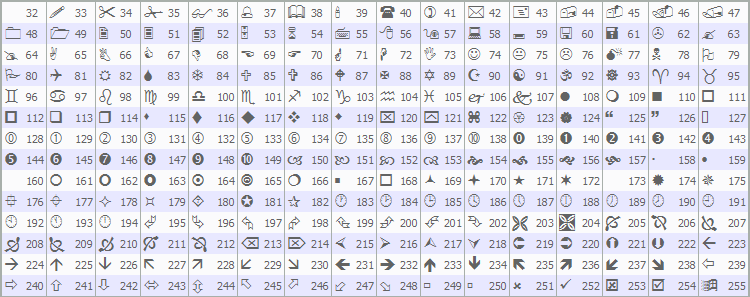
Setting items for the generation conditions of stars and arrows
MA1_Method: Select the type of the first moving average
Simple (SMA: Simple Moving Average)
Exponential (EMA: Exponential Moving Average)
Smoothed (SMMA: Smoothed Moving Average)
Linear weighted (LWMA: Linear Weighted Moving Average)
MA1_Period: Period of the first moving average
MA2_Method: Select the type of the second moving average
Simple (SMA: Simple Moving Average)
Exponential (EMA: Exponential Moving Average)
Smoothed (SMMA: Smoothed Moving Average)
Linear weighted (LWMA: Linear Weighted Moving Average)
MA2_Period: Period of the second moving average
Settings for the alert feature
UseAlert:
If you want to use an alert dialog to notify signal occurrences, set to true; otherwise, set to false.

UseMail:
If you want to notify signal occurrences by email, set to true; otherwise, set to false.
UseSound:
If you want to notify signal occurrences by alert sound, set to true; otherwise, set to false.
SoundFile:
Enter the filename of the sound to use for alerts.
UsePush:
If you want to notify signal occurrences by push notifications, set to true; otherwise, set to false.
An example of MT4 settings when using email notifications
Tools → Options → Email
Illustration

※ It seems a restart of MT4 is required after the settings.
※ This indicator is included with the indicators listed below.
An indicator that shines when combined with RCI: 【BODSOR・mBDSR】
https://www.gogojungle.co.jp/tools/indicators/11836
※ It is not sold standalone, so please note.