GHam-Blade+ | Gold (XAUUSD) 1-minute Martingale EA · from 1,000,000 JPY [MT4]

- Whole period
- 2 years
- 1 year
- 6 months
- 3 months
- 1 month
About EA's Strategy
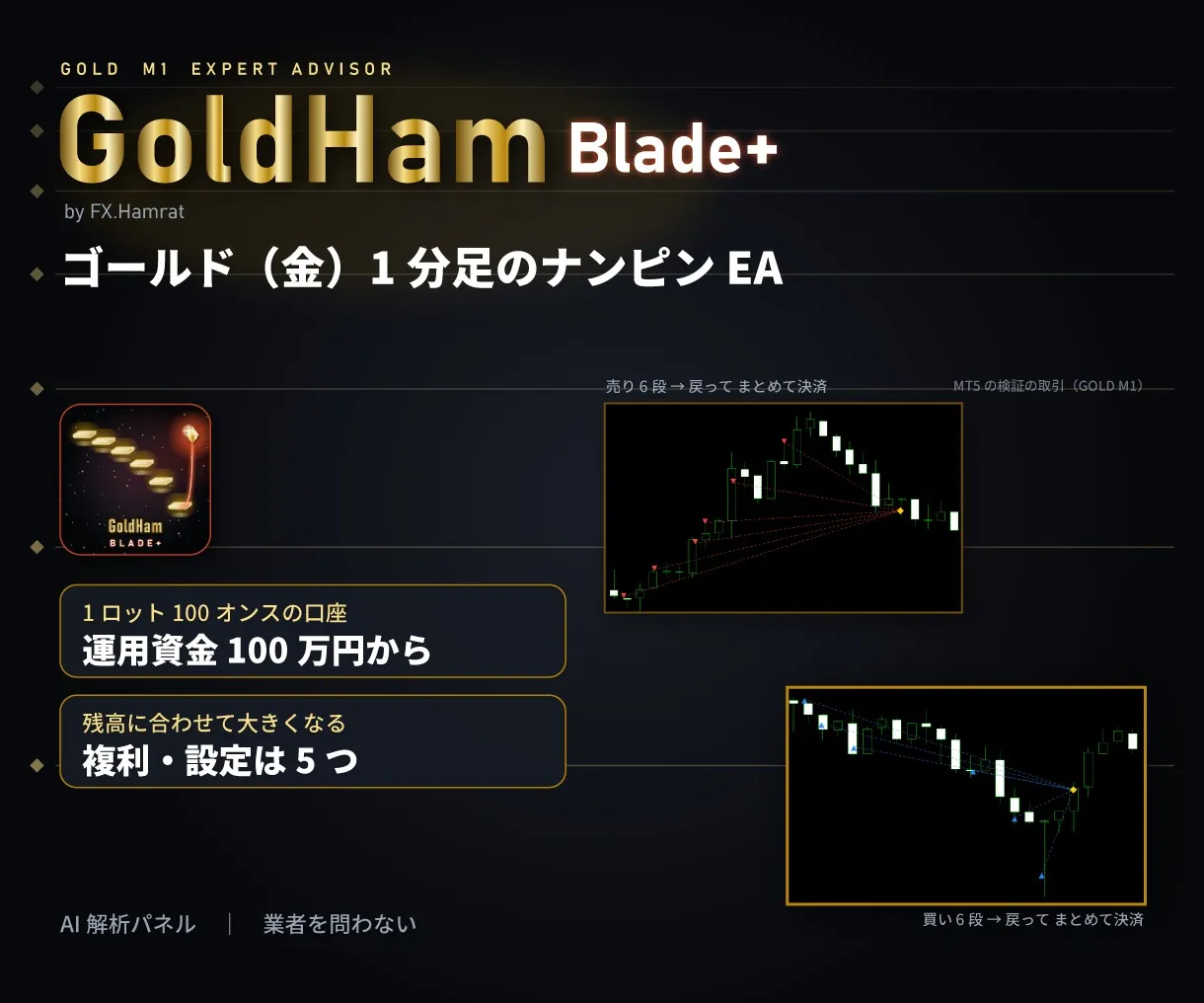
Product Overview
GHam-Blade+ is an EA that runs on the 1-minute chart of Gold (Gold). It is a version designed to operate with GoldHam Blade (profit-seeking type) trading rules on an account with 100 ounces per lot, operating funds of 1,000,000 yen and starting from 0.01 lots on the first run, with the default settings, and it does not matter which broker you use.
After the price moves in one direction and the upper or lower wick signals that momentum has stopped, enter, and if it moves in the opposite direction, add orders by averaging down, and settle all at a profit. This “cluster” is called a batch, and the buying batch and the selling batch are held separately.
The difference from Blade is the account and funding assumptions. While Blade uses a 1-ounce per lot account with smaller funds and adjusts leverage, Blade+ presumes an account of 100 ounces per lot around 1,000,000 yen, fixing the leverage at 3.0 and reducing settings. As the balance increases, the initial lot size also increases automatically (compound interest).
Recommended for the following
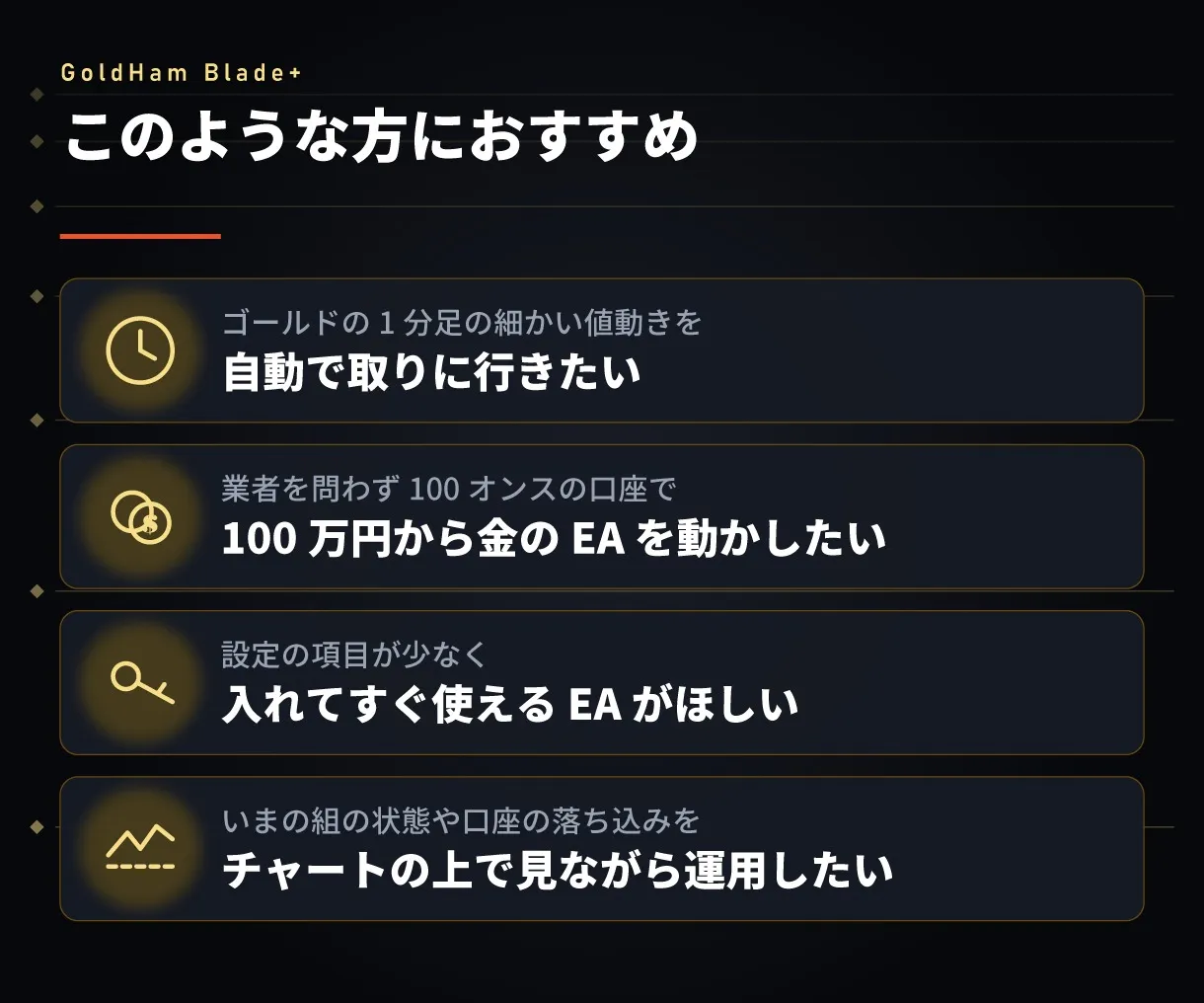
- People who want to automatically capture the fine price movements of gold on the 1-minute chart
- Regardless of broker, wanting to run a gold EA on an account with 100 ounces per lot, around 1,000,000 yen
- People who want an EA with few settings that can be used immediately after loading
- People who want to operate while seeing the current batch status and account drawdown on a chart
About the features
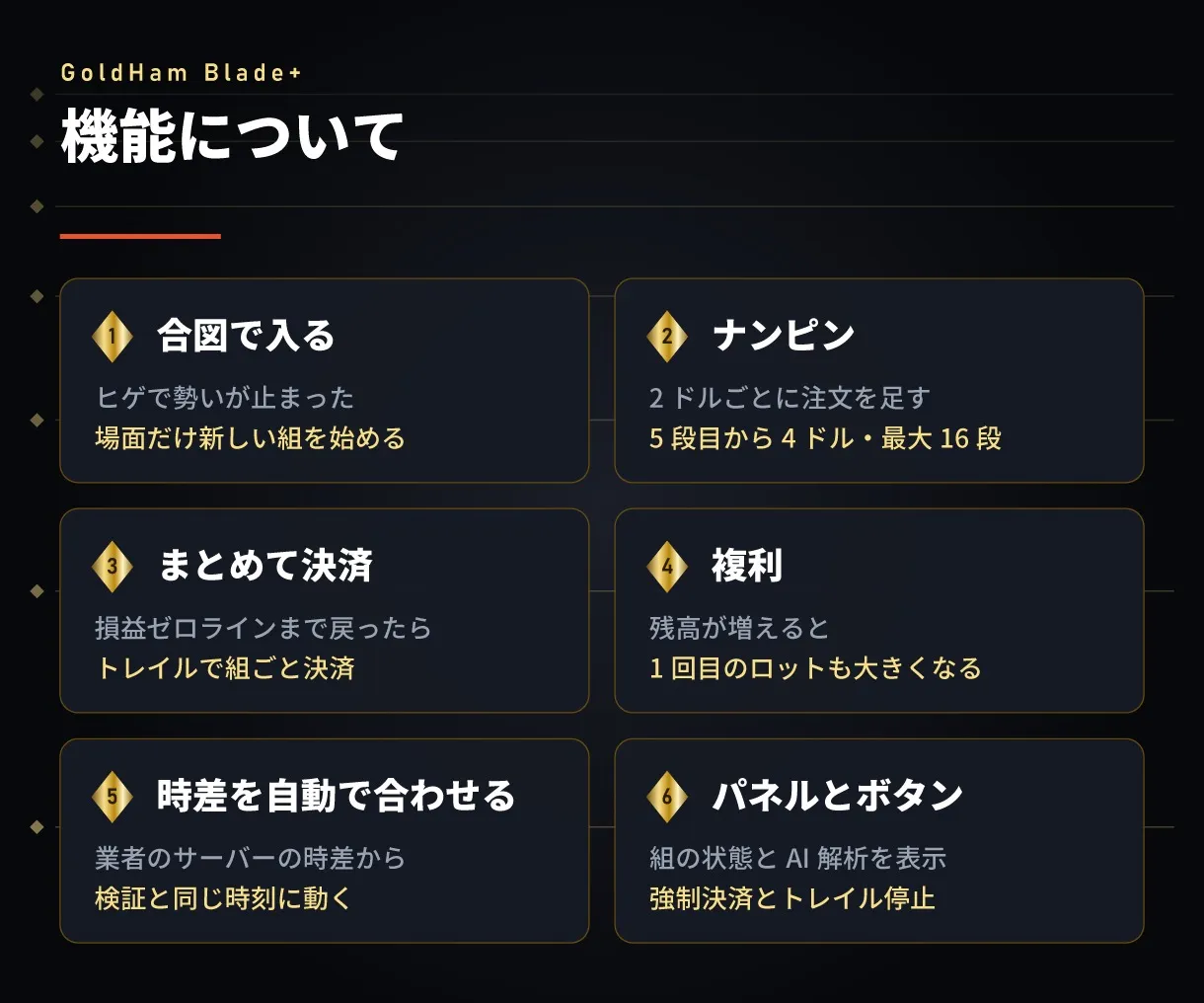
- Enter on signal: After consecutive candles in the same direction, only when the wick shows momentum has paused do we start a new batch
- Averaging down: Add orders every $2, and from the 5th level, expand every $4. A single batch can have up to 16 levels
- Group settlement: When the batch’s profit exceeds the zero line, and returns to a profitable position, chase with a trailing and settle the batch
- Average down to the maximum and then cut: The stop-loss line is 40% of the account. After stacking up to 16 levels, only cut if it moves further in the opposite direction. After cutting, move cautiously for 60 days
- Stops on sudden moves: After sudden price moves, do not start new batches for a while
- Pause around economic indicators: Choose whether to use or not use and the range of indicators to pause (default is not used)
- Funds management automatic: It remembers the balance at the time it starts moving as the operating funds and calculates the first lot. When deposits or withdrawals are made, it moves in the same proportion
- Compound interest: As the balance increases, the first lot size automatically becomes larger
- Automatic time difference alignment with the server: The time zone for starting new batches is automatically aligned with the broker’s server time difference based on the same time as past verifications
- Panel and buttons: Displays the current batch, account drawdown, and AI analysis (inference from past price movements) on a single panel. You can switch to manual decision with [Force Settlement] and [Stop Trail]
Past Verifications
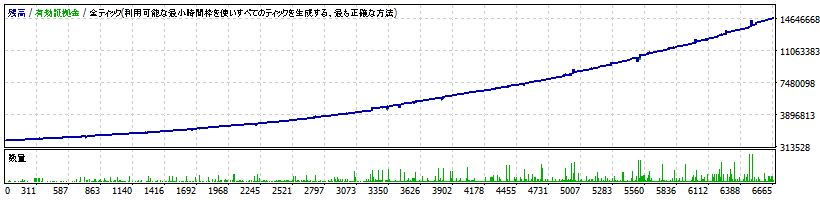
Using all ticks (data derived from actual ticks) with MetaTrader 4 Strategy Tester to verify from September 20, 2024 to September 20, 2026. Account with 100 ounces per lot, initial margin of 1,000,000 yen, spread 0.23 dollars, settings all at default values.
- Total net profit: +12,?727,630 yen
- Profit factor: 2.60
- Number of trades: 6,656
- Maximum drawdown: 15.1% (relative drawdown 23.1%)
- Largest order: 0.65 lots
MetaTrader 5 Strategy Tester (actual ticks, Oct 2024 - Oct 2026, leverage 500x) showed total net profit +13,894,528 yen, profit factor 2.34. Past results do not guarantee future profits.
Conditions for Usable Accounts
- Account with 100 ounces per lot(minimum 0.01 lots) and account currency in Japanese yen
- Leverage of 500x or moreto allow averaging down up to the final level
- Recommend operating funds of 1,000,000 yen (starts around 950,000 yen)
- Use only this EA on a single account
Setting Items
There are 5 settings. Normally, it runs with default values.
- Pause new entries around economic indicators (Do not use / only most important / include important / broad)
- Pause new and averaging down (will continue to close out existing batches and stop losses)
- Trade number (Magic Number; default 30003)
- Display size (panel)
- Panel design
What You Will Receive
- GHam-Blade+ main unit (MetaTrader 4 version)
- User manual PDF
From Purchase to Usable
- After purchasing on GoGoJungle, download the zip from My Page
- Place the main file in the MetaTrader data folder under Experts (as per manual)
- Load onto a 1-minute Gold chart. Your account will be registered automatically
- Enable automated trading button to start moving from the next signal
Operating Environment and Usage Conditions
- Works on MetaTrader 4 (Windows version). Does not work on Mac or mobile
- Keep MetaTrader and computer running. Using a VPS is recommended
- Server time difference is calculated from your computer clock. Turn on Windows “Set time automatically”
- Operates with GoGoJungle web authentication. Only one registered account can be used (real or demo)
- Do not rename the file (include trailing alphanumeric characters)
Version Information
Latest version: Ver 2.02 (October 2026)
- Started selling on GoGoJungle
Notes and Disclaimers
- This product is an automated trading EA. It does not guarantee profits. Past verification results do not promise future gains
- This is an averaging-down EA. If the market continues to move strongly in one direction, positions may be closed at the stop-loss line (40% of account)
- In accounts with low leverage, insufficient funds may cause stopping of new batches and averaging down
- Actual trading should be done at your own judgment and responsibility. The seller is not liable for losses or damages arising from use of this product
- Due to the nature of the product, returns or cancellations are not accepted after purchase
- Reproduction, modification, transfer to third parties, sale, or analysis is prohibited
About the Author
Created by FX.Hamrat, who develops dedicated indicators and customized EAs.