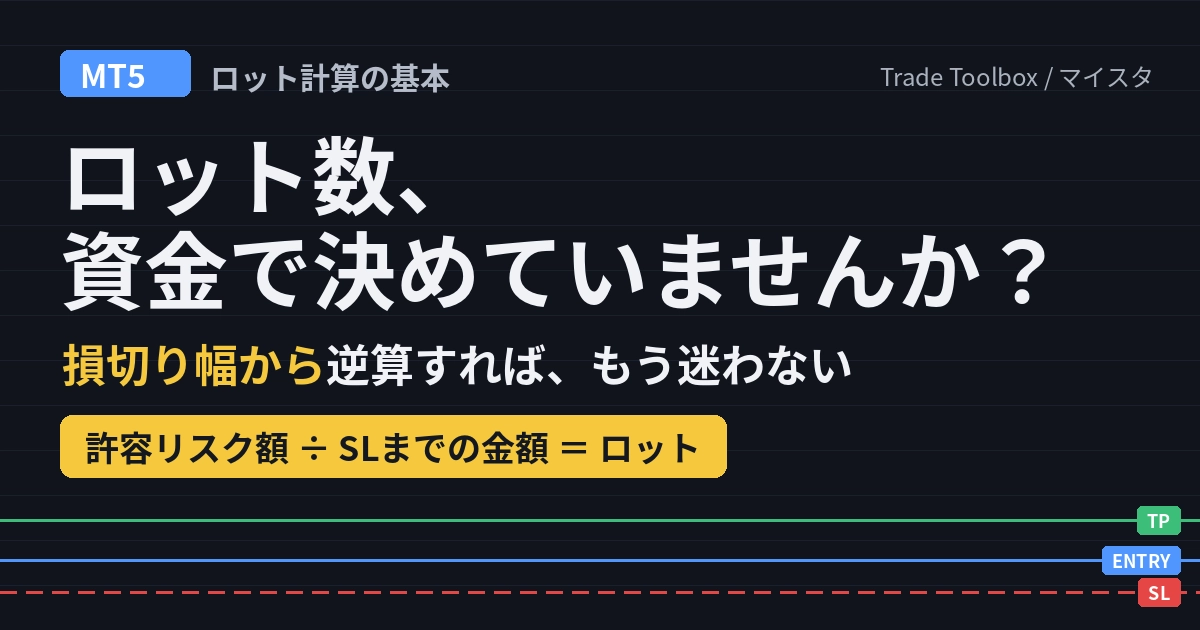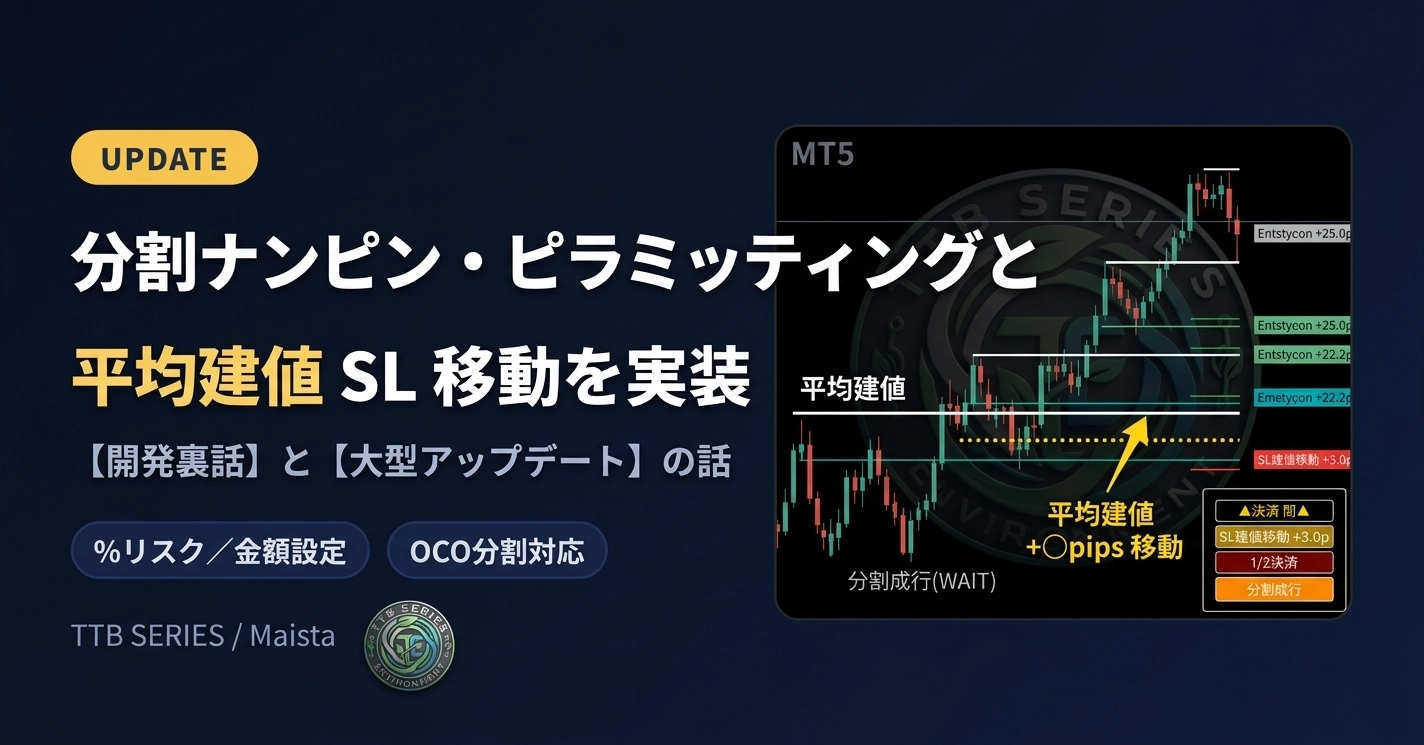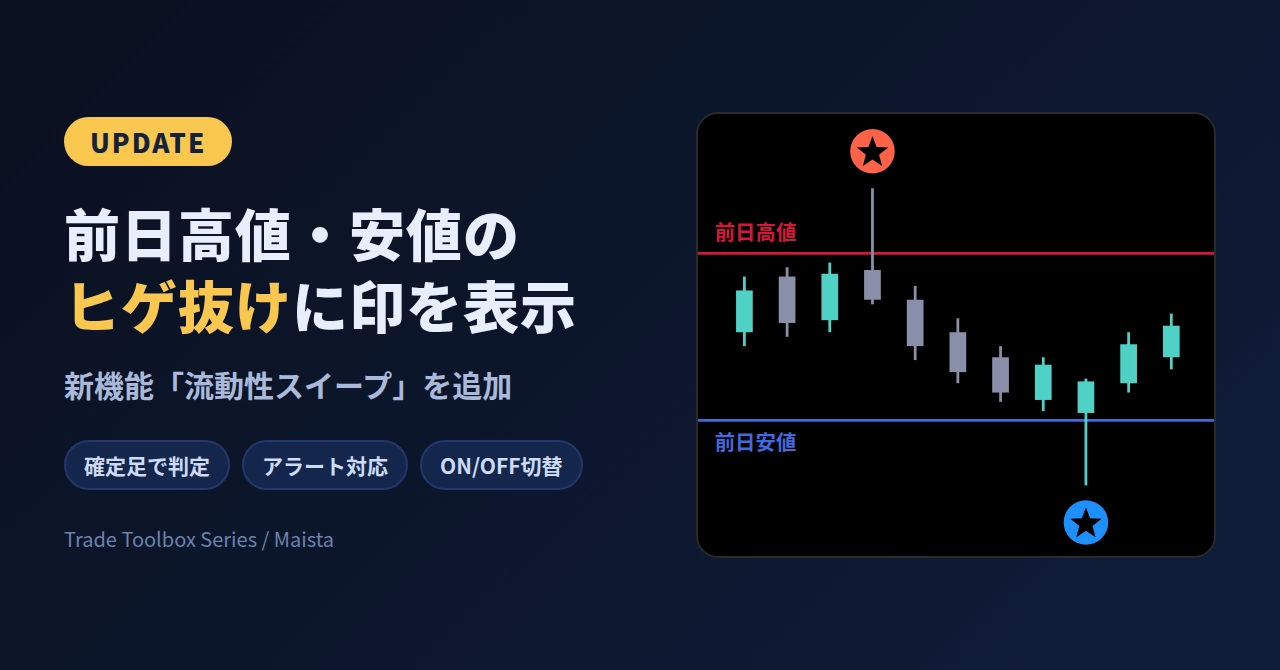

Reasons you hesitate when determining lot size by account funds | Steps for lot calculation by working backward from the stop loss width
“My account balance is XX hundred thousand yen, so what lot size would be appropriate?”
If you worry about that every time you trade, the order of how you decide your lot size might be backwards.
This time, I’ll explain how to determine your lot size without hesitation regardless of account size, and how to reliably stick to it every time.
1.Decide lot size based on “risk,” not “capital.”
When deciding your lot size, the first thing to look at is not your account balance.
It’s these2 items:
How much you can afford to lose at most on this trade(acceptable risk amount)
Distance to the stop-loss(SL) level
There are only3 steps.
Decide your acceptable risk amount
Example:Account balance1,000,000yen× 2%=20,000yenDecide the width to the SL level
Example:Place it slightly below the recent swing low,20 pipsBack-calculate the lot size from 1 and 2
For USD/JPY,1 lot =100k units(with a 1 pip move worth1,000yen), it works like this:
20,000yen÷(20 pips × 1,000yen)=1.0 lots
If the SL widens to40 pips, it’s0.5 lots; if it narrows to10 pips, it’s2.0 lots.
**You can see that “the lot size is determined by theSL width, not by the account balance”**.
As long as you can do this back-calculation, there’s no reason to hesitate whether your account is100,000yen or10,000,000yen.
Getting swayed by account size happens because you choose lot size by feel, not by risk.
However, hand calculations have pitfalls.
The currency amount per 1 lot differs by broker(some use 100k units, others 10k units).
For JPY crosses and dollar majors, the value per 1 pip changes.
Every time you tweak the SL position slightly, you need to recalculate.
This leads into the second-half topic of “automation.”
2.Why averaging down and pyramiding fail
The reason averaging down or pyramiding(adding to positions) with multiple entries often fails is, in many cases, not planning this “lot construction.”
The pitfall of doubling down
If you double your lot size at each adverse move,0.1
→ 0.2 → 0.4 →
0.8 lots means that by the4th entry you total1.5 lots.
That’s15 times the initial0.1 lot.
Your average price improves, but your unrealized loss accelerates rapidly, and a little more adverse movement can make your account unable to withstand it.
Why profits are lost with pyramiding
Markets never move in a straight line; there are always pullbacks and retracements.
If you add the same lot size just because you have unrealized profit, without moving the initialSL, your risk simplydoubles.
A single shallow pullback thereafter can turn your accumulated profit into an overall loss.
What matters is thinking in terms of “total risk”
When adding positions, check whether “the total maximum loss across all positions stays within the acceptable risk(2%).”
For example, if before adding you move the first position’sSL up to breakeven, you can add without increasing total risk.
3.Why “the risk per trade is up to2%” is recommended
It’s often said, “Keep the risk per trade within2% of your account balance.”
The reason isso you don’t get forced out even after consecutive losses.
Let’s calculate how much of your account remains after10 consecutive losses.
Risk per trade | Balance after 10 consecutive losses | Profit needed to return to original balance |
2% | Approx.82% | Approx. +22% |
5% | Approx.60% | Approx. +67% |
10% | Approx.35% | Approx. +187% |
At 2%, even after10 straight losses, you’re still within a recoverable range.
10%risk shrinks your capital to aboutone-third, and you’ll need aboutathreefold increase to get back.
We tend to focus on standout profit figures like “I made XX hundred thousand yen this month” or “If I size up next time, I can make it back at once.”
But if the market moves against you while you’re oversized, a single loss can sharply cut down the capital you’ve built.
Fixing the risk% also has another benefit.
When capital increases:the appropriate lot size automatically grows, letting you compound smoothly.
When capital decreases:the appropriate lot size automatically shrinks, helping to limit the depth of drawdowns.
If you’re unsure how to adjust lot size when your balance grows or shrinks, fixing the risk% and back-calculating resolves it naturally.
4.Protect risk management with a “system,” not “willpower.”
Even if you know you should “work backward from risk,” it’s hard in a live market.
Manually calculating accurately every time in fast-moving conditions and aligningSL and limit orders is quite laborious.
What’s more, after losing streaks or big wins, we tend to skip the math.
So I turned this approach directly into a tool forMT5.
That isSmart
Order Pro .
[Image/GIF:Lot size updates in real time as you drag the SL line]
Here’s what it can do:
By simply moving theENTRY,SL,TP lines on the chart, it auto-calculates the lot size to match your set risk% .
Orders that exceed allowable risk or lack margin are blocked by the system before submission.
If the day’s loss hits the limit, further orders are locked.
One-click close-all / close-half.
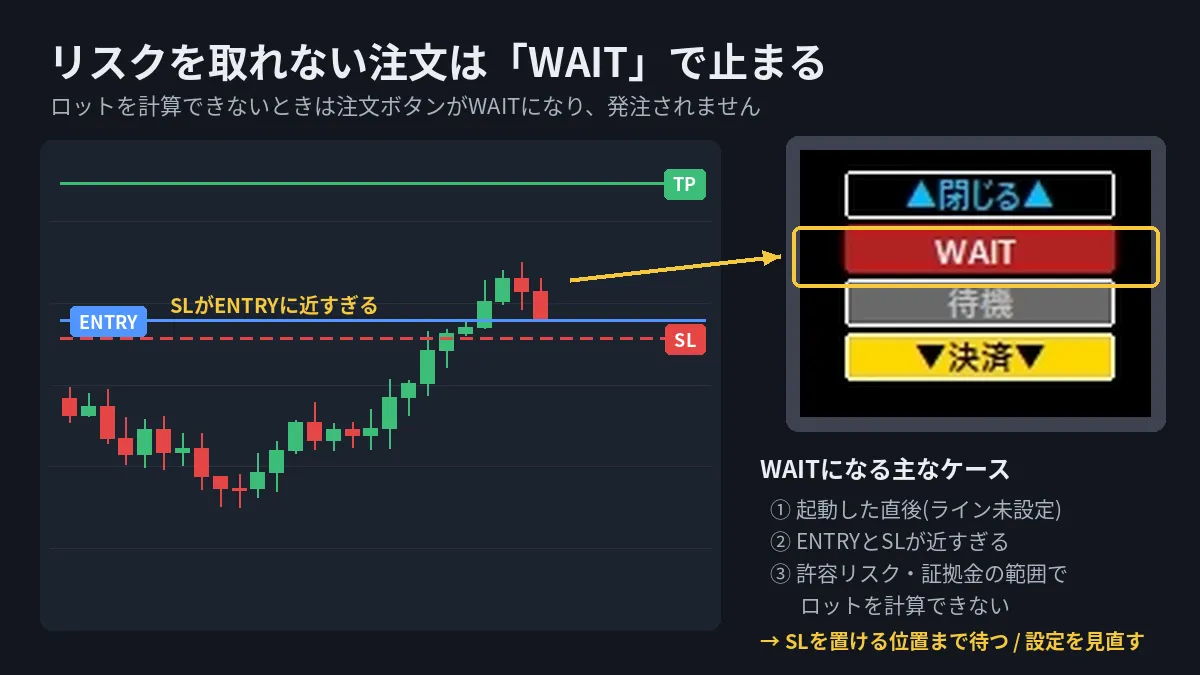
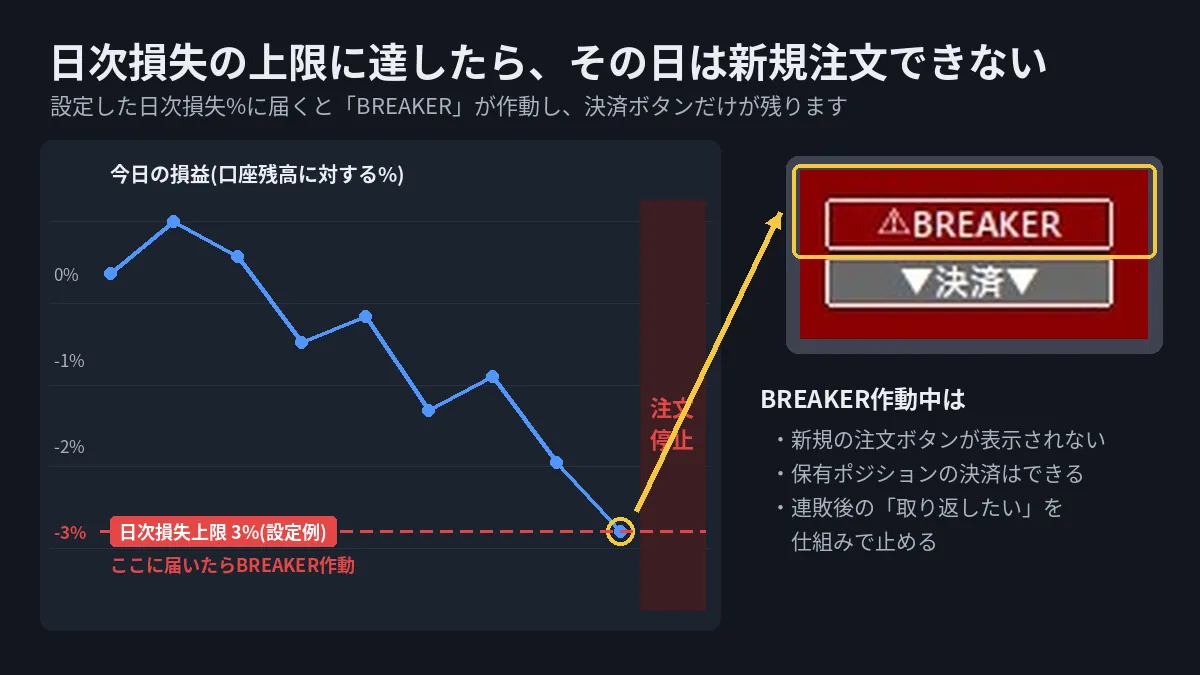
If an order is blocked, you’ll either “wait for a location where theSL can be placed closer” or “reconsider your risk settings.”
Inserting a moment to think calmly before emotions take over is the most important aspect of this tool.
Human error and emotional mistakes are more reliably prevented by the trading environment than by personal willpower.
Back-calculate lot size as “acceptable risk amount ÷ amount to SL.”
For averaging down or adding, think in terms of total risk across all positions.
Fix risk per trade around 2% so you’re less likely to be forced out by losing streaks and can naturally adapt to capital changes.
Let a tool handle the calculations and checks each time so you can adhere reliably.
If you’re uncertain about lot sizing or position management, there’s a trial version with all features free for14 days.
First, experience “order placement without hesitation” on a demo account.
▶[14-day free trial] Get SmartOrder Pro here
(Trial version link)
▶Get the full version of Smart Order Pro here
(Full version link)