
Product outline
Community(0)

Panda-ProfitViewer
総利益を表示!!
Reviews:
Category:
How to provide:
Indicator
Sales from:
11/27/2019
Last Updated:
-
Version:
-
Available company:

Free
Provider/Distributor:
Sales site:
GogoJungle

チャートの右上に指定した範囲の損益を表示するシンプルなインジケーターです。
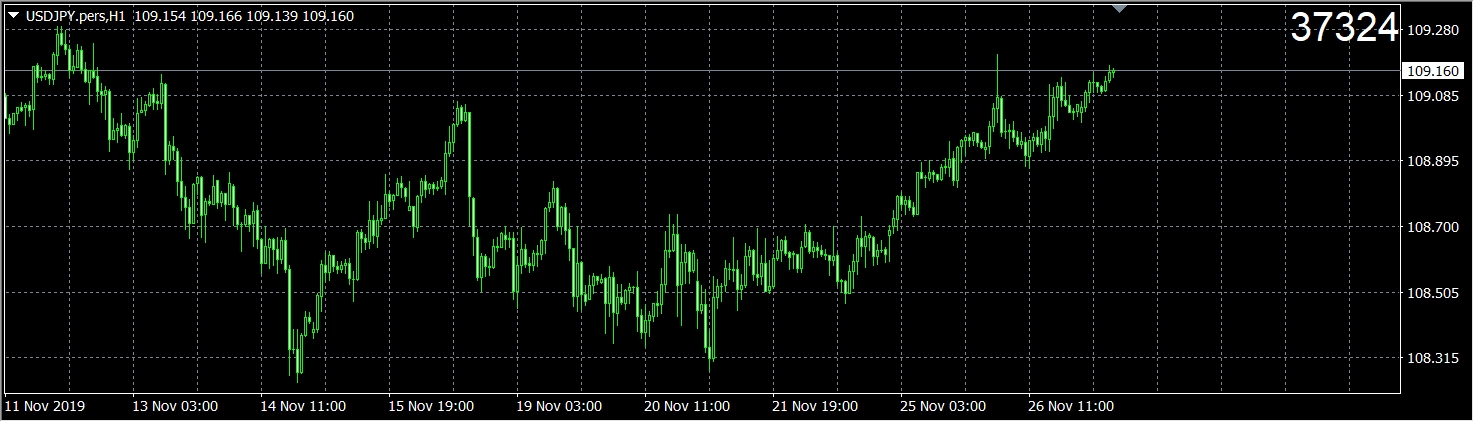
使用方法:
①mt4のターミナル→口座履歴から損益を表示したい範囲を選択。
②チャートにPanda-ProfitViewerをドラッグ・アンド・ドロップします。
③全般タブで、DLLの使用を許可するにチェックを入れます。
④OKボタンを押すと、チャートに損益が表示されます。
ご利用規約
・当インジケーターは、完全性、正確性、確実性、有効性、安全性等につき、開発者は一切の保証を致しません。
Free
Provider/Distributor:
Sales site:
GogoJungle
Product outline
Community(0)
Best Seller Ranking
Recommended Products (Campaigns)
For those using GogoJungle for the first timeEasy 3 steps to use the product!
At GogoJungle, we provide services to enrich your investment life for our members. In addition, product purchases are limited to members. Why not register as a member now and make use of GogoJungle!
01
Enter user information and register as a member
02
Follow the instructions to make a purchase
03
Download from My Page
