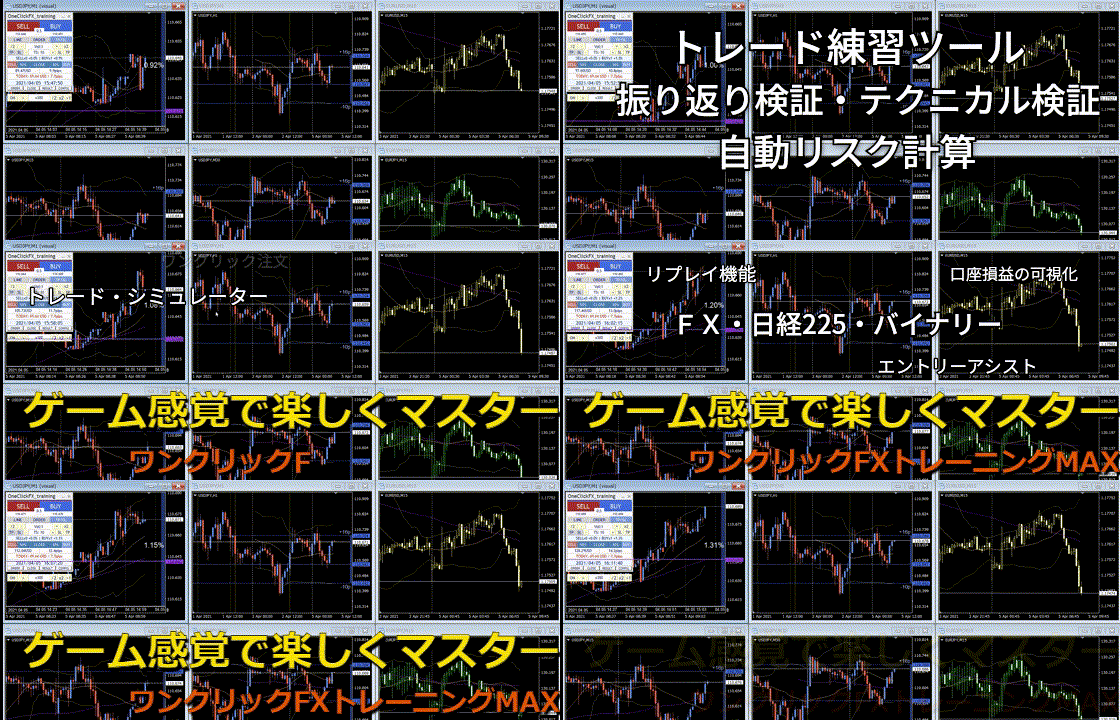
Chart synchronization sample【FX Practice Tool】One-Click FX Training MAX, #Trade Practice #Chart Synchronization #FX Verification
In "One-Click FX Training MAX," you can display multiple charts at the same time and operate smoothly while keeping precise synchronization. This video showcases a sample where a total of eight charts, from 1-minute to daily charts, are displayed and synchronized simultaneously.
In the video, from the top-left, the arrangement is the 1-minute main chart, the 1-minute synchronized chart, and then 5-minute, 15-minute, 30-minute, 1-hour, 4-hour, and daily charts in that order.
Chart operations use both mouse and keyboard, and the synchronization timing is set to the default 0.5 seconds. While fast-forward playback may introduce a slight lag due to this interval, the operation remains extremely stable.
The data used in this video is historical data downloaded from MT4, and the operating environment is a PC equipped with an AMD Ryzen 7 3700X and 16GB of memory. There are no restrictions on the tool side, and the synchronization limits are mainly due to the computer’s performance.
The synchronized charts are designed to maintain accurate synchronization even with eight or more charts, including 1-minute charts, and can handle long-term past data spanning 10 or 20 years without any issues on the tool itself.
One-Click FX Training MAX provides very stable operation for typical trading verification purposes anddelivers overwhelming performance in discretionary trading practice.It is a tool that anyone who wants to dramatically improve practical multi-timeframe analysis and trading skills should use.