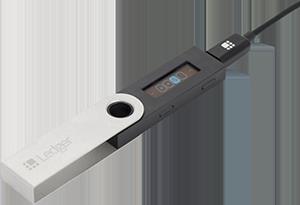
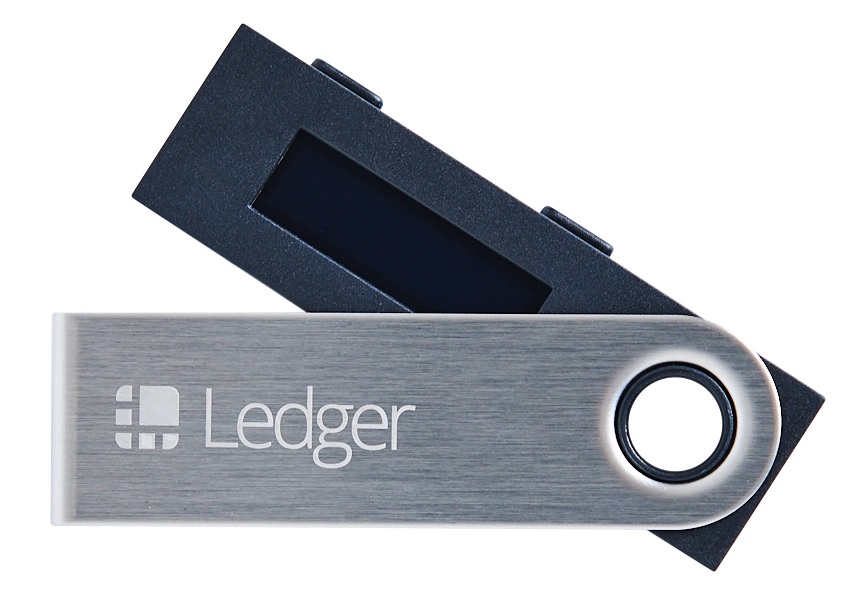
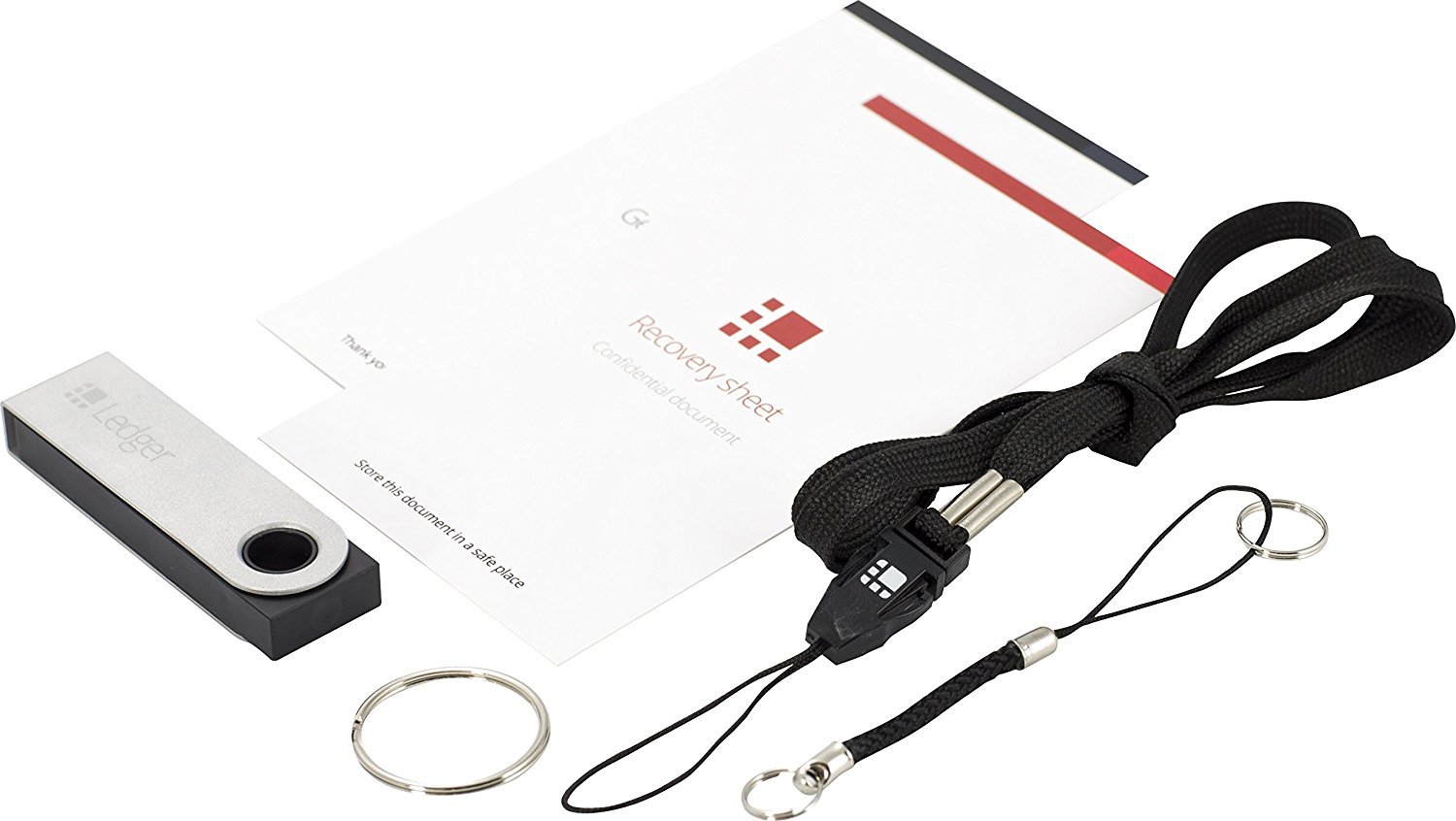
If you want to securely store virtual currency Ripple, the Ledger Nano S hardware wallet is recommended
 Image quote (https://www.amazon.co.jp/dp/B07CQFHS2J/)
If you want to securely store cryptocurrency, the hardware wallet Ledger Nano S is recommended
When you touch cryptocurrency, you have probably heard of the cryptocurrency called Ripple. Ripple is one of the popular cryptocurrencies, and many users hold it.
Ledger Nano S can store Ripple securely. There are not many hardware wallets that can store Ripple yet.
This article explains how to store Ripple with Ledger Nano S and why Ledger Nano S is recommended. If you want to store Ripple easily and securely, please read on.
Ledger Nano S is the safest wallet for storing Ripple!
To securely store Ripple, the Ledger Nano S hardware wallet is the most recommended. This is because the security of Ledger Nano S is higher than that of web or app wallets.
Ledger Nano S is like an external device such as USB, and inside it stores the encrypted private keys required to send cryptocurrency.
Since Ledger Nano S is an external device, it becomes offline when disconnected from the internet, right? Web or app wallets are always online and exposed to the risk of unauthorized access. Therefore, hardware wallets like Ledger Nano S have much higher security than web or app wallets.
Furthermore, Ledger Nano S supports a wide range of cryptocurrencies, including Ripple. Not many hardware wallets support Ripple. Among them, Ledger Nano S is the most popular and easy to adopt.
How to send Ripple with Ledger Nano S
Here, we briefly explain how to send Ripple with Ledger Nano S.
- Install "Ledger Live"
To store cryptocurrency with Ledger Nano S, you need to install apps on the PC you use and on the Ledger Nano S.
Until recently, you had to install separate dedicated apps on the PC and on the Ledger Nano S, but now the functions have been integrated into one app called "Ledger Live."
"Ledger Live" can be downloaded from Ledger's official page. There are also links from Japan’s official sales agents, so you can download from your preferred source.
- Install currency apps on Ledger Nano S with "Ledger Live"
After installing Ledger Live, install the currency apps supported by Ledger Nano S. Here, install the Ripple app.
The supported currency apps can be installed via Ledger Live.
From the Ledger Live menu, either select "Manager" or access the installation screen from the portfolio screen's "Open Manager." Then install the Ripple app on Ledger Nano S.
- Add a currency account
To send Ripple, you must add a currency account. The currency account must be installed on the Ledger Nano S beforehand.
From the accounts item, choose Add and add the Ripple currency account. Then, approve the connection on the Ledger Nano S to complete adding the account.
After completing the above steps, you are ready to send and receive Ripple. You can operate from Ledger Live’s sections. Thus, Ledger Nano S makes sending and receiving Ripple securely and conveniently possible.
Causes of errors when sending Ripple
Errors may occur when sending Ripple from Ledger Nano S.
Here are a few reasons for errors that may occur.
- Firmware update
Firmware must always be kept up to date. For security reasons, Ledger Nano S firmware updates are required.
If the firmware is not the latest, errors may occur when sending Ripple. If an error occurs during Ripple transfer, check whether the firmware is up to date.
- At least 20 XRP required to send Ripple
Ripple transfers of 20 XRP or less are not possible. This is because 20 XRP is needed to activate the wallet.
Activation is like enabling the address, and the fee for enabling the address requires 20 XRP. Therefore, Ripple wallets must always hold 20 XRP including the fee.
Thus, Ripple below 20 XRP will result in an error and cannot be sent.
This is a Ripple-specific system, so please check properly before sending.
There are other possible causes as well, but Ledger Nano S support in Japanese is available from the Japanese sales agents. If you have any problem, contact the Japanese sales agent immediately.
Summary
There are not many hardware wallets that can securely store Ripple.
Storing and operating Ripple with Ledger Nano S requires some cautions, but it allows secure storage of Ripple.
Ledger Nano S not only supports Ripple but also provides solid security and is very user-friendly thanks to Ledger Live.
If you want to store Ripple securely, please try Ledger Nano S.
Image quote (https://www.amazon.co.jp/dp/B07CQFHS2J/)
If you want to securely store cryptocurrency, the hardware wallet Ledger Nano S is recommended
When you touch cryptocurrency, you have probably heard of the cryptocurrency called Ripple. Ripple is one of the popular cryptocurrencies, and many users hold it.
Ledger Nano S can store Ripple securely. There are not many hardware wallets that can store Ripple yet.
This article explains how to store Ripple with Ledger Nano S and why Ledger Nano S is recommended. If you want to store Ripple easily and securely, please read on.
Ledger Nano S is the safest wallet for storing Ripple!
To securely store Ripple, the Ledger Nano S hardware wallet is the most recommended. This is because the security of Ledger Nano S is higher than that of web or app wallets.
Ledger Nano S is like an external device such as USB, and inside it stores the encrypted private keys required to send cryptocurrency.
Since Ledger Nano S is an external device, it becomes offline when disconnected from the internet, right? Web or app wallets are always online and exposed to the risk of unauthorized access. Therefore, hardware wallets like Ledger Nano S have much higher security than web or app wallets.
Furthermore, Ledger Nano S supports a wide range of cryptocurrencies, including Ripple. Not many hardware wallets support Ripple. Among them, Ledger Nano S is the most popular and easy to adopt.
How to send Ripple with Ledger Nano S
Here, we briefly explain how to send Ripple with Ledger Nano S.
- Install "Ledger Live"
To store cryptocurrency with Ledger Nano S, you need to install apps on the PC you use and on the Ledger Nano S.
Until recently, you had to install separate dedicated apps on the PC and on the Ledger Nano S, but now the functions have been integrated into one app called "Ledger Live."
"Ledger Live" can be downloaded from Ledger's official page. There are also links from Japan’s official sales agents, so you can download from your preferred source.
- Install currency apps on Ledger Nano S with "Ledger Live"
After installing Ledger Live, install the currency apps supported by Ledger Nano S. Here, install the Ripple app.
The supported currency apps can be installed via Ledger Live.
From the Ledger Live menu, either select "Manager" or access the installation screen from the portfolio screen's "Open Manager." Then install the Ripple app on Ledger Nano S.
- Add a currency account
To send Ripple, you must add a currency account. The currency account must be installed on the Ledger Nano S beforehand.
From the accounts item, choose Add and add the Ripple currency account. Then, approve the connection on the Ledger Nano S to complete adding the account.
After completing the above steps, you are ready to send and receive Ripple. You can operate from Ledger Live’s sections. Thus, Ledger Nano S makes sending and receiving Ripple securely and conveniently possible.
Causes of errors when sending Ripple
Errors may occur when sending Ripple from Ledger Nano S.
Here are a few reasons for errors that may occur.
- Firmware update
Firmware must always be kept up to date. For security reasons, Ledger Nano S firmware updates are required.
If the firmware is not the latest, errors may occur when sending Ripple. If an error occurs during Ripple transfer, check whether the firmware is up to date.
- At least 20 XRP required to send Ripple
Ripple transfers of 20 XRP or less are not possible. This is because 20 XRP is needed to activate the wallet.
Activation is like enabling the address, and the fee for enabling the address requires 20 XRP. Therefore, Ripple wallets must always hold 20 XRP including the fee.
Thus, Ripple below 20 XRP will result in an error and cannot be sent.
This is a Ripple-specific system, so please check properly before sending.
There are other possible causes as well, but Ledger Nano S support in Japanese is available from the Japanese sales agents. If you have any problem, contact the Japanese sales agent immediately.
Summary
There are not many hardware wallets that can securely store Ripple.
Storing and operating Ripple with Ledger Nano S requires some cautions, but it allows secure storage of Ripple.
Ledger Nano S not only supports Ripple but also provides solid security and is very user-friendly thanks to Ledger Live.
If you want to store Ripple securely, please try Ledger Nano S.
(Please rewrite this part for public release to everyone)
× ![]()