Ledger Nano S (Ledger Nano S) initial setup method
 To use Ledger Nano S you must perform the initial setup. This time we will explain how to perform the initial setup.
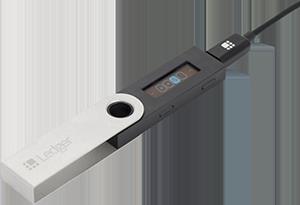
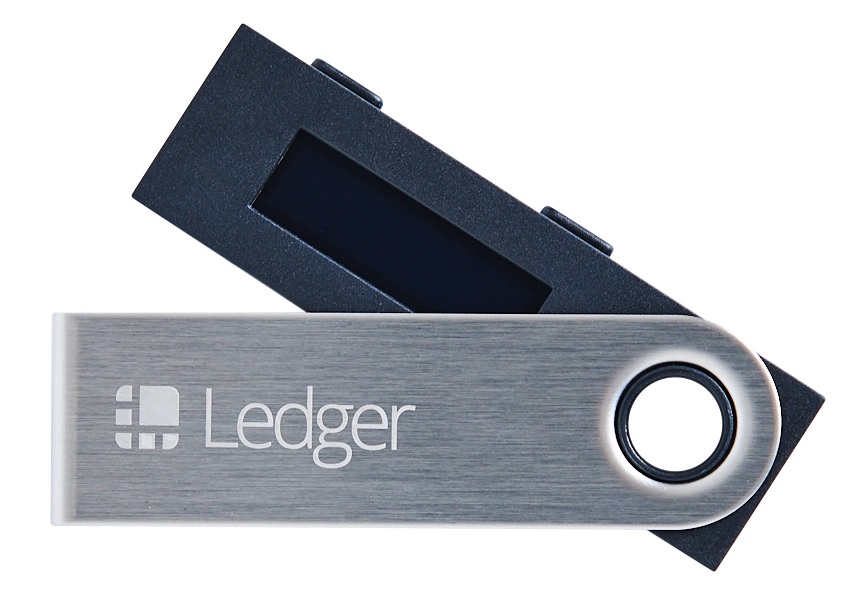
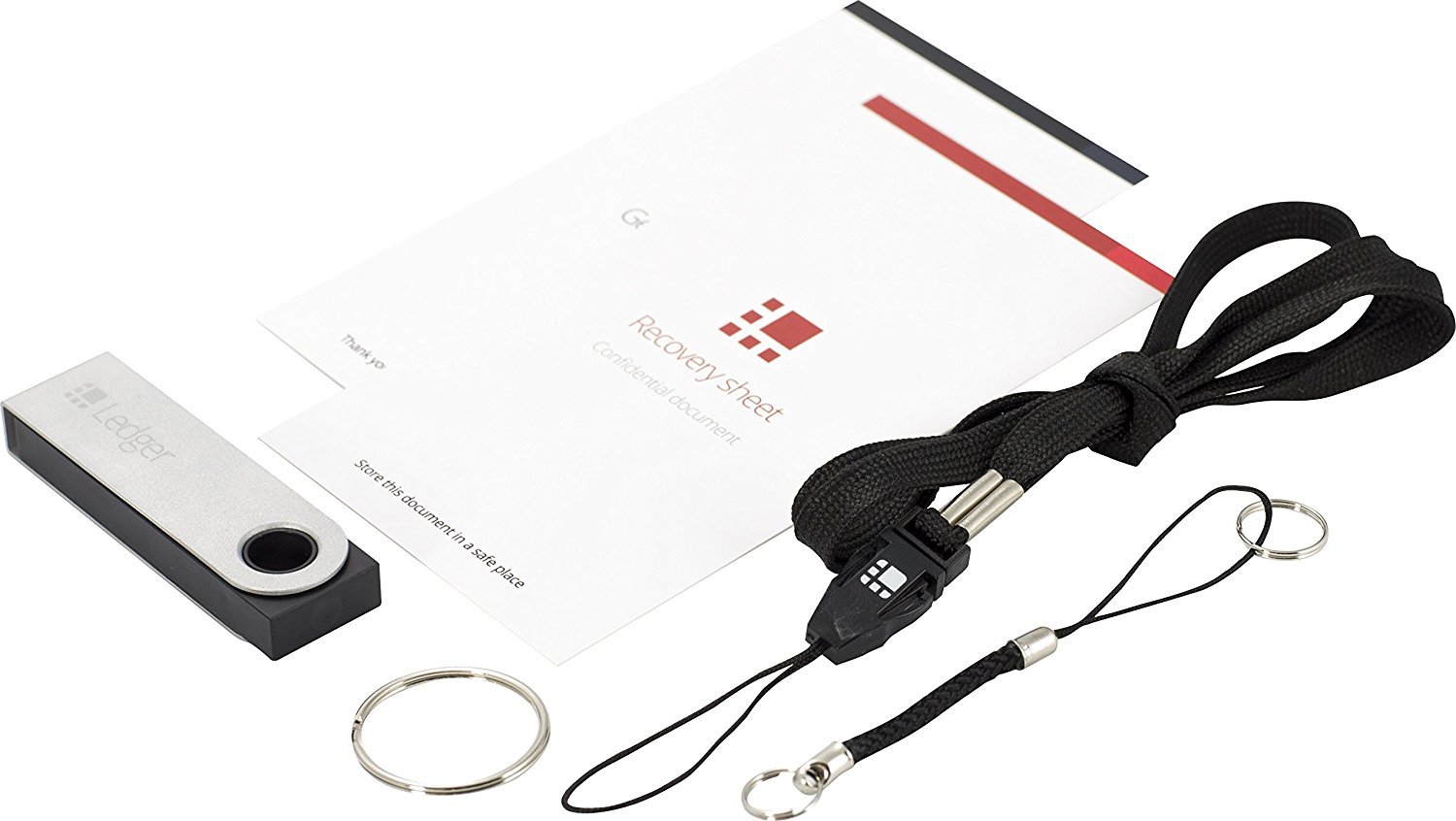
■ Ledger Nano S Initial Setup Method / How to Use 1. Connect the Ledger Nano S to your PC with the USB cable. Please use the included dedicated USB cable for this step. 2. The display will show the message “Press both buttons to begin,” so press the left button on the top and the right button at the same time. 3. You will see an explanation screen about the buttons. The left button is “Back,” the right button is “Next,” and pressing both buttons at the same time confirms. Once you understand this, press both the left and right buttons at the same time and proceed to the next step. 4. The display will show “Configure as new device?,” so press the right button. 5. We will set a PIN code. When the screen shows “Choose PIN code,” press both the left and right buttons at the same time. 6. Set a PIN code of 4–8 digits. You can select digits by pressing the right button or the left button; choose digits one by one, and when the digit is set, press both the left and right buttons at the same time to move to the next digit. At least 4 digits are required. After setting 4 digits or more, you can confirm by pressing both the left and right buttons at the same time.
 7. When the PIN code setup is finished, the message “Confirm your PIN code” will appear. When this message appears, press the left and right buttons at the same time, and re-enter the PIN code you set. This completes the PIN code setup.
8. Next, write down your recovery phrase. Take out the recovery phrase recording sheet and use it. The device display will show “Write down your recovery phrase,” so when you’re ready, press both the left and right buttons at the same time.
7. When the PIN code setup is finished, the message “Confirm your PIN code” will appear. When this message appears, press the left and right buttons at the same time, and re-enter the PIN code you set. This completes the PIN code setup.
8. Next, write down your recovery phrase. Take out the recovery phrase recording sheet and use it. The device display will show “Write down your recovery phrase,” so when you’re ready, press both the left and right buttons at the same time. 9. Between 1 and 24 English words will be displayed randomly, so write down all 24 words in order. After writing the 24th word on the recovery phrase sheet, press both the left and right buttons at the same time to continue.
10. The device display will show “Confirm your recovery phrase.” Press the left and right buttons at the same time. Numbers will be displayed, so refer to the recovery phrase sheet you wrote and choose the correct English words, then press the left and right buttons to confirm.
11. The display will show “Your device is now ready,” so press the left and right buttons at the same time. This completes the initial setup of the Ledger Nano S.Ledger Nano S (Ledger Nano S) Japanese Manual & Support Included
9. Between 1 and 24 English words will be displayed randomly, so write down all 24 words in order. After writing the 24th word on the recovery phrase sheet, press both the left and right buttons at the same time to continue.
10. The device display will show “Confirm your recovery phrase.” Press the left and right buttons at the same time. Numbers will be displayed, so refer to the recovery phrase sheet you wrote and choose the correct English words, then press the left and right buttons to confirm.
11. The display will show “Your device is now ready,” so press the left and right buttons at the same time. This completes the initial setup of the Ledger Nano S.Ledger Nano S (Ledger Nano S) Japanese Manual & Support IncludedCryptocurrencies are data on the blockchain. Keep them safe with your secret key!
Please rewrite this section for public visibility (to make it accessible to everyone)
× ![]()