
[Cryptocurrency Mining] Comparing ethOS with Windows 10 + NiceHash
I’m Kadono Musashi from the FX攻略.com Editorial Department, and I’m often told that I’ve sold my soul to cryptocurrency mining. Everyone, are you digging for cryptocurrency despite the heat?
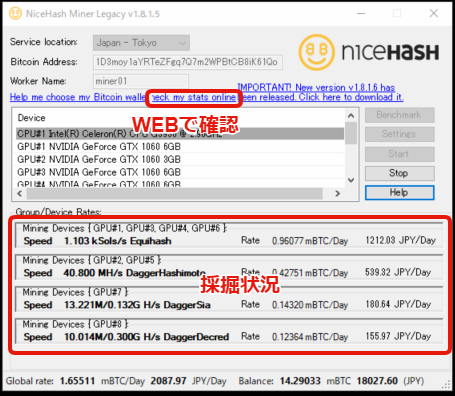
Now, in FX攻略.com’s magazine and here in 投資ナビ+, we’ve explained mining environments on Windows 10 + NiceHash, but I’ve actually recently shifted toward mining with ethOS, a Linux-based OS specialized for cryptocurrency mining.
Both have their merits and demerits. This time, I’d like to compare the two.
Merits of ethOS
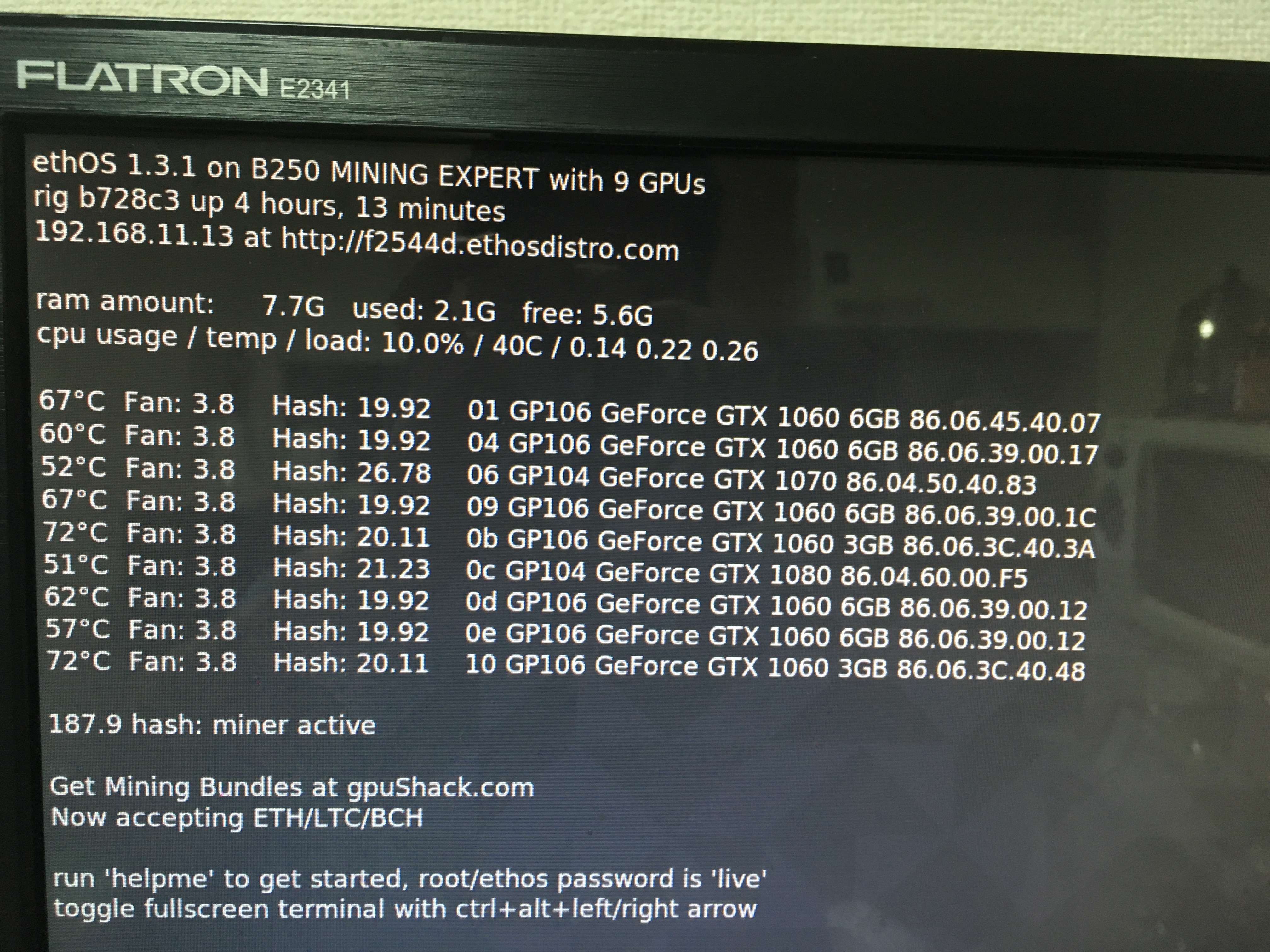
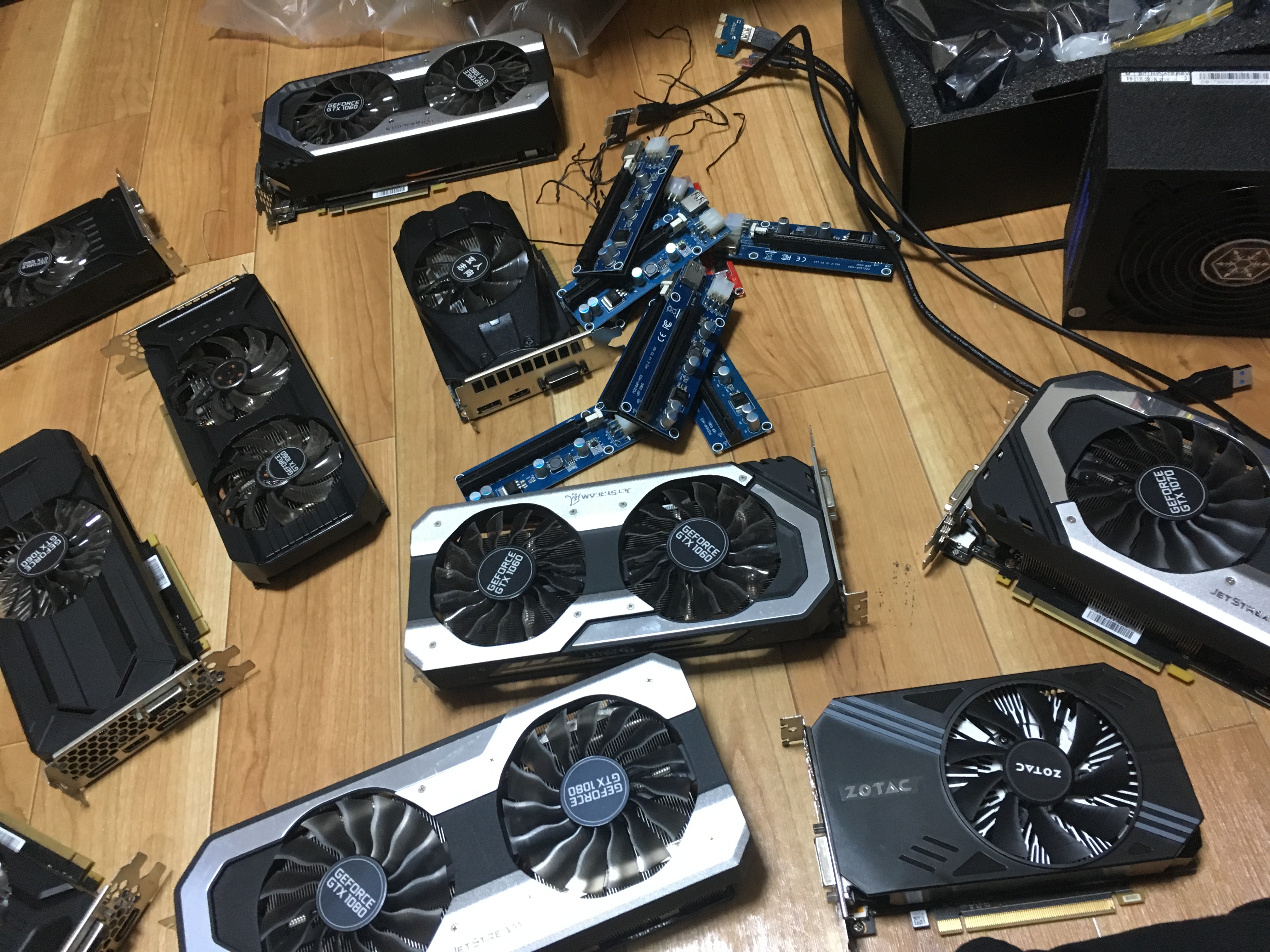
● Can connect more than 9 GPUs
In Windows 10, GPUs beyond the ninth aren’t recognized. While motherboards with nine or more PCI Express slots exist, to fully utilize their performance Windows 10 is insufficient.
In mining, it’s best to connect as many GPUs as possible to a single system to reduce overall electricity costs, so if your budget allows for the setup, ethOS has an advantage in power efficiency.
● Stable operation and essentially no forced reboots
Because there are no functions other than mining, the operation is stable. Also, there’s no forced reboot due to OS updates like Windows often has. And you can start mining immediately after a reboot.
● OS itself is inexpensive
It’s sold for around 4,000–5,000 yen, which is cheaper than buying new Windows 10.
● Lightweight and low power consumption
Because it’s simple, it runs smoothly, and it’s said to have slightly better mining efficiency. For the same reason, there’s a slight expectation of lower power consumption.
● No need for SSD or HDD
As long as you run the system from a USB memory stick, you don’t need a traditional hard drive.
Demerits of ethOS
● Difficult to operate
Compared with Windows 10, it’s quite hard to understand how to operate. Fundamentally, you issue commands to invoke functions. It’s not as easy as clicking icons like Windows.
● Limited information
Because there are few users, there isn’t much information available in Japanese.
● Difficult to use convenient software
Losing access to convenient free software like AFTERBURNER is a downside.
Merits of Windows 10 + NiceHash
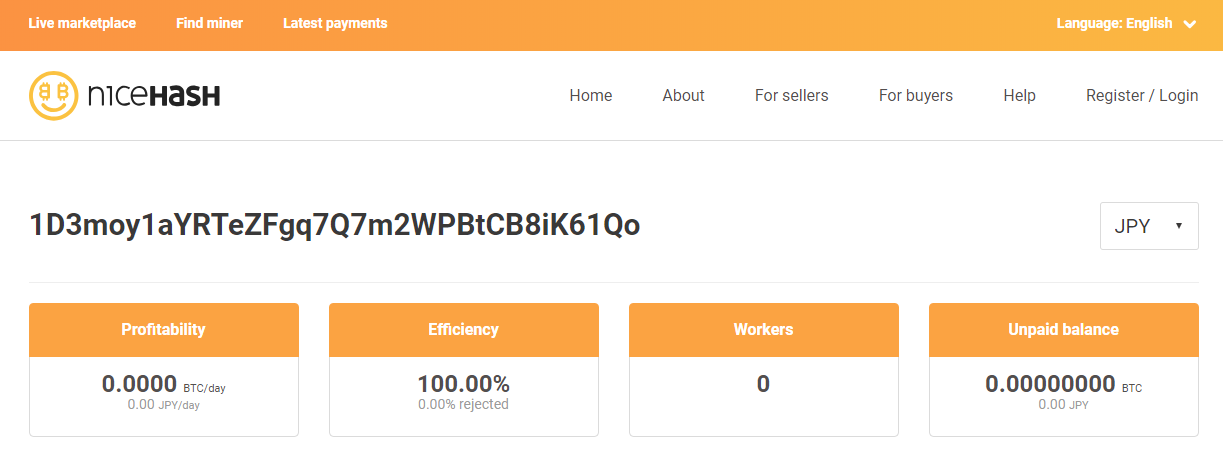
● Easy setup
For most people, Windows is familiar, and NiceHash is easy to understand at a glance, so this combination is obviously easier.
● Automatically selects mining destination optimized for efficiency
That’s NiceHash’s advantage. It automatically switches to the most efficient pool among multiple pools at any given time.
● Payouts are in Bitcoin
NiceHash pays rewards in Bitcoin in the end. If you want to accumulate Bitcoin, this is a merit.
● Useful software available
Being able to use AFTERBURNER is a big plus.
● Your computer can be used for other purposes besides mining
During mining, the CPU isn’t heavily used, so you can use the computer for other tasks (such as automated trading on MT4) as well.
Demerits of Windows 10 + NiceHash
● Can only connect up to 8 GPUs
This is the biggest downside. Those aiming for large-scale mining will inevitably hit the GPU-connection limit.
● Unstable operation with forced reboots
During major OS updates, forced reboots can occur. For mining that needs stable operation, this is a significant issue. If you don’t notice it immediately, revenue can drop substantially.
● Slow system startup
After the OS starts, you must launch NiceHash and AFTERBURNER, so it requires setup and you can’t start mining instantly.
Summary
When you’re new to mining and your number of GPUs is still small, Windows is fine; once you’re accustomed, ethOS is a better flow. That’s how it was for me.
If you have a mining rig running on Windows, you can unplug the SATA SSD and plug in ethOS USB to start right away.
─…─…─…─…─…─…─…─…─…─…─…─…─…─…─…─…─
〜 Home Mining of Cryptocurrency 〜
Digging a treasure at home—that’s the romance of a man
‥‥‥‥‥‥‥‥‥‥‥‥‥‥‥‥‥‥‥‥‥‥‥‥‥‥‥‥‥‥‥‥‥
The most cryptocurrency-obsessed man at FX攻略.com Editorial Department, Takeshi Kadono,
fully reveals how to build your own mining rig!!
Just by copying, anyone can start home mining!
・At home asset management! A complete guide to building a cryptocurrency mining PC
─…─…─…─…─…─…─…─…─…─…─…─…─…─…─…─…─