

Mobile installation Android version
Trading Station is used to
prepare a stock trading environment for trading
Notes as a point to consider,
so that you can trade on multiple devices
for example, trading FX manually can be
Also, for automated trading in FX with VPS
if you are running an EA on a VPS,
・Cannot connect to the VPS
(may occur frequently depending on VPS provider)
・VPS itself experiences a failure
there are multiple ways to access the account through different methods
Yes, this is part of risk management.
With the same idea, in Trading Station as well,
prepared to access your account from multiple devices.
7-inch or smaller tablets are not recommended,
So, this time, I will introduce how to install Trading Station on an Android tablet
.
instructions for installing Trading Station
, but I don’t have a suitable device right now, so I can’t introduce it…
First, verify the operating environment.
Smartphone OS “Android 7.0”
7 inches or smaller, tablets are not supported
however, this time I will cover installing on a 7-inch tablet…
The installation itself is the same, so it should be fine.
The app is downloaded from Google Play.
In Google Play,
Noticed that the cumulative downloads are around 1,000.
for quick checks
and for viewing News
Having a 7-inch monitor separate from your usual screen
Tap the
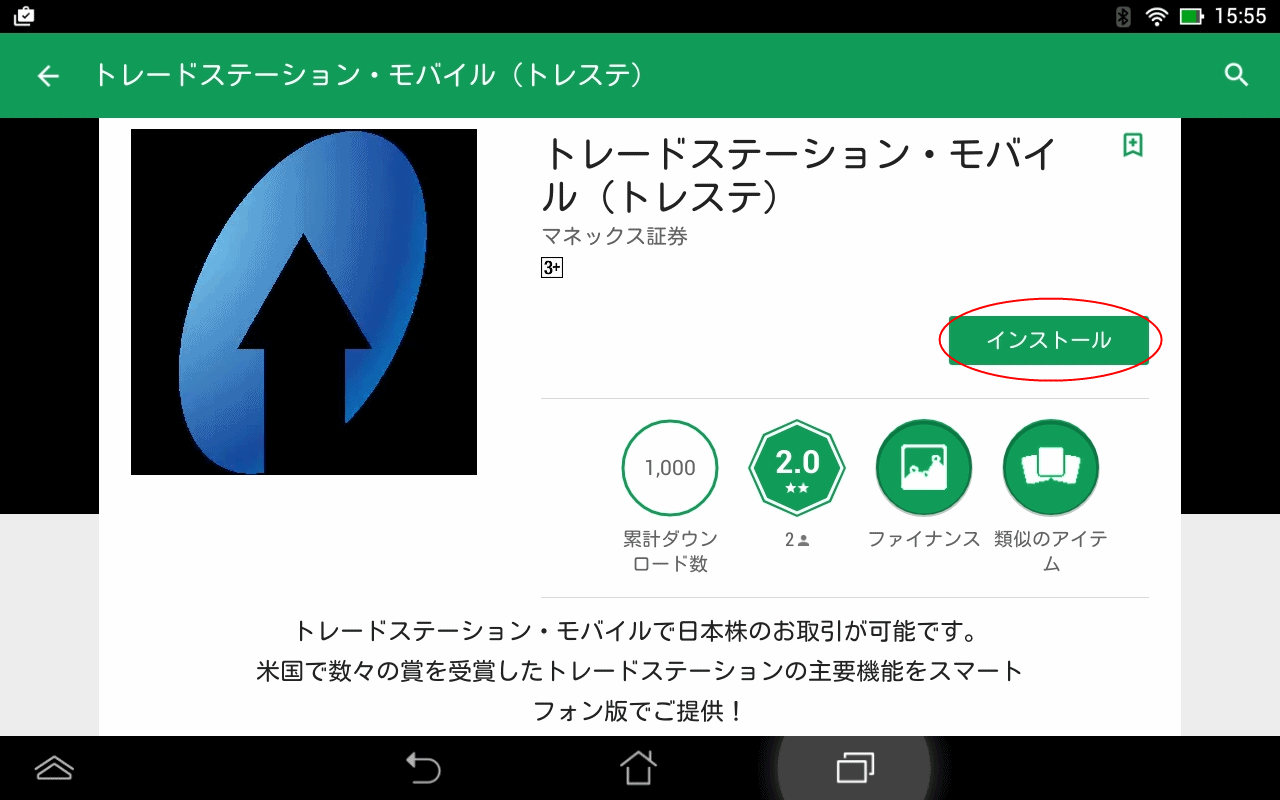
For “The app will access the following information” tap
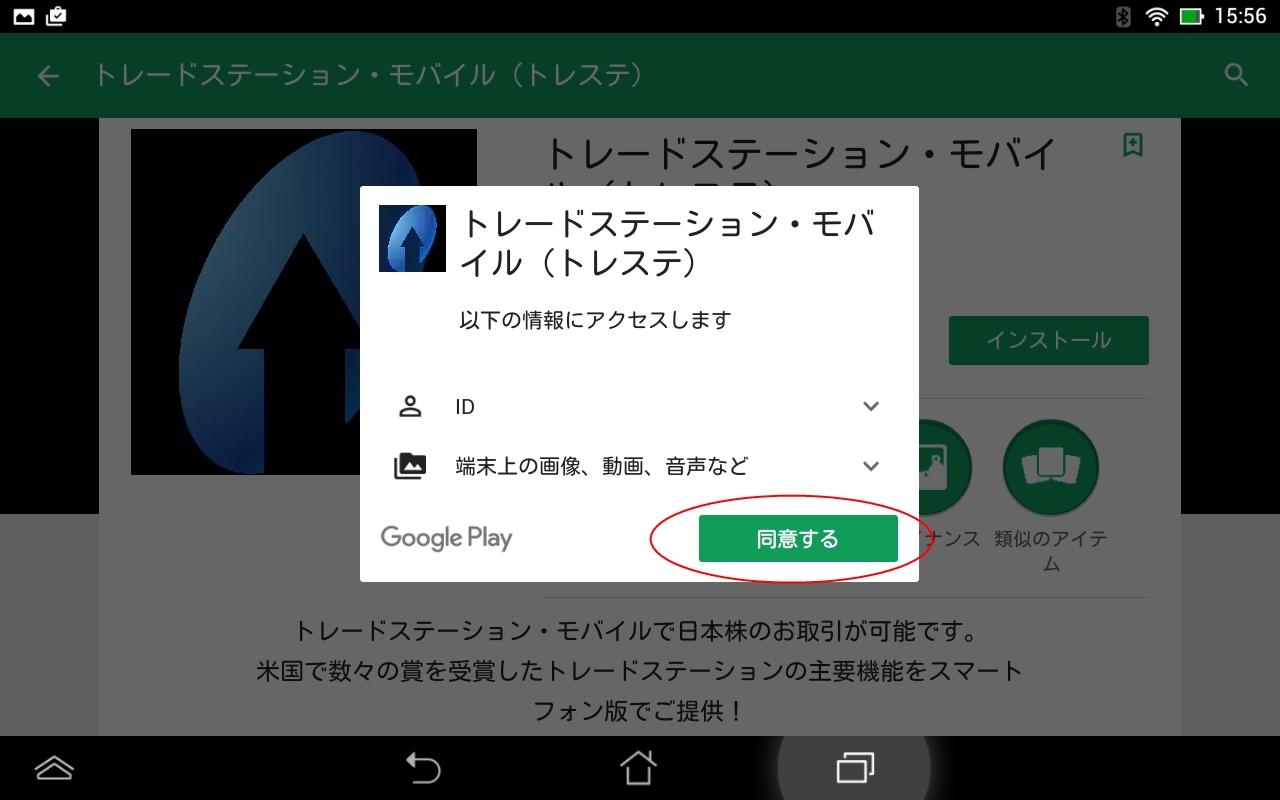
It downloads and starts installing automatically
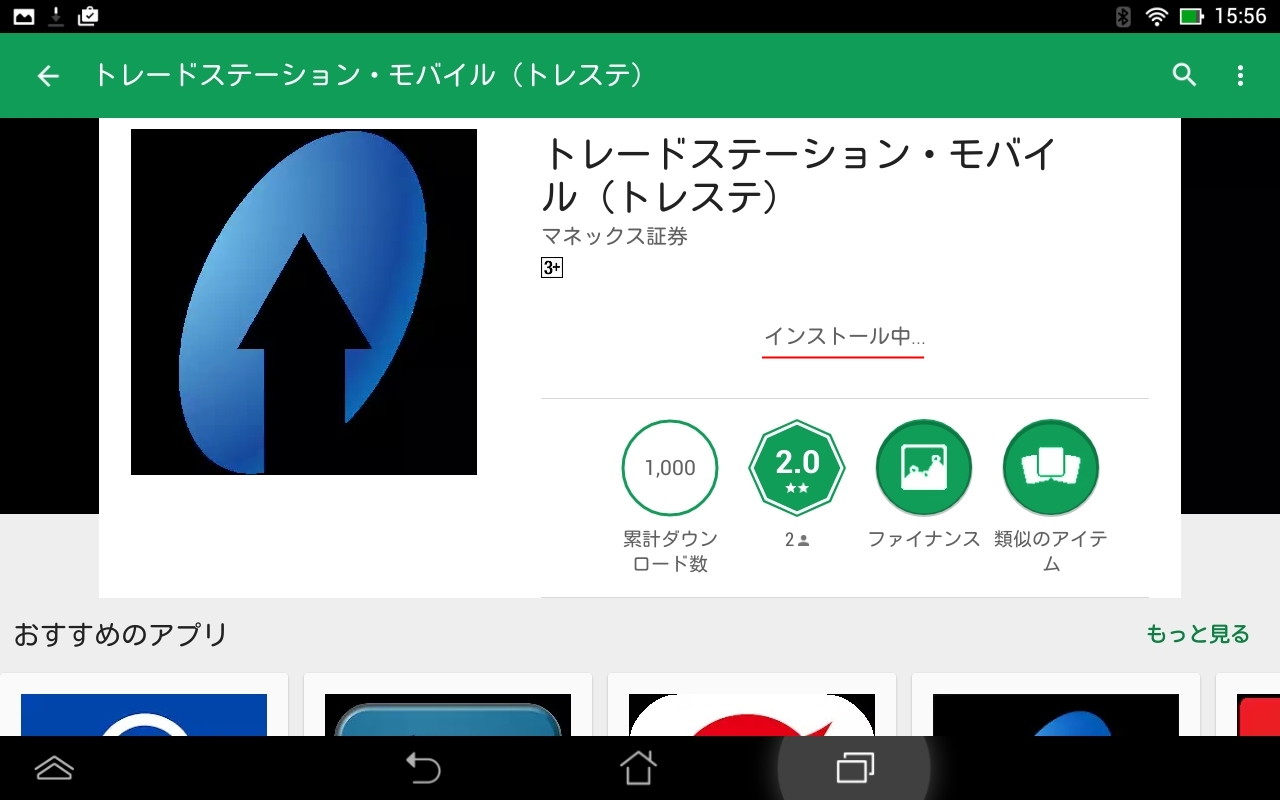
Then,
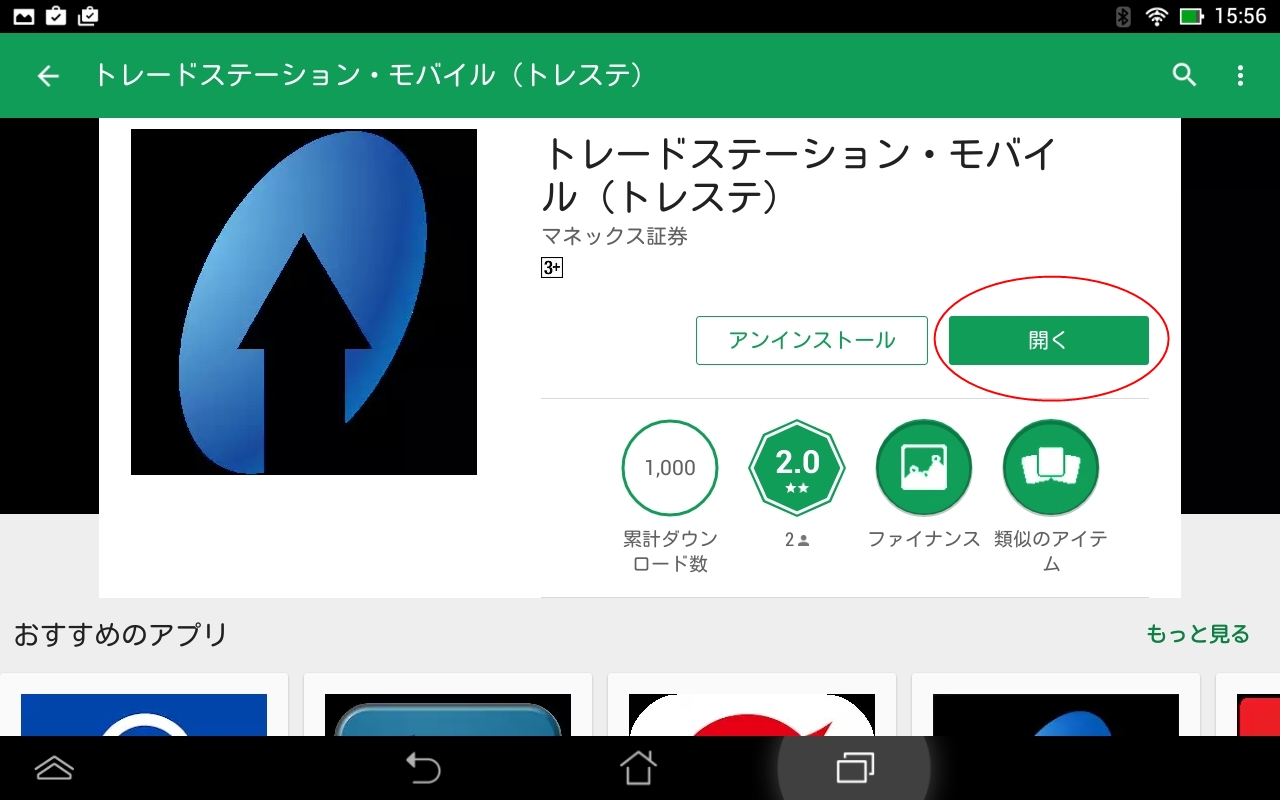
Enter your ID and password
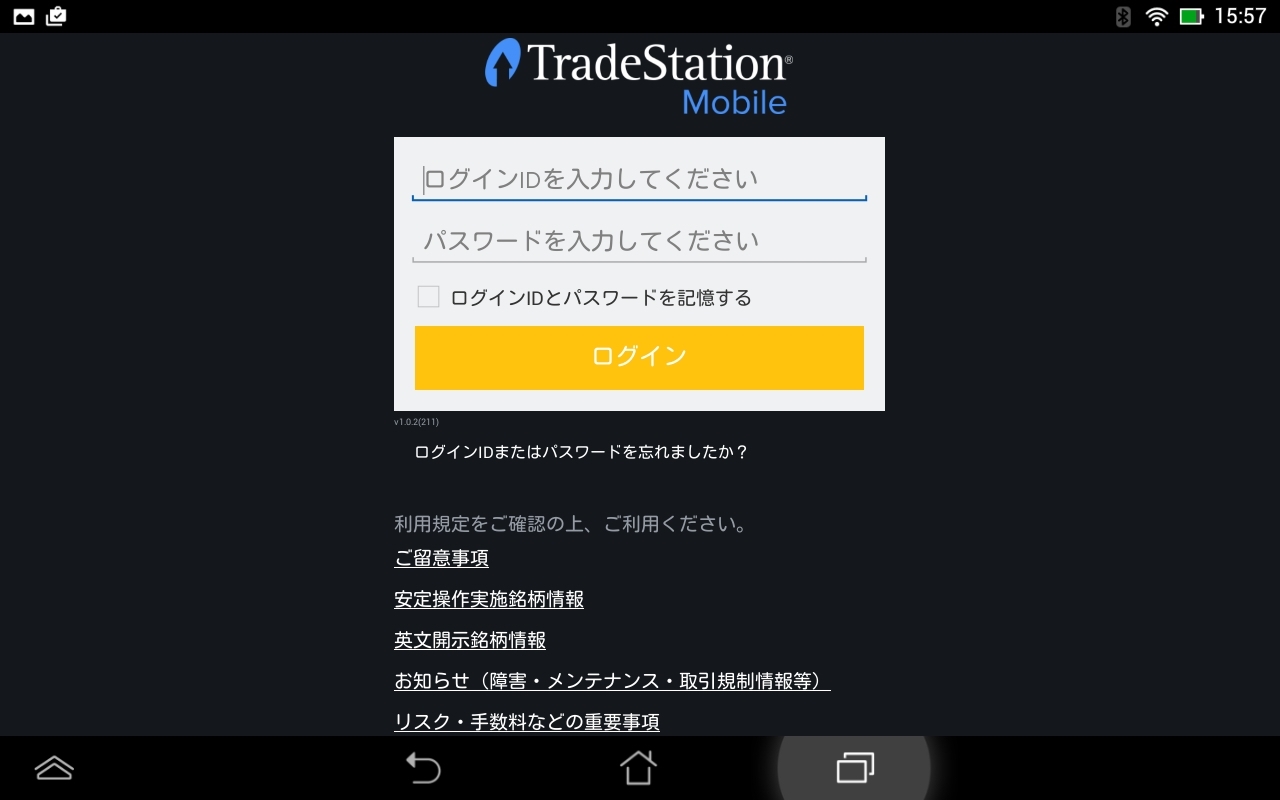
Tap
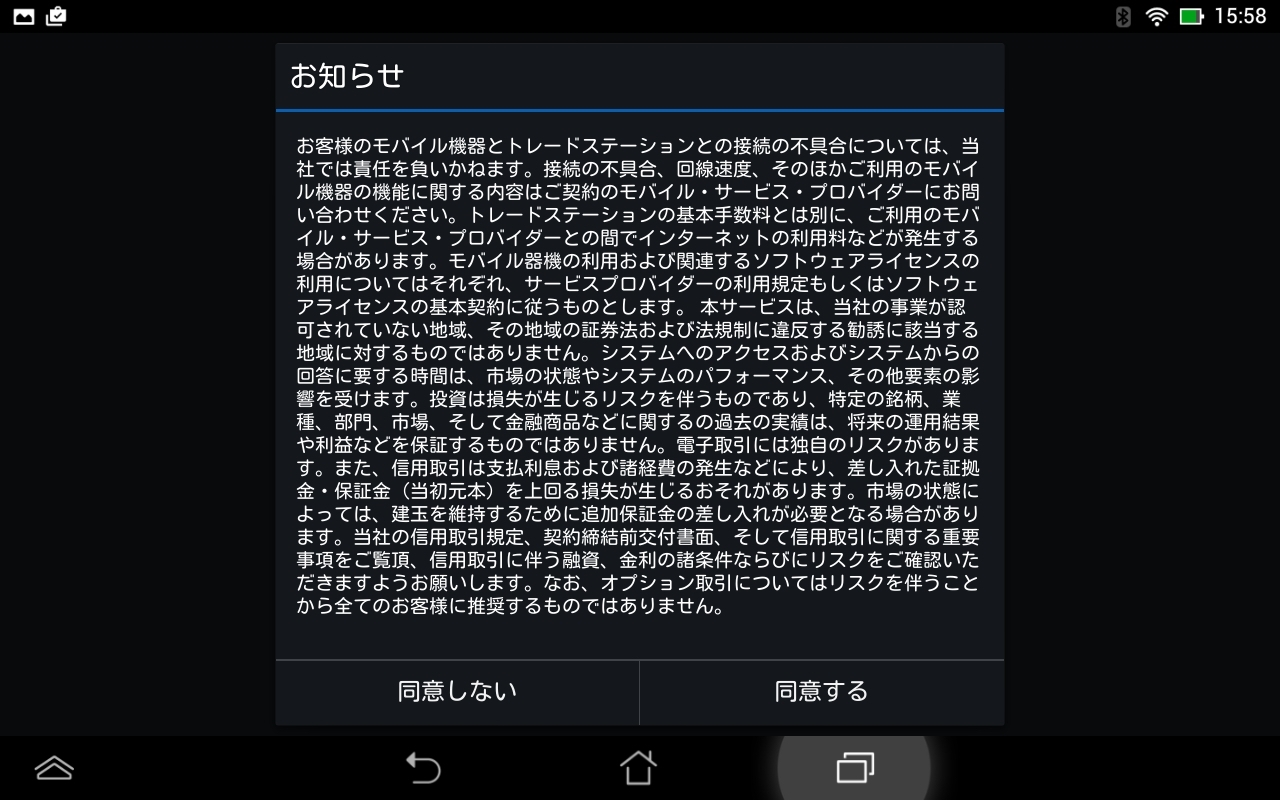
Then the trading screen loads smoothly.
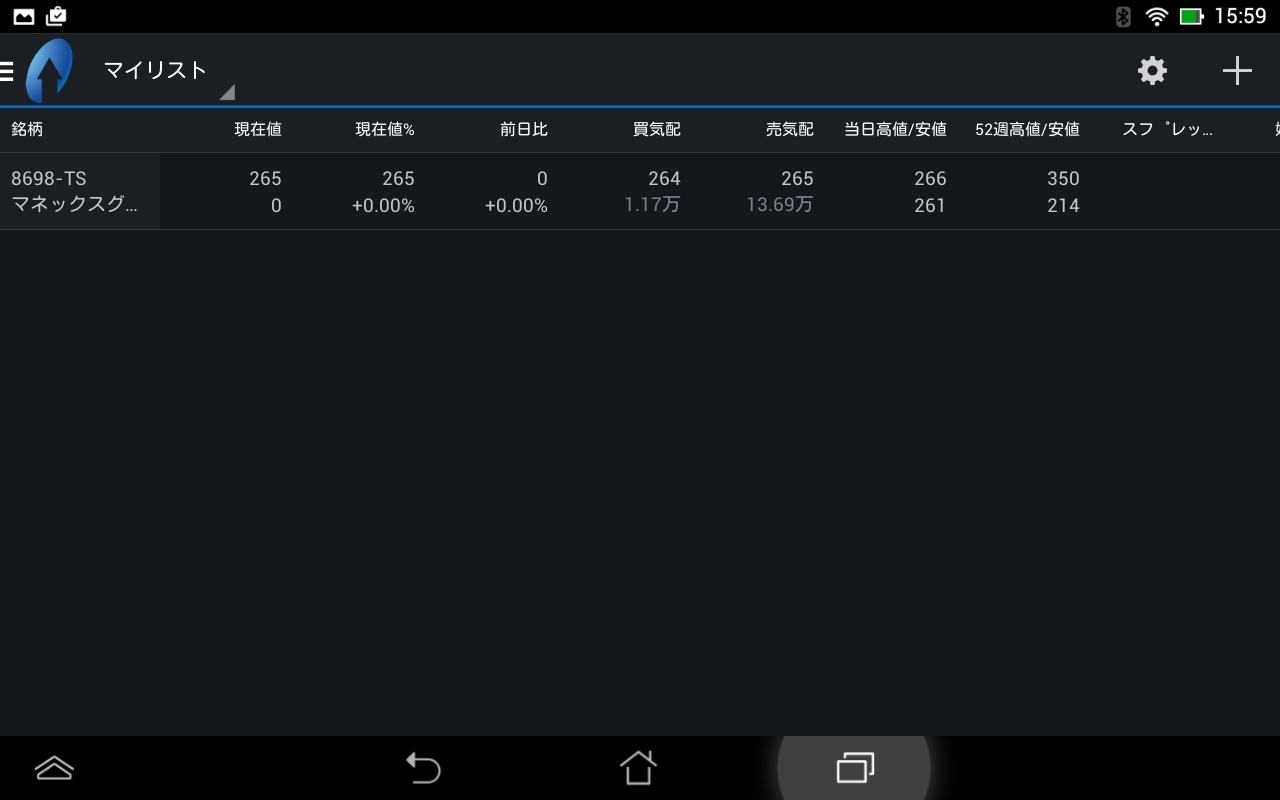
By the way,
the menu slides out from the left.
The functionality is simple, so it is more approachable than a PC.
This time
“FX automated trading for stable income” blog also will cover the progress of stock trading using Trading Station.
Thank you for reading until the end.
I’d be glad if you continue to read in future posts as well.
× ![]()