MT4 Convenience Indicator
MT4's "a little hassle"
reducing indicator
We are creating indicators to make things like switching time frames, scrolling, and redrawing lines easier in daily operations.
Each small operation is a few seconds, but doing it many times a day can be tiring. This is the indicator set introduced here to reduce that little bit of hassle one by one.
When using MT4, there are surprisingly many operations not directly related to trading.
Searching for the small toolbar button to change the time frame, or scrolling from a scene found on the 1-hour chart to the 5-minute chart to look again. Re-drawing the level lines each time you switch instruments, or opening the market depth display to check the spread before placing an order.
All of these take only a few seconds, but doing them many times a day adds up. This is the indicator set designed to reduce such "little hassles."
Since the last article, new companions have joined
ChartSwitch Pro・
SwingFibo・
ChartShotSaveare three items. In this article, the newly added ones are marked with
NEW. The previous article is
here.
I will introduce them in the order of the trading flow
Open the chart, then settle the trades and review them later.
1. Preparing the chart
Whenever I redraw an indicator, I look it up from the navigator and re-enter the period and color
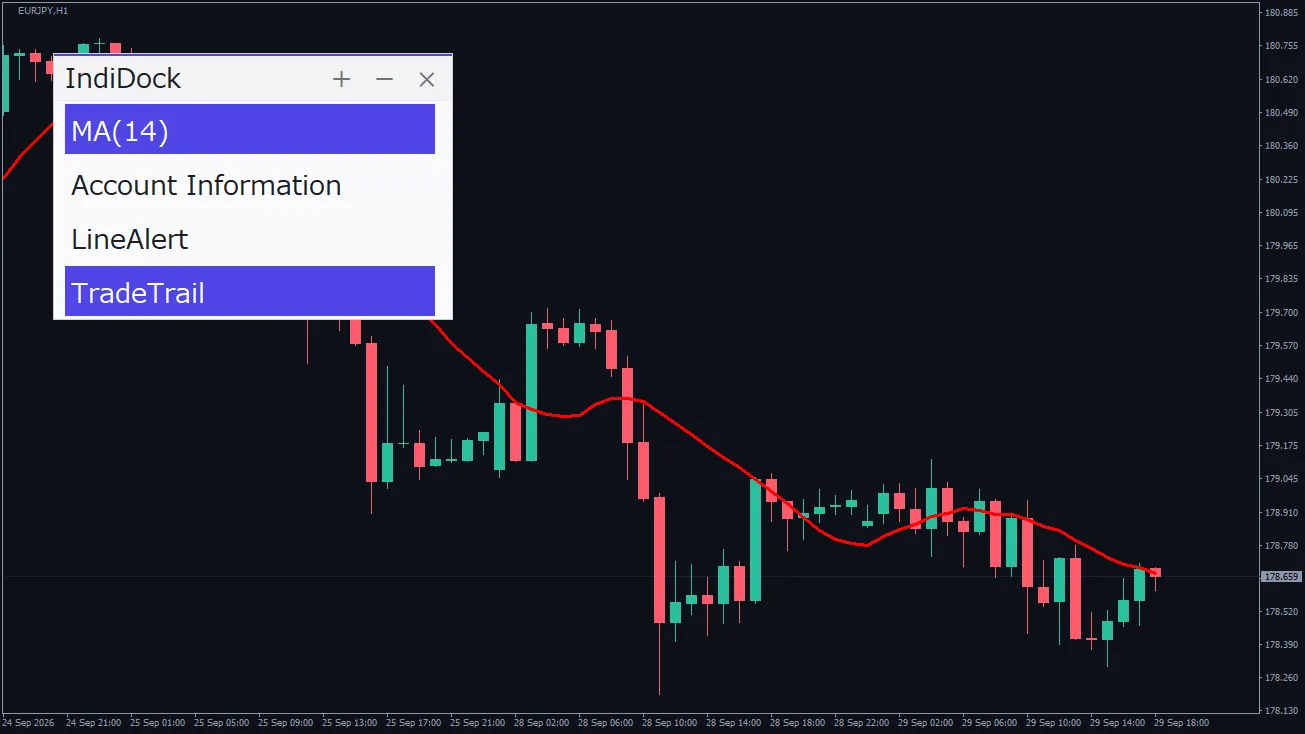
IndiDockallows you to save the settings andtoggle with 1 click.
2. Scanning the market
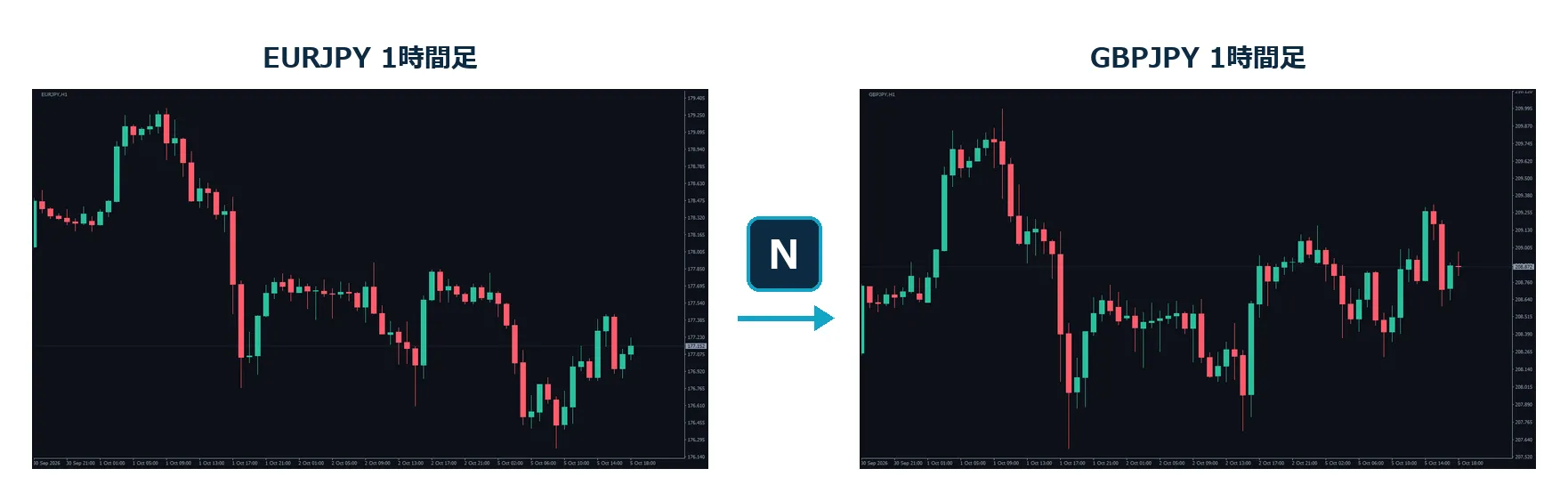
ChartSwitchallows both tobe switched with one key press.
Find opportunities on higher time frames and scan again on lower ones
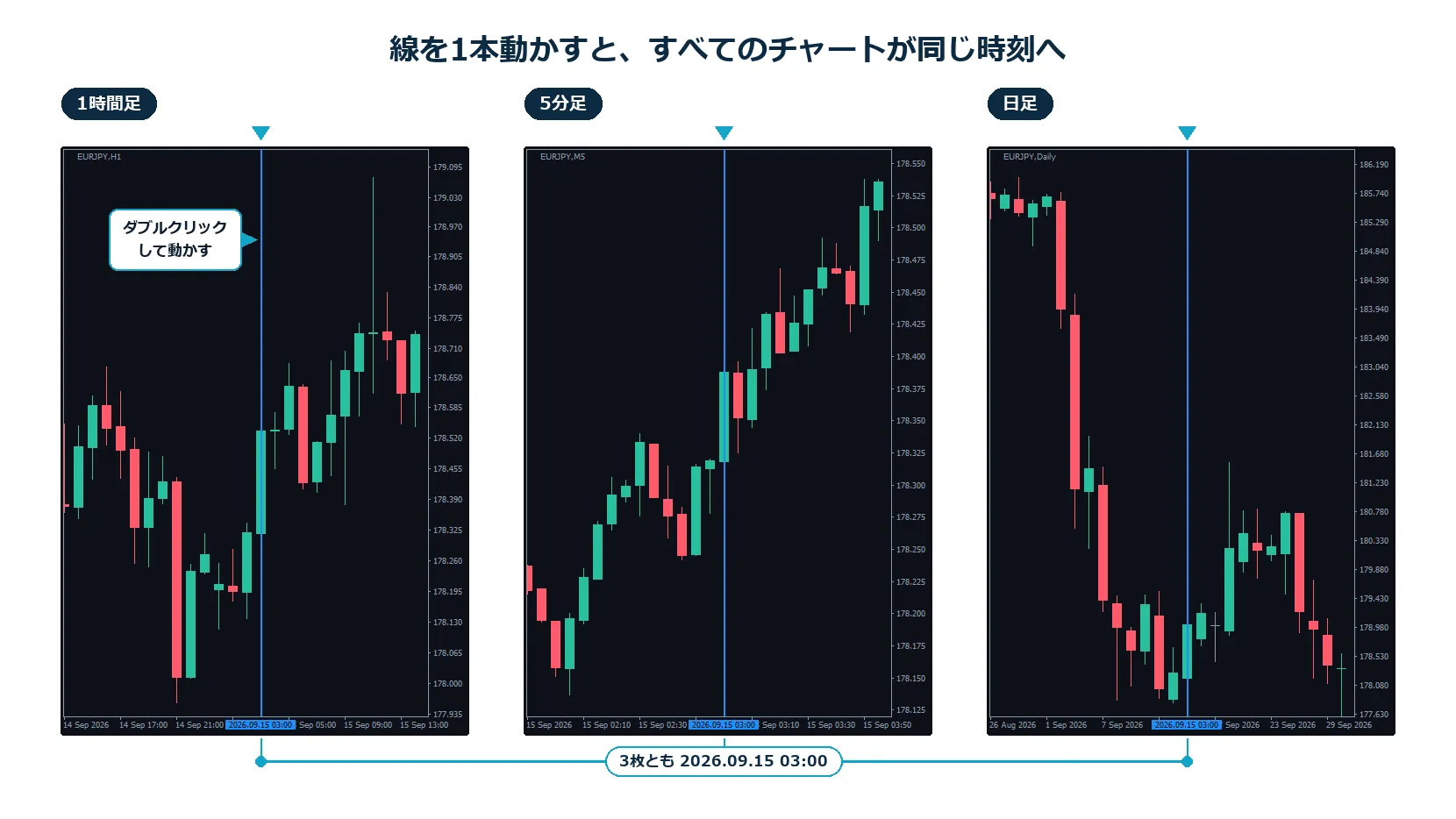
ChartSyncVLinethen,move one lineto align all arranged charts to the same time
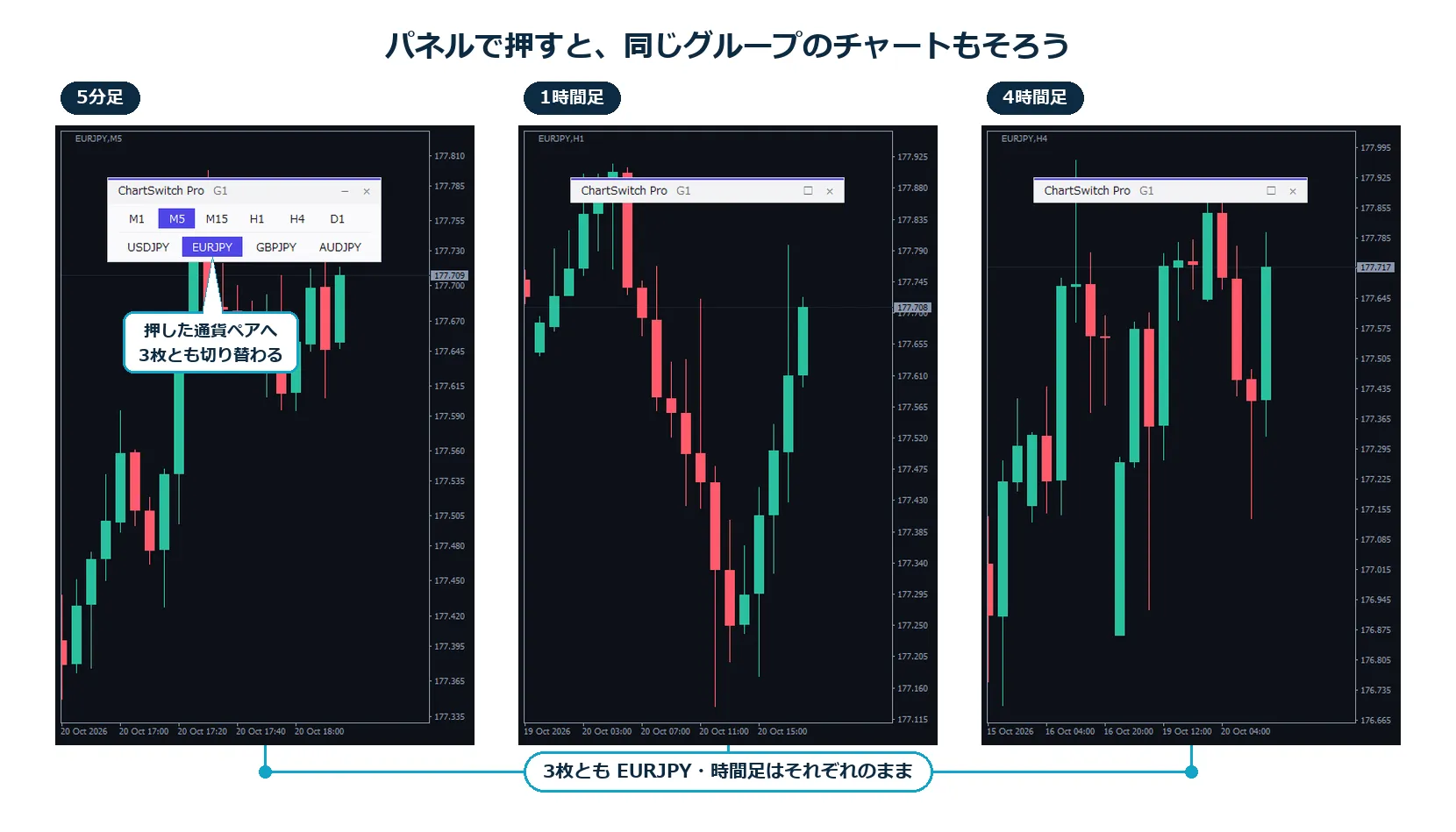
Change the currency pair on the arranged charts one by one
ChartSwitch ProNEWthen, charts in the same group switch togetherand can align by currency pair only for charts arranged by time frame
3. Checking milestones
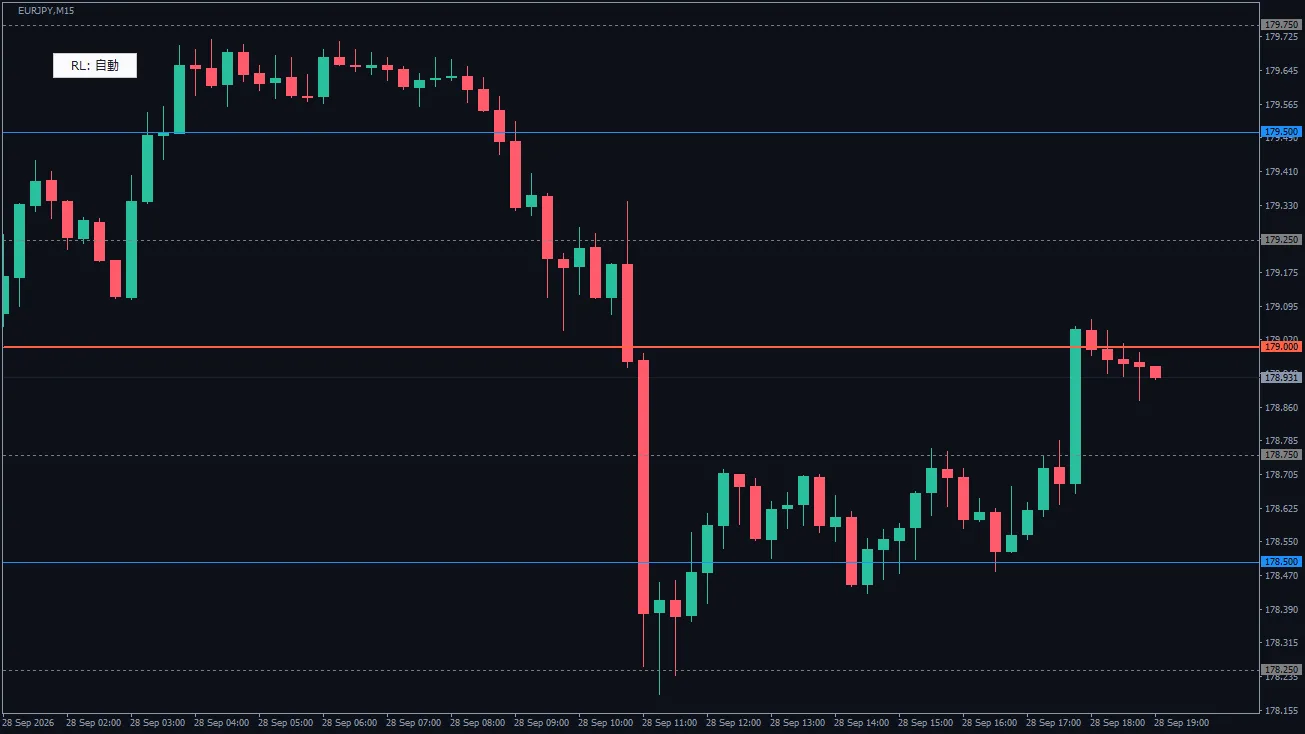
RoundLevelsauto-draws lines at intervals suited to the instrumentwith three levels: large, medium, small.
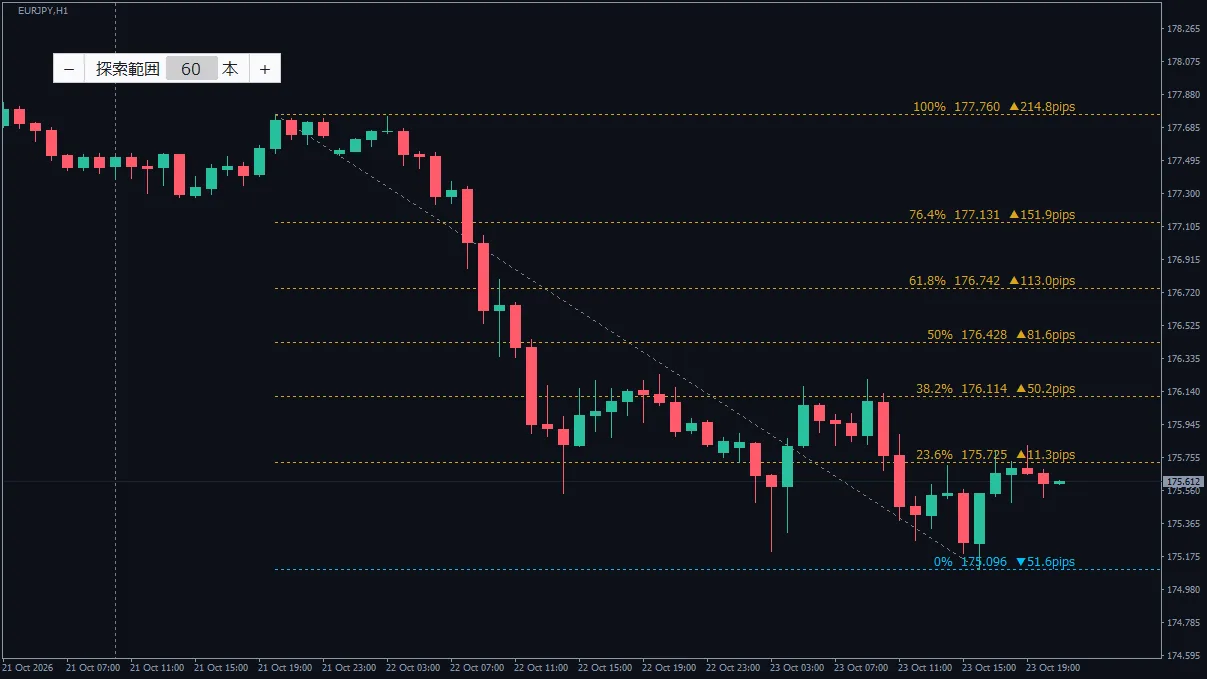
Re-drawing Fibonacci each time as a guide for pullbacks
SwingFiboNEWthen, automatically draws near recent highs and lowsand rewrites as the market moves
4. Just before placing an order
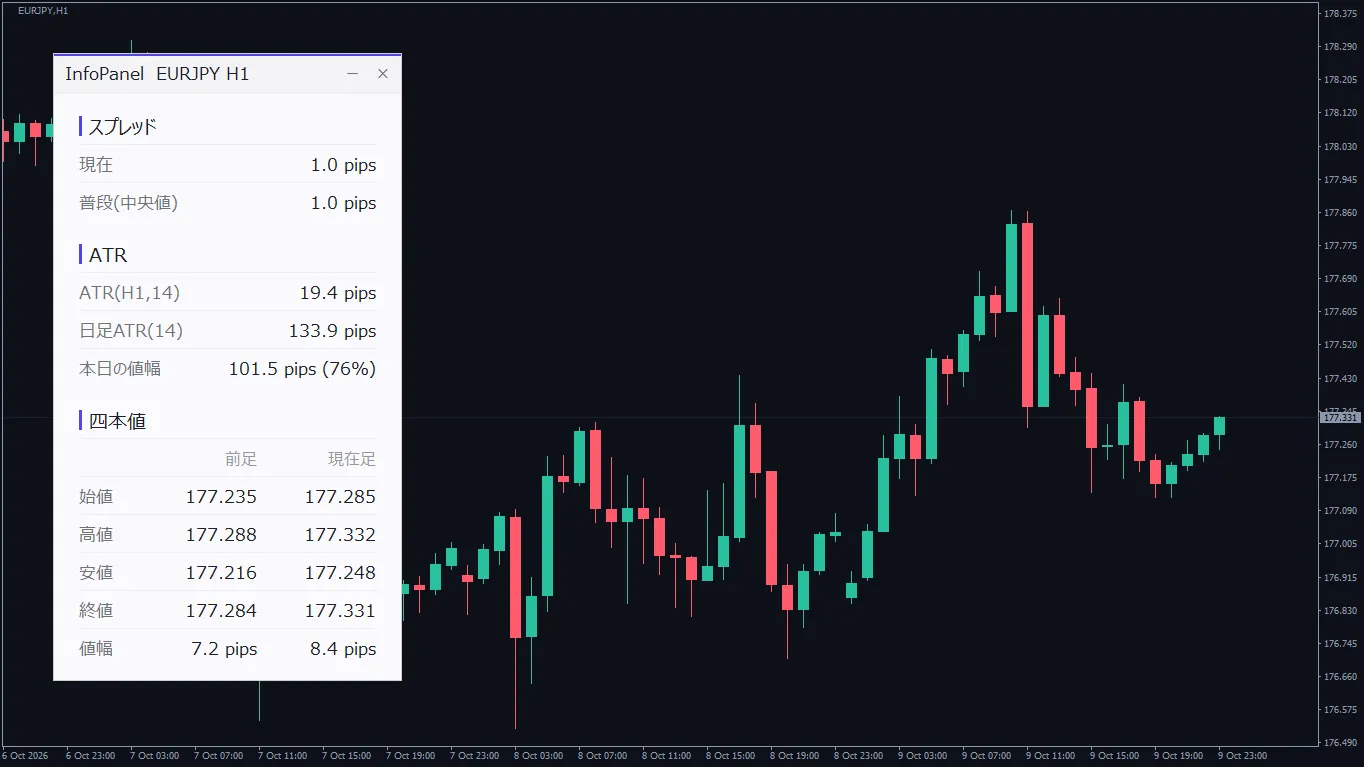
InfoPanelchanges color when the spread widens beyond usual, so you can notice it
5. While holding a position
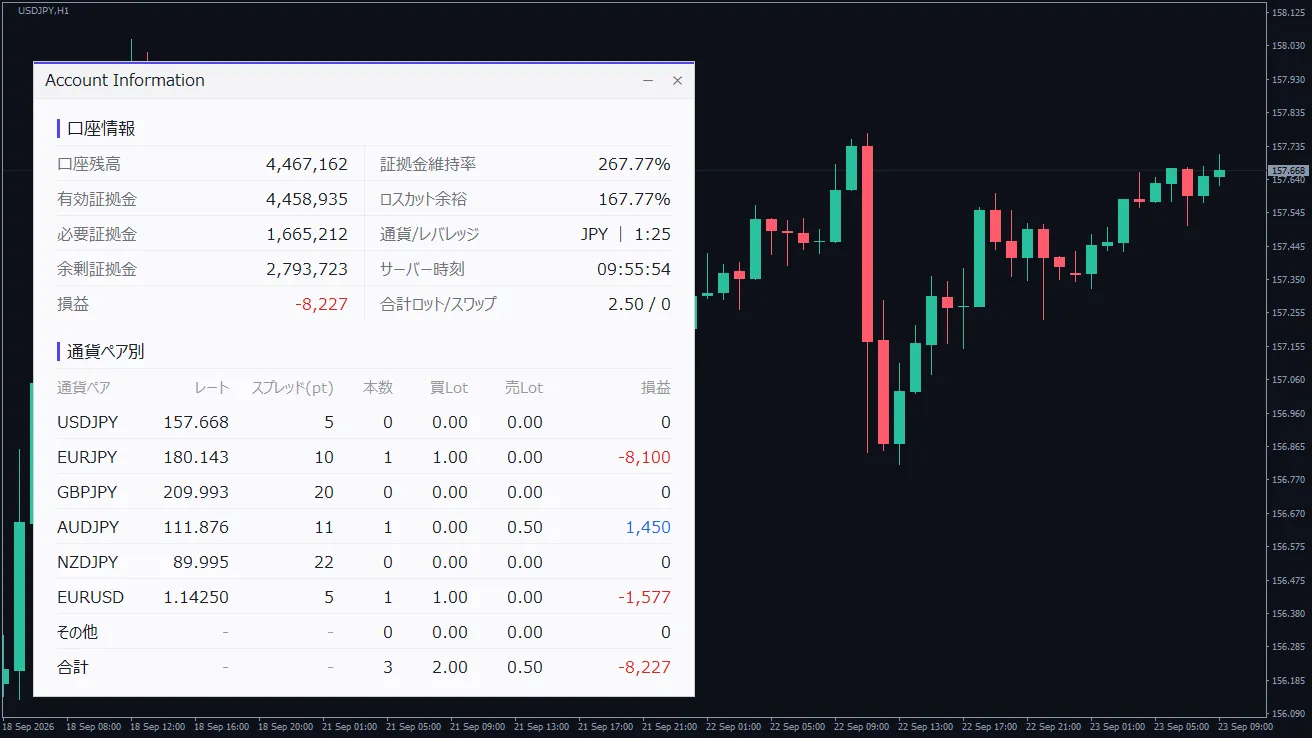
Account_Information_Dialogshows the account status andprofit/loss per currency pairon the chart
6. Reviewing later
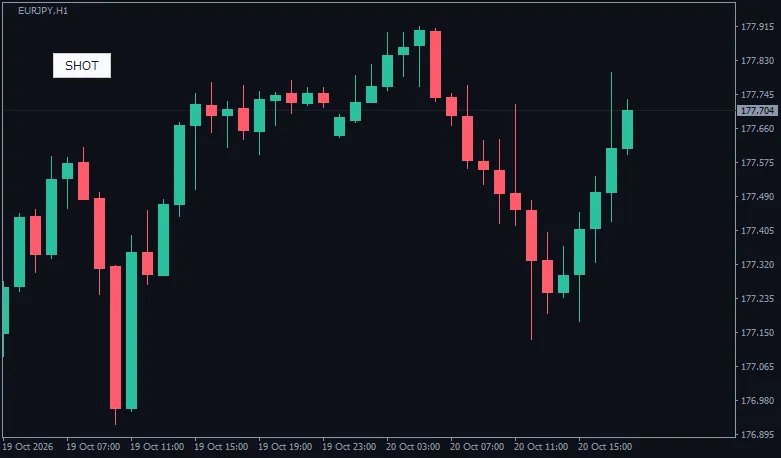
ChartShotSaveNEWthen, can save with one button or one key.Can also auto-save on new orders and closures.
What I pay attention to when creating
02
Ready to use immediately after installation
03
Do one thing with one tool
Preparing the chart
IndiDock
Attach/detach indicators with 1 click
Register frequently used indicators with their period and color settings. Press to show, press again to hide.
Scanning the market
Switch time frame and currency with one key
Scanning the market
ChartSwitch ProNEW
Checking milestones
SwingFiboNEW
Just before placing an order
Reviewing later
ChartShotSaveNEW
If you’re unsure where to start
Line up multiple time frames to view from higher to lower
ChartSyncVLine + ChartSwitch Pro
Swap indicators to match the market
IndiDock
Hold positions across multiple currency pairs
Account_Information_Dialog + InfoPanel
Enter with milestones in mind
RoundLevels + SwingFibo
Review your trading with chart images
ChartShotSave
| Product | One-liner | |
|---|
| IndiDock | Attach/detach indicators with 1 click | Learn more |
| ChartSwitch | Switch time frame and currency with one key | Learn more |
| ChartSwitch Pro | Switch multiple charts simultaneously | Learn more |
| ChartSyncVLine | Move the line to synchronize all charts | Learn more |
| RoundLevels | Auto-draw milestone lines with emphasis | Learn more |
| SwingFibo | Automatically apply Fibonacci | Learn more |
| InfoPanel | One panel for pre-order checks | Learn more |
| Account_Information_Dialog | Balance and P/L at a glance | Learn more |
| ChartShotSave | Save charts with one click | Learn more |
All are for MetaTrader 4. Some are free to use, so please check each product page for details.
More will be added in the future
What’s introduced here is what is currently available. We are also preparing tools for chart操作 and trading review.
If you find things that feel troublesome while using them, I plan to add them one by one.
Thank you for reading until the end.
If anything catches your interest, please try it on a chart first.
The tools introduced in this article assist market analysis and do not constitute trading recommendations. The author assumes no responsibility for results from using these tools. Please make investment decisions at your own risk. Depending on the MetaTrader 4 version, your broker's specifications, and the instrument, display may differ from expectations.