
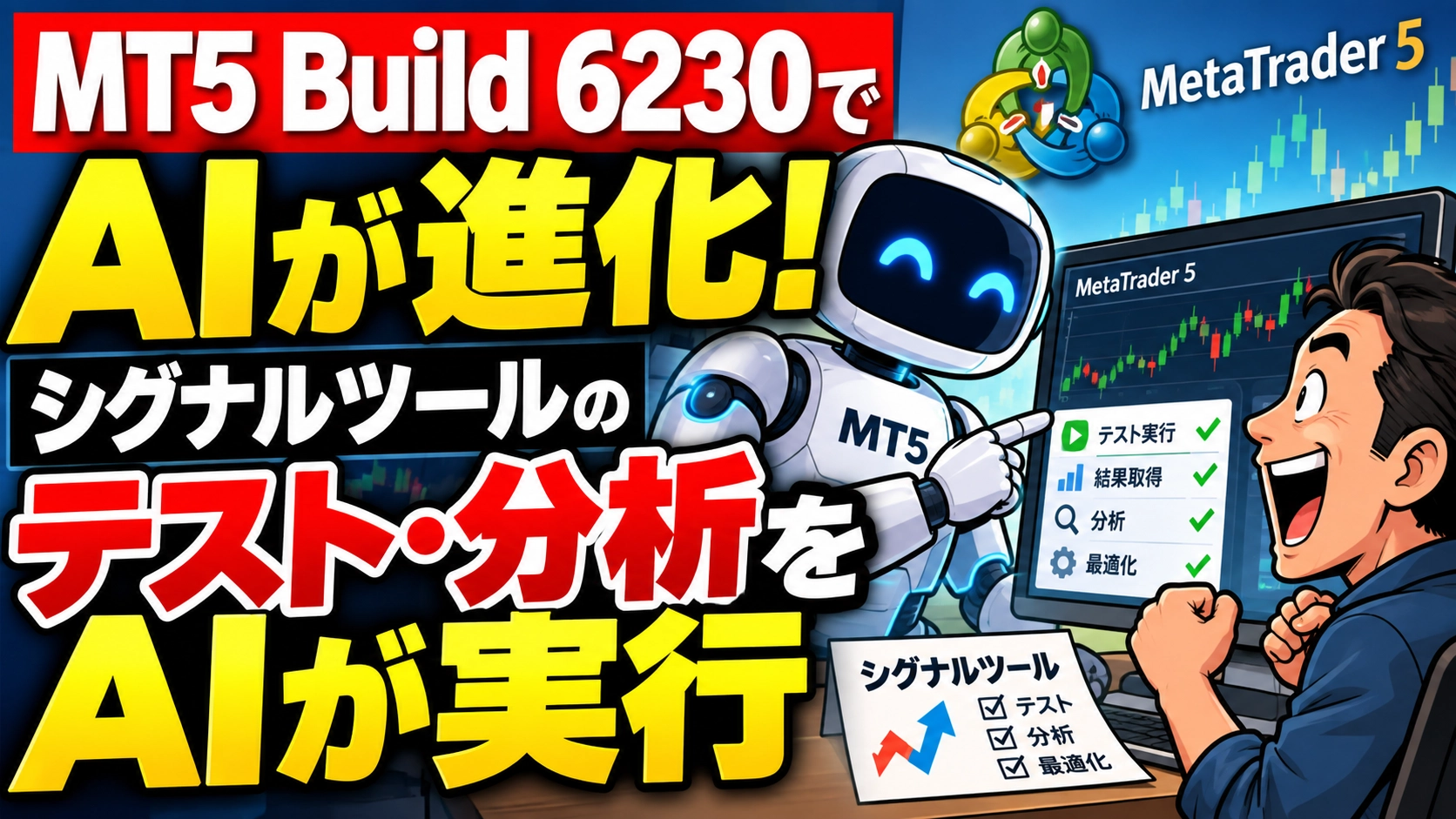
AI Evolution on MT5 Build 6230! AI conducts signal tool testing and analysis
This article was posted on September 27, 2026 =>Latest related articles?
“Test this signal tool and analyze the results.”
Until now, even if you asked AI to do so, it was not uncommon for it to stop mid-way with “Please do this manually from here.” However, in September 2026, MetaTrader 5 was updated to Build 6230. The integration between AI Assistant and MT5 has progressed again.
Not just a chat AI, but an AI that actually proceeds with tasks inside MT5. This is a meaningful change for traders, isn’t it?
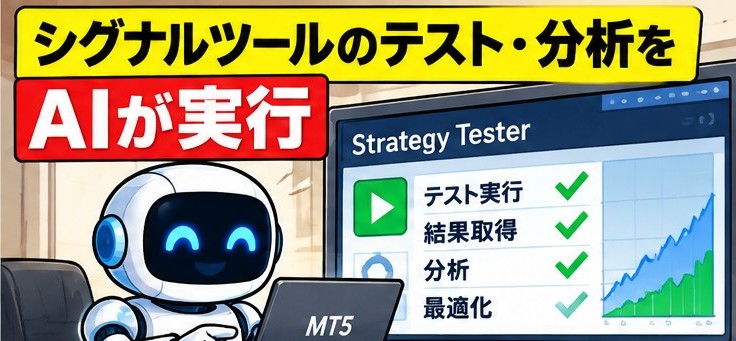
The AI assistant will evaluate the performance of EAs and signal tools. That is becoming a reality now.
?FX new generation: One-click FX training
?What changed in Build 6230?
This time, three main features were added to the AI Assistant.
First,you can obtain input parameters of an EA and prepare to test them in the Strategy Tester.to perform testing.
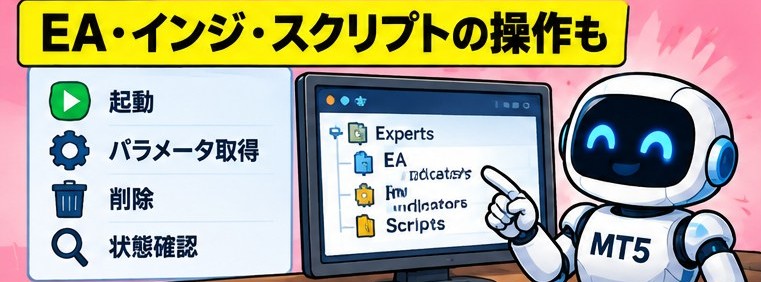
Additionally, for EAs, scripts, and indicators on the chart,you can obtain parameters, start or remove them, and check their status.
Andaccess to economic calendars is now possible as well.You can obtain country, events, and economic indicators, and analyze them more easily combined with price data.
By the way, obtaining tester results, optimization, and checking current tester settings were already added in Build 6180 on September 3. Build 6230 adds “preparation for testing” and “program operations on the chart.”
In other words, the AI not only explains but also makes it easier to connect the long processes of “prepare, run, and review results.”
The menu.txt released for MT5 AI also, with this AI feature enhancement, has become more practical than we had anticipated in the “analyze signal tools” section.
 | ?I created a standard menu for the MT5 AI Assistant. No more prompts needed There is an AI assistant in MT5. It can look up news. It can analyze charts. It can view your positions. It can analyze trading history. And yet, when you actually try to use it, you wonder, “What should I ask the AI?” |
?What becomes visible when you actually try it?
In actual use, tasks that used to stop midway now proceed without interruption more often.
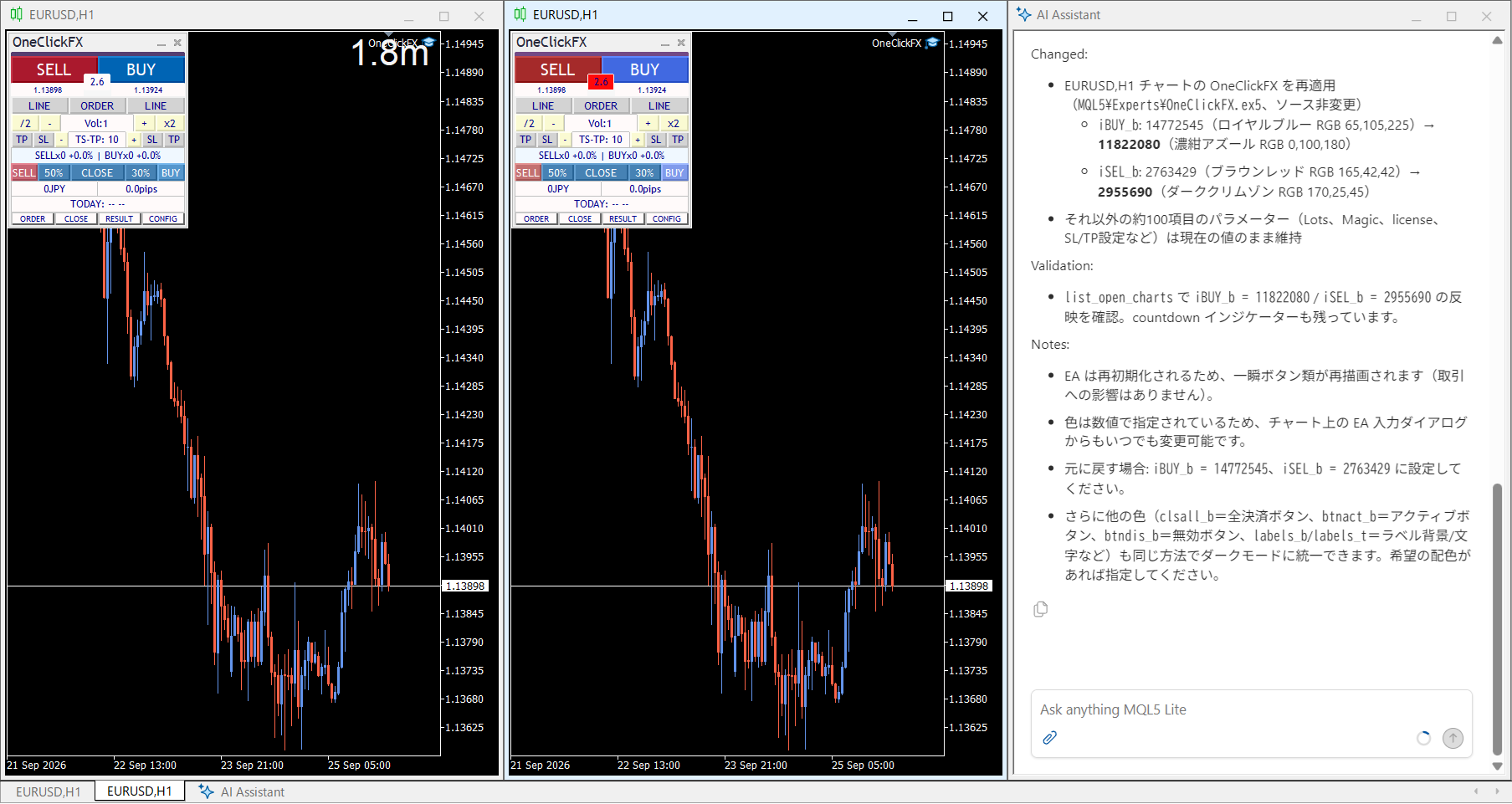
For example, if you ask, “Turn the One-Click FX button into a cool dark mode,” the AI doesn’t simply change colors; it carefully considers whether it might modify EA parameters and acts accordingly.
It's a bit hard to grasp, but after the left side has changed to a cool color, the right side shows the usual One-Click FX color.
Also, if you ask, “Test the performance of this signal tool,” it becomes easier to set up a flow to verify it using the tester.
- What market conditions is it strong in?
- What is the win rate?
- Are there differences compared to random signals?
You can explore these questions by conversing with the AI and linking to tester operations without having to memorize detailed tester procedures. This is a major change.
Of course, the AI does not always make the correct judgment. There are various angles to performance evaluation, so you should not take its answers at face value.
In reality, since it’s so easy to find a cool color, it’s still necessary to scrutinize the results.

?Investment tools are also investments
MT5 AI Assistant has rapidly increased its execution capability from the MCP/Agent features that began with Build 6060 to 6180 and 6230.
In trading, not only funds but also the purchase costs of EAs and signal tools are “investments.”
It may feel negative to talk about evaluating the performance of such EAs and signal tools, but if you don’t maximize the tools you’re using, it would be a waste.

After you buy, it doesn’t end there; you actually verify performance and, if it cannot meet expectations, you cut losses.
With AI supporting the act of “verification” itself, traders can now, even without special knowledge, first check the results and verify tool performance more accessibly than before.
Not only the MT5 AI menu.txt, but more clearly and deeply,we are creating prompts for signal tool verification that allow more thorough investigationand will release them soon.
Practice and verify freely with a completely risk-free trading simulator!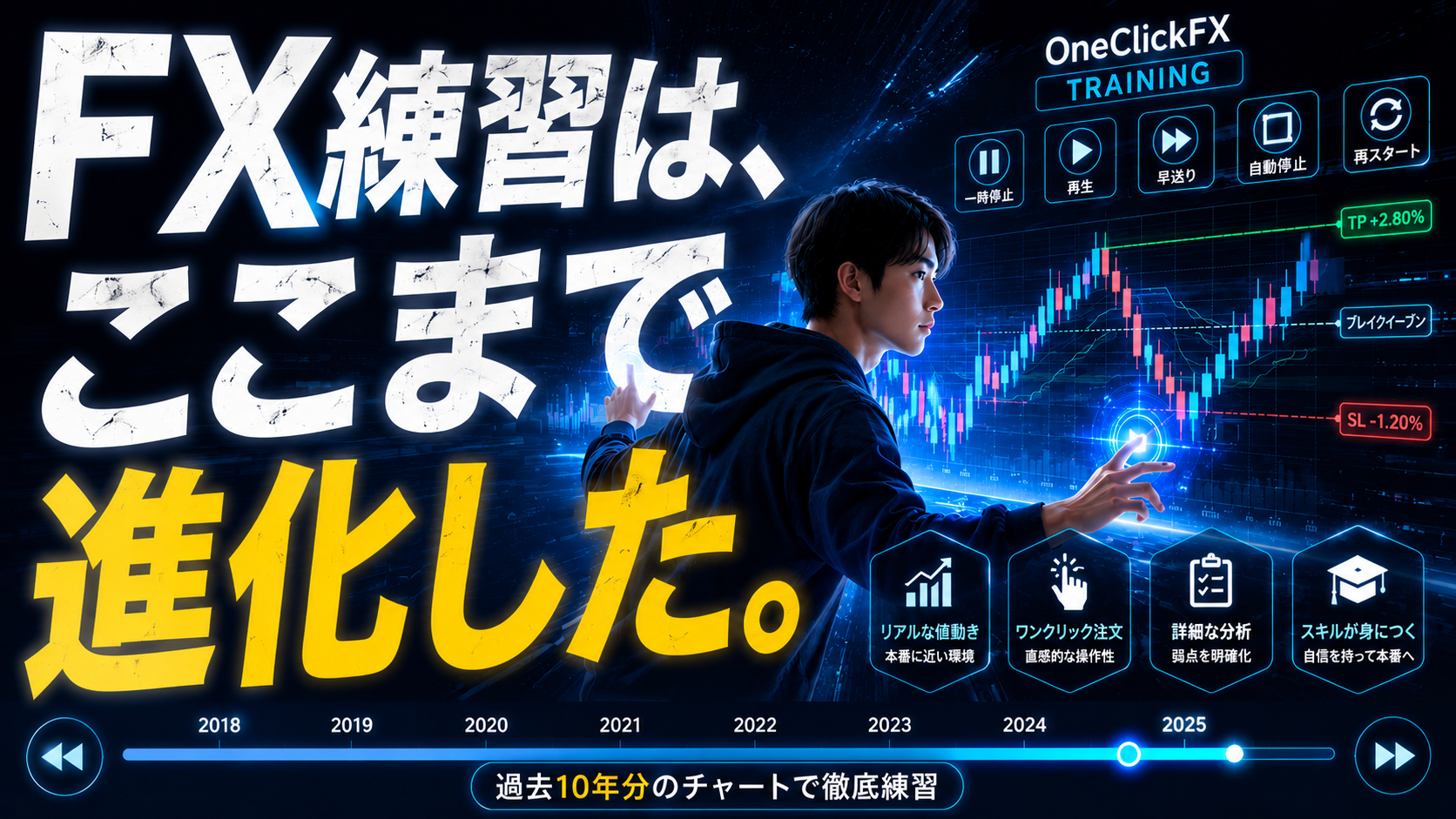
Details page for One-Click FX Training