
MT5 AI Assistant Complete Guide: From "Ask AI" to "Trade with AI" — Thoroughly Explained in Six Points
MT5 now comes with a built-in AI assistant.
Until now, using AI in FX trading involved saving chart images, copying trade histories, and pasting them into generative AIs like ChatGPT, which was a hassle.
However, with an AI assistant embedded in MT5, the situation has changed dramatically.
Now you can reference MT5 charts and account information and ask questions in natural language or seek trading advice.
Furthermore, by combining this AI assistant with One-Click FX, you can do more than just asking AI questions — you can analyze, review, and improve your trades in a new way.
Therefore, we have organized the articles published so far in order—from learning about MT5 AI assistant for the first time to actually using it in trading—step by step.
If you read from the beginning, you will naturally understand what MT5 AI assistant is, how to use it, and what you can do when you combine it with One-Click FX.

- First, learn about the major change: AI installed in MT5
- Once you understand the mechanism, actually try it
- From here, the combination with One-Click FX begins
- Have the AI analyze your actual trading data
- Standard menu to answer “What should I ask AI?”
- And finally, the real “loss-cutting consultation”
- MT5 AI assistant isn’t “use it and be done”
1. First, learn about the major change: AI installed in MT5
The article you should read first explains MT5’s major update.
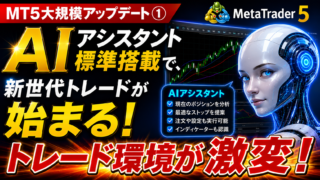
This article details what changed when MT5 started shipping with a standard AI assistant.
The key point is not merely that AI became usable from MT5.
AI can reference charts and account information, check current position status, analyze indicators, and even support order operations.
Until now, generative AI was basically used by passing information to it and getting answers.
On the other hand, MT5’s AI assistant isable to use AI almost in the trading environment itself, which is a major difference.
Moreover, it’s a standard feature available to MT5 users.
Starting with understanding “what happened” will make subsequent articles much easier to understand.

2. Once you understand the mechanism, actually try it
“We know AI is installed in MT5. But how do we use it?”
If you’re wondering that, read the next article.

This article outlines the steps to start using MT5 AI assistant for beginners.
From preparing a MQL5.community account to logging into MT5 and asking questions to the AI, it’s explained in as simple terms as possible.
What’s especially important is that you don’t need to write difficult programs for the AI.
“Analyze this chart”
In short, you can ask in the language you normally use.
In other words, rather than learning new specialized knowledge to use AI,it’s closer to adding an AI advisor to your normal trading environment.
First, actually ask the AI a question.
If you can do this, you can move to the next step.
3. From here, the combination with One-Click FX begins
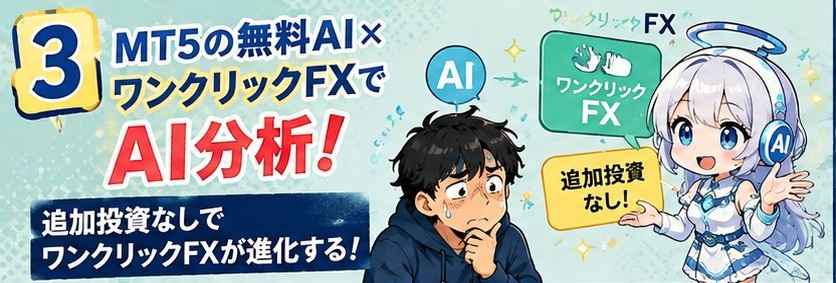
Once you can use MT5 AI assistant, the next exciting part is integrating it with existing trading tools.
This is especially important for those using One-Click FX.
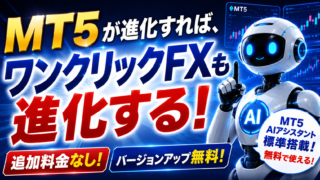
One-Click FX includes an “AI Judgment” feature to have your trading data analyzed by AI.
By pairing this with MT5’s AI assistant, you can have MT5-based AI perform analyses that used to be sent to external generative AIs.
Moreover, it’s not just a simple “send data to AI for analysis.”
You can use AI score diagnostics, trade improvement suggestions, statistical organization, and HTML reports, choosing analyses suited to your needs.
Furthermore, MT5 AI assistant can work with other generative AIs like ChatGPT, Gemini, Claude, Grok, and more.
In other words,MT5 × One-Click FX × Generative AIto create a new trading analysis environment.
And once you reach this point, you may wonder, “Exactly how do I analyze?”

4. Try having the AI analyze actual trading data
Here we go a step further and explain how to feed real trading data to the AI and what kind of analysis is performed.

By loading trade data output from One-Click FX into the MT5 AI assistant or external generative AIs, you can streamline trade reviews.
For example,
- AI-based trade score diagnostics
- Statistics such as win rate and profit/loss
- identifying trade issues
- improvement suggestions
- HTML-formatted reports
- 自由 analysis based on data
Such capabilities are possible.
What’s important here is thatyou do not need to write long prompts every time.
Just select the content you want to analyze by number, and the AI will follow pre-prepared instructions to analyze it.
If you’re thinking, “I want to use AI, but I don’t know what to instruct it to do,”
this is a major benefit.

 |
From an AI that is a “free question-offer,”to an assistant you can consult for each trading scenario, this is the mechanism to evolve AI usage.
At this point, it becomes quite practical.
So, how can you actually use it in real trading?

6. Finally, the real “loss-cutting consultation”
If you’ve read up to here, it’s useful to look at a practical example to better imagine how to use MT5 AI assistant in real trading.

This article describes a case of consulting AI about an unrealized loss position in BTCUSD.
Initially, you consult AI and receive advice, but you leave it unattended.
Subsequently, BTCUSD plunges, and you consult AI again.
In the second consultation, the AI analyzes the situation including support lines, news, and risk, and assesses what to do with the current position.
What’s interesting here is that the AI does not appear as “predicting the future.”
an advisor that helps you organize your thoughts when you’re prone to emotional reactions
is used here for AI.
When you’re in a drawdown, emotions like “the price might bounce back a bit more” or “I’ve waited long enough; I don’t want to cut now” can cloud judgment.
In such moments, you can have the AI organize the current chart, position, news, and risks all at once.
This is a very practical way to incorporate AI into trading.

MT5 AI assistant isn’t “use it and be done”
If you’ve read these six articles in order, you can see how MT5 AI assistant evolved.
First,“AI installed in MT5” was the news.
From there, we progressed to
- “Actually try using it”
- “Combine with One-Click FX”
- “Have trading data analyzed by AI”
- “Make AI instructions easier with standard menus”
- “Consult in real trading”
and have moved forward to this point.
In other words, it’s not just about AI being on MT5.
What used to be separate—View charts → Trade → Save data → Review → Let AI analyze → Improve— can now be connected by AI.
Especially with One-Click FX, by combining with MT5’s standard AI assistant, you can expand the range of applications for training, testing, trading, reviewing, and AI analysis.
If you haven’t tried MT5 AI assistant yet, please start by checking the first article for the big picture.
Then, once you start using it, read sequentially the second and third articles.
This will help yousee how to use MT5 AI assistant not as a mere “AI chat,” but as a practical tool that supports tradingin real-world scenarios.
Completely risk-free trading simulator for free practice and verification!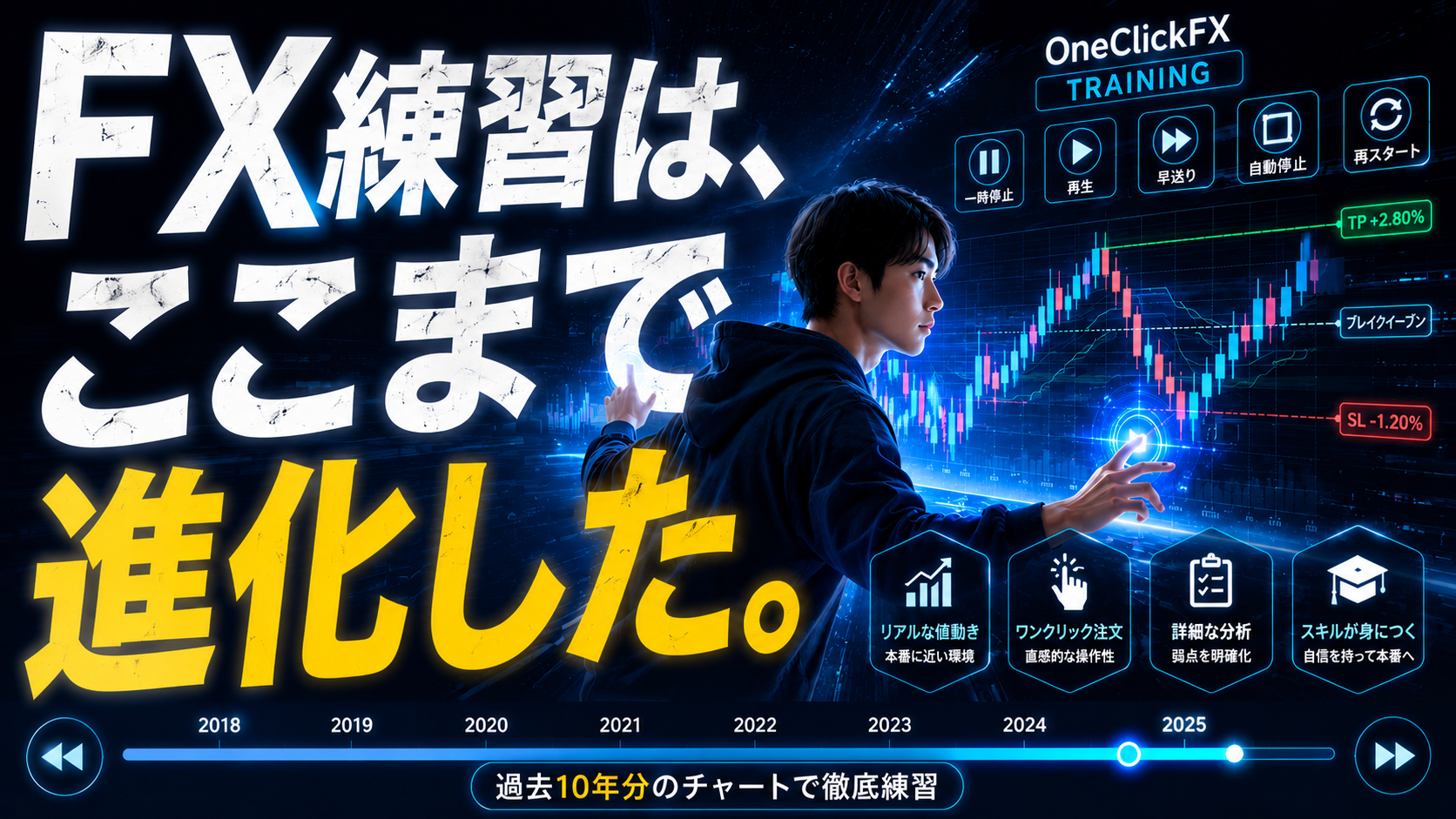
One-Click FX training details page