
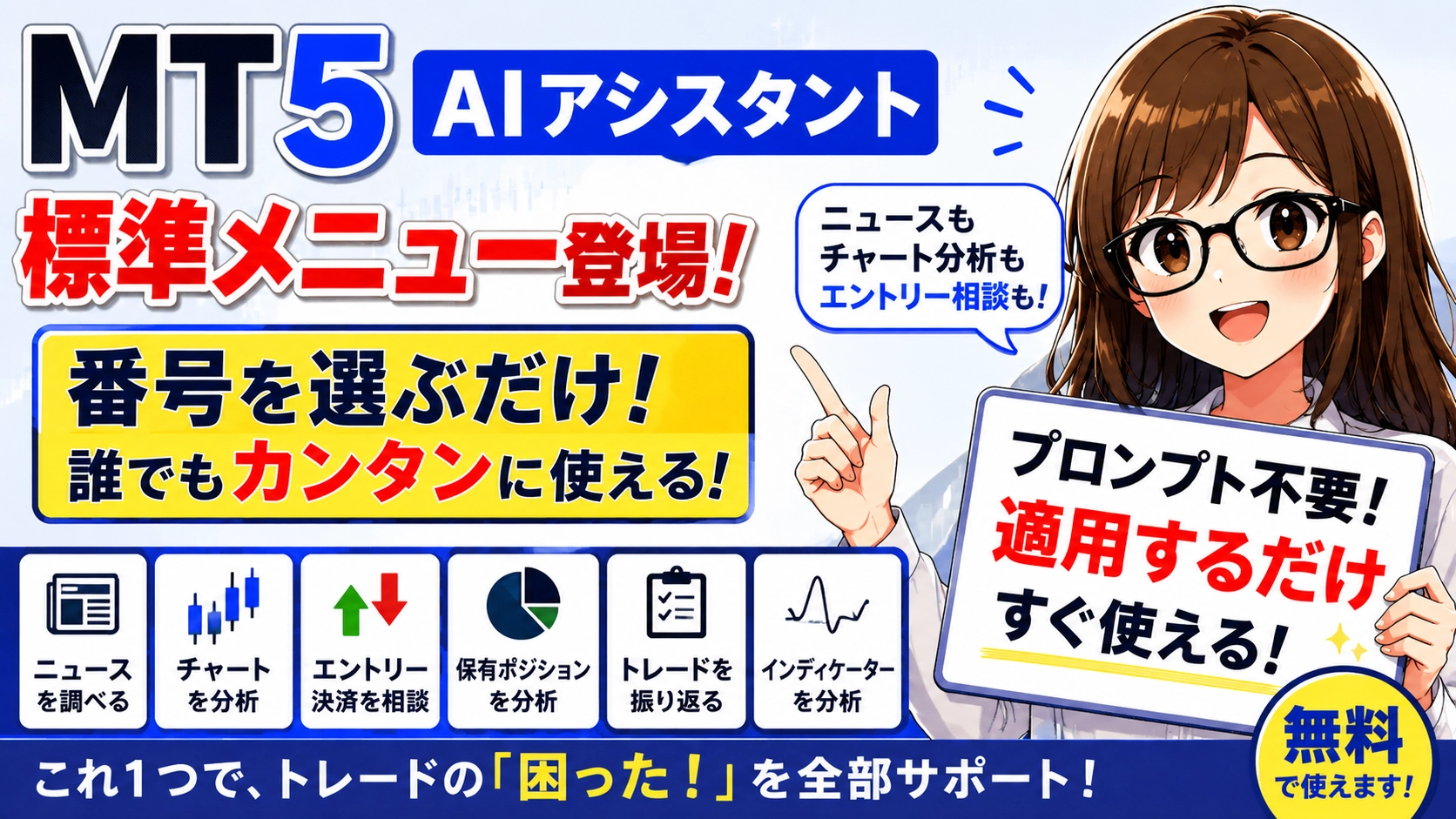
I have created a standard menu for the MT5 AI assistant. You no longer need to write prompts.
There is an AI assistant in MT5.
- It can look up news.
- It can analyze charts.
- It can view your own positions.
- It can analyze trade history.
Nevertheless, when you actually try to use it, you end up thinking, “?Uh, what should I ask the AI?”
For example, you could type, “I’m thinking of buying USD/JPY, analyze the current situation,” but coming up with a sentence and entering it is a hassle, isn’t it?
So, to make it easier to use, I created a “standard menu” for MT5 AI Assistant.
Click here for how to start MT5 AI Assistant
I made a menu.
When you launch MT5 AI Assistant, copy this and run it.
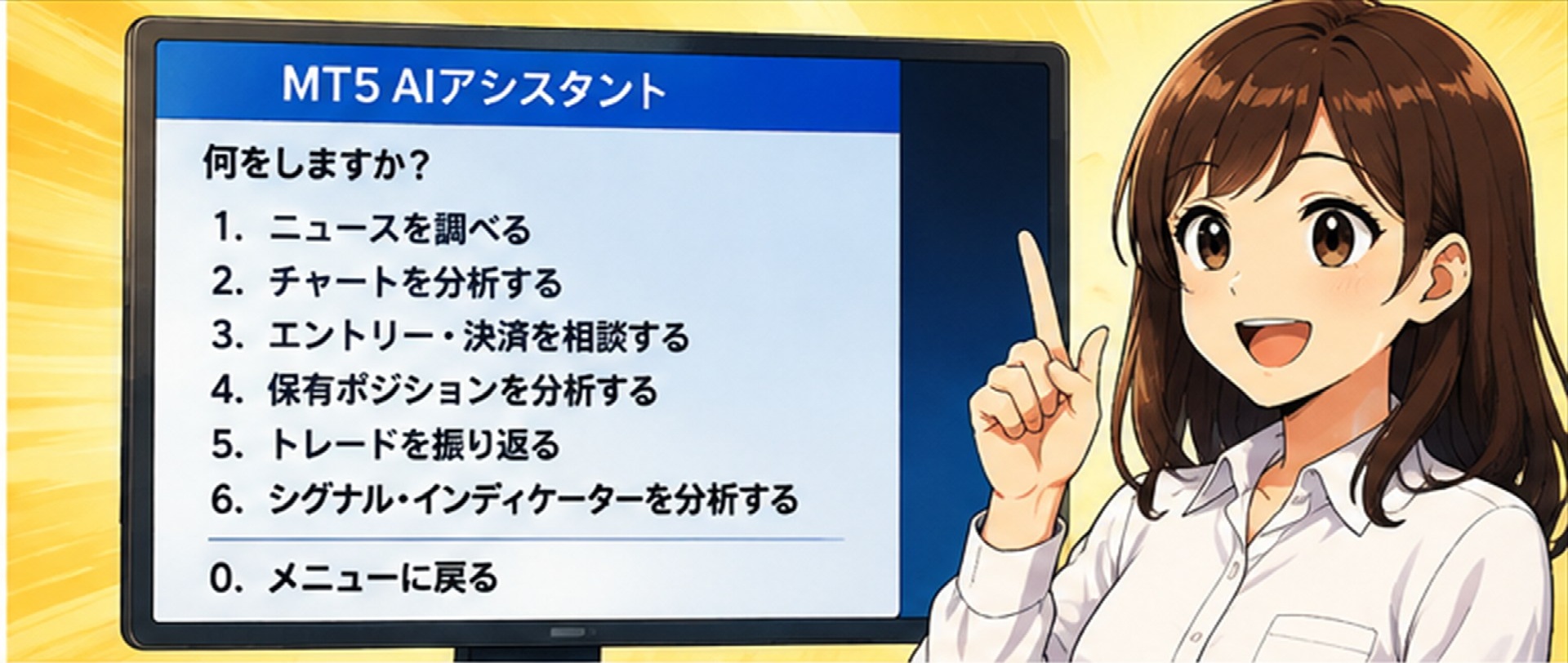
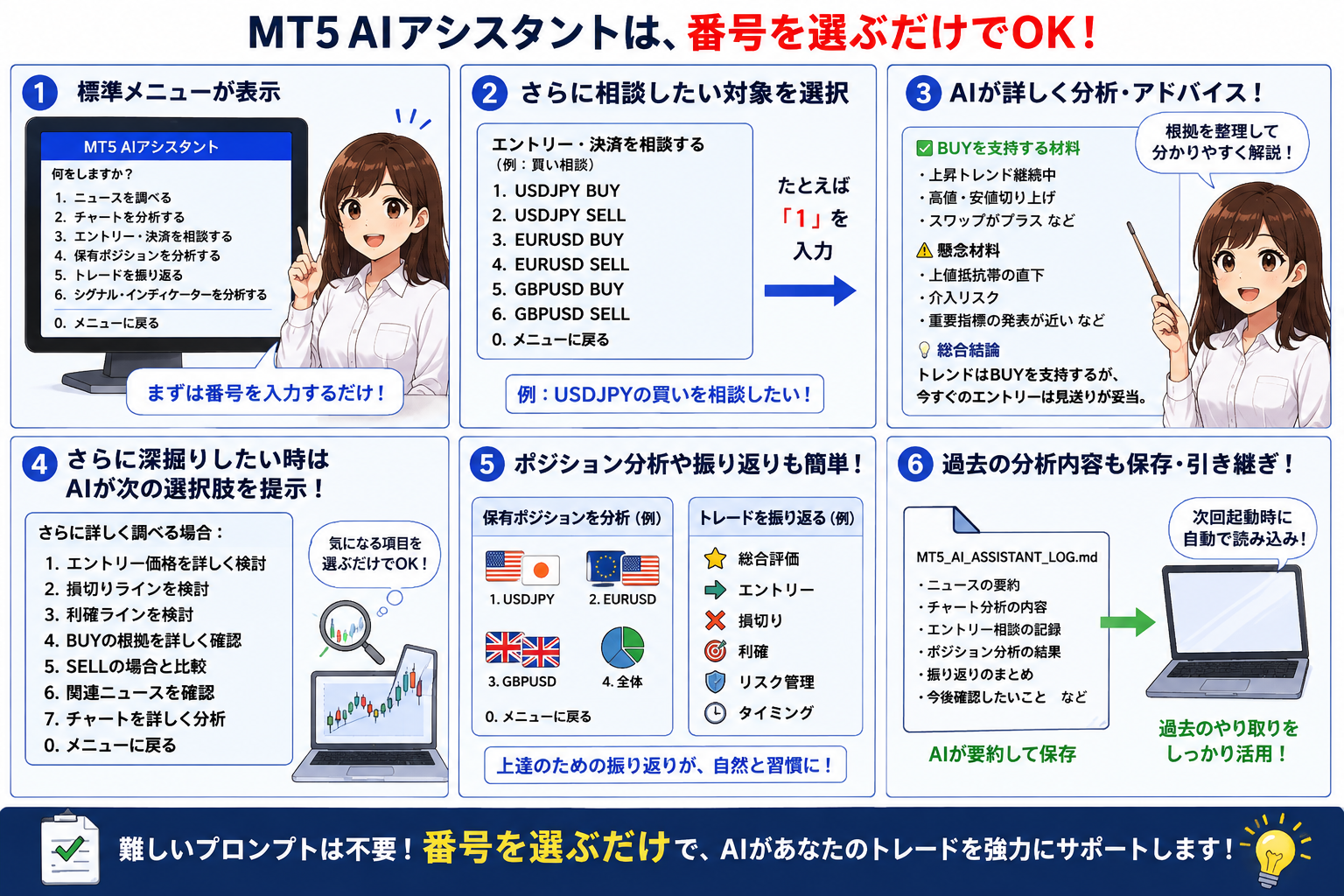
Apply https://license.ioiv.net/ai/menu.txtWhen you apply this prompt, you’ll first see a menu like this.
MT5 AI Assistant
What would you like to do?
1. Look up news
2. Analyze the chart
3. Consult entries and settlements
4. Analyze your holdings
5. Review trades
6. Analyze signals and indicators0. Return to the menu
That’s all there is to it.
For example,“3”and enter it.
Then it will check the currently open charts and holdings and list options for consultation.
1. USDJPY BUY
2. USDJPY SELL
3. EURUSD BUY
4. EURUSD SELL
5. GBPUSD BUY
6. GBPUSD SELL
For example,“1”and enter it, you can consult about USDJPY BUY.
In other words,3 → 1That’s all.
You don’t even need to think of the sentence “Is it okay to buy USDJPY?” yourself.
Moreover, the answer is not just a simple YES/NO
This is the key point.
The AI is not instructed to always recommend BUY when BUY is chosen.
Rather,
- Current market conditions
- Reasons to support BUY
- Concerns about BUY
- Key points to consider when evaluating an entry
- References for stop loss
- References for take profit
- Risks
- Overall judgment
and so on, and if the conditions are unfavorable,a decision to pass may be appropriateis also possible.
It is not about letting AI handle buying and selling.
It’s about having AI organize the information you need to decide for yourself.That’s how you use it.
Also, in this standard menu, trading operations such as orders, settlements, and order changes are not performed; it’s limited to information provision and analysis.
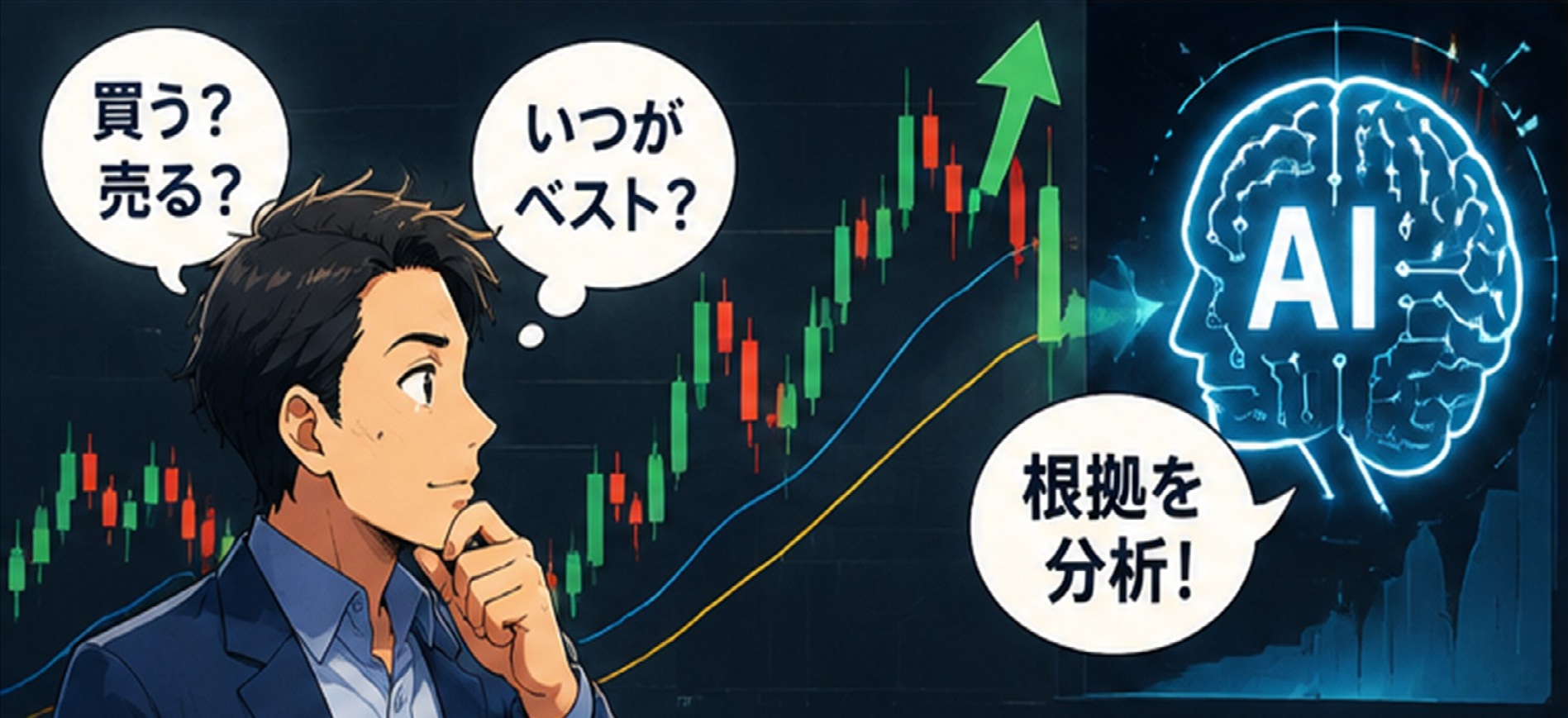
One answer isn’t the end
There’s one more thing I focused on this time.
At the end of the AI’s answer,
Further details to investigate:
1. Examine entry price more closely
2. Consider stop-loss level
3. Consider take-profit level
4. Examine reasoning for BUY in more detail
5. Compare with the SELL case
6. Check related news
7. Analyze the chart in more detail0. Return to the menu
In other words,the AI itself will generate the next menu based on the current analysis
This is surprisingly convenient.
At first it was just “Is it okay to buy USDJPY?”, but
- 1 → Look at stop loss in detail
- 2 → Look at take profit in detail
- 5 → Check the news
and so on, you can drill down by simply selecting numbers.
In other words,the problem of “I don’t know what to ask AI”is solved by having the AI create the next menu itself.

4th option is analyze your own positions
For example, currently you hold
- USDJPY
- EURUSD
- GBPUSD
If you choose “4”,
1. USDJPY
2. EURUSD
3. GBPUSD
4. All positions0. Return to menu
then you can select from your holdings.
You can view individual positions, and if you choose “All positions,” you can see
- Unrealized P/L
- Buy/Sell bias
- Currency pair bias
- Concentration in the same currency
- Overall risk
and so on.
5th is reviewing trades
Choose “5” and select a currency pair from the trading history.
For example,
1. USDJPY
2. EURUSD
3. GBPUSD
4. GOLD
Then the AI will review the trades for the selected pair.
To make it easy for beginners, it will briefly evaluate
- Overall assessment
- Entry
- Stop loss
- Take profit
- Risk management
- Timing
and summarize with
- “What was good”
- “Points to improve”
- “What to be aware of next time”
for easy review.
This can also be used to make trade review a habit after finishing trades.

Additionally, give it memory
Another important mechanism has been added.
AI will summarize the news, chart analyses, entry consultations, position analyses, trade reviews, and things to confirm in the MT5 data folder.
Next time you start the AI with the menu, it will read that record.
Some AI services provide memory, but MT5 AI Assistant does not remember past conversations automatically. As of August 2026.
Therefore,“you keep your own records and have AI read them next time”is the simple mechanism.
For example,
“What happened after yesterday’s USDJPY analysis?”
can be used like that.
Use past analyses as past records, not as current facts, and check current information as needed.

With all this, will you need fewer tools?
Honestly, it can do a lot.
- Look up news.
- See charts.
- Consult entries.
- View positions.
- Score trades.
- Look at indicators.
Also, you can simply type sentences and chat with AI as usual.
Therefore,
- “Do I need a dedicated indicator for this?”
- “Do I need an information display tool for this?”
- “Would AI be enough for this level of detail?”
I think these situations will certainly increase.
However, even so,existing indicators and dedicated tools are not all becoming obsolete.
There are cases where real-time display, signals under specific conditions, complex automation, and expert verification tools excel.
However, AI is not万能. It makes mistakes in daily use, andas described in this articleit can fail as well.
“Ask AI”is a natural option to consider.
The common sense of asking AI
The reason for creating this standard menu is not to make AI do something difficult.
It’s simpler.I want to increase the number of people who ask AI.
- When you find something about investing that you’re curious about, and you think, “Is this true?”
- When you see the news and wonder, “Will this affect the market?”
- When someone on SNS says, “This stock will definitely go up.”
- When you see a signal tool and think, “Should I trust this?”
- When you start wondering, “Can this tool really win?”
Make it a habit to ask AI.
AI is not always right, but its accuracy has improved dramatically, and checking with AI once—this kind of fact-checking—is becoming common sense, isn’t it?
Quick start: how to apply
First, enable the MT5 AI Assistant.

Open the MT5 AI Assistant and paste the following into the input field.
Apply https://license.ioiv.net/ai/menu.txtThat’s all.
Then just enter the numbers from the displayed menu to use it.
Try MT5 AI Assistant more casually.
Trading will become more enjoyable from now on.
Completely risk-free trading simulator for free practice and verification!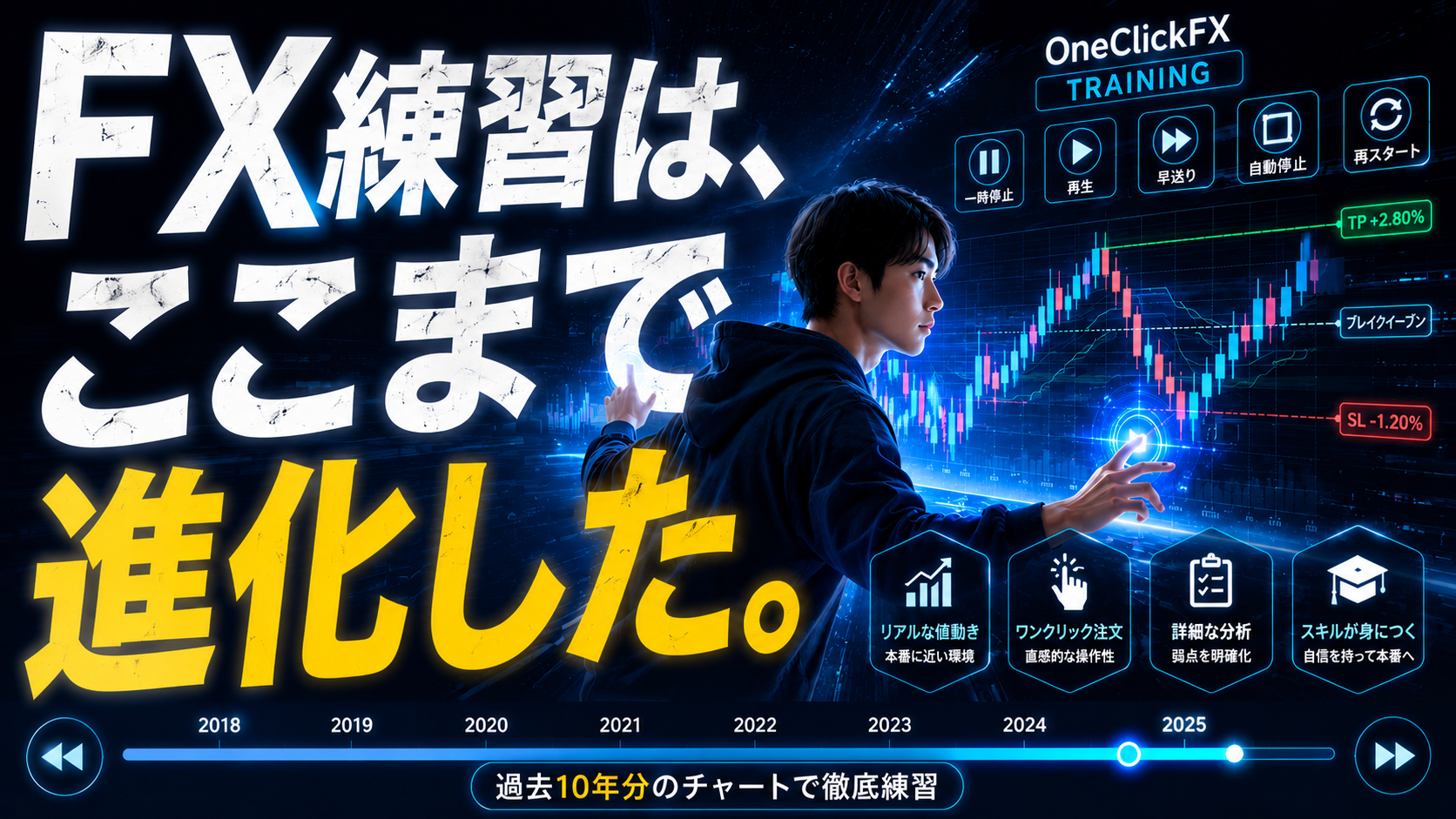
One-click FX Training detailed page