Two types of control buttons: One-click FX training
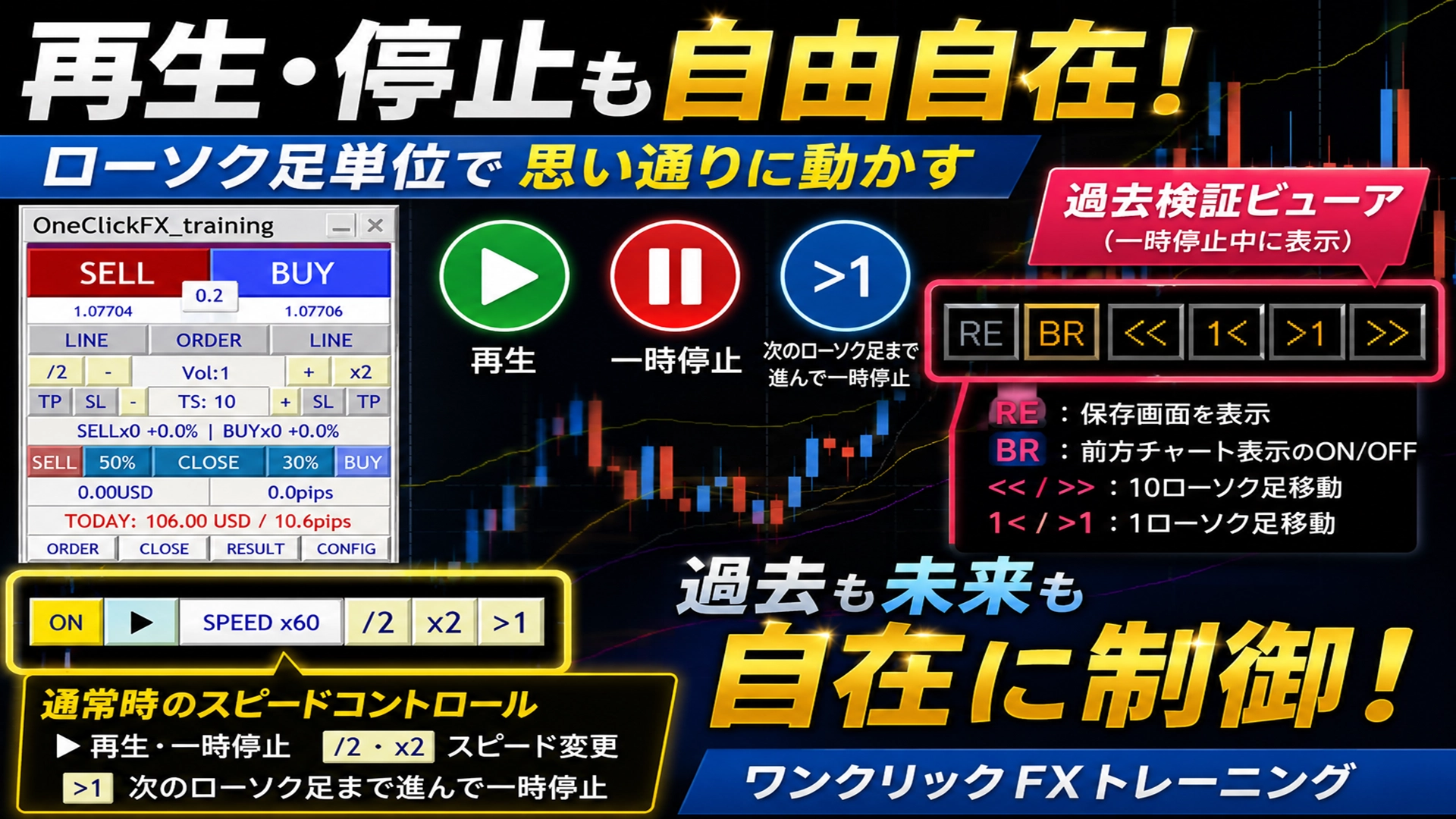
One-Click FX Training has two types of control buttons with different roles.
① Always-visible “Speed Control”
This is usually used.
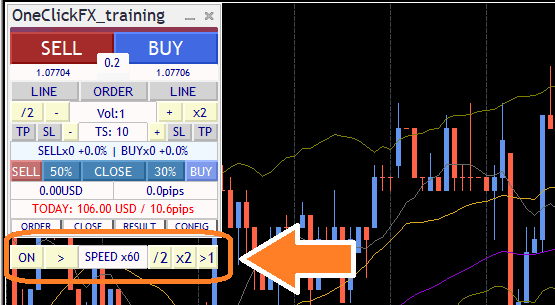
This control manages the playback speed and stopping of the chart.
- ON/OFF: Enable/disable speed control
- ▶ / ||: Normal play / pause
- SPEED display: Advances by 1 tick
- /2・×2: Change playback speed
- >1: Move to the next candlestick and pause
In typical trading practice, this speed control is used.
If you want normal playback, press the “▶” button.
“>1” advances to the next candlestick and automatically stops, so this behavior is normal.
② Only visible during pause “Past Verifier View”
When you pause the chart, a new button appears under the speed control.
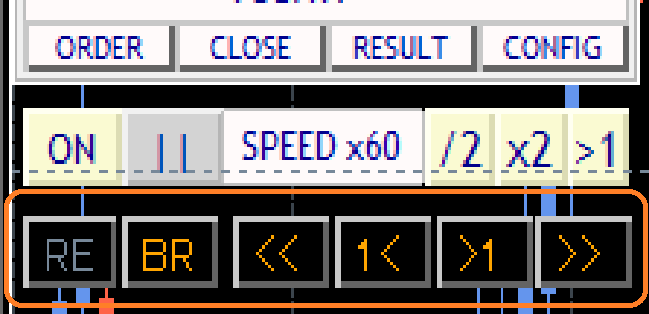
This is a dedicated feature for analyzing past charts.
The roles of the buttons are as follows.
- RE: Display save screen
- BR: ON/OFF for forward chart display
- << / >>: Move about 10 candlesticks
- 1< / >1: Move one candlestick at a time
This button is a function to move through historical charts forward and backward, and it is not for normal playback.
To return to normal playback, press the “▶” button of the always-visible speed control.
Keyboard operation supported
One-Click FX Training supports not only mouse operations but also keyboard operation.
Please see the details here.
Operate One-Click FX Training with keyboard
https://www.gogojungle.co.jp/finance/navi/articles/79090
* Free distribution on the community page.
https://www.gogojungle.co.jp/mypage/community/227
A completely risk-free trade simulator for free practice and verification!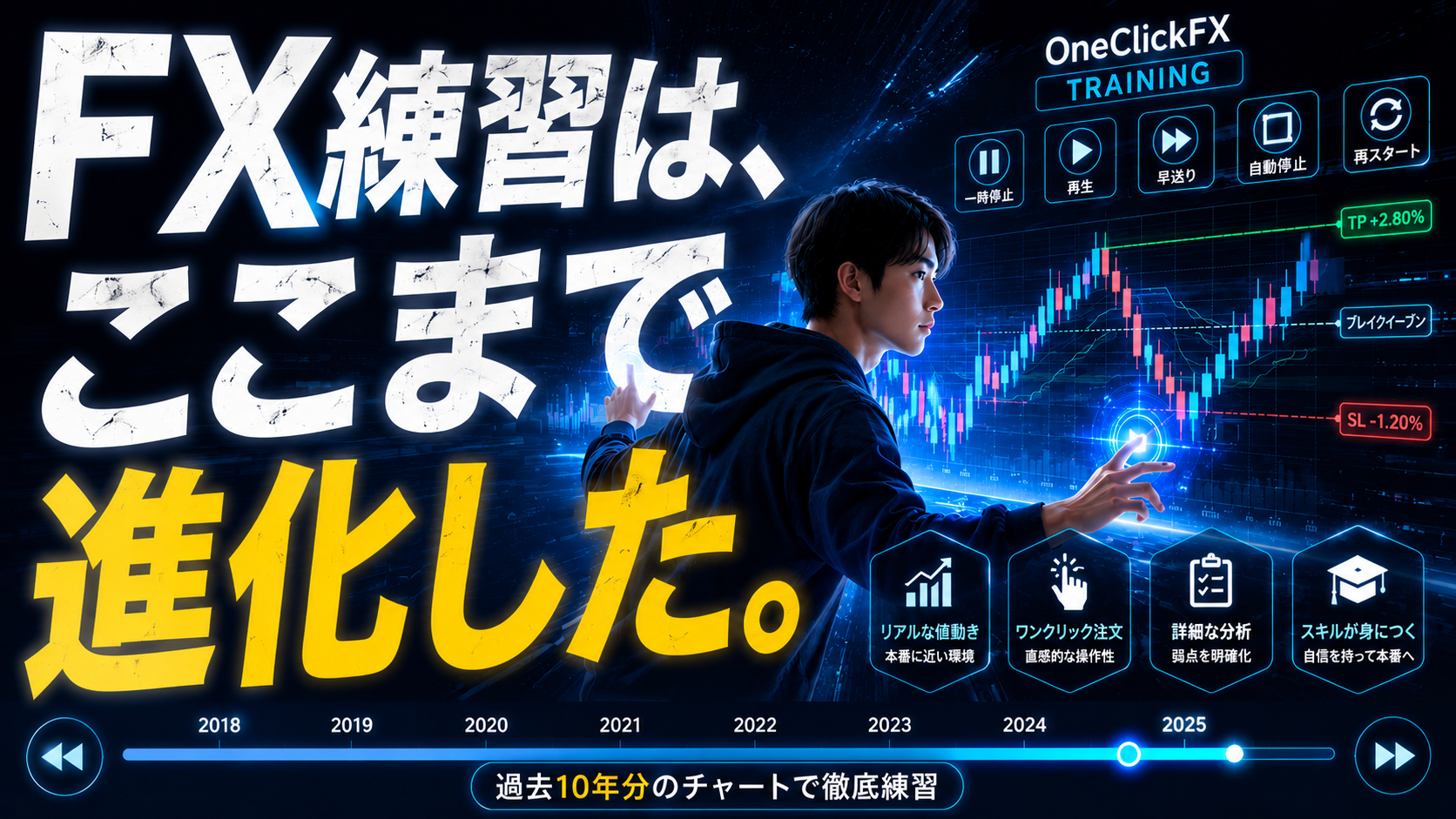
Details page for One-Click FX Training