
【FX Video】FX Noble explains essential tool for EA operation, Quant Analyzer, including backtest analysis and portfolio performance verification
Do you know a very useful software called Quant Analyzer? By loading the backtest results of expert advisors (EAs) performed in MT4, you can conduct detailed analyses, combine multiple backtest results to build a portfolio, and instantly display the portfolio’s overall profit and loss curve, drawdown, and annual performance. It is an indispensable software for EA operation.
Although you can use all these features basically for free, it may be a bit difficult to operate because it does not support Japanese. But don’t worry. In this video, you will learn how to use Quant Analyzer from FX Nobility, the familiar EA developer.
(Interviews: FX攻略.com Editorial Department, Takeuchi Musashi)
What you can learn from this video
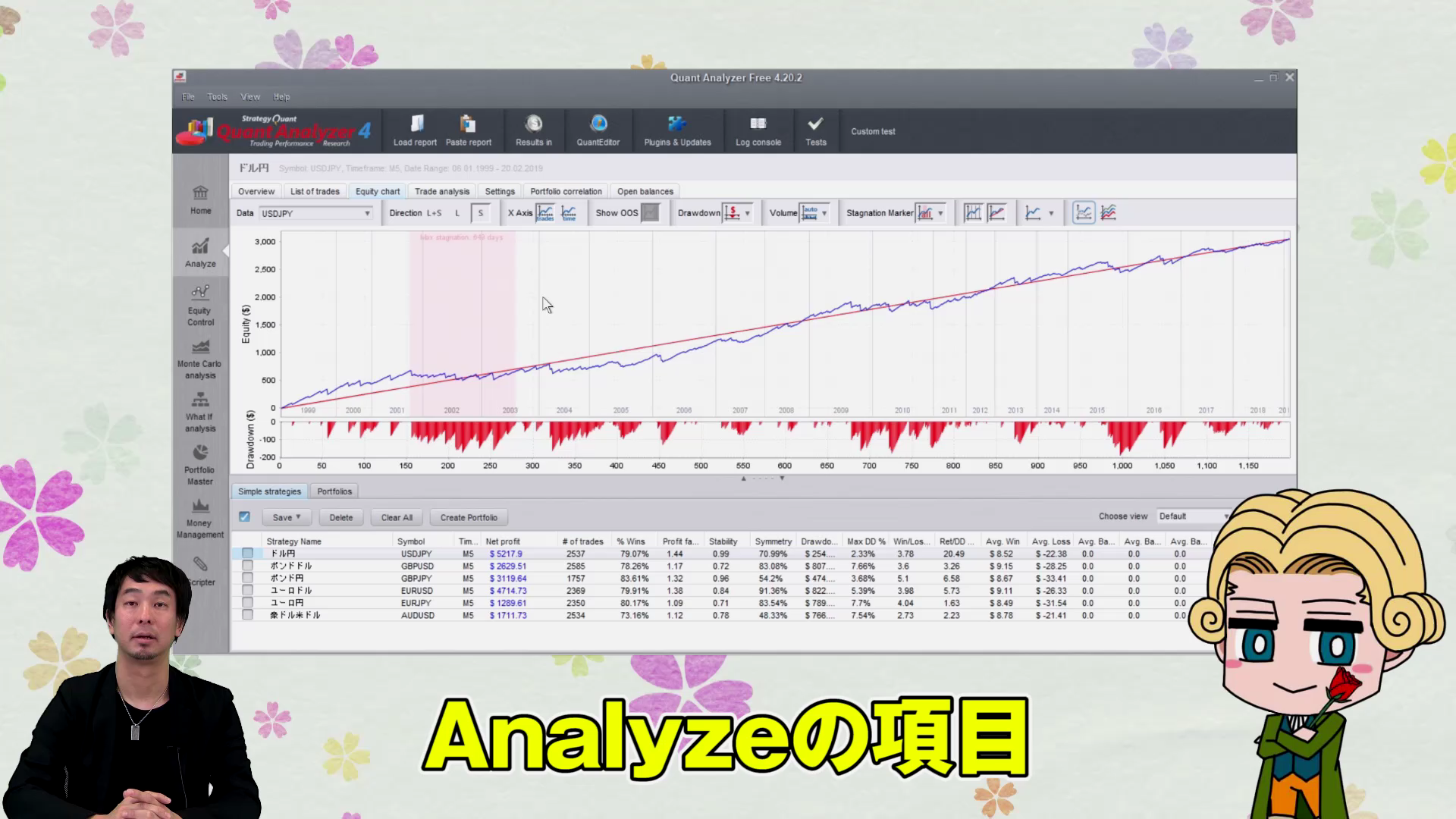
This video covers the following contents.
- Annual backtest results
- Switching between pip and amount results
- Revenue curve and drawdown
- How to display stagnation periods
- Display linear analysis
- How to construct a portfolio
- How to check correlations
- What steps to use?
● Video: 9 minutes 30 seconds
FX Nobility Profile

Switching from discretionary trading to automated trading, and since 2017, has been producing EA developers on GogoJungle. The author’s notable work “Scalping Dragon,” among others, has sold over 1,000 EA copies in total. He shares information about automated trading on his blog and Twitter.
Official Blog:FX Nobility’s EA Development Blog
Twitter:https://twitter.com/yenpetit
A word from the editor in charge, Kanochi

If you haven’t yet introduced the indispensable EA operation tool Quant Analyzer, do so now, and study with this video.
Being able to use so many features for free is indeed a good era.
To introduce Quant Analyzer,the official siteis the place to go. Click “GET FREE” to proceed with the installation.
How to watch FX method videos
The portion that can be viewed by those who purchased the article (at the bottom of this article) embeds FX method videos. Click the play button to start the video.