
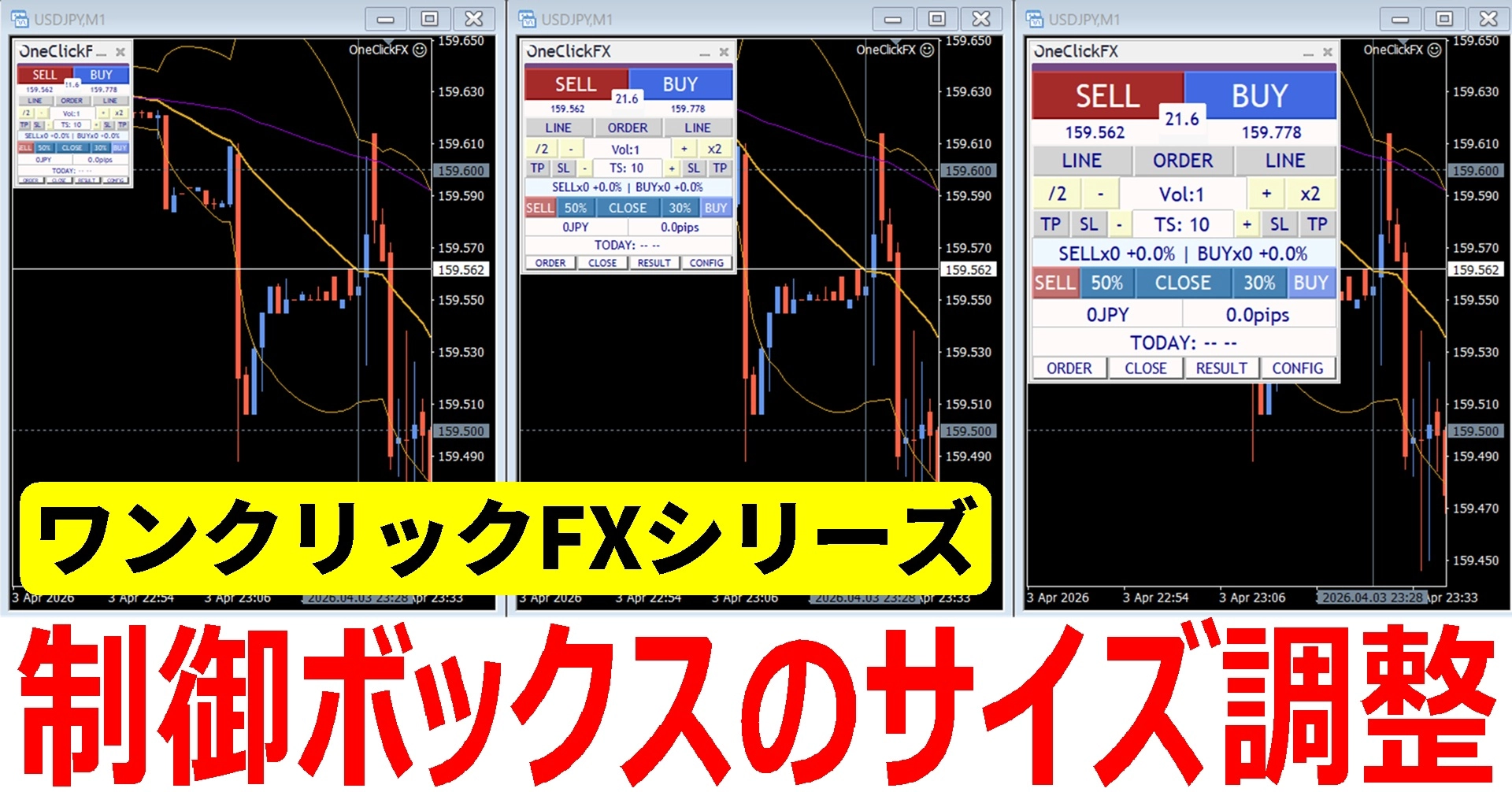
Is the One-Click FX order panel small or large? How to adjust the size
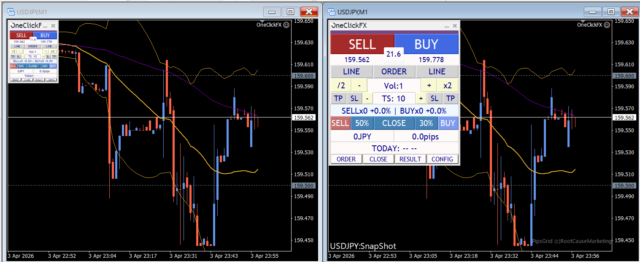
When using One-Click FX on high-resolution monitors or large screen environments,"The order panel is small and hard to operate"you may feel.
This is not a bug,a display scale issue.
Therefore, it can be resolved by adjusting the settings.
How to adjust the order panel size
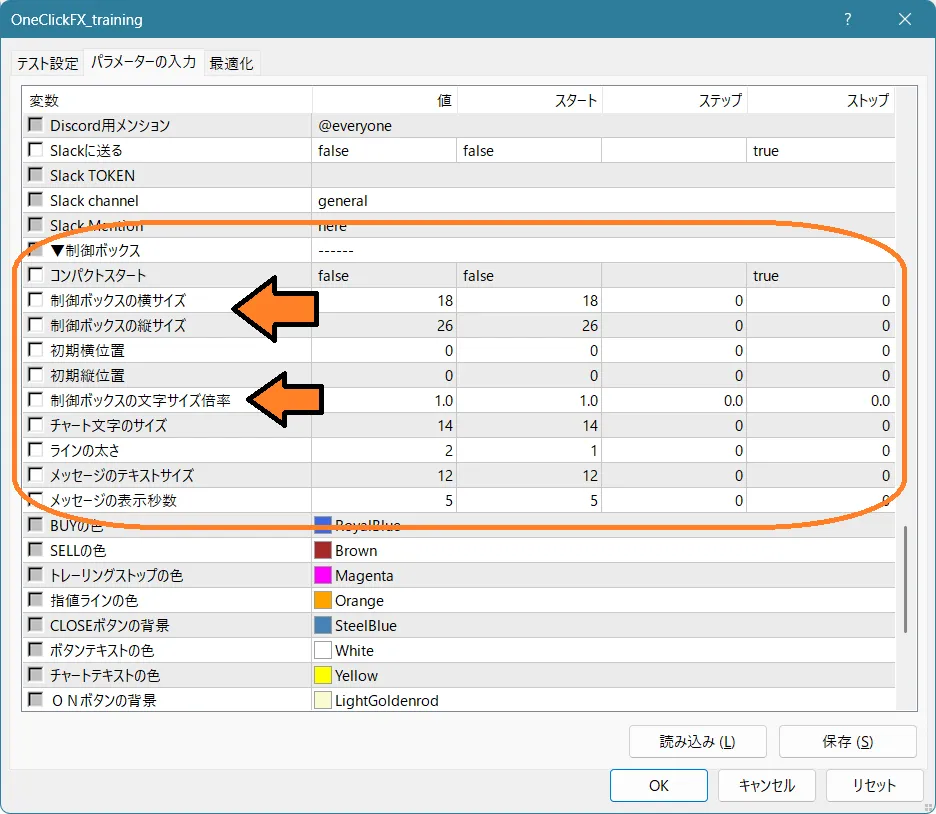
The order panel (control box) of One-Click FX can be resized from the parameters.
Items to adjust
From the parameter “▼ Control Box”
- Control Box width and height→ Increasing the values enlarges the panel
- Control Box font size multiplier→ Adjust the font size
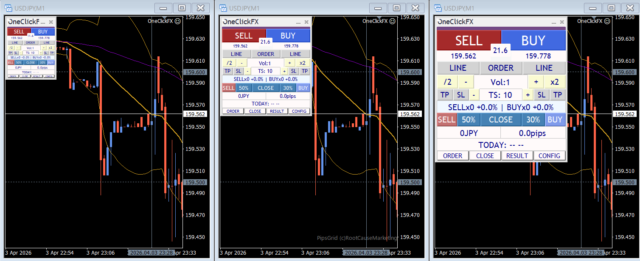
by adjusting these, you can change to your preferred size.
Why does it look small?
In 4K monitors and high-resolution environments, even at the same size,it appears relatively smaller. This is also a characteristic of MT4/MT5, and the same phenomenon occurs with any tool.
The displayed size varies by customer environment, butOne-Click FX seriesis designed as a general-purpose product, so a common size is set as the default.
Please use according to your environment via the parameters.
If the operation feels sluggish
In large screen and multi-chart environments, chart synchronization may respond slowly. This is believed to be due to MT4 not supporting large screens.
If synchronized charts move slowly, please adjust the following.
From the parameter “▼ Speed setting”Response speed (milliseconds)Increasing up to around 100 may improve it.
For an optimal trading environment
- The order panel size can be changed via parameters
- In high-resolution environments, small appearance is normal
- The key is to adjust both size and text
- If synchronization is slow, adjust response speed
This kind of “small” or “hard to see” can directly affect trading stress.By adjusting properly at the start, operability changes quite a bit.The One-Click FX series
One-Click FX seriessupports such fine-grained settings, so you can use it in various environments.
If you have any requests, please feel free to let us know.
Practice and verify freely with the completely risk-free trade simulator!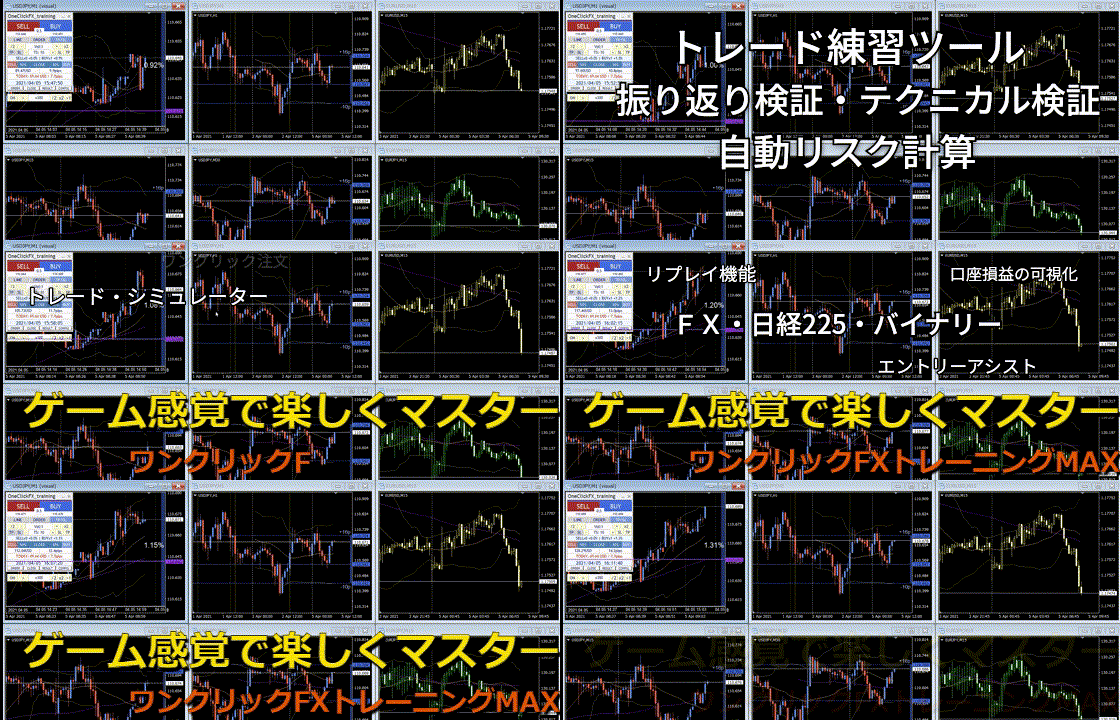
Details page for One-Click FX Training MAX