

Regarding the issue of performance slowing after the MT5 update, Build 5572, 30 Jan 2026
In some environments, after updating MetaTrader 5chart operations and displays become heavy / CPU usage increaseshave been reported.
One-Click FX seriesnot limited to this, indicators and signal tools that run on MT4 may also be affected in similar ways.
From what we confirmed, as of the end of January 2026,Build 5572included an update that fixes chart drawing (text/labels/buttons, etc.).
Since this timing, on the community side there have been discussions suggestingpossible causes related to font rendering (antialiasing, etc.)and reports that weight or appearance changes depending on font type.
Resolved by upgrade (as of 2026-02-06)
After updating to Build 5577 (Feb 5, 2026), in our environment the issue no longer reproduces.
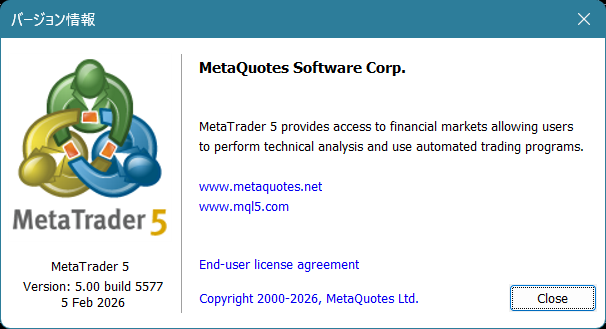
However,the official release notes on metatrader5.com do not yet confirm “5577 fixes”as of now, so the public statement does not confirm an official fix; we will phrase it as “many users saw improvements after updating / we did not reproduce it.”
※ The latest version is Build 5579, Feb 5, 2026.
■ Update procedure
■ Check MT5 build number
On MT5, go to Help → About to check the build number.
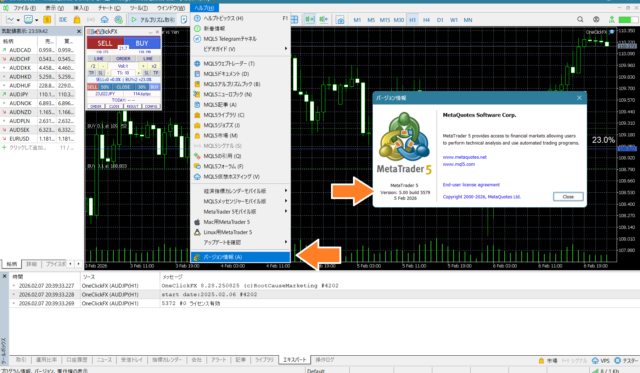
■ Update to the latest build if possible (recommended)
Build 5577 or laterand after updating, the issue has not occurred on our side.
If you are using build 5430, Nov 14, 2026 version,in some environments updates may occur in stages (late January to February 5, corresponding to Build 5572 to 5577),applied via auto-update/restart.

■ Summary
After a major update like this, small bug fixes and adjustments (the so‑called subsequent builds) often follow in a short period due to internal changes.There may be subtle fixes and adjustments around drawing and performance, applied graduallyas in many cases.
Therefore, when using MT5,it is recommended to apply updates in order. In environments using the November 14 version, there can be multiple successive updates in late January to early February.Multiple updates may occur sequentially.
Also,updates from MetaQuotes official MT5 releases may be faster than broker-provided MT5in some cases. While you can adopt latest features and fixes sooner, there is also a possibility of unexpected behavior right after updates as in this case.
For complex tools like One-Click FX, please check operation after updates. If you notice anything, please feel free to inform us.
Practice and verify freely with a completely risk-free trading simulator!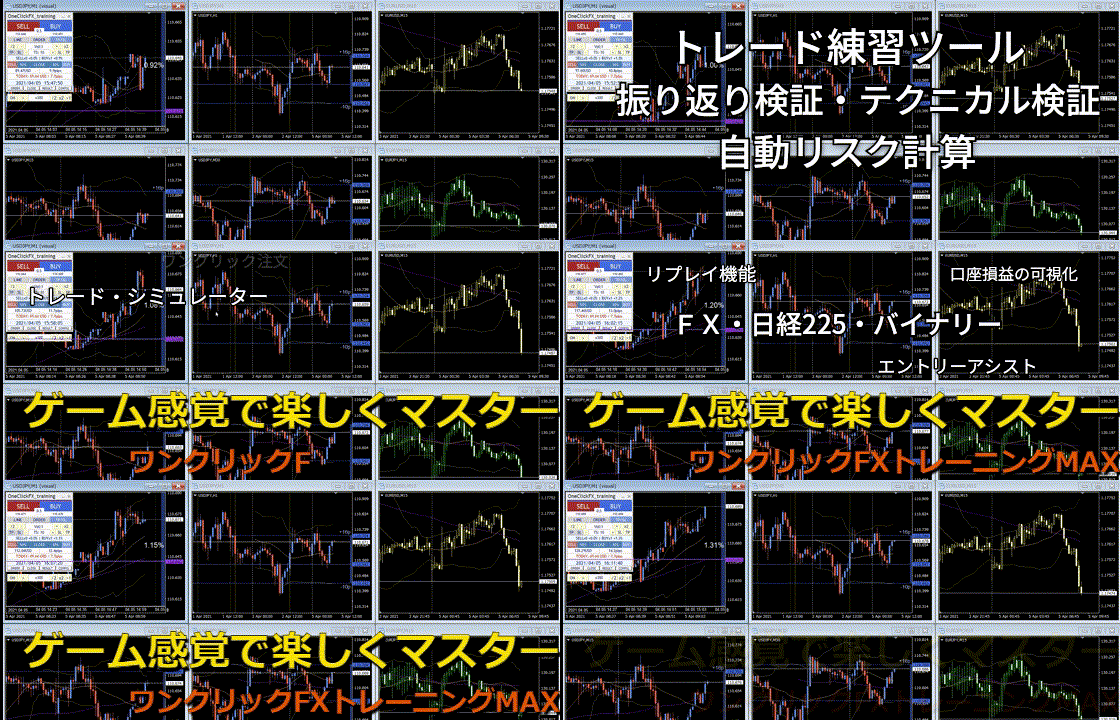
One-Click FX Training MAX details page