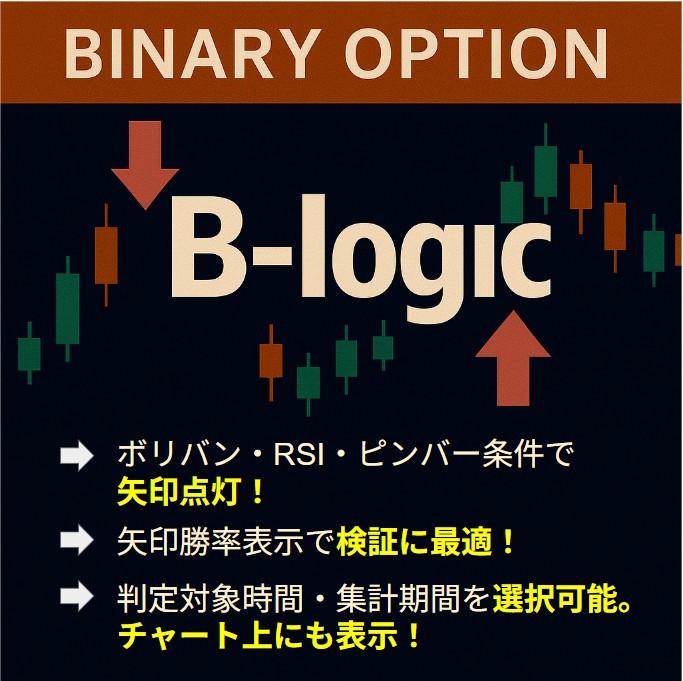
Free version: A tool that displays the win rate of your available signing tool: MT5 indicator for binary options
As of 10/18: A-logic to C-logic have been completed.
A 15-second and 30-second chart generation EA can also be downloaded for trial. Please install it together and earn profits! In the future, we hope to conduct backtesting verification and decide on parameter values that can be profitable in the community.
This time here free version C-logic⇒Click here
Free trial automatic 2-second chart generation EA ⇒Click here
Free trial version Indicator A-logic ⇒Click here
Free trial version Indicator B-logic ⇒Click here
? [C-logic] External signal linkage type Win rate display indicator
✅ Based on external indicator arrows signals, win rate is automatically calculated and visualized
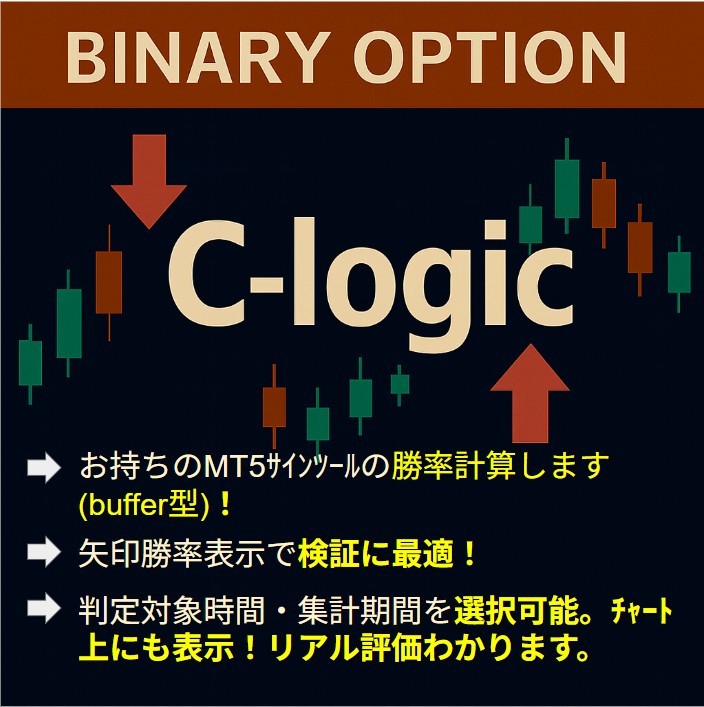
“C-logic” is a tool that links with the arrow-type indicators you are using and displays the win rate of past signals on the chart. It helps improve entry decision accuracy and is also ideal for backing up discretionary trading!
? Main features
Win rate display:Real-time display of total counts, wins, losses, and win rate with a circle/cross verdict
Time zone specification:Judgments can be made only for a specified time zone (e.g., 9:00–20:00)
Recent period specification:Choose from 24 hours / 72 hours / 1 week / 1 month / all periods
Alert function:Audio notification when conditions are met (customizable)
Chart display:Arrows and verdicts drawn on the chart
? How to use
Set external indicator name (no extension needed)
Specify buffer numbers for up/down arrows
Select the time zone and period you want to judge
Check accuracy with the win rate and 〇✕ displayed on the chart!
Those who want backing for discretionary decisions
Those who want to verify signal tool accuracy
Those who want to analyze trends by time zone
Those who want to link with custom indicators
【Actual chart image】
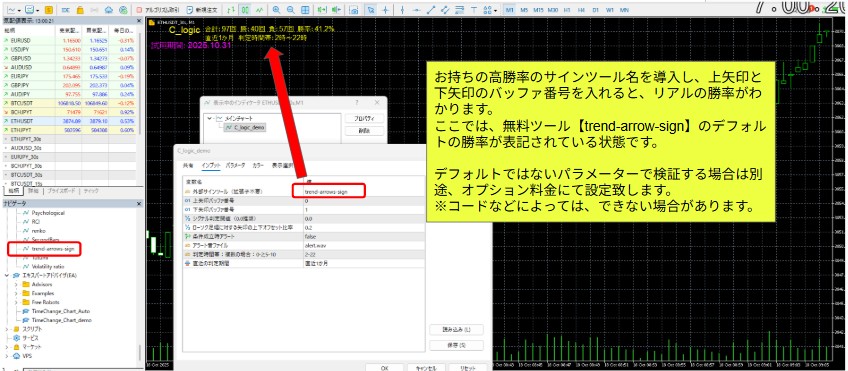
Even if the 30-second chart is forming, the time zone and period used to aggregate signals are displayed on the chart.Available for free download.
① For time zones, you can split judgments by setting, for example, 2-10;14-22 hours to split the judgment.
② By default, it uses Japan Time from 8:00 to 5:00 the next morning for Turbo judgments.
Below is an example of introducing C-logic to an easily formed 30-second chart created by the free download EA, introducing the freely downloadable sign indicator “trend-arrows-sign.”