
「PCチャートをスクリーンショットで保存!」【Chart Save Try】

Product outline
Community(0)
「PCチャートをスクリーンショットで保存!」【Chart Save Try】 Indicators/E-books
「PCチャートをスクリーンショットで保存!」【Chart Save Try】
情報量の多いPCチャートを保存してLINEで使おう!
Sales Result:
26本
Reviews:
Category:
How to provide:
Indicator
Sales from:
09/03/2022
Last Updated:
09/03/2022
Version:
v1.0
Web Authentication:
Enable
Available company:

Japan

フォロー 0 フォロワー 7
Sellerzennfx
Seller's last login time:12/25/2025 07:15:55
Read more seller information

【ご購入の前に】【MT4用インジケーター】

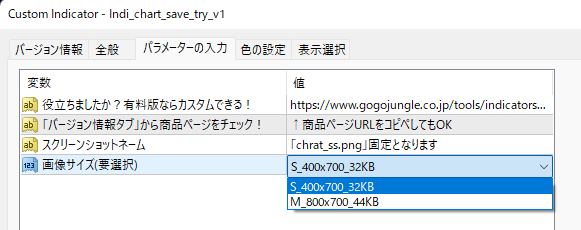
パラメータ設定に制限をかけた無料版となります。

「お客様の環境でご利用可能なのか?」

まずは無料版でお試し下さい。

ご納得して頂きましたら 有料版ChartSave のご購入でご支援のお気持ちを頂ければ幸いです。

無料版に同封されている購入パスワードをご利用ください。


【想定している使い方】

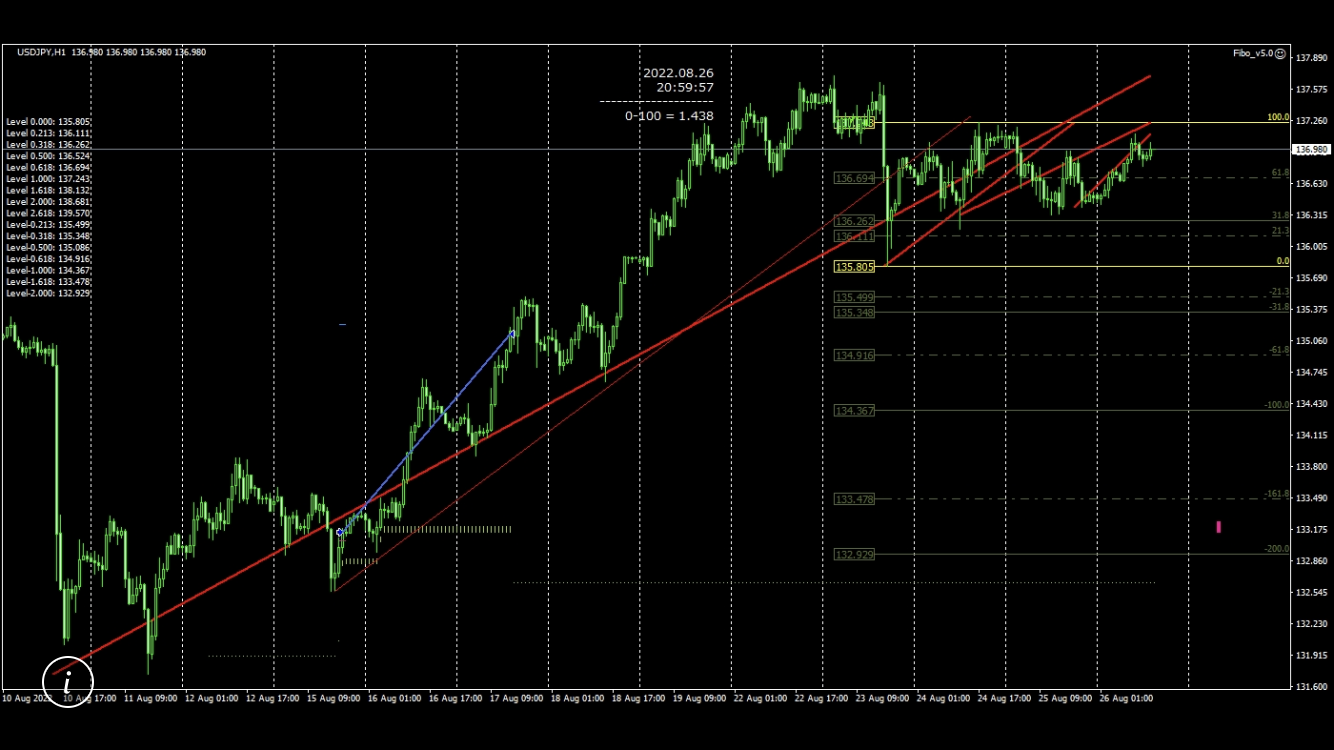
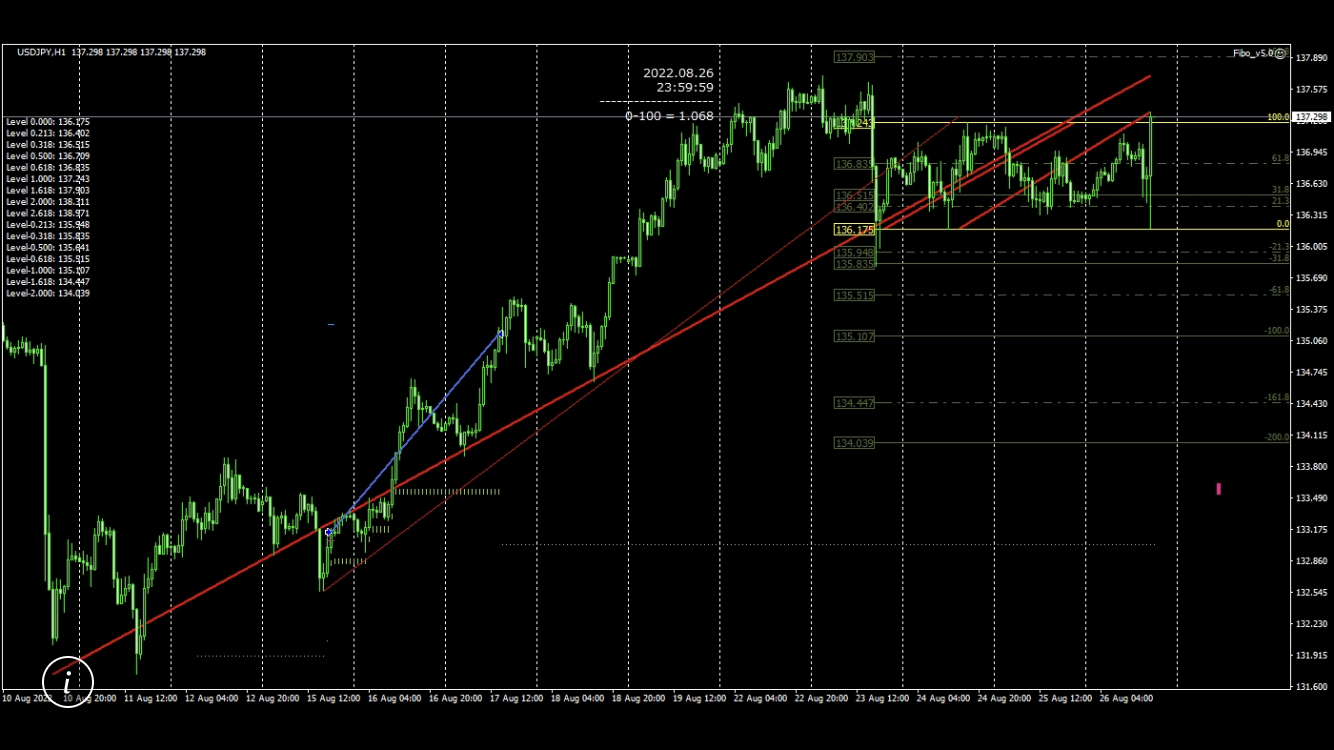
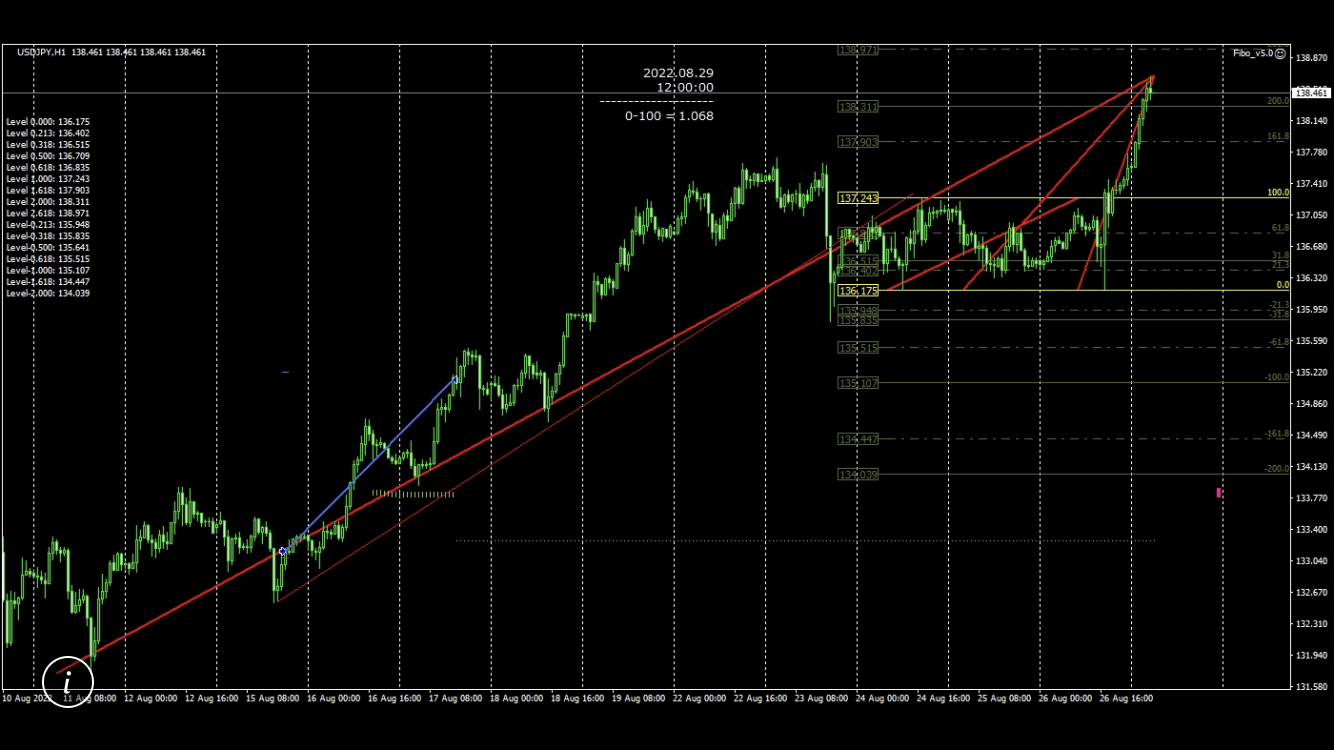
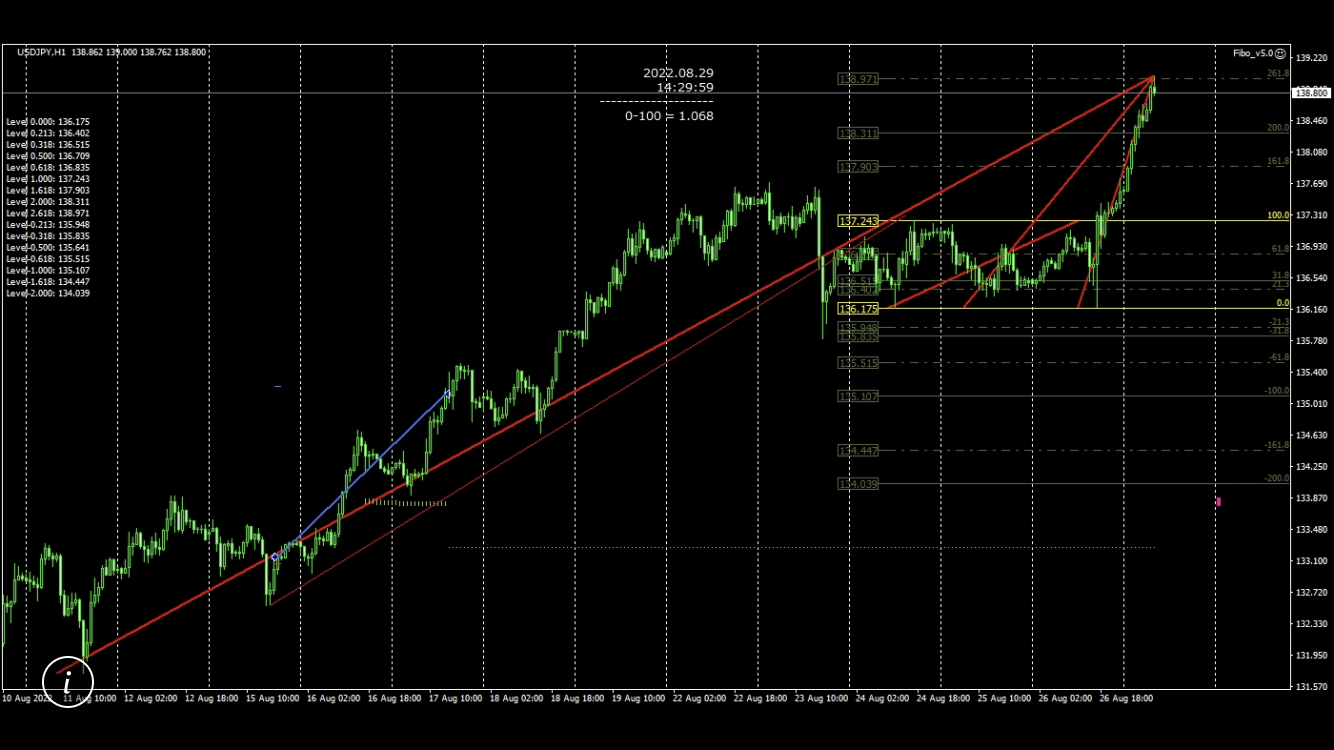
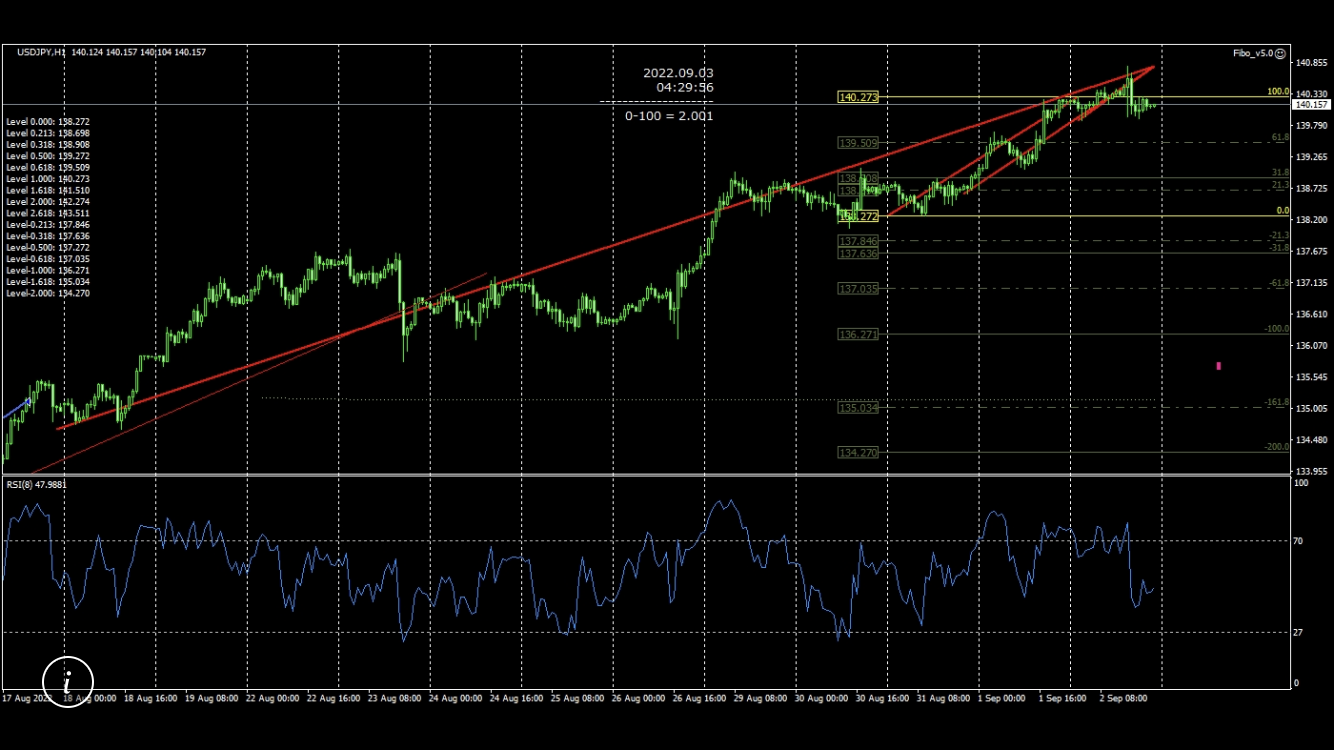
1.インジケーターである[ Chart Save ]でPCチャートのスクリーンショットを保存する。

2.売買は行わないEAである[ Chart Send To LINE ]でLINEにPCチャート画像を送信する。

3.スマホなどでLINEを確認して[裁量トレードを行う][EAの売買状況を確認する]などPCチャートならではの情報量を使ってトレード生活をお楽しみ下さい。


【手順】

1.保存送信したいチャートへ[indi_ChartSave]をセットすると1分毎にチャートを保存/更新し始めます。

2.適当な新規チャートへ[EA_ChartSend]をセットすると指定された時間に画像をLINEへ送信します。


【注意】

ChartSaveは MT4データフォルダ→MQL4→Files にスクリーンショットを保存/更新するだけのインジケーターです。

ChartSend To LINEは MT4データフォルダ→MQL4→Files に保存されている画像を送信するだけのEAです。
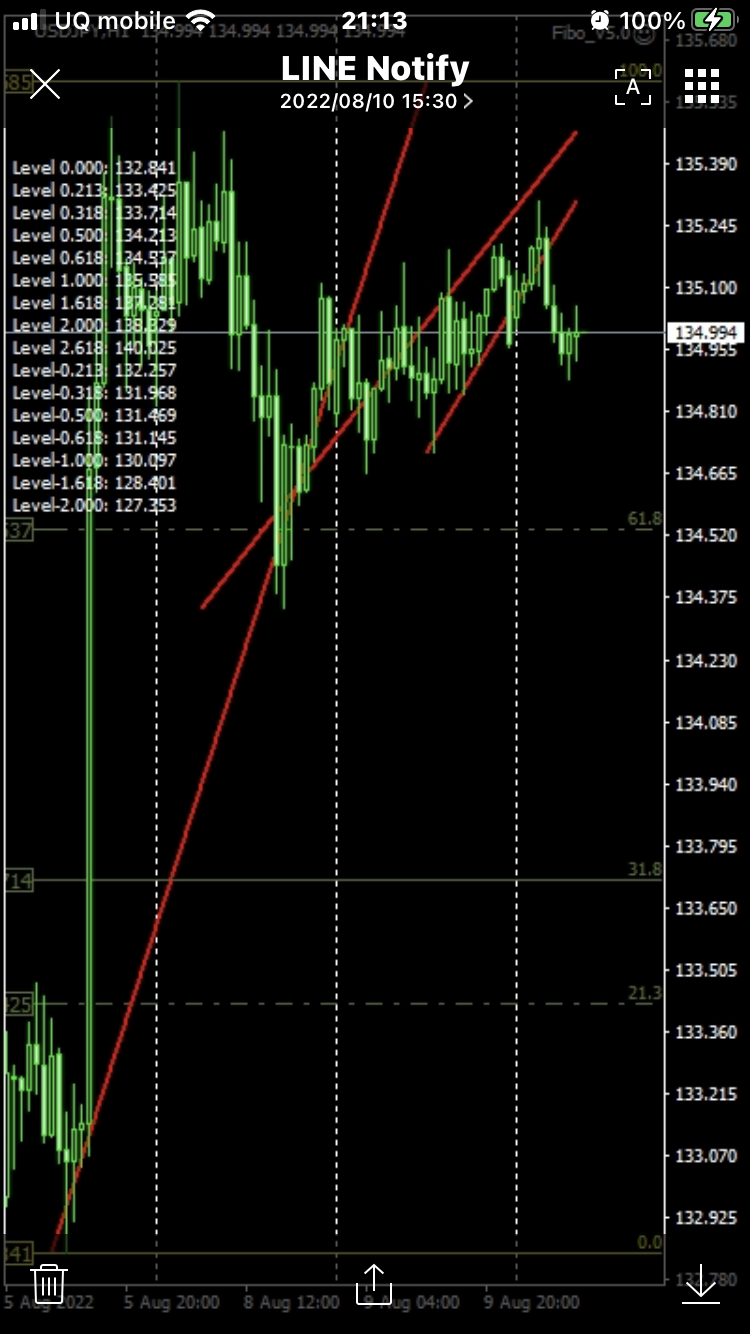


【使用例】
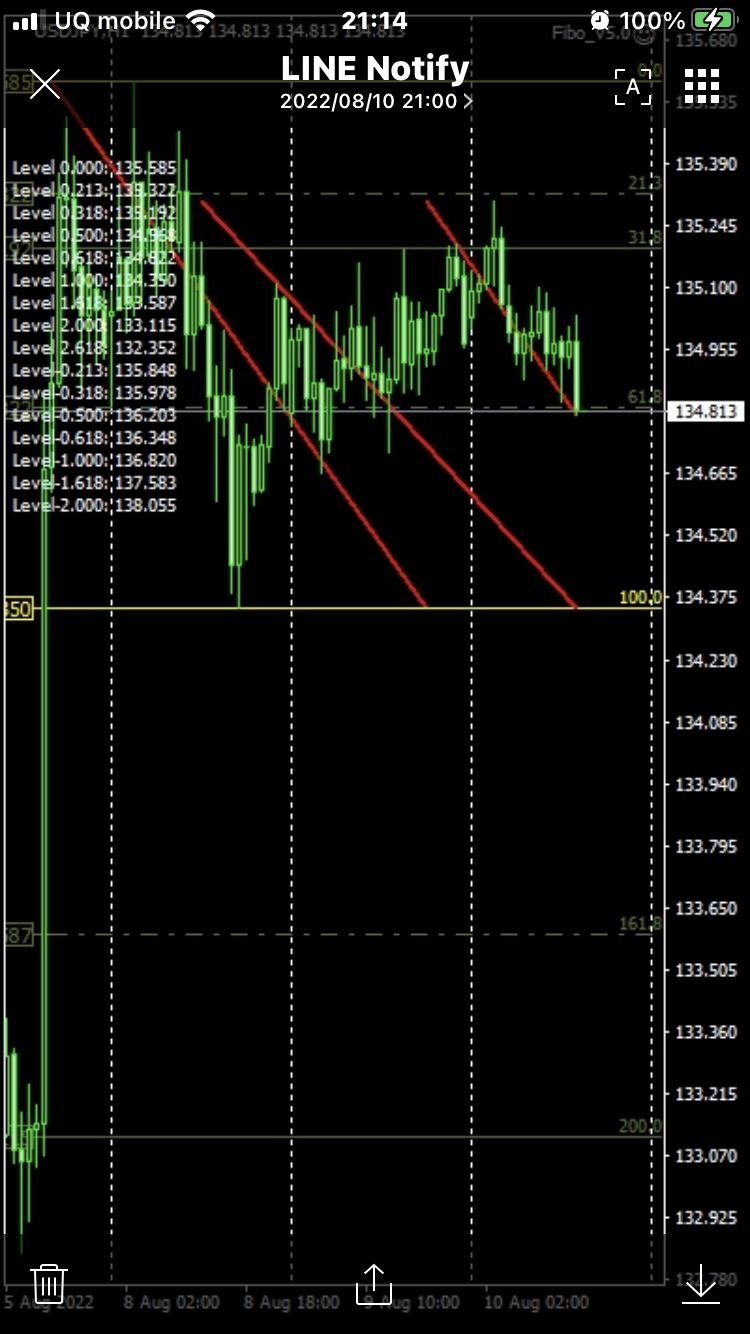
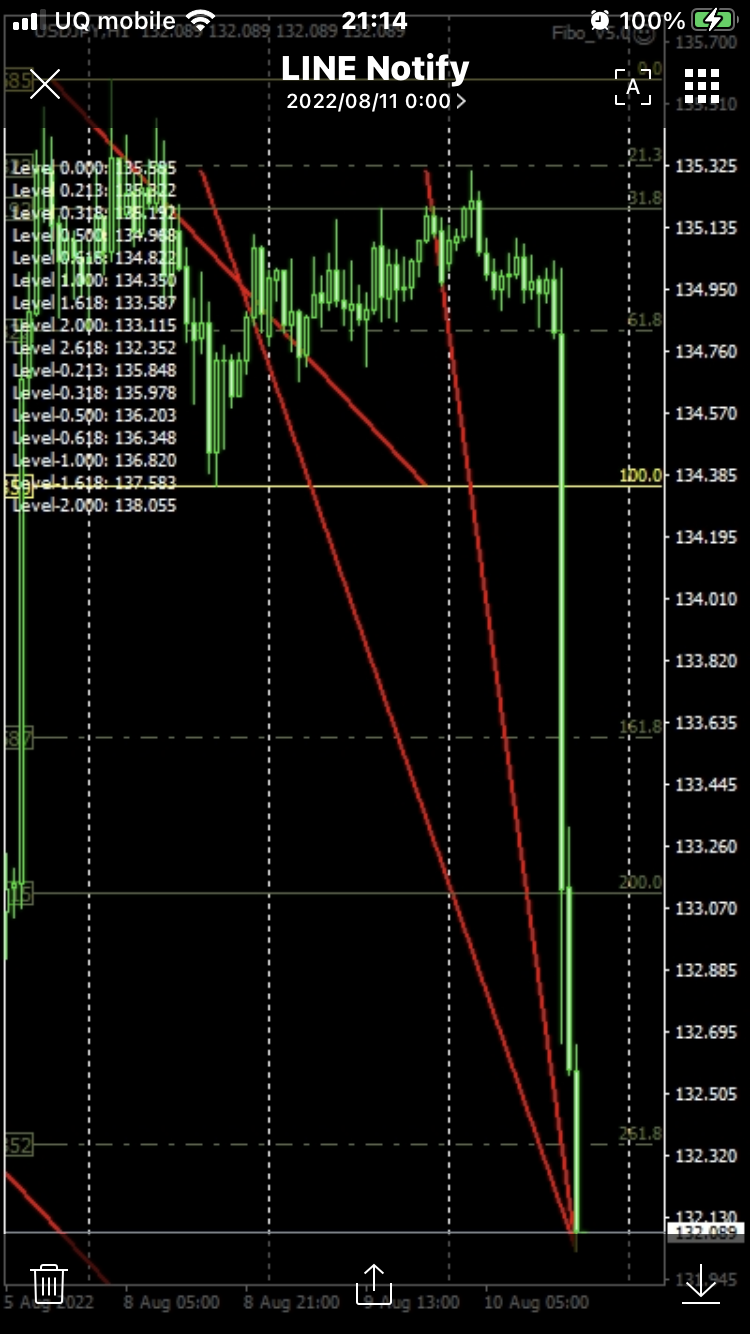
400×700画像 データ量=約32KB


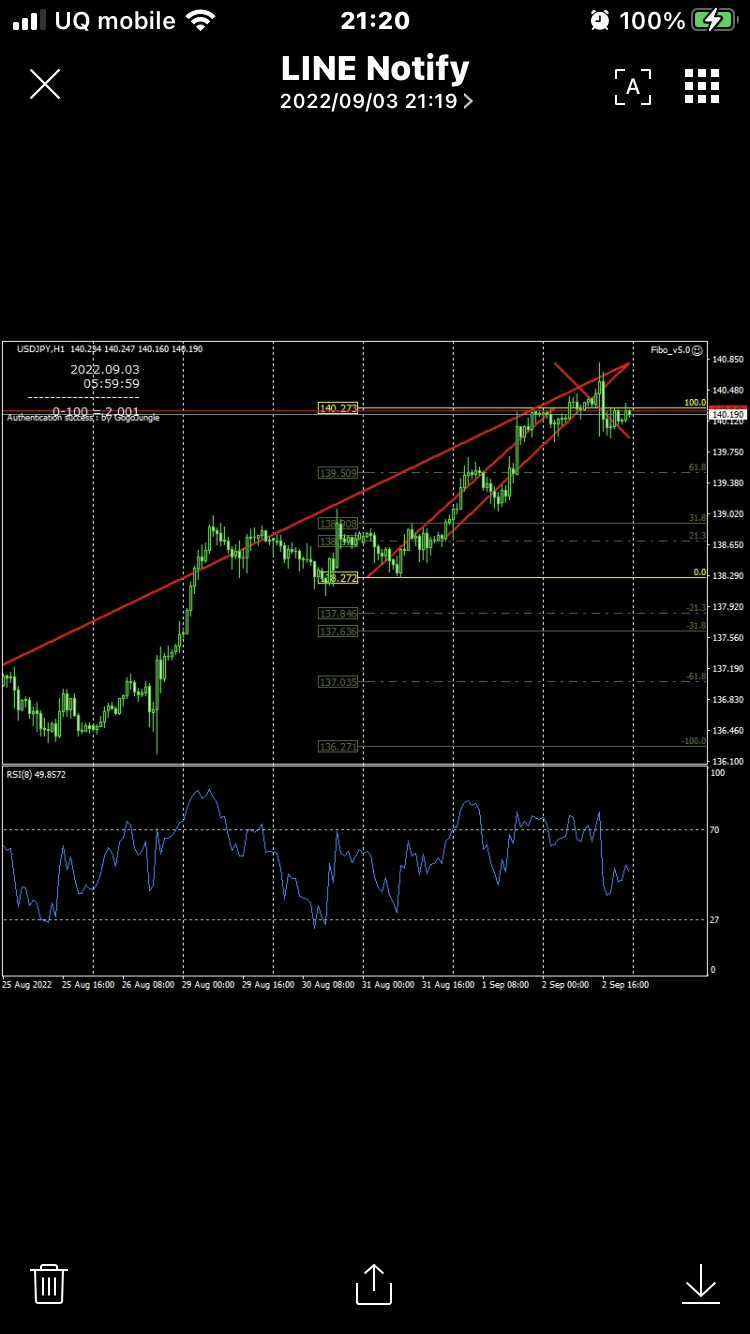
800×700画像 データ量=約44KB
*サブウィンドウもしっかり確認できます。


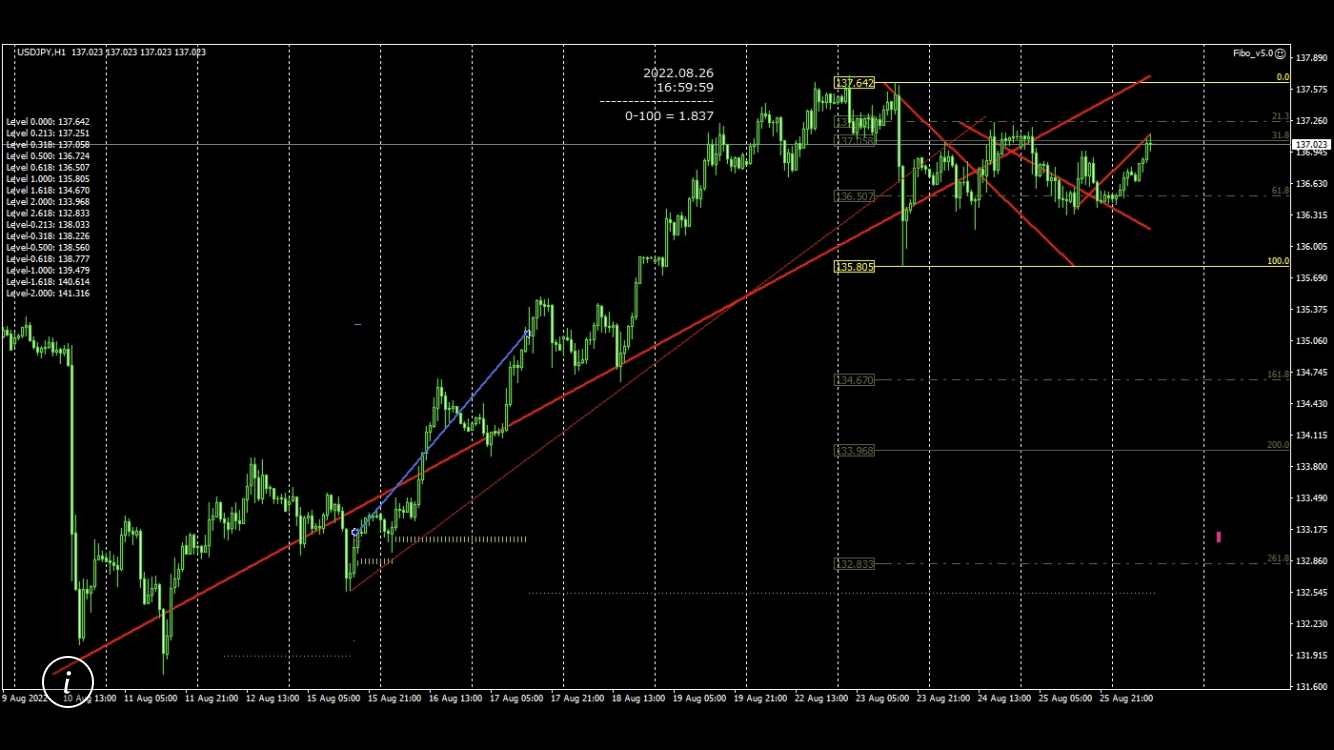
1400×700画像 データ量=約62KB
PC画面ほぼ全てをスクショした場合


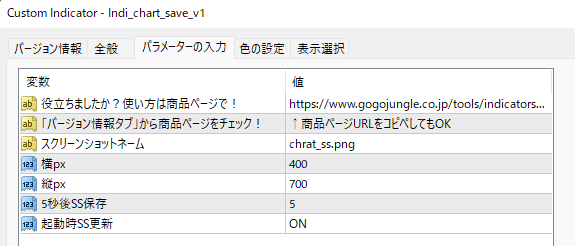
【有料版パラメータ】


【無料版パラメータ】


Free
Product outline
Community(0)
Best Seller Ranking
Recommended Products (Campaigns)

For those using GogoJungle for the first timeEasy 3 steps to use the product!

At GogoJungle, we provide services to enrich your investment life for our members. In addition, product purchases are limited to members. Why not register as a member now and make use of GogoJungle!

01
Enter user information and register as a member
02
Follow the instructions to make a purchase
03
Download from My Page
■ Important Matters and Risk Warnings Regarding Investment Products 【Financial Instruments Business Operator】
GogoJungle Inc.
Registration: Director-General of the Kanto Local Finance Bureau (Financial Instruments Business) No. 1960
【Member Association】
Japan Investment Advisers Association
【Fees and Expenses】
The use of software, e-books, investment advisory services, etc., provided on our platform involves purchase prices determined for each product.
Additionally, when conducting actual financial instrument transactions (such as FX or CFD trading), costs such as transaction fees and spreads (the difference between the sell and buy price) may be incurred through the connected brokerage firms.
【Margin and Risk of Loss】
Transactions such as FX (Foreign Exchange Margin Trading) and CFD (Contract for Difference) allow for trading in amounts exceeding the deposited margin.
Therefore, due to sudden fluctuations in target indices (currency, commodity prices, etc.), there is a risk of incurring losses that exceed the deposited margin (loss exceeding principal).
Furthermore, financial instrument transactions involve risks such as price fluctuations, which may result in losses falling below or exceeding the initial investment principal.
【Nature of Services and Trading Entity】
The Company operates a platform (marketplace) providing investment software and information; we do not engage in the buying, selling, mediation, brokerage, or agency of financial instruments on behalf of customers.
The services and information provided are intended as reference for investment decisions and do not guarantee future profits or specific results.
While some services include investment advice, they do not constitute a mandate or solicitation to trade specific financial instruments.
Final investment decisions and the execution of trades must be made at the customer’s own risk and discretion.