

Translate the following HTML to English, keep the HTML format, do not use Markdown code blocks or break lines, and decode any standard HTML entities before translating: ファンダメンタルズで気をつけるのはこの2つ
Dollar-Yen: Key Foot Logic – This Week's FT5 Verification Results
This week volatility was low
and finished with a small loss.
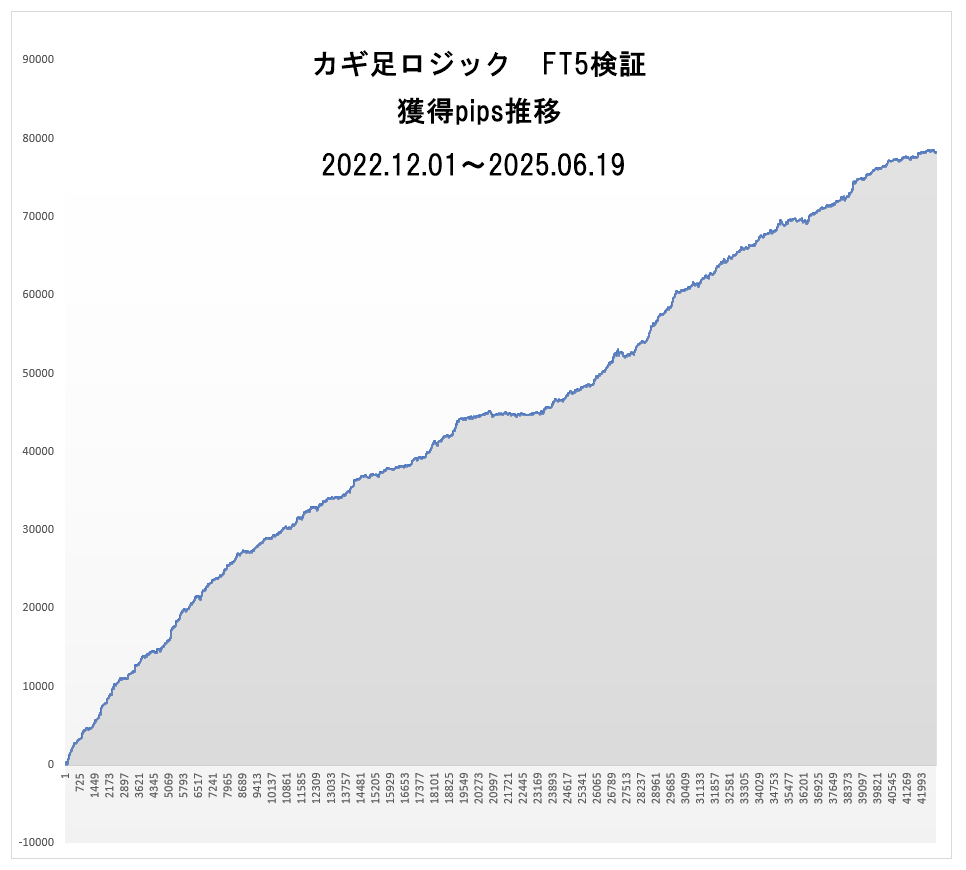
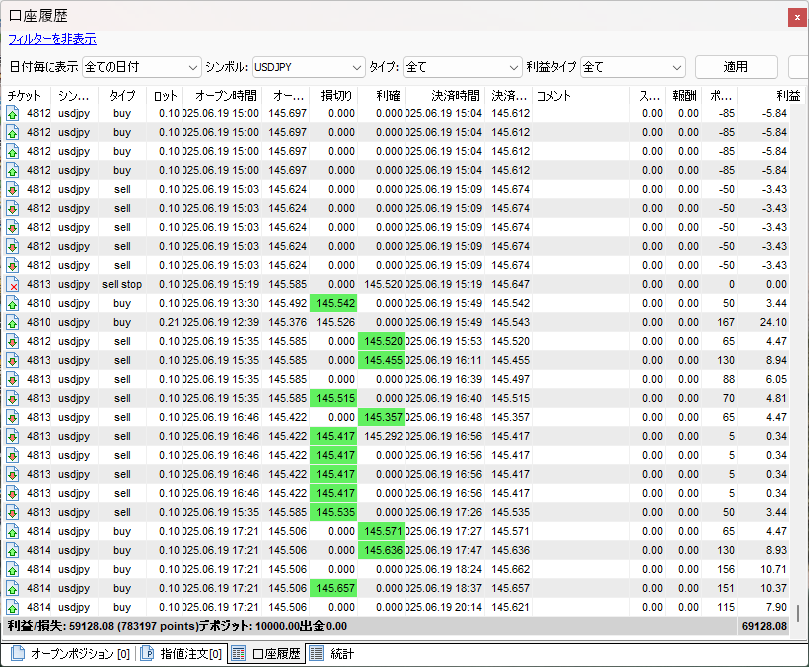
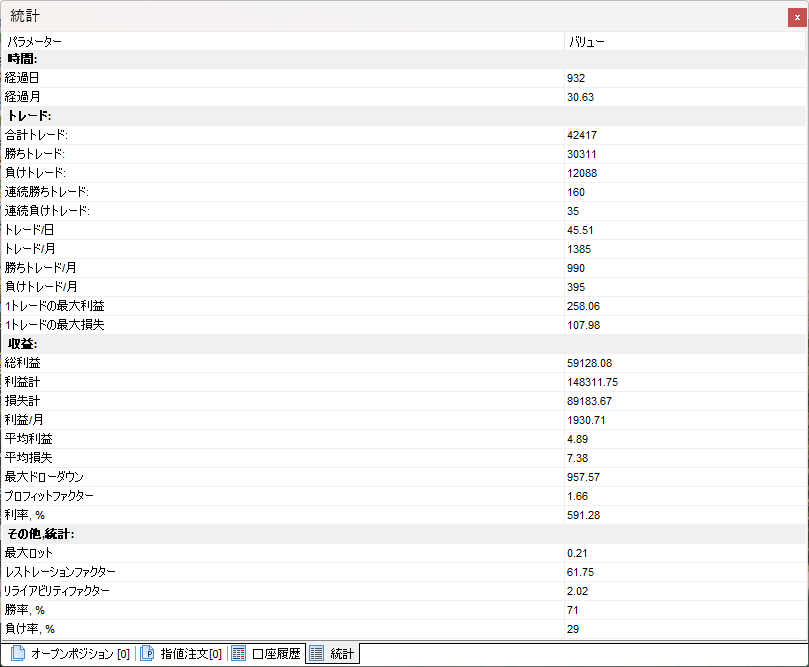
June 13 (Friday)
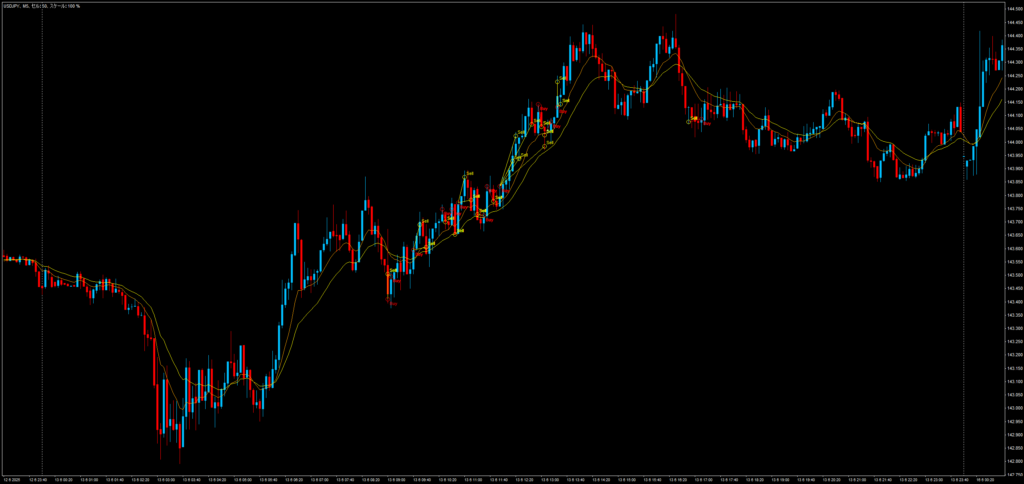
June 16 (Monday)
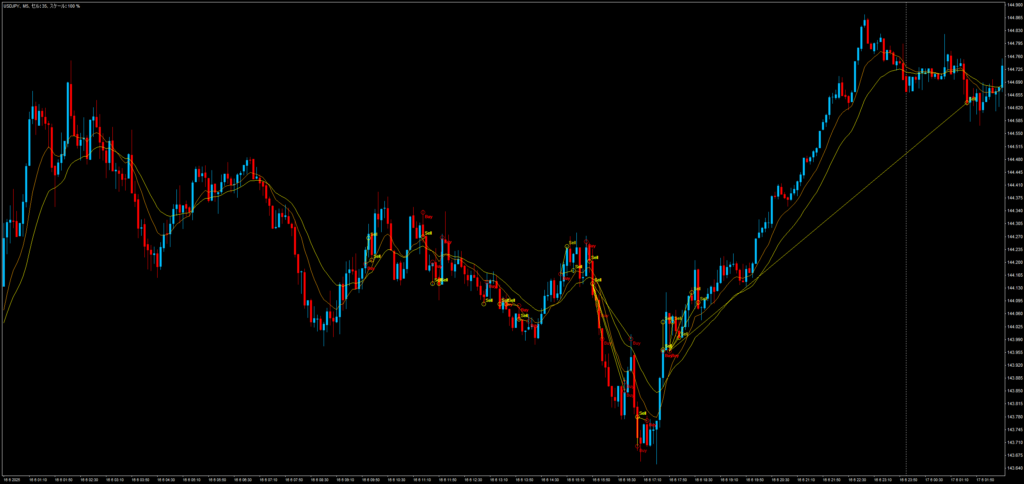
June 17 (Tuesday)
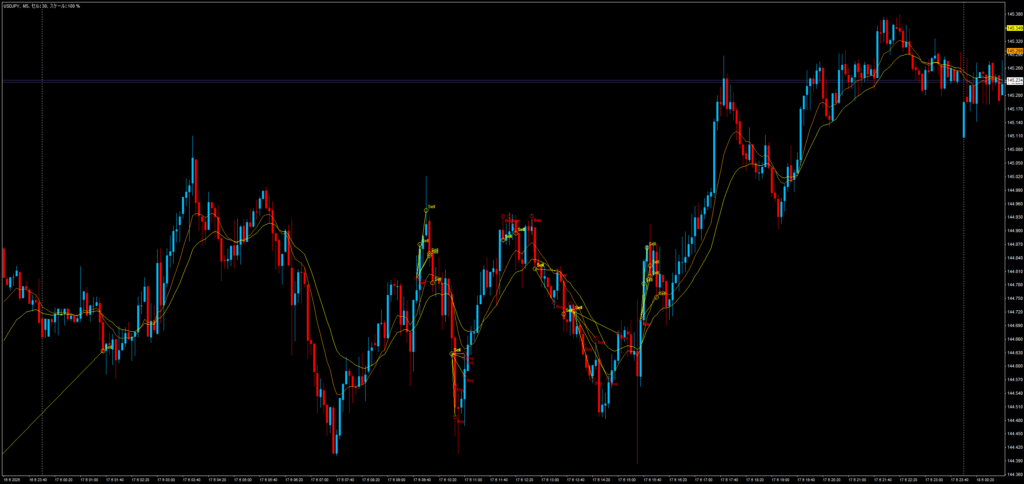
June 18 (Wednesday)
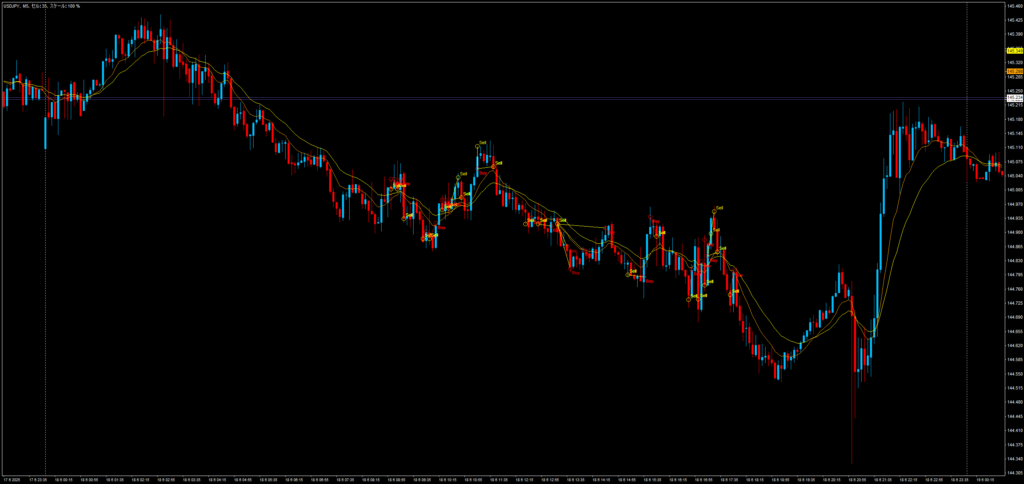
June 19 (Thursday)
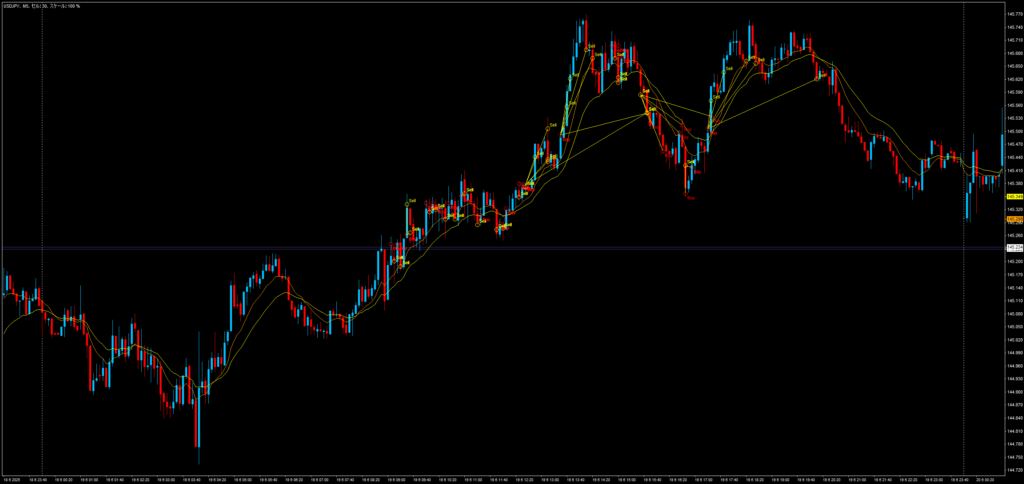
Why This Week's Key Foot Logic Ended with a Small Loss
Key Foot Logic is a trend-following strategy that uses a 5-minute chart.
Therefore, it struggles in markets with low volatility.
This week's market conditions included
major indicators, remarks from prominent figures, and a holiday.
June 17 (Tuesday) Bank of Japan Policy Rate/Statement Release; press conference by BOJ Governor Ueda
June 19 (Thursday) 3:00 FOMC Policy Rate/Statement Release
June 19 (Thursday) U.S. holiday: markets closed for Juneteenth
When major indicators or remarks surprise the market
volatility can suddenly rise sharply, but
if the market moves as expected, there isn't much movement.
Moreover, just before major events
people tend to sit on the sidelines, so
price action becomes smaller.
Also, volatility is reduced on European and US holidays.
Japanese holidays can affect Tokyo time somewhat, but
after European time, it hardly matters, so
we do not pay particular attention.
Just as with Easter or Christmas,
holidays that are easy to anticipate are not forgotten, but
I do not remember holidays like this week's Juneteenth, so I check with Sheepdog O's blog
for guidance.
Major indicators are easy to view on Minakabu, so I use that, but
for holidays and remarks from prominent figures, Sheepdog O's blog is more detailed.
I always monitor these sources
to understand the overall market picture
and conduct daily trades accordingly.
Weekly Review Using Simple Entry Strategy Tester
As explained in this week's video,
for weekly reviews,
the backtest using the Simple Entry Strategy Tester is very helpful.
In daily trading, it’s easy to only consider positions before and after you hold them.
The market moves in broader waves, so
how did the week move overall,
how did the ranging baseline evolve,
let's reflect on these things.
By doing so,
before major indicators or remarks,
volatility tends to be low, so
it’s better to refrain from trading,
and that becomes apparent.
By repeatedly comparing
your trades with market conditions
you can brush up your own trading rules.
You cannot move the market, but
you can change your own actions in any way.
Let’s accumulate experience one by one.
Progress of Simple Logic FX
With System B completed,
we are finally entering serious verification.
To improve backtest accuracy as much as possible,
we plan to import Tick Data Suite data into MT5
for use.
Since brokers started offering MT5,
they provide historical data for that broker, but
before that, data comes from MetaQuotes, which
reduces accuracy to some extent.
(TradevOOO adopted MT5 in February 2019, so they have relatively long internal data)
Backtesting has a large impact when historical data is complete,
so I want to proceed cautiously here.
Yesterday, we upgraded Simple Entry and Simple Limit.
A user reported that logs appear per tick when using SL compound in trials,
so we added a log on/off parameter and set the default to off (thanks to Y for reporting).
Although logs were shown in demo accounts,
tick-by-tick logs were too many, so
we made the on/off setting controllable.
Additionally, changes to alert labels when generating break lines,
and added determinations at the finalized bar to reduce load on Simple Entry trend ranking.
Details are below.
――――――――――――――――――――――――――――――――
2025.06.20
Version upgrade for Simple Entry (v1.59) and Simple Limit (v1.50)
● Added on/off switch for log output (default OFF)
To stop tick-by-tick logs when using SL compound (standard) or SL compound (modified) on a demo account
● Changed alert generation specifications when generating break lines
The key foot logic used mainly by Simple Limit is to place a stop order at the break line, so the current [UP][DOWN] direction felt inverted, thus revised
Red break line generation: [UP] ⇒ Red break line generation: [DOWN]
Blue break line generation: [DOWN] ⇒ Blue break line generation: [UP]
● Alerts during break line generation will display as “Breakline”
There were voices that the meaning of alerts was unclear when they only showed [UP][DOWN], so corrected
SimpleEntry[UP] M5 ⇒ SimpleEntry Breakline[UP] M5
SimpleEntry[DOWN] M5 ⇒ SimpleEntry Breakline[DOWN] M5
● Adjusted the timing for Simple Entry trend ranking determination to allow selection of the latest bar or latest finalized bar
Choose latest bar or finalized bar from a dropdown (default is finalized bar)
――――――――――――――――――――――――――――――――
Yesterday, we uploaded to the members site,
so please take a moment to replace it and use it.
Simple Logic FX and Gold Version to Price Upgrade on July 1
Since its release, we have offered at a fixed price for about two and a half years,
but with numerous upgrades,
the functionality has greatly increased.
We consider most feature additions complete, so
from July 1, Simple Logic FX will be priced higher.
The Gold version will be priced higher as well.
Simple Logic FX Gold Version (for Simple Logic FX purchasers only)