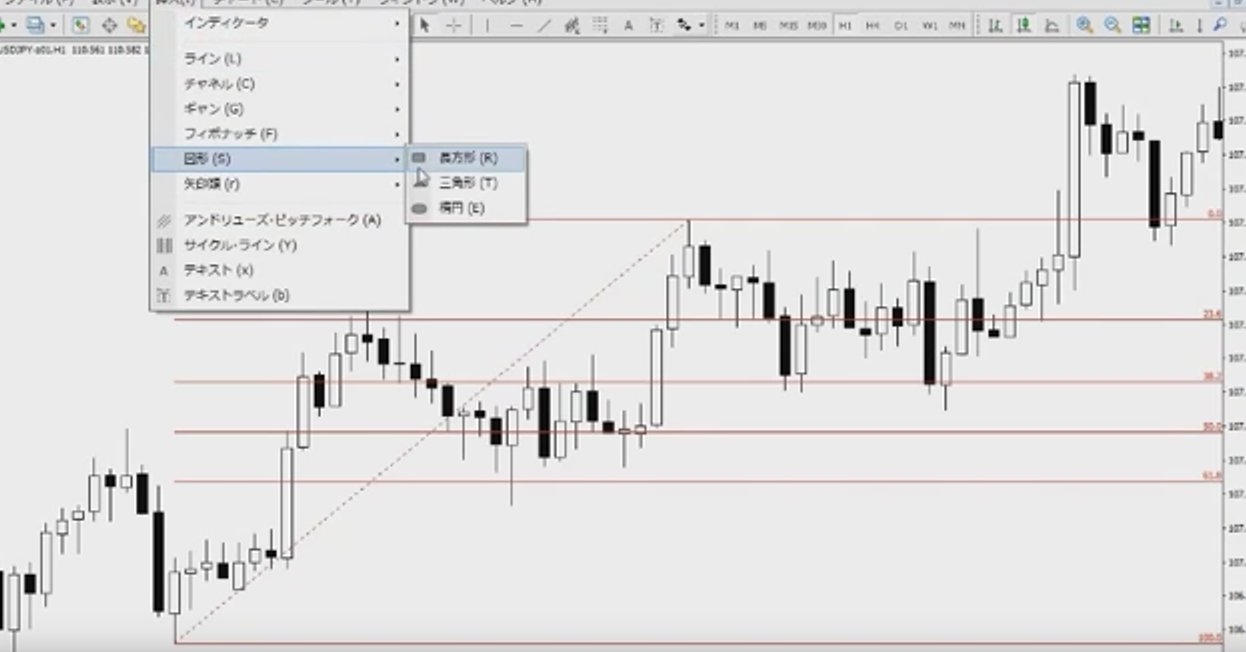

【Video】Discretionary Trading on MT4! Complete guide to operations such as market orders, OCO, IFO, etc.
When you think of MT4, most people probably associate it with a tool for automated trading. Indeed, if you embed an EA into MT4, various automated trading strategies can be carried out with ease.
However, manual trading using MT4, that is, discretionary trading, is also quite comfortable. Compared to tools offered by domestic FX companies, there is a slight roughness, but it’s a level that can be overcome with some familiarity.
In this video, Ka-nai from the FX攻略.com editorial team explains, using MT4, how to perform discretionary trading step by step.
What you can learn from this video
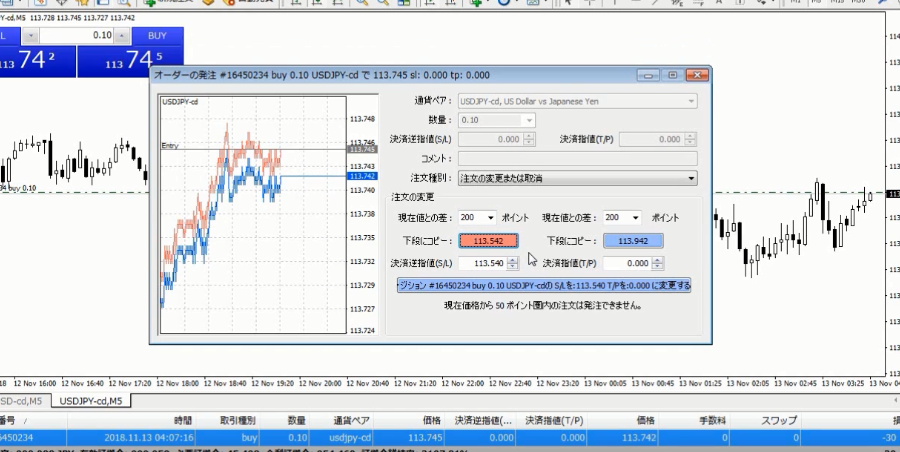
In this video, you can learn the following.
- Two benefits of discretionary trading with MT4
- How to place market orders
- How to close a position
- One-click trading
- How to place an OCO order
- How to modify the order price from the screen
- How to place an IFO order
- Check of limit orders and stop orders
- Saving trading quantity settings
- Placing an order at a specified price difference
●Video: 17 minutes 2 seconds
A word from the presenter, Ka-nai

I’m fully trading with MT4 now. At first, I thought it was hard to use, but once you get used to it, there’s absolutely no problem. It’s great that the held positions and the prices of orders you’ve placed appear on the chart. Since adjusting the order price is as shown, break-even (moving the stop-loss price near the entry price to confirm that the trade won’t lose) is extremely easy to do.
How to view FX method videos
The section that can be viewed by those who purchased the article (at the bottom of this article) embeds FX method videos. Click the play button to start the video.
⇒Learn from 250 yen! Other [Famous Trader FX Method Videos] here