Key Scroller【KeyScroller】 Support Page
Thank you for using this product.
※ If you do not have the product, click here
https://www.gogojungle.co.jp/tools/indicators/55928
If you have already purchased the One-Click FX series, you can download it from the community.
https://www.gogojungle.co.jp/mypage/community/227
Product Content
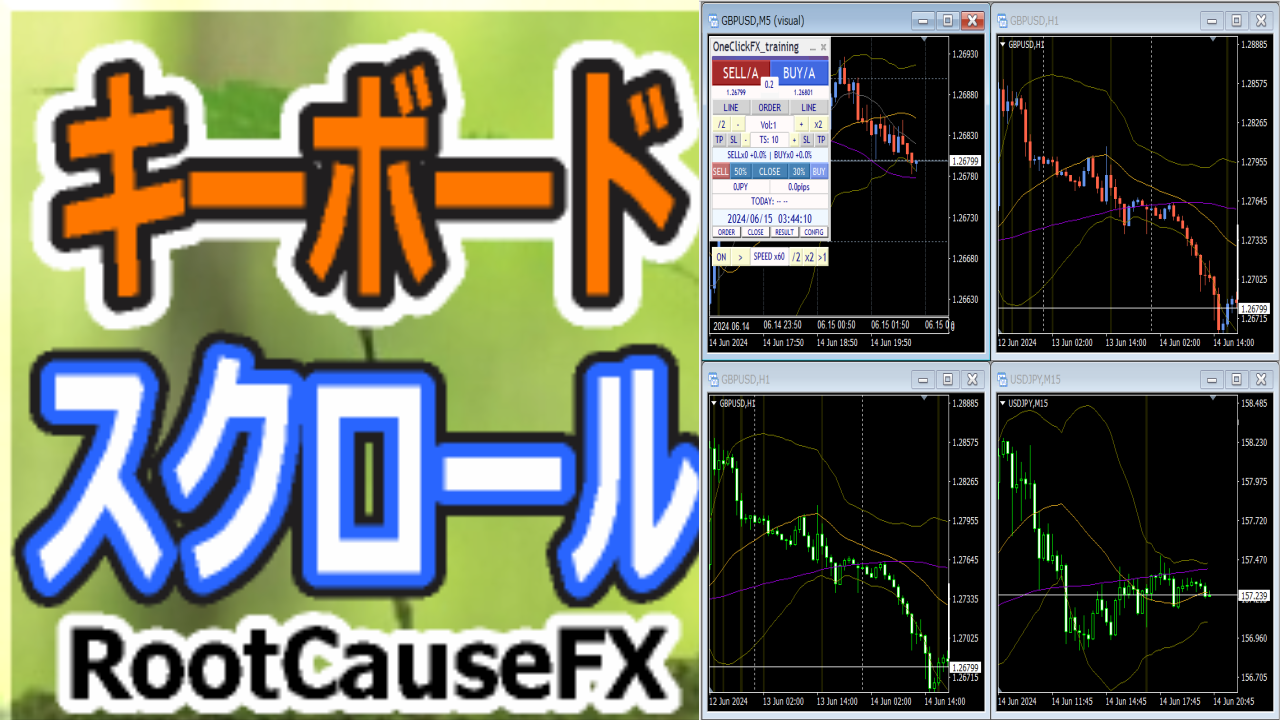
KeyScroller is a keyboard-control-only tool compatible with MT4 and MT5. It enables fine and fast chart操作 that used to be difficult with traditional mouse操作.
Additionally,One-Click FX Trainingand ChartSyncs integration enable more advanced chart操作.
Chart Scroll Function
・Move forward/backward by 1 candle
・Move forward/backward by 10 candles
・Chart zoom in/out
Integration with One-Click FX Training
・Toggle play/pause
・Scroll forward/backward
・Advance by 1 tick
・Advance by 1 candle
Integration with ChartSyncs
・Synchronize multiple charts and scroll. Please download the latest version.
How to Install
1) In MT4, choose “Open Data Folder” from File.
2) Copy everything in this product’s MQL4/MQL5 folder into the MQL4/MQL5 folder.
3) Restart MT4/MT5 and open any chart.
4) Double-click (or drag & drop) the indicator “KeyScroller”.
5) The settings screen will appear, so please configure the parameters.
6) Synchronization will occur on the installed charts.
Parameter Settings
| Item | Description |
|---|---|
| Keyboard assignment??? ※ The key numbers are here,ASCII character code | |
| Move back 1 bar | Assign a key. Default is “A” |
| Move forward 1 bar | Assign a key. Default is “D” |
| Move forward 10 bars | Assign a key. Default is “W”; movement size is approximate. |
| Move back 10 bars | Assign a key. Default is “S”; movement size is approximate. |
| Zoom in | Assign a key. Default is “Q” |
| Zoom out | Assign a key. Default is “E” |
| Play / Pause | Assign a key. Default is “R” |
| Speed control ON/OFF | Assign a key. Default is “T” |
| Move forward 1 tick | Assign a key. Default is “G” |
| Move forward 1 bar | Assign a key. Default is “F” |
Function Details
When a chart is loaded, pressing A moves back 1 candle, D moves forward 1 candle, W moves back slightly, and S moves forward slightly. C and V zoom the chart.
One-Click FX TrainingWhen loaded into a training chart, pressing ADSW will pause, and then the assigned scroll will operate.
R toggles play/pause, T turns speed control ON/OFF, and F advances to the next candle; G advances by 1 tick.
Each key uses its default value, and you can change them in parameters.
Note that in the tester, operation is limited to the chart where One-Click FX Training is running; it will not work with other tools.One-Click FX Trainingwill be included.
If You Have Trouble
If it does not operate normally, behaves oddly, or stops immediately, please first refer to this location.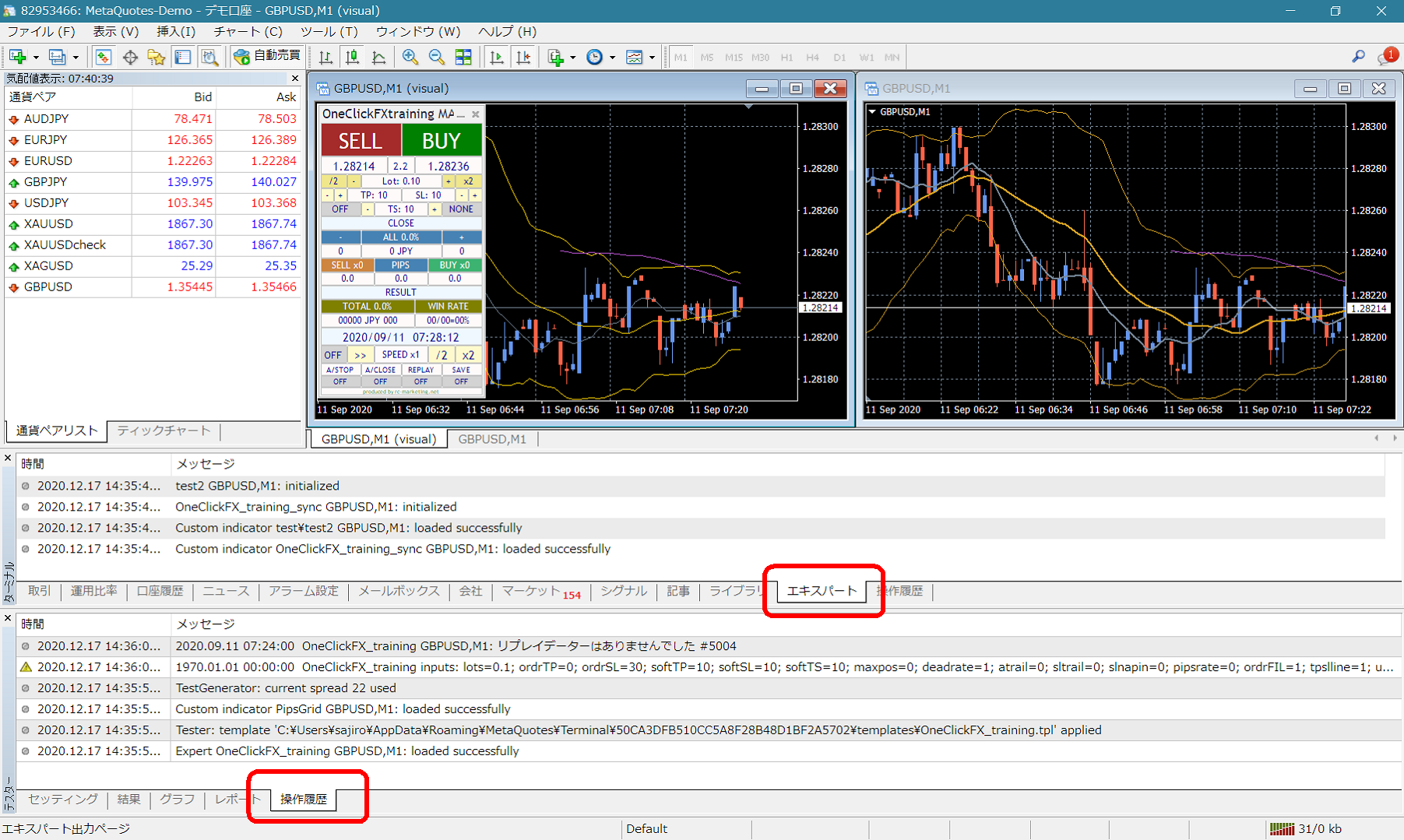 If there are error messages in the Expert or Tester operation history of the terminal, please share them to help us respond more smoothly. Thank you for your cooperation.