

[Supplementary Column] About the chart scale in cTrader

Thank you for your hard work! This is Tomizaki from the Trading Office.
We have started recruitment here at Gogojan
“Ultra-short-term trading skills” using tick charts
● “1-minute scalping club”
Regarding
The chart scale in “cTrader”I would like to talk about it.
■□ “1-minute scalping club”
■□https://www.gogojungle.co.jp/tools/ebooks/54826
Not only for the “ultra-short-term trading skills” in the said “1-minute scalping club,” but maintaining a consistent chart scale is surprisingly important for scalpers.
What this means is, as the saying goes, seeing is believing, so please first look at the charts below.
For users of the said “1-minute scalping club,” you are already familiar with the “tick chart (60 ticks).”
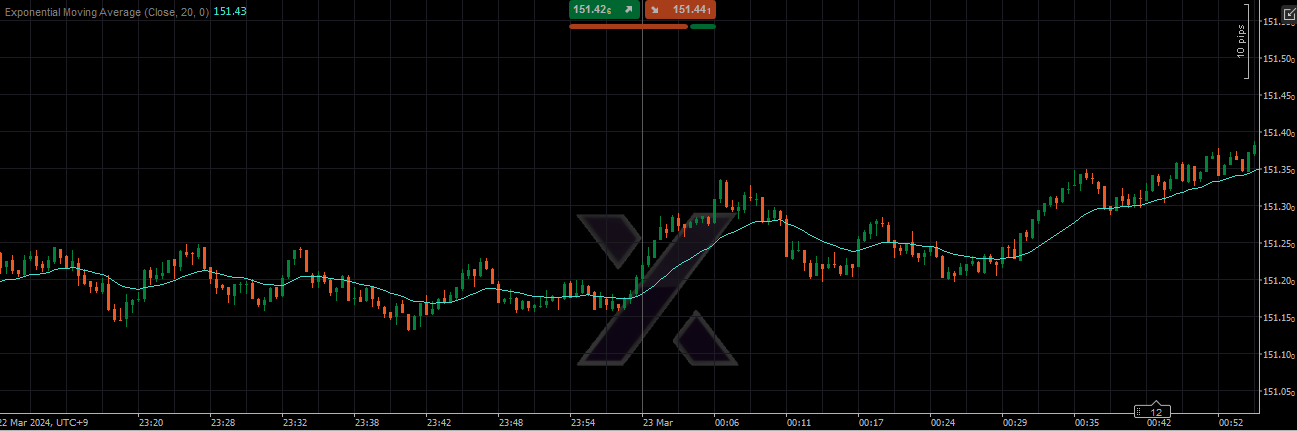
Now, please look at the following chart. It shows the same price movement for the same period, but with a different chart scale.
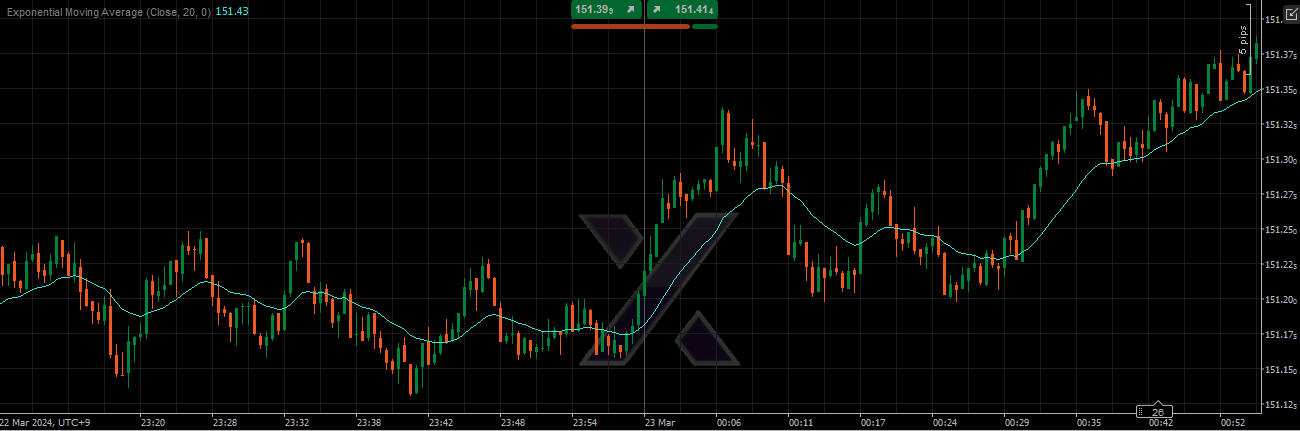
When you compare the two charts, the second chart appears more active in price movement, doesn’t it. As I mentioned earlier, in reality the movement is exactly the same.
Now, the point to display the chart scale on a fixed scale in “cTrader.”
1 First, on the chart, right-click → adjust Zoom.
In my case I always use “30%”.
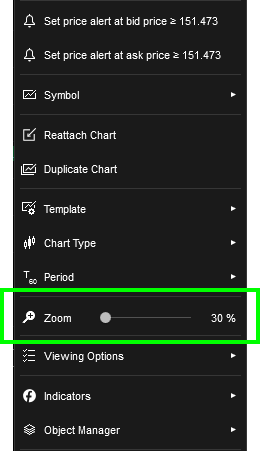
2 Next, check the top-right “●● pips” of the chart
In my case I set it to always display as “10 pips.”
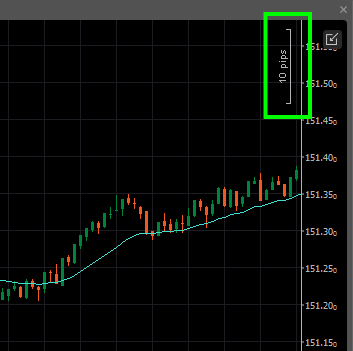
This “●● pips” in the top-right of the chart is automatically set when the price movement size causes the chart screen to open or when the connection momentarily drops and “cTrader (cTrader)” reloads the chart.
For example, when movement is small, the “10 pips” may automatically become “5 pips” or “2.5 pips.”
To set a chart screen automatically set to “5 pips” or “2.5 pips” back to “10 pips,” scroll the chart back for a certain period and click “Reattach Chart.”
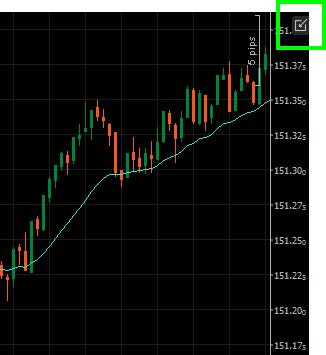
Then click “Detach Chart” and reopen the chart screen, which will be fine.
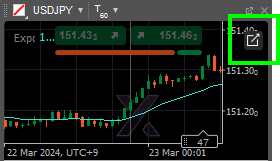
If you don’t successfully set to “10 pips,” try adjusting the scroll-back period a few times to get the knack.
Thank you for staying with me until the end.

■□https://www.gogojungle.co.jp/tools/ebooks/54826
Almost every day, we update on the “Investment Navigator+” the points of USD/JPY scalping (days I don’t participate in the market, there is no update...).
I think it may provide some hints on what points we target and what trades we undertake. Please read this as well.

■□ Investment Navigator+: USD/JPY scalping division - FX scalping research institute
Thank you for your time.
━━━━━━━━━━━━━━━━━━━━━━━━━
■□ Trading Office — Profile page
■□https://www.gogojungle.co.jp/users/111390