

Pseudo multi-timeframe for tick operation verification that had not circulated before
When performing backtests with MTF in the Strategy Tester
Have you ever encountered situations like this?
In MT4 Strategy Tester, by default you select “EA” and “Indicator.”
After selecting “Indicator” and then choosing another indicator, only that target indicator can obtain MTF.
However, even with this setting, if another indicator is invoked via iCustom, that indicator cannot obtain MTF correctly, so the results of the selected indicator will not operate properly.
No matter what tester settings
you can validate.
That is the MTF of the Method Series.
The MTF implemented in the method series currently generates pseudo-MTF from the base timeframe, so regardless of tester settings you can obtain accurate MTF information.
All logic indicators used also rely on pseudo-MTF, so you can use the Method Series with iCustom confidently.
Also, besides using the Method Series as the main tool, you can use MTF for filtering other logic, and the applications are diverse.
You can create your own original usage.
By using MTF
you get different validation results
The validation of the Method Series is endless
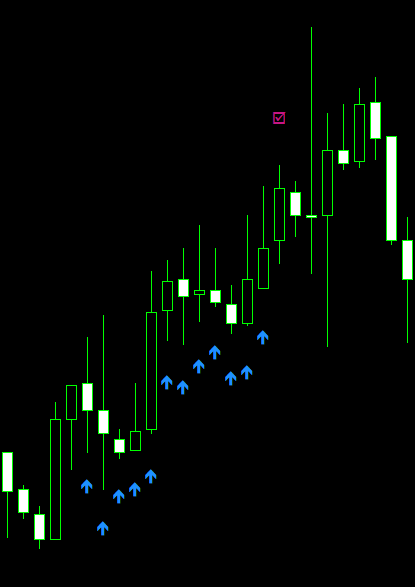
When MTF is set to display higher timeframes,
the results differ from the actual display of that timeframe.
Even when the Method Series applies the entry logic with MTF settings, the exit logic remains based on the current timeframe.
As a result, when MTF displays a higher timeframe, the actual operation on that timeframe yields entirely different results.
Furthermore, two-timeframe level filtering for resistance/support is implemented, giving unlimited parameter flexibility.
MTF is also available in the Strategy Tester, so please validate with original parameters tailored to your style.