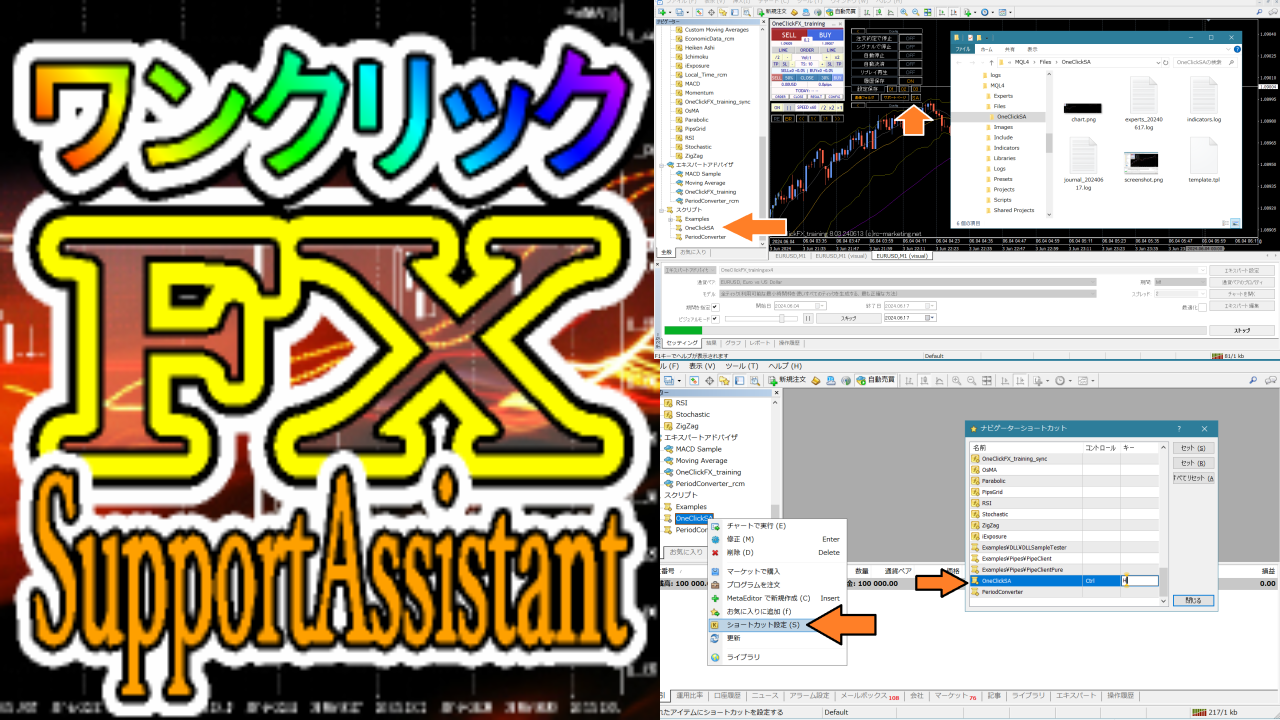
One Click FX Support Assistant 【OneClickSA】 Support Page
One-Click Support Assistant【OneClickSA】is a support tool that automatically performs tasks such as screen captures and log file collection during trouble situations. Sending the acquired information helps reduce the effort needed to explain the precise situation.
Since the program is distributed free of charge, please download it.
For MT4:OneClickSA_gogojungle_MT4.zip
For MT5:OneClickSA_gogojungle_MT5.zip
※ This tool will be included with the latest version ofOne-Click FX Seriesin order.
Introduction Method
Please check the permission to use DLLs (details arehere).
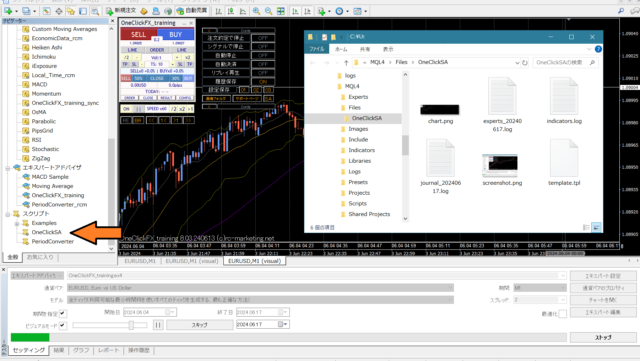
1. In MT4/MT5 scripts, double-click “OneClickSA.”
2. The acquired data will be displayed, please check the contents.
Set a Shortcut
You can also run by double-clicking the OneClickSA script, but by setting a shortcut in advance, you can start it immediately by just pressing the shortcut key.
■Shortcut Setting Procedure
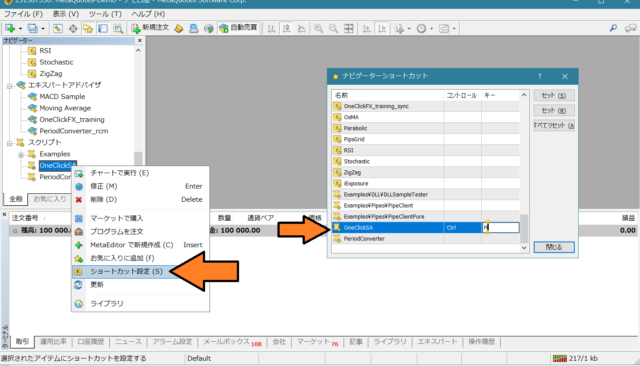
1. In the Navigator, right-click OneClickSA ⇒ Shortcut Settings
2. Set any key (in the image, Ctrl+H)
3. Confirm operation with the set key.
※ Because this is a script, it will not run unless a chart is open.
This tool also includes investigating active indicators and signal tools, soOne-Click FX Seriessignals linkage can be used with data collection.
This tool is not only for theOne-Click FX Seriesbut also for any tool created by anyone, it is a convenient tool when you want to send information during support.
However, log files and other items may contain personal information, so please send to an appropriate recipient only.