GogoJungle Top: We have started posting traders' live trades! Please join us.
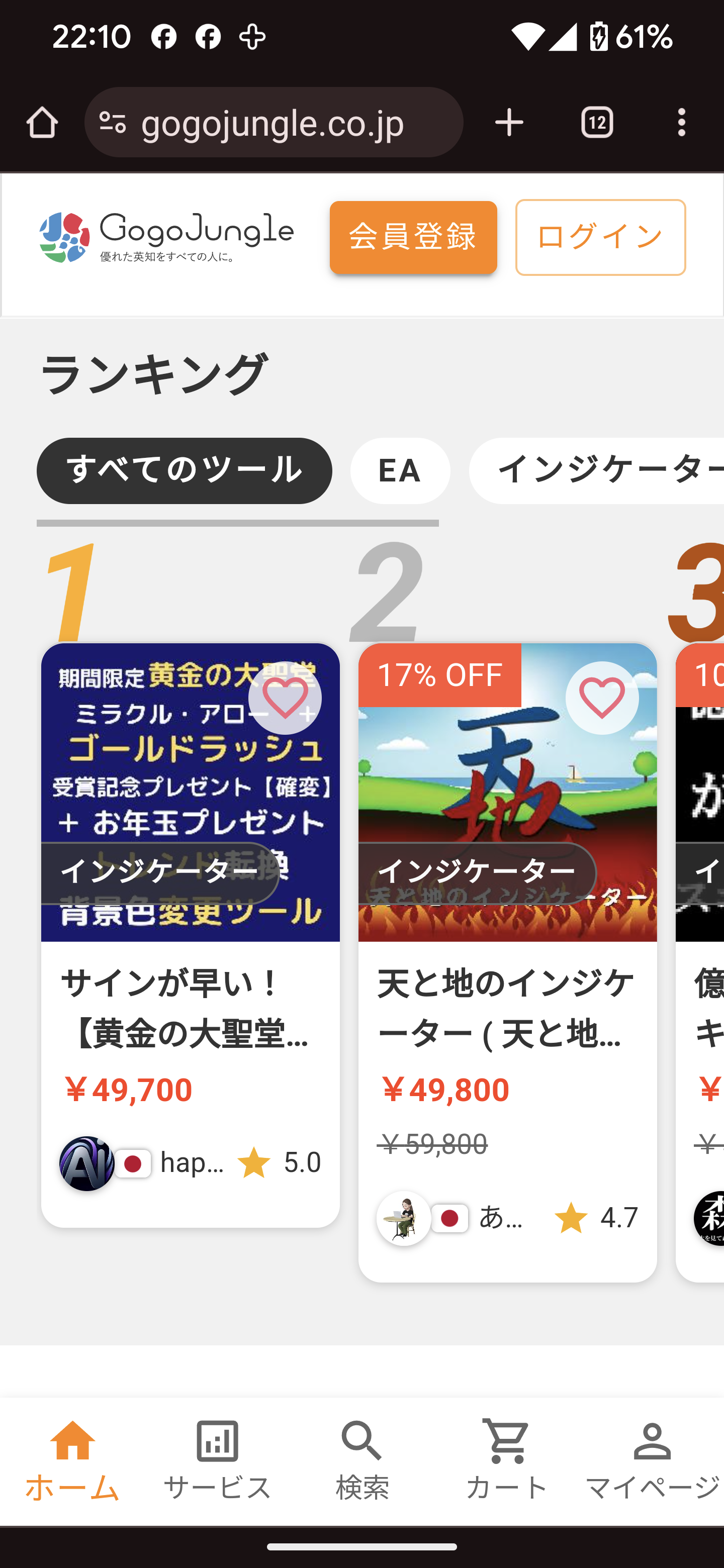
We are pleased to announce that we will begin featuring traders' live trades on the GogoJungle homepage!
We will start publishing them!
To sellers and traders, please provide your owncharts and trading activity,
please stream,
to investor users visiting GogoJungle,
we would appreciate it if you could share this with them.
The procedure for listing live trades is:
1.GogoJungle Customer Success Click to DM
via direct message
“Stream key request”
2. Please prepare OBS Studio.
If you have not installed it on your PC yet, download it from the link below.
https://obsproject.com/ja/download

3. Launch OBS Studio and go to [Sources] > [Window Capture]
Right-click.

4. Select [Properties].

5. In the displayed [Properties], under [Window], select the window you want to broadcast.
6. Click [Settings] and open the Settings window.

In the left menu of the window, select [Stream].
Service: YouTube - RTMP
Select.
Stream Key: Paste the stream key obtained in step 1.
Enter it and click Apply at the bottom-right.

7. Click [Start Streaming] to start the live.

We look forward to your participation, sellers and traders.