

#231 How to display standard MT4 chart templates on the station
Hello! I am Lucky.
A question came in, and since there may be people who don’t understand,
to those who are reading the blog post as well,
I’d like to share it with everyone if possible.
This might be a win-win situation.
We’ll master MT4 together, though, you know.
What is MT4? (MetaTrader 4) is a popular trading platform used for foreign exchange (FX) trading and trading of other financial instruments.
【1-Minute MT4 How-To】
【What is a Standard MT4 Template?】
A standard MT4 template is, simply put, a feature that lets you save chart and trading settings for easy reuse.
For example, when you want to use it for a specific currency pair or time frame, you can call up a pre-saved template anytime and use it.
It’s a very convenient feature, so there’s no harm in knowing it.
【Why use templates?】
Using templates reduces the hassle of manually configuring similar charts over and over.
This allows for quick and effective settings in trading.
Time performance is the best. (Translation: Time performance is excellent)
【Summary】
For example, you can think of it like a elementary school student deciding in advance the paper, colors, and shapes to use when drawing for summer vacation homework.
This helps make study and trading smoother and more efficient.
What is a template?
Now that you understand that,
let’s actually see and remember it.
I will skip the method of saving templates. (If time permits next time, I will include it and teach you)
This time I’ll only cover what was asked.
Where are the standard templates located?
【Lesson 1】
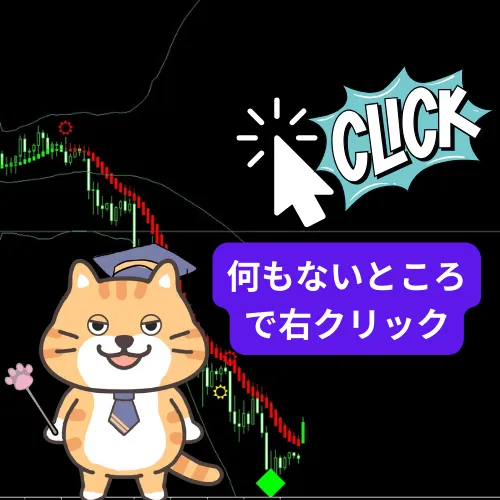
First, please refer to the image below.
It’s easy to find.
【Lesson 2】
A section called “Standard Templates” will appear, hover your cursor over it to see the saved templates, then select one.
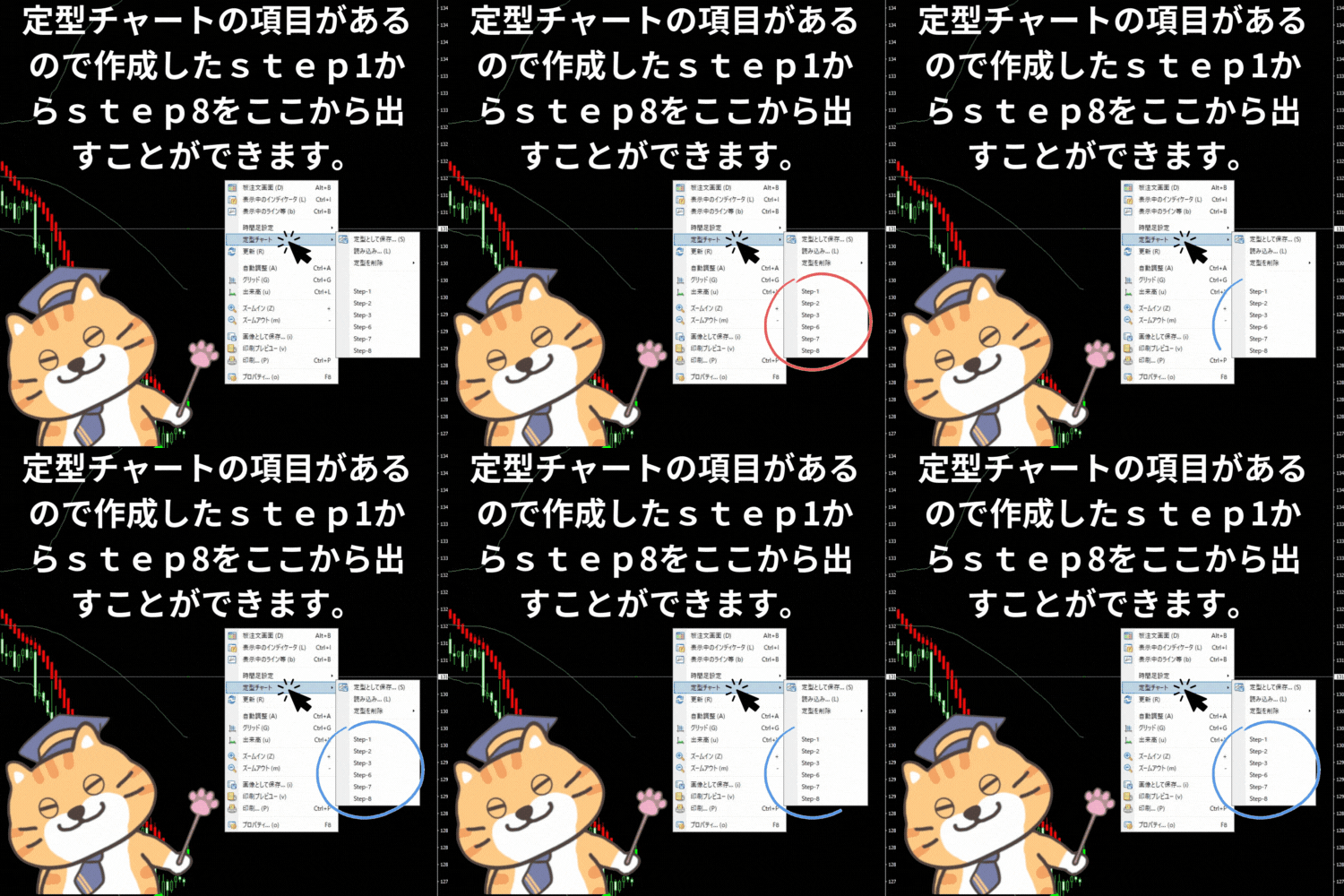
In this way, you can easily display your favorite templates on the chart.
If you want to display them on another chart, just select a desired chart from the same “Standard Templates” section and display it on that chart as well.
【Bonus】
To display each indicator individually, click Navigator to reveal them.
Click this mark on the MT4 chart’s bars↓↓↓

A line-up of indicators will appear, so please try displaying your preferred indicators.
~~~~~~~~~~~~~~~~~~~~~~~~~~~~~~~~~~~~~~~~~~~~~
Since the beginning of this year, I’ve been receiving daily joyful reports!
This is also the result of those who purchased it thoroughly testing and studying it.


I won’t lose!
Thank you for the strong words to that effect.
I nearly never lose
Yes,
that’s right.
Rather than my saying it, I think statements from those who actually purchased are more trustworthy, so
thank you for saying what I have wanted to say all this time.
You’re absolutely right!
“I almost never lose”
This is a high-precision signal that points to substantial truth, so
the market’s environment is everything.
Because
instead of relying on oneself to be right,
you can ride the trend after seeing the true movement,
“Truth is one!”
therefore.
The explosively powerful repaint-free multi-timeframe arrows have been developed over decades,
and you now have a chance to buy them at a very affordable price!
Moreover, if you use a coupon on Gogojan now,
you can obtain them even more cheaply,
among those who purchased the powerful arrows,
there are reports of 1.28 million in half a month or 3 million in a month.
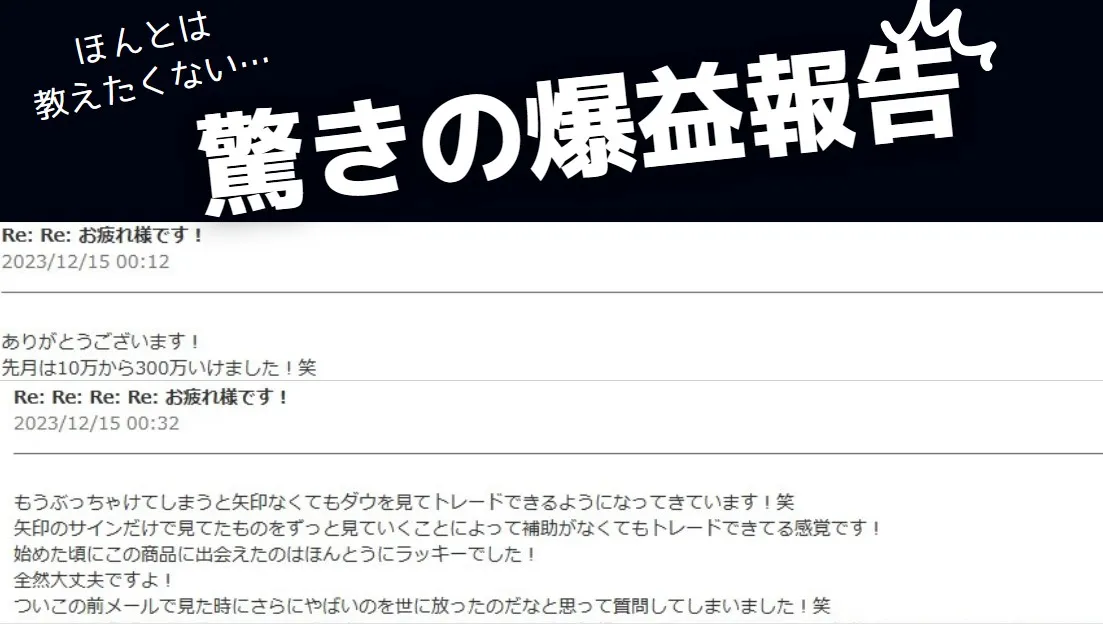
There are people who are making enormous profits like that.

By owning such tremendous power, please become the lucky one this year as well.
Would you like to explore together the still unseen world that lies beyond taking that first step?
The grand adventure of FX starts here ↓↓↓
Lucky