
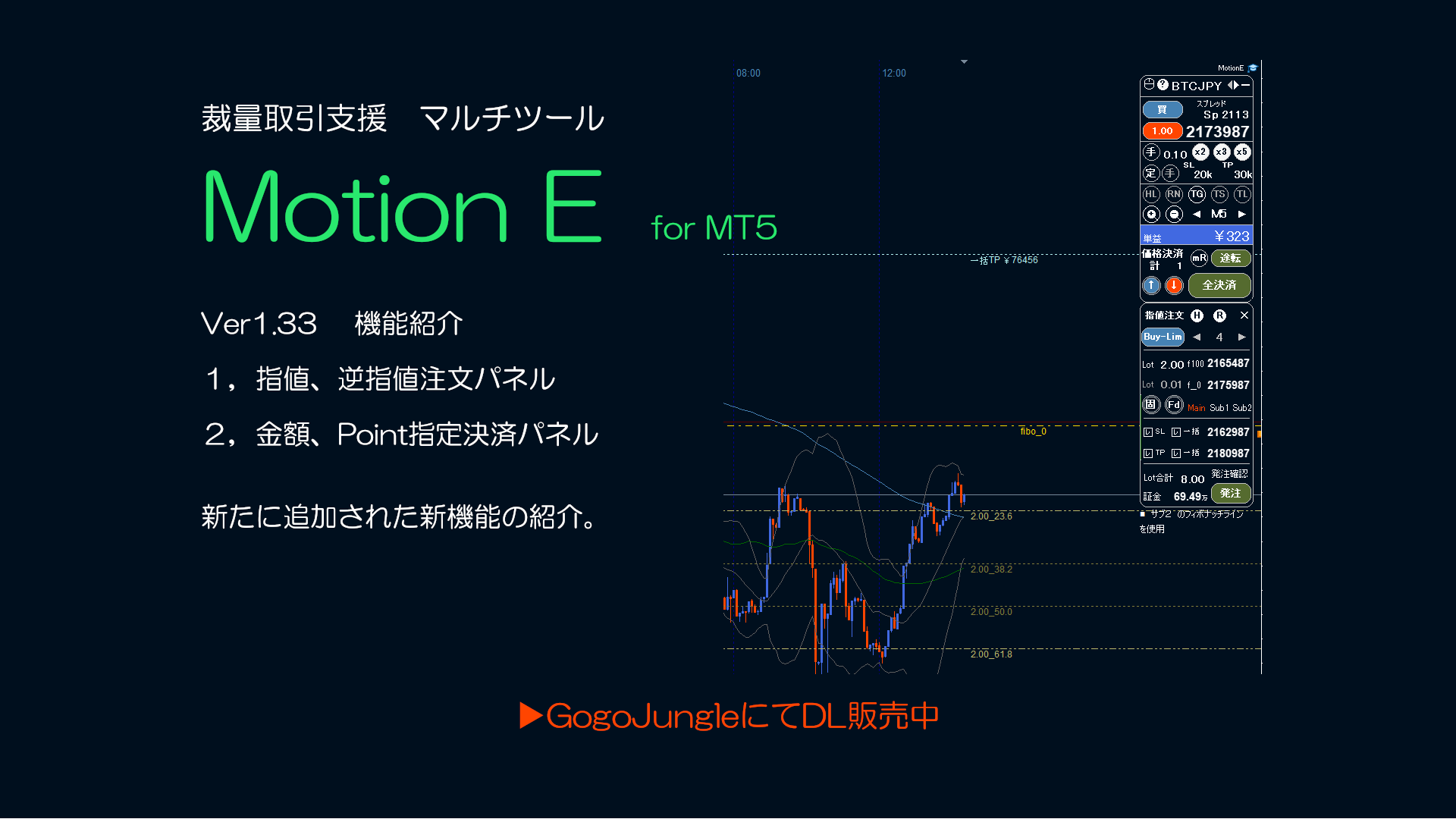
Motion E for MT5 Ver1.33
Motion E for MT5 Version Update
New Features
① Limit/Stop Order Panel
〇 Limit/Stop Order Panel supportsLimit Buy Limit Selll Stop Buy Stop Sell.
〇 By setting Start and Stop prices, you can place up to10 positions at oncein a batch.
〇 Stop Loss and Take Profit can be set simultaneously,in Individual Modeyou can specify the price from the order price by points,or in Bulk Modeyou can set all positions to the same price.
〇 There are four ways to divide within the configured Start/Stop prices (even, proportional, Fibonacci, inverse Fibonacci). When Fibonacci or inverse Fibonacci is selected, the initial Main,
〇 When Fibonacci or inverse Fibonacci is selected, by specifying the 0% and 100% lines, the lines 23.6 / 38.2 / 50.0 / 61.8~ will be displayed.
You can choose from Sub1, Sub2. Also,the default values can be changed as well. (change via comma-separated string in the settings dialog)
〇 Each position’s lot size can be chosen from four types (even, fixed, martingale, pyramid)
〇 Line settings can be adjusted bydragging on the chart lines,scrolling the mouse wheel on the panel settings,or selecting from the list box.
〇 When changing lines or lots,in real time,required margin,total lots,loss at Stop Loss,profit at Take Profitwill be displayed.
② Amount/Points-based Settlement Panel
〇 Specify profit/loss amount or profit/loss points to settle.
〇 Settlement occurs when the profit/loss amount passes the specified amount (upward or downward).
〇 When both sides are open,you can choose long profit or short profit, and you can also specify the full amount.

For other features,