
[MT4 Beginner] How to Install Indicators
Click on "Downloaded products" on My Page

From the download page, select the bottom right "Product download"
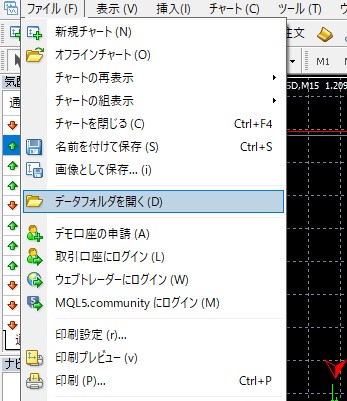
Open MT4 and from the top left menu select "Open Data Folder"
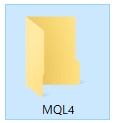
↓
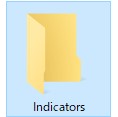
Double-click "MQL4" andex4 fileput it inside the "Indicators" folder,
Finally, close MT4 once and restart itThen it will be added under Indicators!
By the way, place the EA in Experts.
In particular, many people forget to finish MT4 and restart (not the PC, but MT4), so please be careful.
By the way, this installation method is also described on the product page for [Tenka Meijin].
If you want to buy something on GoGoJyan but honestly think the setup is troublesome,
please feel free to参考 it!
× ![]()