
Search for the cause of MT4 trouble errors
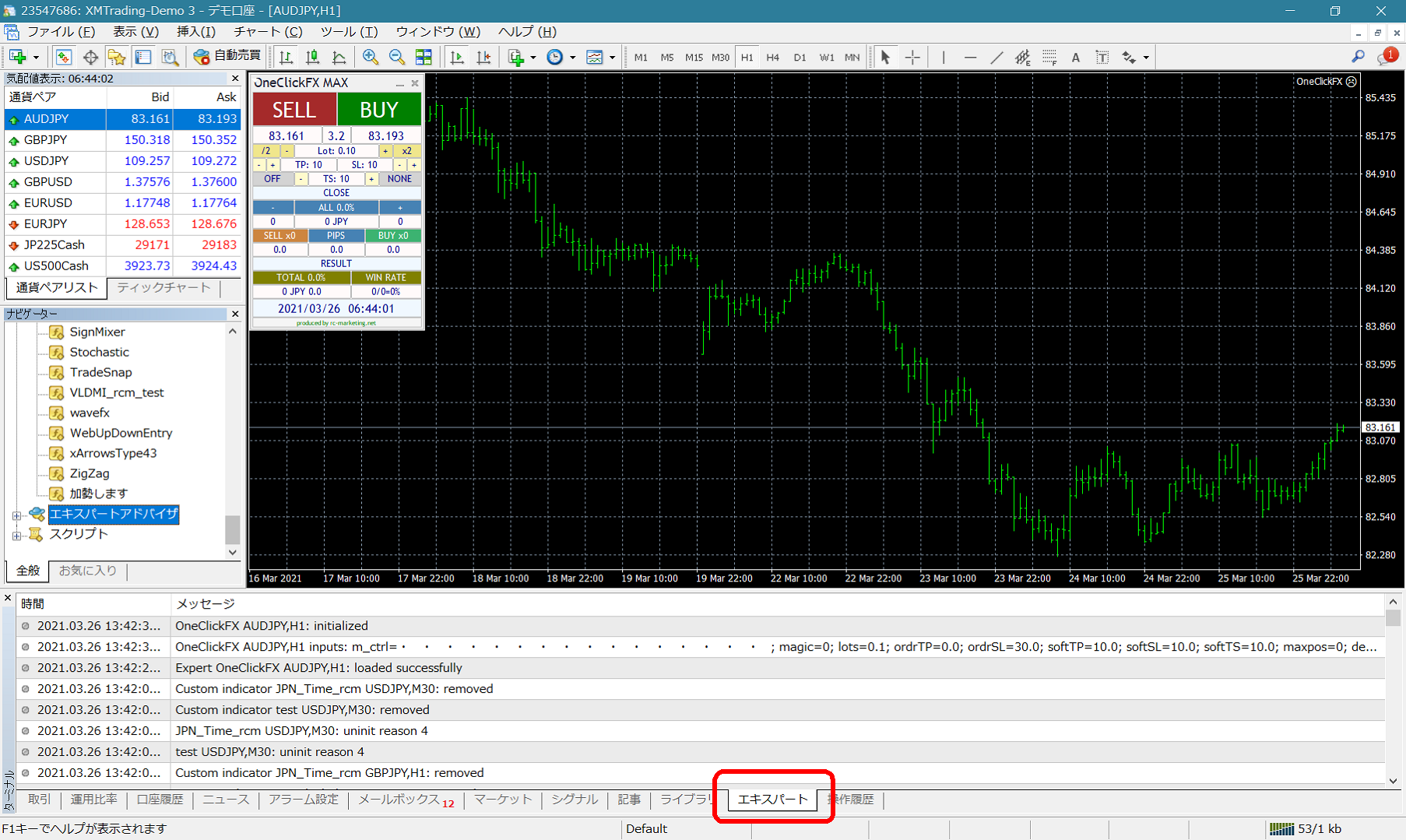
For troubles with a normal chart, information is output in the Terminal Expert tab.
For the Strategy Tester, information is output in the Tester Operation History tab.
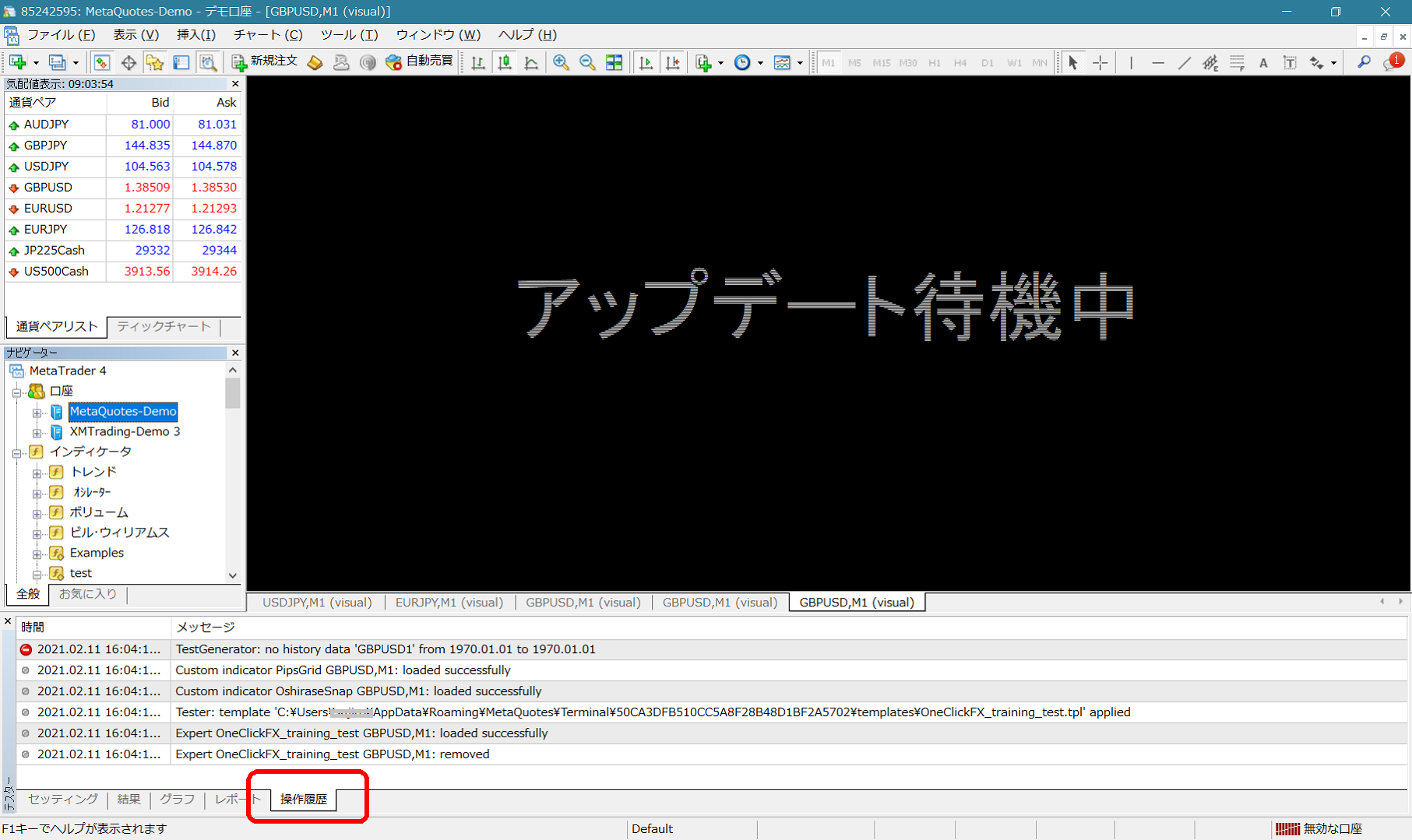
You can copy the information by right-clicking the information area (Shift+Click allows selecting multiple items as well), so when trouble occurs, sharing that information via email often leads to a smoother resolution.
If you can send the files individually, go to Right-click → Open to display the log file folder, then attach the files and send them.