Using Stochastic for Buy on Dips and Sell on Rallies [STOMA2] Version Update!!
At the request of users, we released a version of 【STOLMA2】 that can set the buy and sell levels for Stochastic.Buy and Sell levels for Stochasticin STOMIA2.
※This is an indicator without repaint.
※Can be used with your preferred settings.
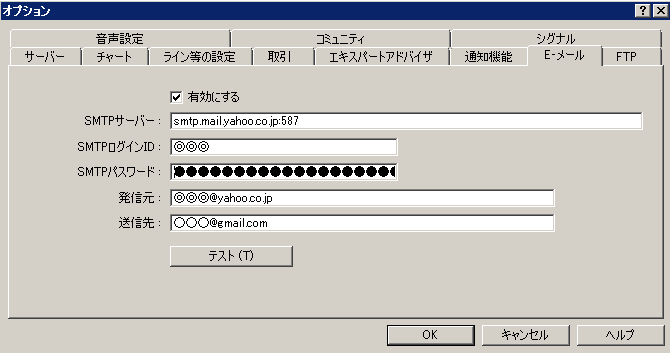
※Alert function (email, sound, dialog) and push notification are included.
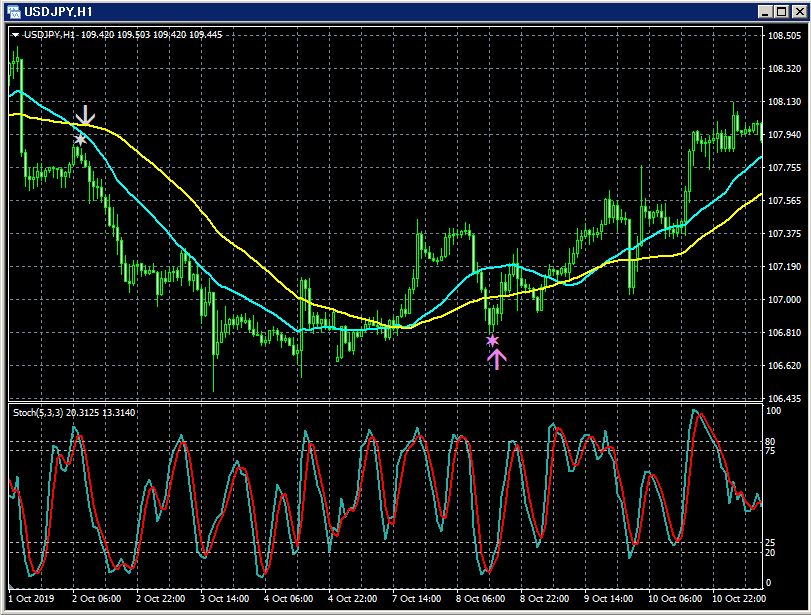
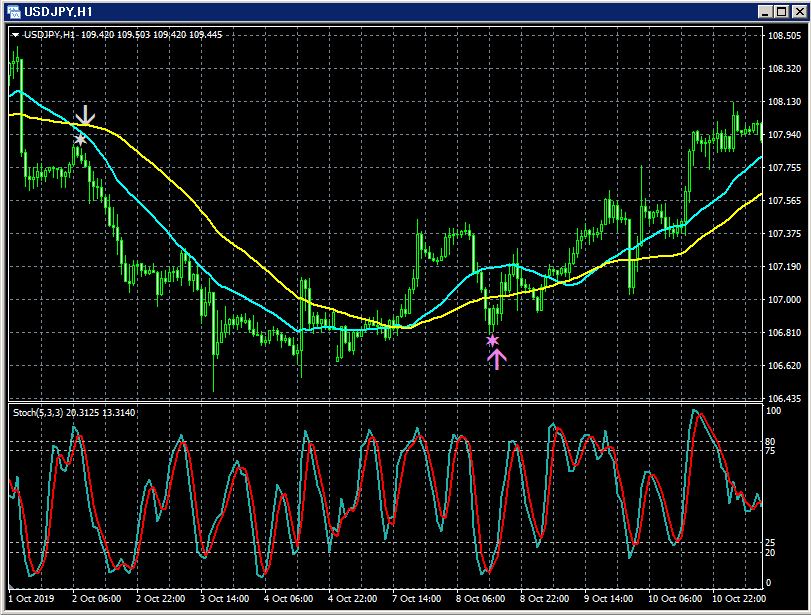
For example, by adjusting parameters yourself, you can generate signals like those shown below.
Signal generation logic, that is, “Why does the arrow signal light up here?” is completely understood when using this arrow indicator.
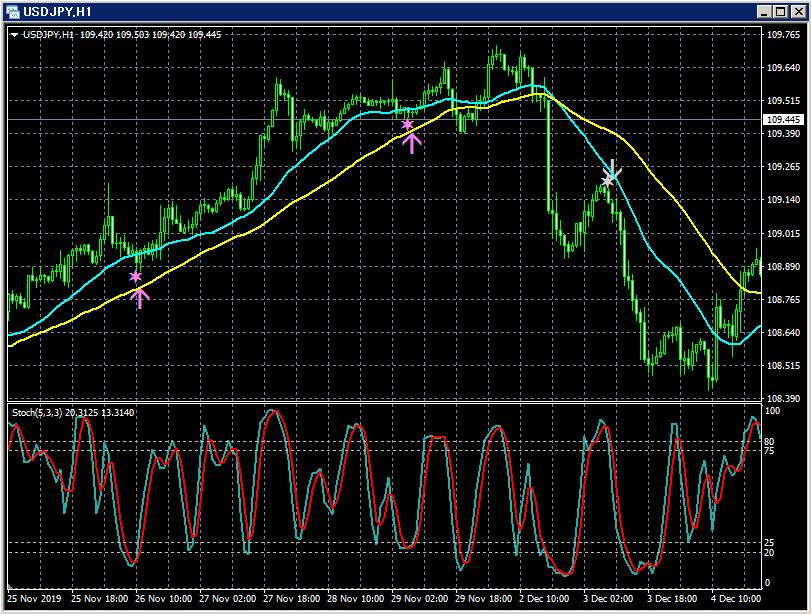
This is an arrow indicator that uses Stochastic to time entries without opposing the direction of two moving averages. About the settings.
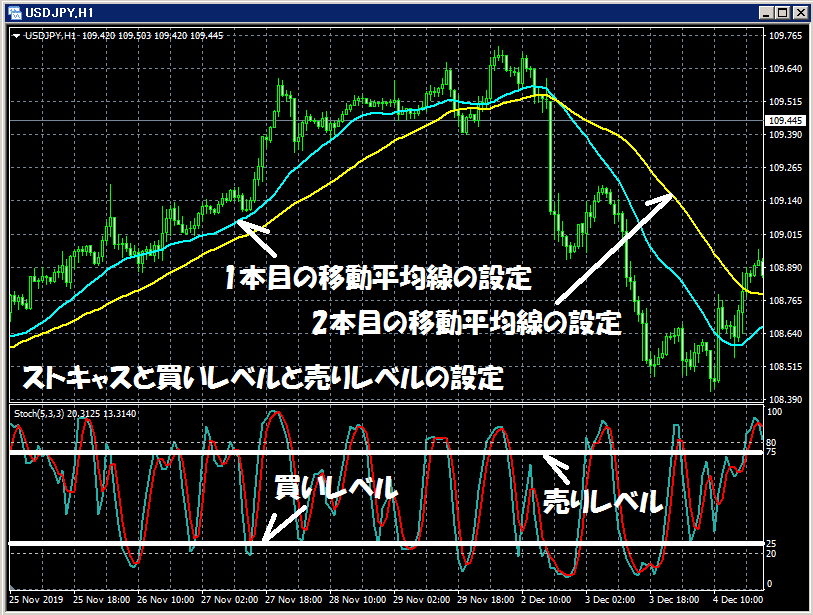
Top row: two moving averages
Bottom row: Stochastic ※ Please note that this indicator does not include an indicator that displays Stochastic. In the illustration, Stochastic is displayed for convenience, but in practice, even when this indicator is installed, Stochastic will not be displayed.
(1) Set the first moving average.(2) Set the second moving average.
(3) Set the Stochastic parameters: %K period, %D period, and slowing.
(4) Set the buy level and sell level for Stochastic.
Star and arrow display information.
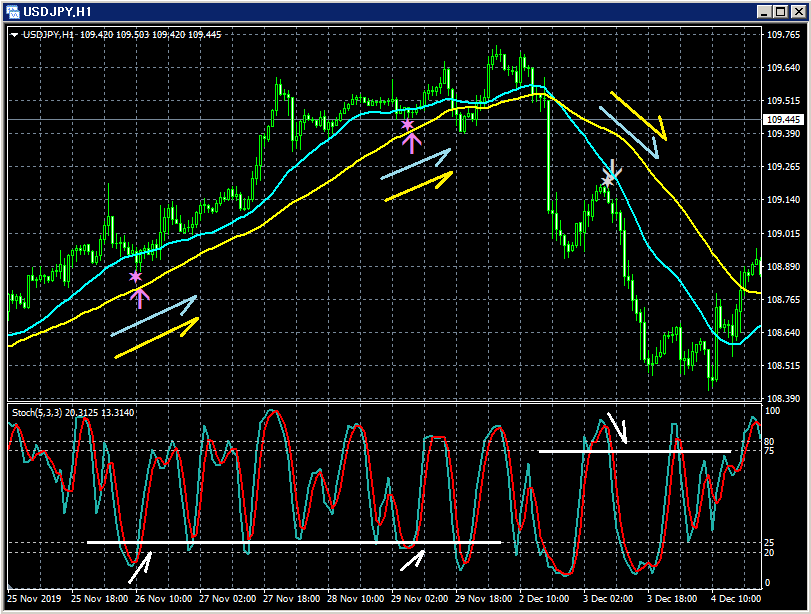
Top row: STOLMA2 signals, two moving averages
Bottom: Stochastic ※ Please note that this indicator does not include an indicator that displays Stochastic. In the illustration, Stochastic is displayed for convenience, but in practice, even when this indicator is installed, Stochastic will not be displayed.
When Stochastic makes a Golden Cross, Stochastic buy level (in the example above +25) or lower, and the two moving averages are trending up, a Violet star lights up.
When the close price level of a candle confirms, the Violet star lights up and at the opening of the next candle the Violet upward arrow lights up at the same time.
When Stochastic makes a Dead Cross, Stochastic sell level (in the example above +75) or higher, and the two moving averages are trending down, a Light Gray star lights up.
And when the close price level of a candle confirms, the Light Gray star lights up and at the opening of the next candle the Light Gray downward arrow lights up at the same time.
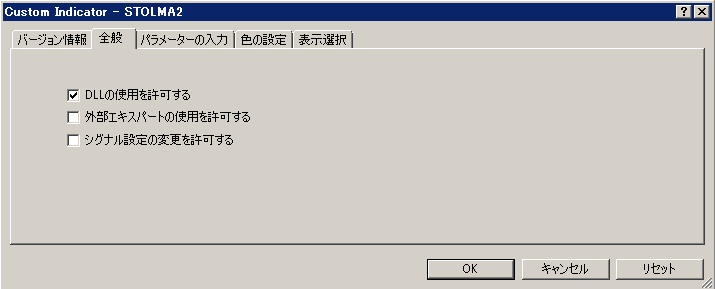
As shown below, you need to check “Allow DLL imports.”
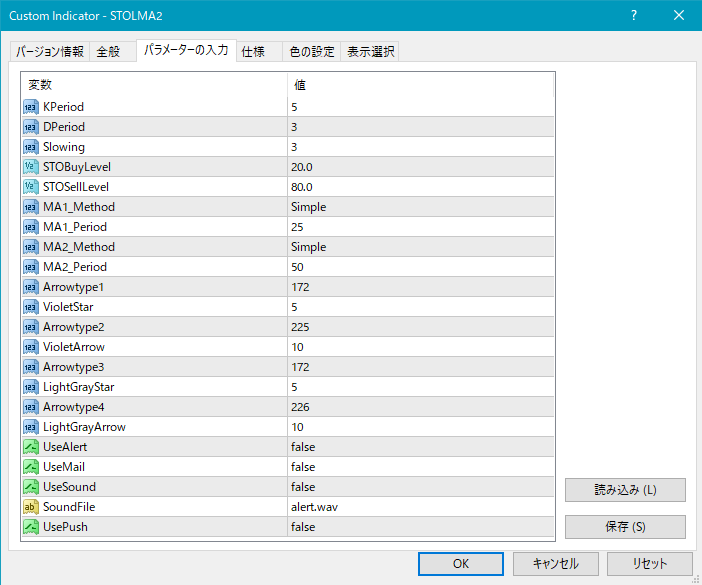
DPeriod: Stochastic %D period
Slowing: Stochastic slowing
STOBuyLevel: Buy level for Stochastic
STOSellLevel: Sell level for Stochastic
MA1_Method: Type of the first moving average
Simple (SMA: Simple Moving Average)
Exponential (EMA: Exponential Moving Average)
Smoothed (SMMA: Smoothed Moving Average)
Linear weighted (LWMA: Linear Weighted Moving Average)
MA1_Period: Period of the first moving average
MA2_Method: Type of the second moving average
Simple (SMA: Simple Moving Average)
Exponential (EMA: Exponential Moving Average)
Smoothed (SMMA: Smoothed Moving Average)
Linear weighted (LWMA: Linear Weighted Moving Average)
MA2_Period: Period of the second moving averageThe display position of stars/arrows relative to candlesticks may be too close or too far, possibly going off-screen. You can adjust the height of these markers using the settings below. Higher values move the markers farther from the candles. Star (violet) → VioletStar
Arrow (violet) → VioletArrow
Star (light gray) → LightGrayStar
Arrow (light gray) → LightGrayArrow
Also, by changing the values below, you can modify the shapes of stars and arrows.
(Default violet) Star → Arrowtype1
(Default violet) Arrow → Arrowtype2
(Default light gray) Star → Arrowtype3
(Default light gray) Arrow → Arrowtype4
Settings related to alert featuresUseAlert:
If you intend to be notified of signals via an alert dialog like the figure below, set to true; otherwise set to false.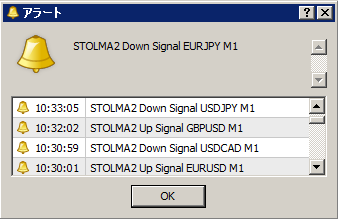
※ This indicator does not include an indicator that displays Stochastic.
※ Please note that in the charts mentioned in this article, for convenience, circles, lines, squares, and arrows may have been added to explanations, but this is only for convenience.