

Do you change your settings every time you lose at EA? Three things to check before you change them
When you incur a stop-out in EA, you start thinking, “Maybe the settings were wrong.” Increase the filters. Change the take-profit width. If you win next time, you’ll want to raise the lot size.
I understand that feeling. However, what I think is important isto be clear about what you want to improve before you change.
It's convenient to tweak the settings. But if you keep changing without leaving a reason, you’ll lose track of how the EA behaves. Today, I’ll summarize how to approach reviewing settings.
One loss alone does not tell you whether the settings are good or bad
Even when rules are followed, there are trades that end up as losses. First, beyond whether you lost, you should checkwhether the order happened under the planned conditions and the exit happened as planned.
If the behavior differs from the settings or there is an order volume beyond expectations, you need to review operation and identify the cause. On the other hand, if a loss within expectations occurs just once, changing the entire settings right away makes it hard to evaluate the original conditions.
① Can you write the reason for changing in one sentence?
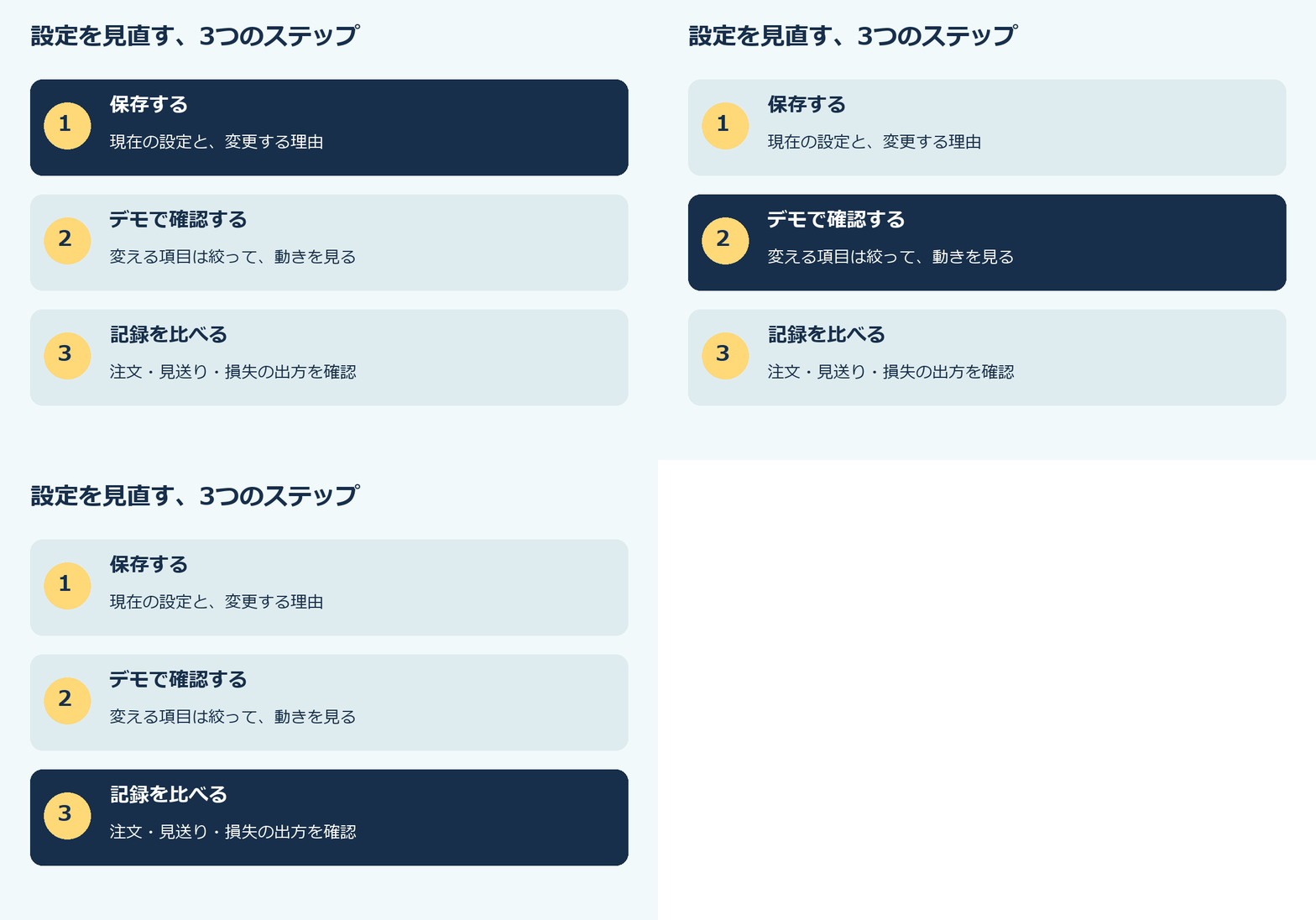
If you say, “I’m just a bit anxious,” you cannot tell whether the change improved things afterward. For example, “I’m concerned about orders in a phase that looks flat, so I want to check the effect of the exit criteria.” If you can write that much, you know what records to look at.
Before changing, leave the current settings, the trades you were concerned about, and the changes you want to try. Screenshots and brief notes are enough.
② Are you changing several things at once?
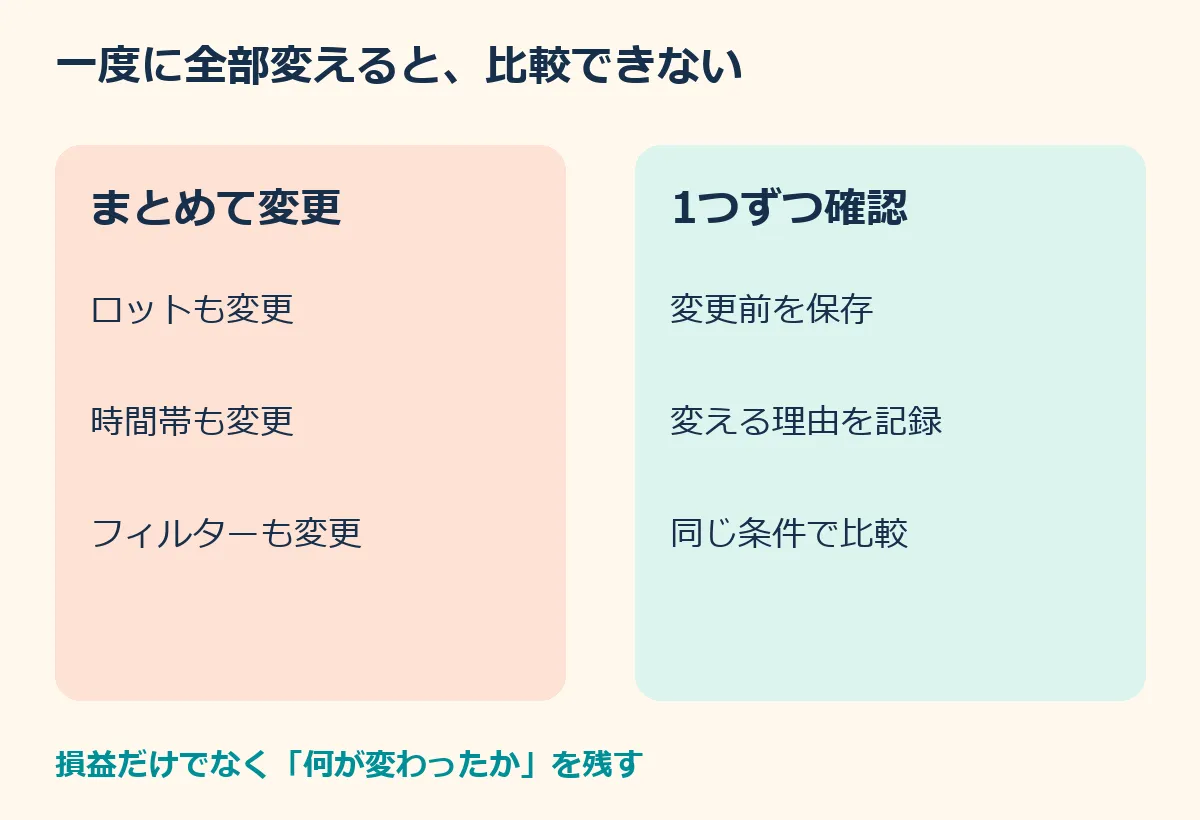
Even if profits increase by changing lots, trading hours, and filters all at once, it becomes hard to know which change influenced the result. If the lot size increased, profits as well as losses may increase.
First, in a demo environment, narrow down the items you want to confirm and test. Try to keep the comparison periods and trading conditions as consistent as possible. Since market conditions can differ before and after, it’s important not to conclude improvements just from the profit/loss difference.
③ Look at both the remaining orders and the signals you skipped
Increasing filters can reduce trades you wanted to avoid. However, you may also skip signals that would have been profitable.More narrowing does not equal better performance.
Orders, losses, reasons for skipping. Review each to ensure it reflects the changes you intended. Don’t end with “Because I won, it’s correct.” I want to retain the outcome under which conditions the EA behaved.
AUTO STUDIO is an EA that lets you verify settings and records as you use it
I developedKURAMA GOLD SIGNAL PRO AUTO STUDIOwhere you can add wait conditions such as flat, reverse, or overheating to KGS signals, and choose how to use it either by verifying with signals alone or connecting to automatic orders.
Also, from “View all currently reflected settings,” you can check the actual applied conditions. Saved signals, reasons for skipping, and logs can be reviewed, so you can organize not just by memory but by looking at records.
Changes to settings apply to the next new signal. The history is available to review saved records, not a backtest for re-evaluating past signals with new conditions or calculating hypothetical profits.
For those who want to use EA with conditions they are satisfied with
You skip for the same reason every time. You want to organize conditions and select signals. Once you can confirm those conditions, you want to entrust the orders. I hope you will use AUTO STUDIO for that.
You don’t need to start with complex settings. First, understand the behavior, have a reason to change, and leave a record. This is the EA to support that accumulation.
This is limited to purchasers of KURAMA GOLD SIGNAL PRO indicators.The password required for purchase is provided in the KGS purchaser community.
 KURAMA GOLD SIGNAL PRO AUTO STUDIO
MT5 EA limited to KGS indicator purchasers
Sort signals and move to automatic orders.
▶ See product details and purchase conditions
This is for Windows MT5 edition. Use of the EA or changing settings does not guarantee profits. Please verify operation in a demo environment before actual use.