

Why do the results differ even though it's the same EA? Three conditions to check before the profit amount
Have you ever looked at the performance of people using the same EA and felt that your results are different? When you see the profit figures, you might be tempted to copy the settings as they are.
But there is something I want you to check before you compare.Even if you are using the same EA, it does not mean it runs under the same conditions.The amount traded, the time it was moved, the settings chosen. By confirming these differences, your way of evaluating performance changes.
① If the lot size differs, both profit and loss differ
Suppose you enter at the same instrument and contract size, at the same price, and exit at the same price. If all other conditions are the same, increasing the trade quantity will also increase the profit or loss. It is not merely about making profits larger. When the price moves unfavorably, losses also become larger.
Therefore, you cannot judge that “this setting is superior” just because the profit amount is larger.How much capital you have, how much quantity you hold, and how much your capital declined along the way.I want to confirm this together up to this point.
Before copying someone else’s lot size, check the magnitude of the loss you would incur in your own account. When using an EA, you need to decide this part yourself.
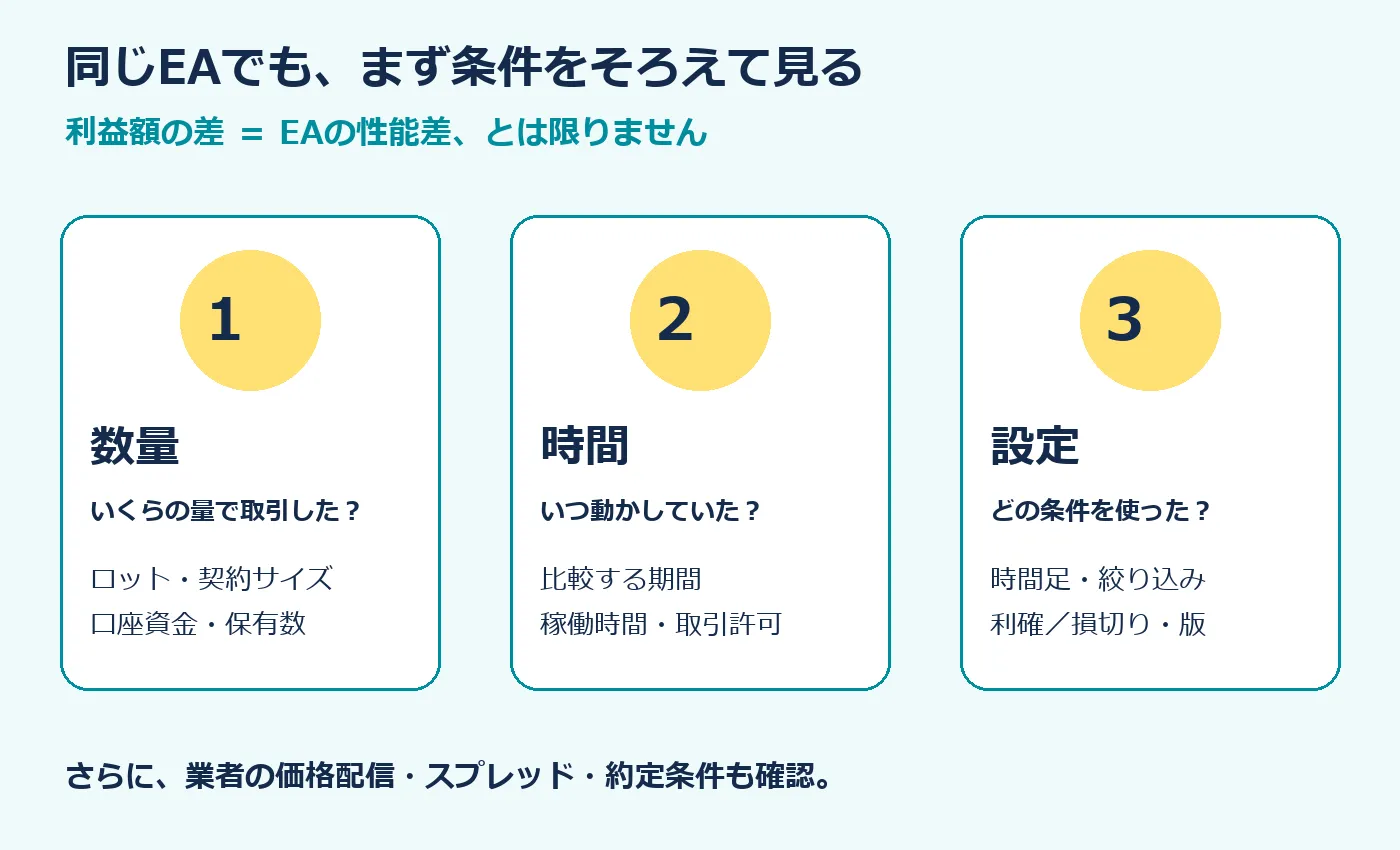
② Even with “one week results,” was the running time the same?
Results from trading all week long versus just several hours at night. Even if the period name is the same, the participation scenarios are different. In addition to the start and end dates, the actual time the system was running is important.
AUTO STUDIO’s automatic orders require MT5 for Windows to be running and trading permissions. If the PC slept, MT5 was closed, or trading permission was OFF, this period cannot be treated as the same as the time it was operating normally.
Before deciding based solely on “there was little trading,” please separate and confirm whether it was a deliberate pause or whether orders could not be placed at all.Explain clearly both aspects.
③ Even with the same EA, you can change the signs and exit conditions you choose
AUTO STUDIO has an option to filter signs with additional conditions. Depending on whether you do not filter and use flat range, reverse direction, overheating, or other conditions, the signs adopted may vary.
The timeframe, take profit and stop loss settings, and the version you are using are items you want to align and check when comparing. Also, differences in broker price feeds, spreads, and actual fill prices due to operating environments exist.
What matters here isthat increasing the narrowing filters does not necessarily improve performance. There are cases where signs you filtered out yield profit. Decide the purpose of changing settings, and I recommend trying first in a demo environment to test operation and recording.
AUTO STUDIO is an EA that lets you decide “under what conditions to use it”
What I provide with AUTO STUDIO is a framework based on KGS signs, with the conditions and order method you can choose.
Sign only:Check the sign that passed the conditions and the take-profit/stop-loss estimates, and decide the order yourself.
Automatic orders:Link new signs that passed the filtering to orders according to the configured lot size and order conditions.
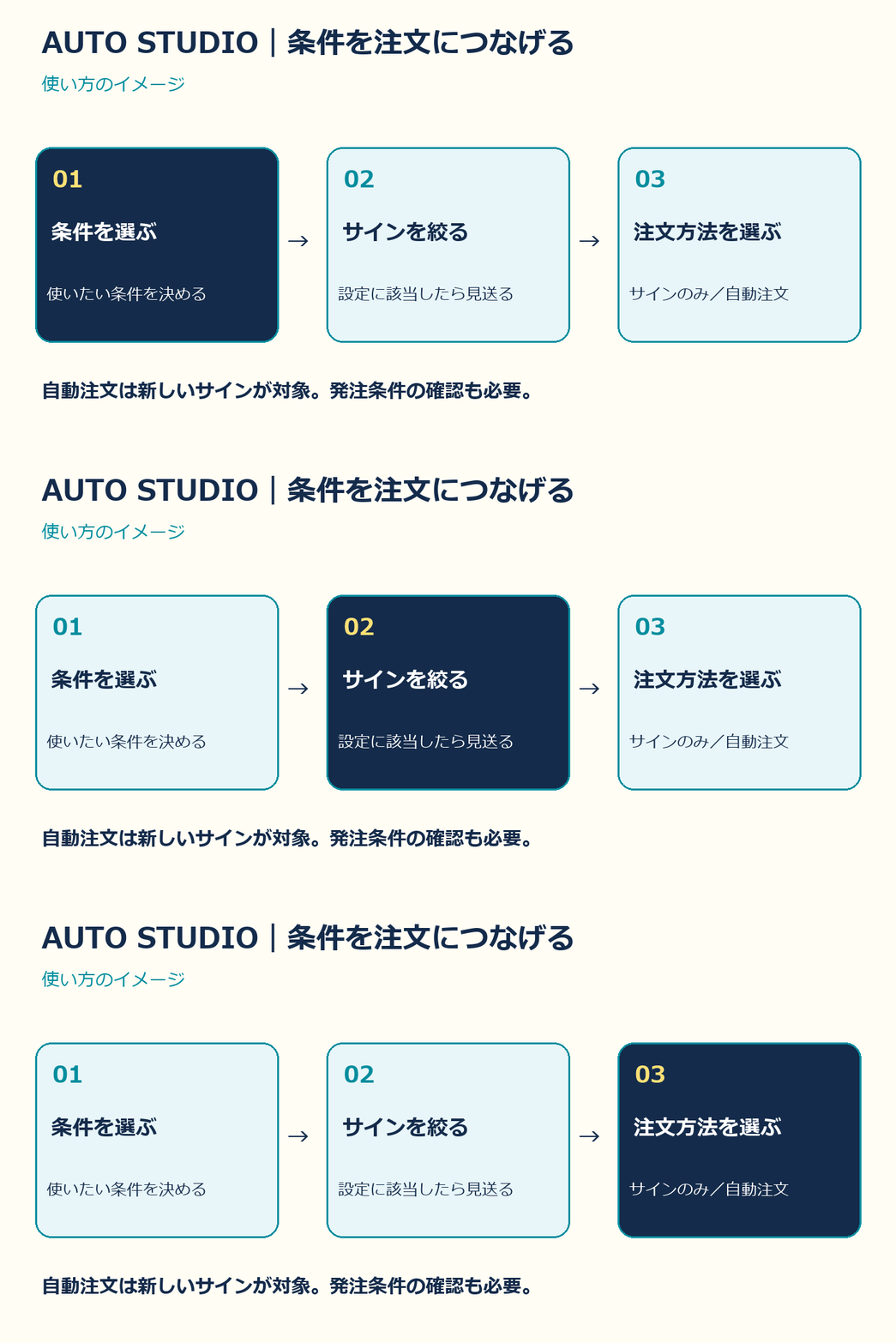
“First, I want to visually confirm the signs that appear myself,” “when I have organized the conditions I want to use, I want you to handle the orders.” This covers both. Even with automatic orders, there are cases where orders are not placed due to holding limits or margin constraints.
Also,you can view the currently reflected settings in a listThis is important to verify which conditions are actually reflected, not just what you think you changed. You can also check saved signs and reasons for passing in the records.
For those who want to decide not only on profit figures but also on how to use it
If you manually check the same conditions every time, if you want to filter signs using your own conditions, if you want to link the checked conditions to automatic orders, I’d like you to look at AUTO STUDIO.
The product page summarizes the actual screen, detailed features, and supported environments.The part you decide yourself and the part you want the EA to handleas you imagine it, please review it.
This product isKURAMA GOLD SIGNAL PRO buyers onlyThe password required for purchase is provided in the KGS buyer community.
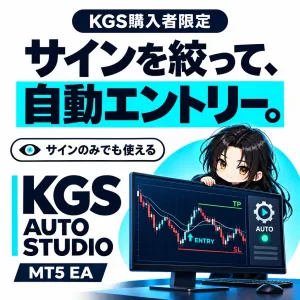 KURAMA GOLD SIGNAL PRO AUTO STUDIO
AUTO STUDIO is for Windows MT5. Using or changing the EA’s settings does not guarantee profits.