

To those who find it "easy" in past charts but freeze up in real trading. How to practice progressing one bar at a time in MT5 (you can start today with the F12 key)
0
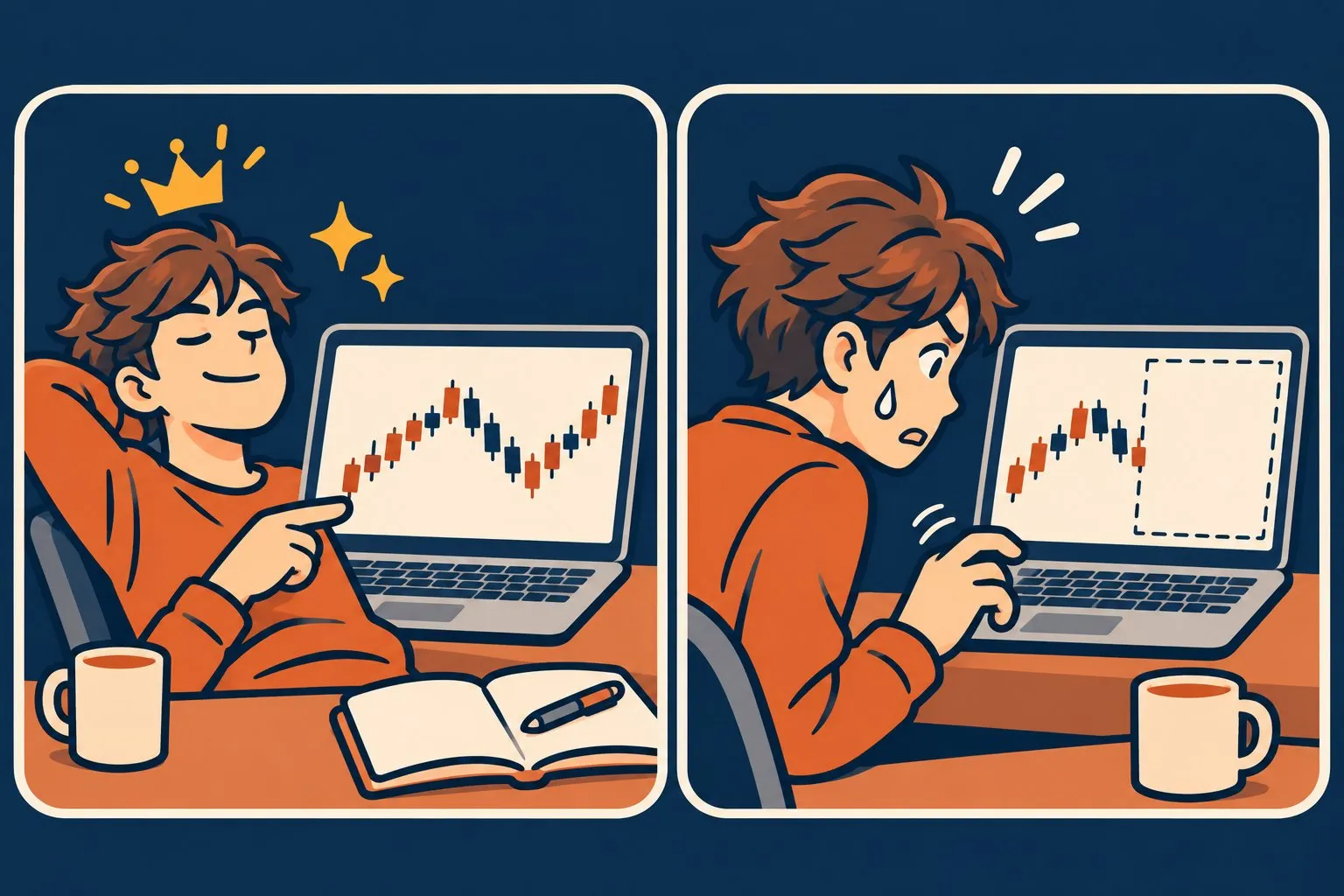
Looking back at past charts, my confidence gradually grows.
"Buy here, take profit here... Huh, isn't it easy?"
However, the moment you sit in front of a real-time chart, your hands stop.
What looked like a clear "buying opportunity" just a moment ago becomes nowhere to be found.
The weakness of practicing by replaying past charts is that the answer (the subsequent price movement) is already on the screen from the start. Solving problems with the answer in view makes you feel like you’ve improved no matter how many times you go through it.
What helps is practicing by moving forward one past chart at a time and making judgments on the spot. This is also called "replay practice" or "past testing."
In this article, I will summarize a method that can be done with only the built-in features of MT5 from the start, and tips to keep practicing. (This article does not recommend any particular method or trading approach.)
■ Three things to decide first
If you dive in, you’ll end up changing currency pairs and timeframes all over, and you might realize you haven’t made a single judgment after an hour. Before you start, decide on just the following three things.
1. One currency pair and one timeframe (do not change midway)
2. The period to practice (“from the beginning of this month” is enough)
3. Write the rule in one line (e.g., "Buy when the price is above the moving average and it starts rising again after a pullback")
The third item is the most important. Without a fixed rule, each judgment becomes vague and there’s nothing to refer back to later. The above example is just a writing sample and does not advocate any specific technique.
■ Procedure using only MT5 (F12 key)
MT5 already has a feature to advance charts one by one.
1. Open the chart for the currency pair you will practice and select the timeframe
2. Turn off "Auto Scroll" (right-click on the chart → uncheck "Auto Scroll." You can also toggle from the top "Chart" menu)
3. Drag the chart to the left to go back in time, so that the date you want to practice is at the right edge of the screen (the rest is in the unseen future)
4. Click the chart once, then press F12. Each press will bring out a new bar on the right. If you want to go back one bar, use Shift+F12
5. For each bar advanced, decide "buy / sell / skip" before pressing the next F12
6. When you decide to enter a position, also decide the stop loss and take profit on the spot and note them
7. When you progress to the point of settlement, record the result
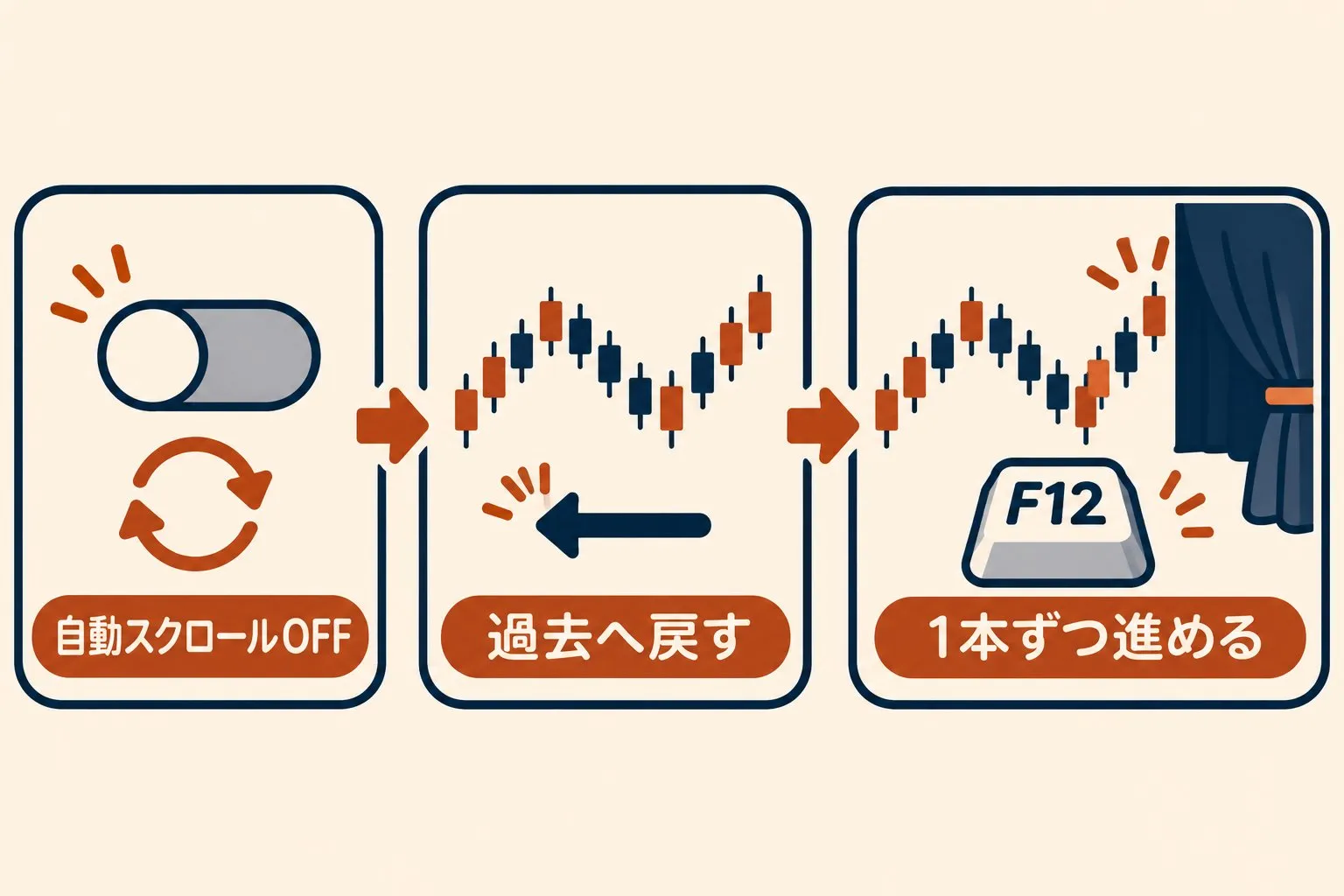
Even MT5's official Help (the Chart Management page) states that F12 is to "step through the chart (bar by bar)," and that this "step-by-step" mode can be used only when auto-scroll is disabled.
If F12 doesn’t move, first check the Auto Scroll option. On laptops, some models require you to press Fn together with F12 for it to work.
Also, the number of bars you can go back is capped by MT5's "Maximum number of bars in a chart" setting. If you can't go back as far as you expected, adjust this setting (Tools → Options → Chart tab. After changing, restart MT5) or practice for a shorter period.
There are two cautions.
One: do not press order buttons on the screen while practicing. Even if the chart shows the past, orders are actually placed at "the current price." Do all trading entries on your notes. If you’re worried, practice with a MT5 demo account, where orders won’t go live.
Another: do not run an Expert Advisor (EA) on the chart you are practicing with. Open a separate chart for practice.
■ Four items are enough for recording
If you try too hard to record, the process can end in three days (many will understand this). At first, these four items are more than enough.
・Date and time (which bar you judged on)
・Judgment (buy / sell / skip)
・One-line reason
・Whether it followed the rule (✓ or ✗)
The key is to also write the "skip" moments. Writing the scenes where you didn’t enter helps you later see that the rule conditions were met but you skipped out due to fear.
Whether to record profit and loss is up to you. However, practice results are not the same as real trading. In the early stages, it’s better to focus on the proportion of wins rather than the amount of profit or loss, as this aligns with the purpose of practice.
If you use an EA, another option is to write down your EA's rules on paper and track them bar by bar in the same way. You’ll see more clearly which situations you enter and which you endure by looking at the performance image.
■ Five common pitfalls for people who don’t continue
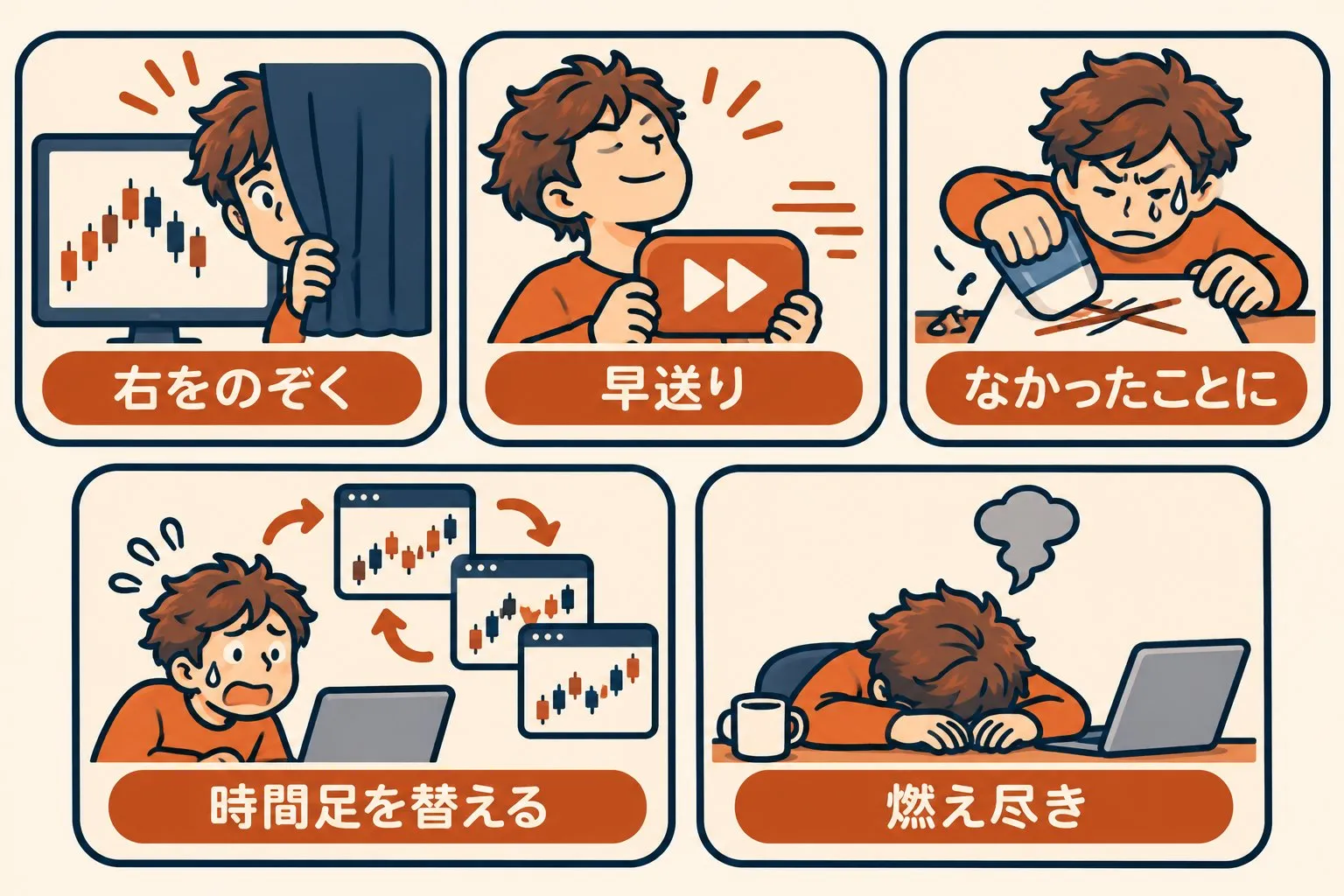
Common pitfall 1: you keep looking at the right side
If you accidentally move the mouse, the future bars line up and you can no longer practice that moment. Once you’ve seen it, that period should be abandoned and moved to another one.
Common pitfall 2: fast-forwarding to the juicy scenes
Mash F12 to stop only at “moments when movement seems likely.” This prevents practicing the long boring period in real trading. Even boring bars should be advanced one by one; it’s a humble but essential part of the process.
Common pitfall 3: calling a losing round “that was not it”
It’s understandable to want to go back with Shift+F12 and reconsider the same moment. This is good practice, but you should also keep the original judgment in your records. Erasing it makes the record reflect only the "wins."
Common pitfall 4: when losses pile up, you want to change the timeframe
You might think "this timeframe is bad," and switch to another timeframe or another currency pair. While understandable, this makes it hard to understand what you were practicing. The three things you decided at the start should remain unchanged until the current practice session ends.
Common pitfall 5: burning out by doing too many hours on day one
The first day, you’re motivated and you end up going long. The next day, you don’t want to even look at the F12 key. It’s easier to practice in shorter blocks with smaller goals. For example, set an end of day as "just this week" and continue from there.
■ If you try F12 and find it tedious
F12 is great because it requires no special tools. However, as you continue, it becomes more tedious to scroll to your desired date, monitor whether you hit your stop loss and take profit, count the profit and loss yourself, and keep scattered notes. If you’d like, I’ll introduce a free MT5 tool I’ve released to help with this.
FX Strategy Lab Free Version (MT5 Replay Practice Tool) 0 yen, no expiration
You can choose the date from a calendar and jump, then advance one bar at a time with "Next Bar" (there are also +5 and +10 bar buttons, but remember Common Pitfall 2 and don’t overuse them). You can go back to the starting position bar by bar with "Back."
You can set up practice buys/sells, settlements, and SL/TP; it does not place real orders. You can review through trade history, statistics, and the equity curve.
Four things you should know before using it.
・MT5 only. First, you need to change the "Maximum number of bars in chart" setting once (or refresh the replay start date) (steps are on the product page)
・Because it uses GogoJungle Web authentication, you need an internet connection at startup and to allow the use of DLLs. What you send is the product ID, sales ID, the company name of the account, and the account number; you do not send trading instructions or balances. A single authenticated account number can be used (real or demo accounts both work)
・Practice profits and losses do not include fees, swaps, or slippage
・Automatic strategy verification and weakness analysis are paid features; not available in the free version. It also has no automated trading features
Detailed conditions are summarized on the product page.
■ Summary
・Past charts are better practiced by moving forward one bar at a time and deciding on the spot rather than simply reviewing them
・With MT5 you can start today with F12 (just don’t forget to turn off Auto Scroll)
・Before you start, decide on one currency pair, one timeframe, one period, and one rule, and don’t switch mid-practice
・Recording is four items. Also write the skip moments. Do not erase the losing rounds
First tonight, try pressing F12 20 times on your usual currency pair. Not being able to see the right side will make the previously perceived "not easy" feel a little less certain.
※This article is intended to provide information only and does not endorse any particular method, currency pair, EA, or buy/sell strategy. Past price movements and practice performance do not guarantee future results.
× ![]()