
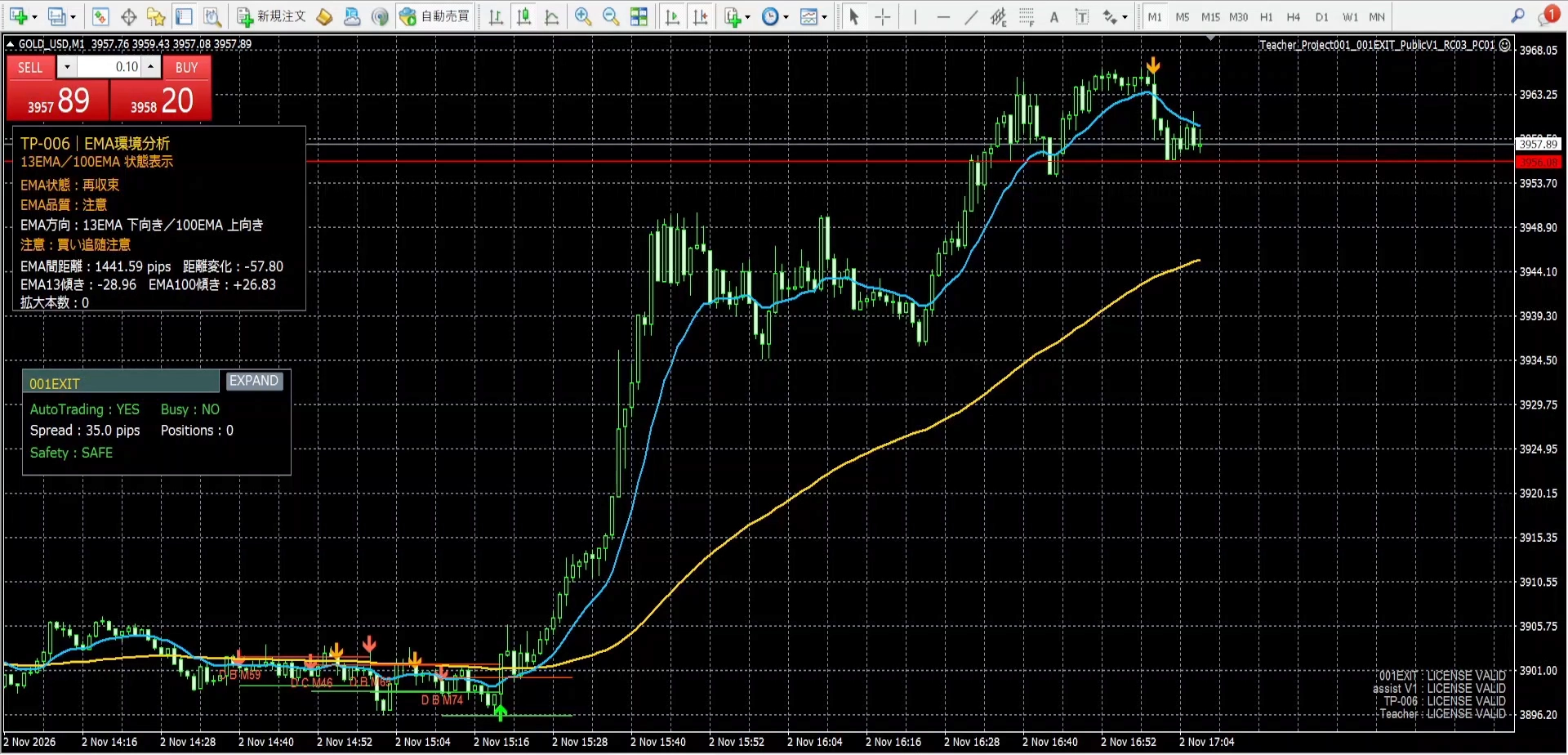
assist V1・001EXIT operation screen explained by voice|full video【Teacher Project001】
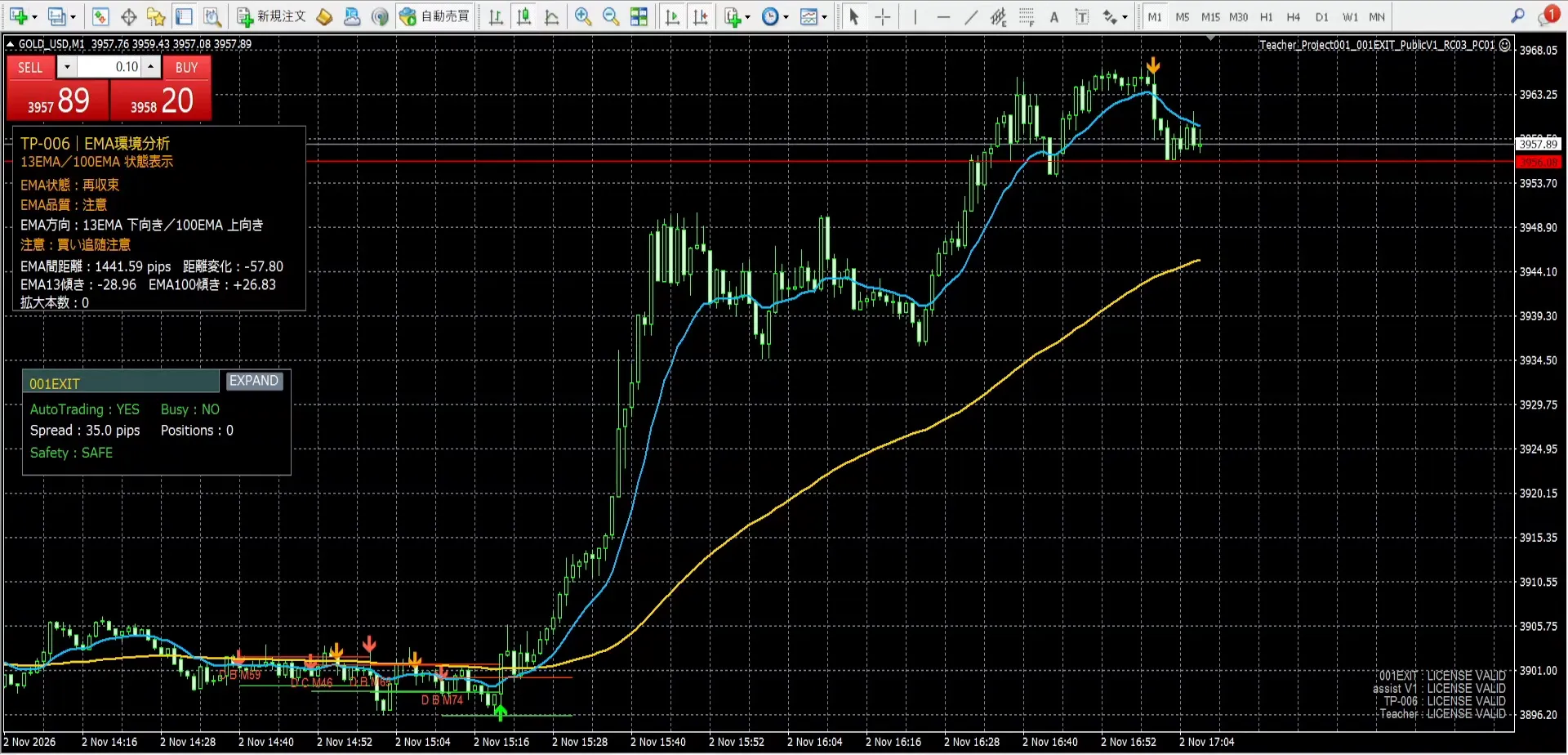
Hello, this is Teacher Project001. This time, I have prepared a video that explains the display and operation of assist V1 and 001EXIT in my own voice. Please view the gold chart together with each panel.
Video with narration – full length
Recorded on November 3, 2026. The video is not shortened; my recorded voice is left as is. You can watch the entire roughly 7-minute video in the player below.

If the player does not display:Watch the full video on YouTube
Roles of the four tools
- TeacherDisplays options for the U/D direction.
- TP-006Displays information to confirm the direction and status of the EMA.
- assist V1: Displays information that can serve as a reference for judgments, such as reversal warnings. (In this video, this is the main focus.)
- 001EXITAids in settlement operations.
This is an introduction to checking each display together with price movement and holdings. The display alone does not determine the trading results.
About amounts and arrows shown in the video
For privacy reasons, the amounts such as balance, margin, and profit/loss at the bottom of the screen are all masked, please understand.
The amounts and ticket numbers inside 001EXIT are left visible for explanation of the operation screen.
Unrealized P/L while holding and realized P/L after settlement differ.The “Current Total” in 001EXIT, etc., does not represent your holding amount as realized profit.
Also, arrows seen on past charts do not indicate they were shown in real time at that position/time. Please distinguish between post-event screen displays and information available at the moment of judgment.
Product lineup including assist V1
The four-tool configuration including the assist V1 introduced here is described in GogoJungle product 89037.
- Recorded tools: Teacher / TP-006 / assist V1 / 001EXIT
Check details of the four-tool configuration and supported environments (Product 89037)
Before purchasing, please review the product page for functions, supported environments, and terms of use.
Notes for viewing
This article and video aim to introduce the tool displays and operations, and do not recommend specific trades or guarantee future profits. Trading carries the risk of losses. Please make your own final trading decisions.