
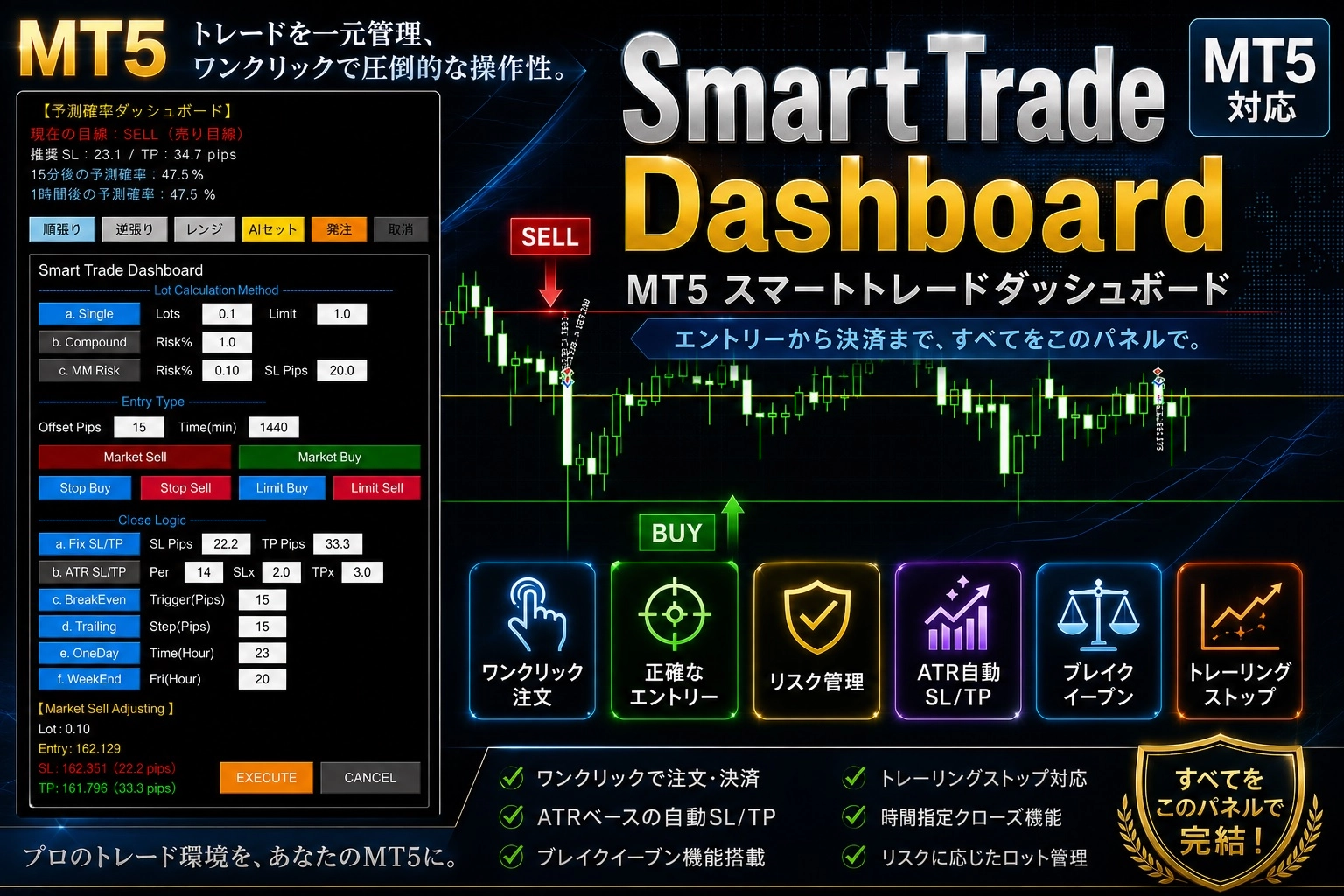
[Trial Version] Dramatically Improve MT5 Trading Efficiency with the Introduction of "MT5_SmartTrade_Dashboard"
For all MT5 (MetaTrader 5) users, hello. In daily trading, are you feeling the clutter on screen from monitoring multiple currency pairs and managing positions, and the hassle involved?
We have prepared a free trial version of the dashboard tool “MT5_SmartTrade_Dashboard” to realize a more comfortable and smart trading environment!
◆ Reason we prepared a trial version Responding to users’ voices like “I want to see if it runs smoothly on my PC environment” and “I want to confirm actual操作感 and design on the chart,” we have made the excellent visibility and refined UI of the product version available for zero risk. Please first try it thoroughly in your MT5 environment and use it to improve trading efficiency.
◆ ⚠️【Important】Installation and setup procedures To run this program normally, please set it up according to the following steps. If you make a mistake here, it will not operate correctly, so please be careful.
Save location to the “Experts” folder Downloaded program files, go to MT5 menu “File” > “Open Data Folder,”
MQL5>Expertsfolder. (Not in the Indicators folder)Enable DLLs from “Tools” → “Options” From MT5 top menu bar, open “Tools” > “Options,” and in the “Expert Advisors” tab be sure to check (☑) “Allow DLL imports” and click “OK.”
Please experience a higher level environment where you can focus on daily market analysis and entry decisions!
▼ Details and download for the “MT5_SmartTrade_Dashboard Trial Version” here