
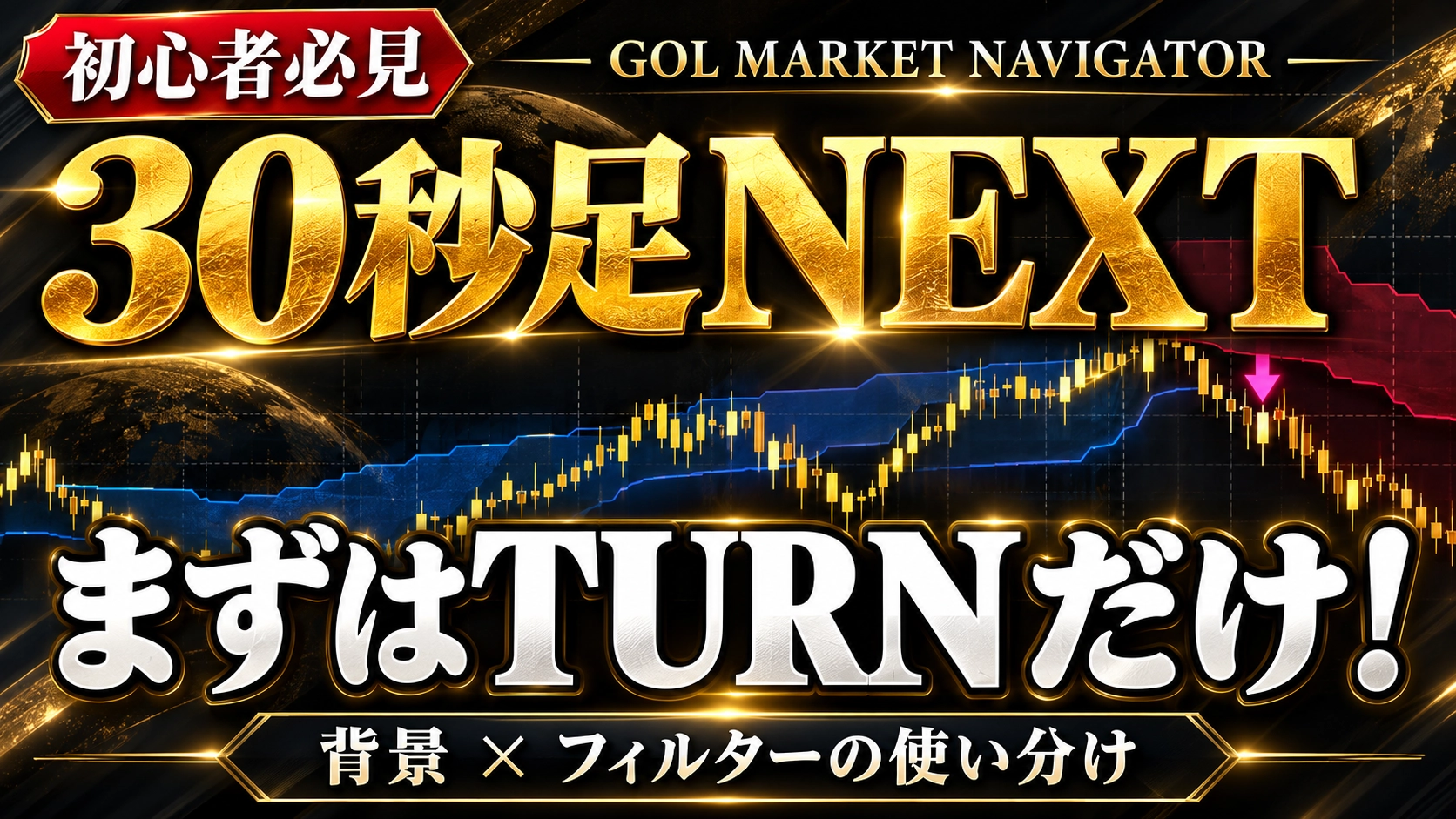
【Explanation video released】30-second Ashi NEXT starts with TURN only! Differentiating background and filter usage
GOL MARKET NAVIGATOR|Beginner-friendly video release
For 30-second chart NEXT, start with TURN only!
“Where should I start?” “Which background should I choose?” “Should I keep the filter ON?”
We answered these questions by comparing charts.

▶ Watch the explanation video here
First, get used to it by looking at TURN only.
30-second NEXT includes TURN・CORE・FLOW・PULSE.
If you’re new, you don’t need to display everything from the start. First,display TURN onlyand check the relationship between background and signals.
Does adding more conditions improve things?
In the video,backgrounds for 15 minutes, 30 minutes, and 1 hourand the added filtersON/OFFare compared.
“All options available = correct”
“Filters should always be ON”
is not a given.
As you increase the confirmation conditions, there are more occasions to pass up, but there may also be fewer trading opportunities. Please compare on a demo account first, adjusting to your own trading time and style.
Main contents of the video
✓ Basic viewing starting from TURN
✓ Differences by background timeframe
✓ Comparison of added filter ON/OFF
✓ Checkpoints when using CORE・FLOW
✓ Thinking about risk-reward and money management
About “No Filters”
It does not mean not using a background at all. It uses the selected timeframe’s background and leaves direction confirmation OFF.
For those who have already purchasedSetting comparison referencefor those considering itactual chart displays and usage verificationplease take a look.
GOL MARKET NAVIGATOR
Product details here ▶
※Past charts are for explanatory examples and do not guarantee future profits or win rates. Gains/losses due to money management vary with win/lose order, risk amount, trading costs, etc. The FLOW usage limit mentioned in the video is not yet implemented in the sold version.