
【Warning】For those who rely on EA. Have you checked that FX account?|PHP problem and GMO VPS unauthorized access

If you are the one operating EA, please check your trading history and balance once before reading this article.
Even when you think things are behaving normally, make sure there aren’t any unfamiliar trades in your account.
This time, the part I want you to look at first is there.
Impact on homepages and other services due to a serious PHP vulnerability.
And unauthorized access to GMO's "Onamae.com Desktop Cloud."
Regardless of whether your market reads are correct, there is a need to protect your account in places other than that.
※Based on official information confirmed on October 25, 2026. Since the status of responses can change, please also check the latest guidance from the service provider.
PHP issues and attacks on VPS. First, check them separately
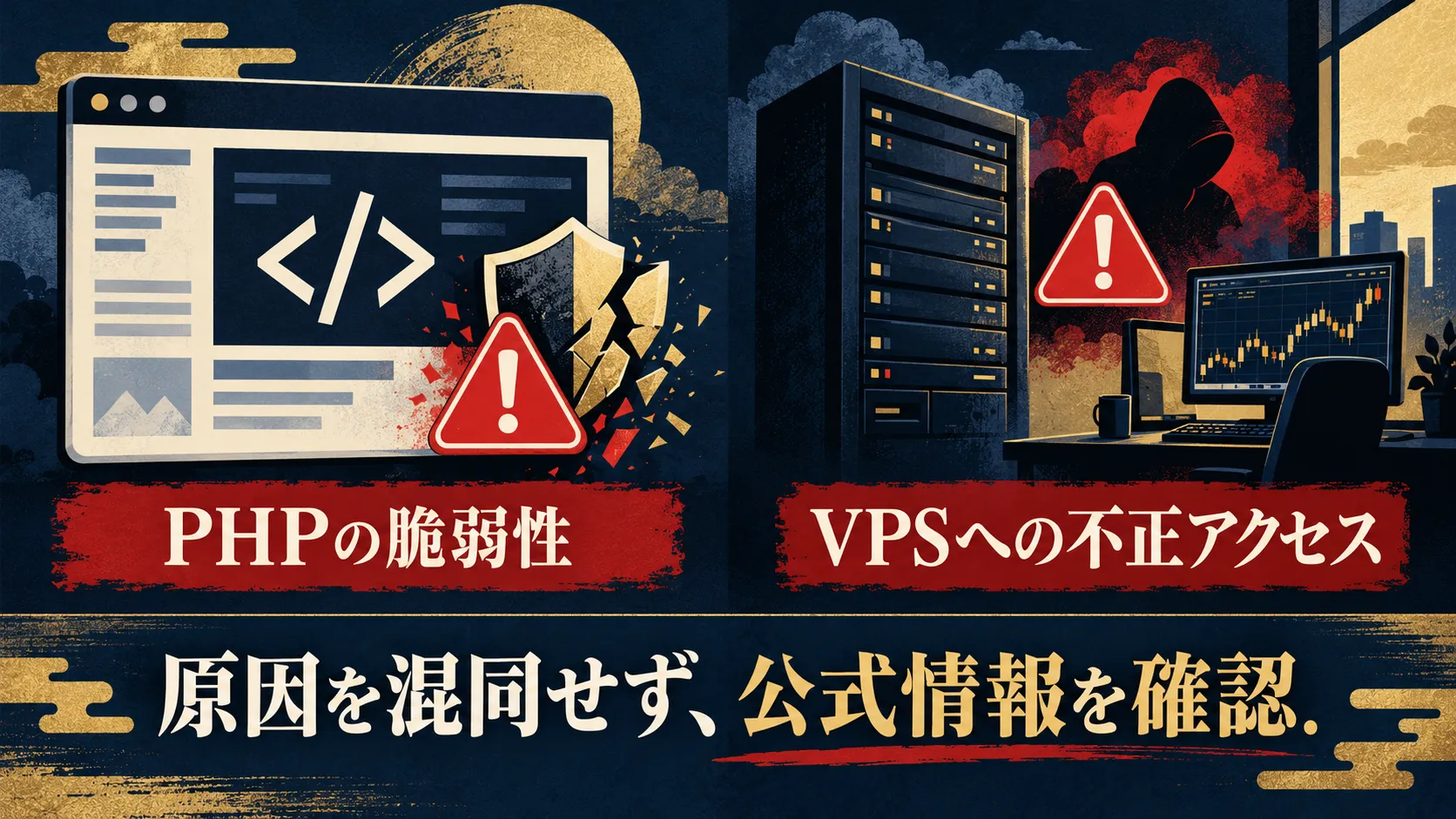
PHP is a widely used programming language for running homepages and web services.
Regarding the vulnerabilities disclosed on October 21, JPCERT/CC has called for measures and an investigation into whether breaches occurred, stating that if exploited, external unauthorized programs could be run.
If you are running your own homepage, you should check the status of the response with your development company or hosting provider.
Source:JPCERT/CC Alert
On the other hand, GMO's case involves unauthorized access to the "Onamae.com Desktop Cloud" used for automated FX trading and other tasks.
GMO published on October 24 in its fourth report that there was unauthorized access to the service environment and that user information was exfiltrated.
They have also announced a policy for compensating losses from fraudulent trades, but you need to check the official guidance for eligibility and procedures.
Source:GMO Fourth Report
These two cannot be considered the same incident caused by the same source.
However, as someone who is doing FX, there are plenty of reasons to verify your environments and accounts.
If you were using the relevant VPS, protect your account first

In GMO's latest guidance, in addition to changing the password from another device not used for trading, they request disconnecting all active sessions.
A session refers to a connection to your account.
Even after changing your password, depending on the FX company’s settings, some previous connections may remain.
I also tend to think that changing the password will cut off the connection. Here, you should verify both the change and the disconnection separately.
- From a smartphone or another PC not used for trading, change the passwords for your account and trading tools.
- Confirm how to disconnect all connections, and if you don’t know how, request the FX company to do it.
- Check your trading history and balance. If you see unfamiliar trades, record them and contact the FX company.
- If available, enable two-factor authentication and review any reused passwords.
GMO also urges virus scans on your devices and backups.
Do not click suspicious links or attachments in emails; verify through your usual official channels.
Source:GMO Fifth Report and Request to Users
An option is to relocate funds you don’t need from the account
From here on, this is my own approach to fund management.
Until you can confirm a safe connection environment for the accounts used on that VPS, refrain from adding funds or hastily restarting EA.
If you have surplus funds not needed for operation, discuss with your FX company and consider withdrawing to your own bank account to relocate them.
To be precise, the funds reside not in the VPS itself but in the FX company’s trading account.
However, if you withdraw only funds while maintaining positions, you risk a margin shortfall and forced liquidation.
Check your open positions, required margin, and withdrawal conditions first. If you notice suspicious trades, contact your FX company first.
Even if you withdraw, it does not automatically solve the account problems.
In addition to disconnecting and changing authentication data, you need to take steps to protect your funds.
For those who rely on EA, please confirm how to stop it

We do not intend to dismiss this incident as merely a mistake by people using EA.
It is also undesirable for those who trusted the service to suffer losses.
That said, there are things we should consider in our future operations.
When the EA stops moving, can you check the status of your account yourself?
When you find unfamiliar orders, do you know where to contact?
And when the market no longer aligns with your plan, can you decide to stop today?
For example, even if the server stops, the positions already in your account do not disappear.
Management by the EA may stop even if the server is running.
Which orders remain, which management stops?
I want to be able to check my own EA specifications and the FX company's order status.
If you only look at daily profits and losses, you have few opportunities to verify how to disconnect.
I want to include this in my checks and note the mindset for future adjustment.
After all, I believe discretion is the strongest

Look at the charts with your own eyes and decide to wait now, skip this, or retreat if the premise collapses.
For example, when prices are swinging wildly and you can’t decide where to place a stop loss.
In such cases, wait without placing an order.
If the movement after entry does not continue as expected, exit according to your predetermined stop-loss conditions.
I value the ability to make such choices by myself.
Of course, discretion does not guarantee protection against unauthorized access.
Security measures for accounts and devices are necessary for any trading method.
Even with discretion, you can lose money or make decisions poorly in trying to recover it.
That’s why you should confirm your reasons for entry and stop-loss conditions yourself, record them, and fix them next time.
I want to keep this practice and mindset as a record for future use.
It can be done even while using EA.
Don’t rely entirely; cultivate the judgment of the user of the tools.
What I am guiding you throughThe Golden Line Sniper AIhere should be viewed as a signal tool to assist discretionary judgment.
When a signal appears, enter without thinking.
Use it as a starting point to compare with your own charts and make a judgment.
For those who want to learn the discretion of GOLD,GOLD Specific Medicineis also introduced.
Both are my products.
They do not guarantee profits or security.
If you want to operate completely hands-off, the approach described in this article may not be suitable for you.
After all, I still prefer having the ability to judge for myself.
Because you can choose not only what to enter but also what not to do.
First today, please check the official guidance for the VPS you are using and the history and balance of your FX account.
After securing funds, next, consider what you can do for yourself on the day you stop using EA.
Let’s gradually increase that over time.
※There are risks of loss in FX and CFDs.
Please decide on fund movements and resuming operations after confirming your holdings and the guidance from the service you use.