
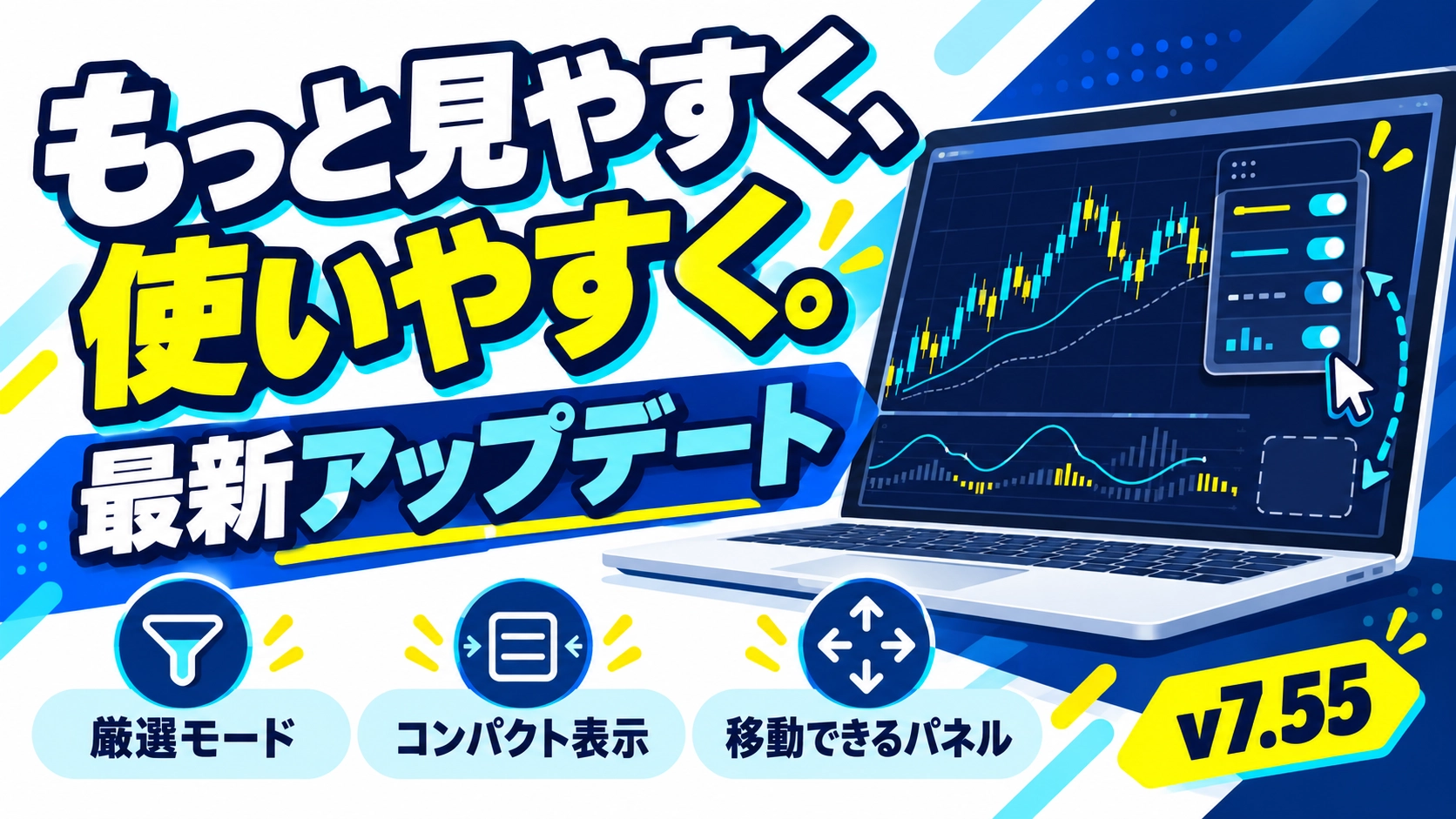
Updated KGS to v7.55. About the new SAFE and the more readable panel
"The panel is large, and the chart is a little hard to read."
I believe indicators are valuable not only for generating signals but also for being easy to use on a daily screen.
Today, October 21,KURAMA GOLD SIGNAL PRO (KGS) has been updated to v7.55.This time, it includes the latest distribution with a review of the new SAFE and an update to panel usability.
For those who are already using it, “what has changed.” For those who are considering it, “how can it be used on my charts.” I will summarize to convey both aspects.
01|When you want to use the screen widely, use compact display
What we added this time isthe toggle between normal display and compact display.
| Button | Action |
|---|---|
| C | Switch to compact display |
| N | Return to normal display |
You switch it with the button at the top-right of the panel. In compact, it displays only information about direction, MA, star, MARKET, Entry/TP/SL.
When the chart is split or you want to view candles more broadly, this is a feature for those who want to keep necessary information while making the display cleaner.
02|If the place you want overlaps, move the panel
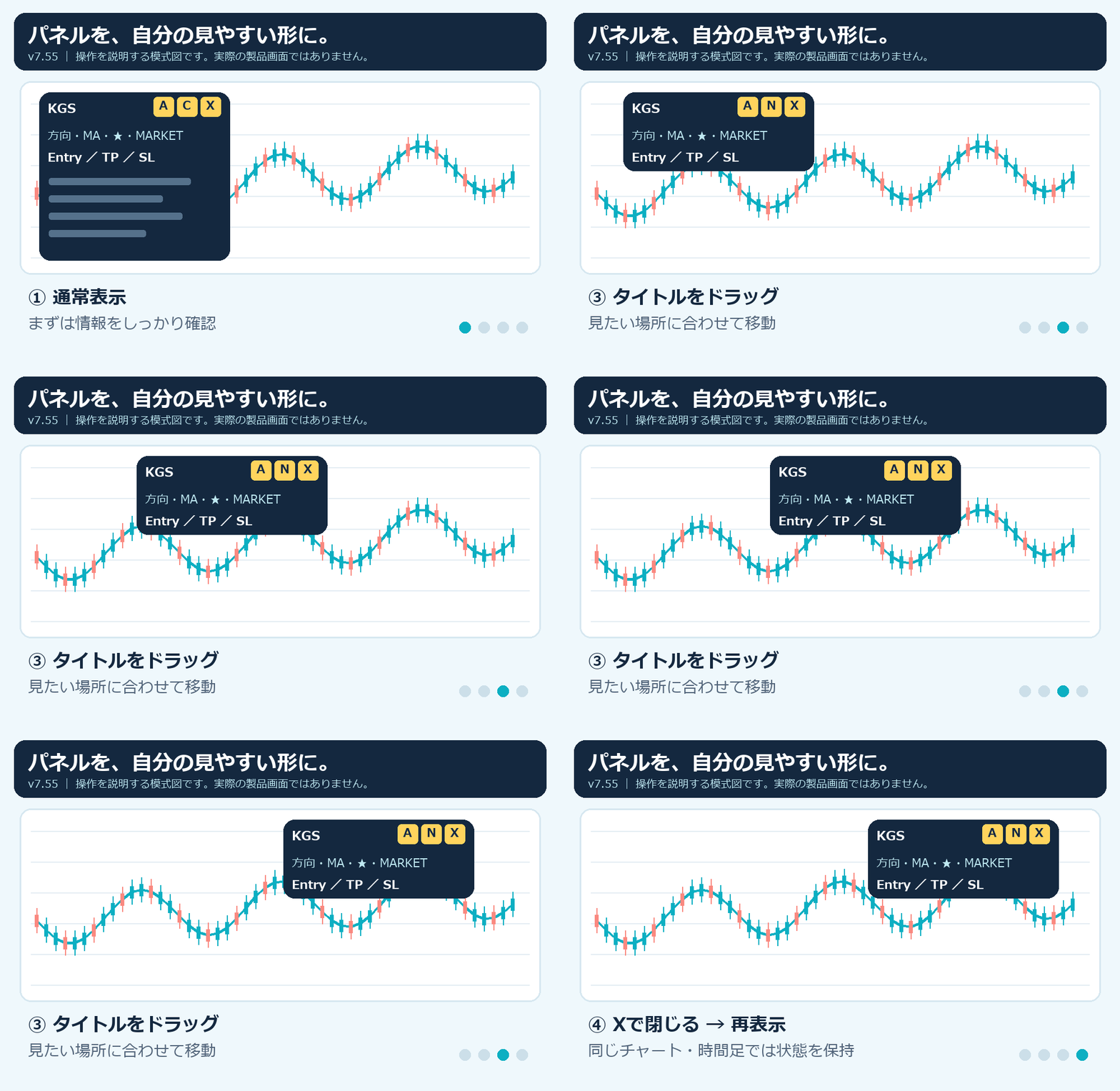
Grab the title area and drag the panel to moveYou can also change the layout on the spot when it overlaps candles or the order entry field.
Press "A" to return to the set position, and "X" to close. After closing, you can return from the remaining redisplay buttons.
On the same chart and time frame, display type, position, and open/close state are preserved after reload. When you narrow the chart, the panel’s position and size are adjusted to fit on the screen.
Also, there has always been a setting to shrink the entire panel.Panel Size Mode to Manual, Manual Panel Scale % to 70etc. will shrink it. The compact display this time is not simply making it smaller, but a function that “narrow down the information displayed.”
03|New SAFE is a mode that filters the signals shown
The latest version distributed this time also includesa new SAFE modewhich selects signals to display from the STANDARD candidates for both 5-minute and 15-minute charts.
I don’t want this to be confused, butthe STANDARD signal judgments and the calculations for Entry and TP/SL have not changed.Signals adopted by the new SAFE preserve the original Entry/TP/SL and star values.
The changes to the new SAFE were made in v7.54, and in v7.55 the specification is carried over with panel features added. Switching or moving panels does not change buy/sell judgments.
SAFE does not mean “unloseable mode.” The number of signals varies with market conditions and operating time, and it does not guarantee higher win rates or profits than STANDARD at all times.
04|Why are there no arrows right after turning SAFE on?
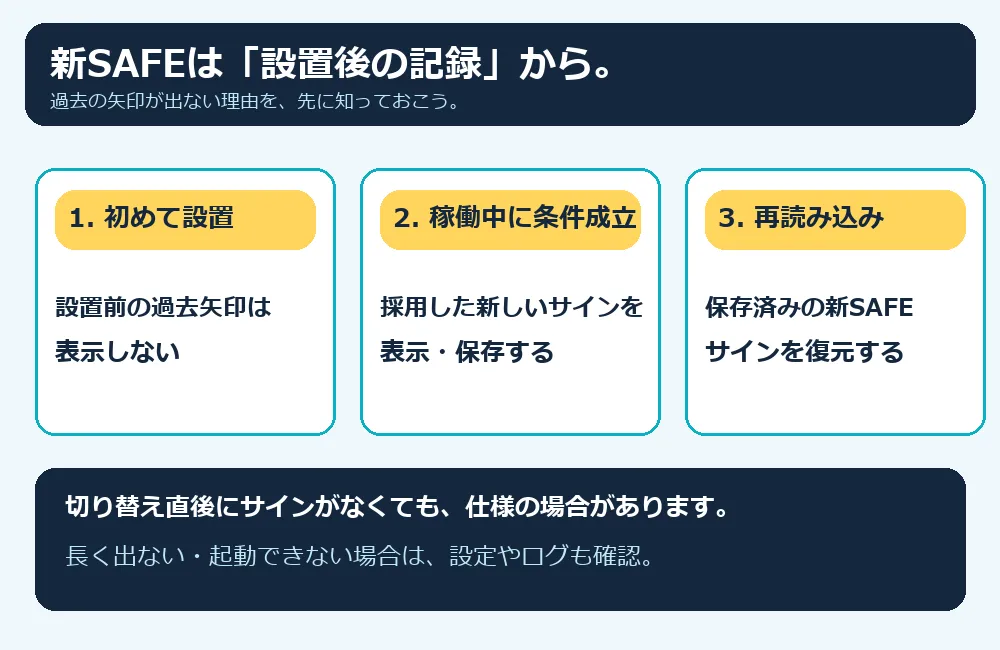
This is something you should know before implementation.The new SAFE does not display past signals before installation.It will display signals adopted and saved during operation.
Therefore, right after the first switch, you may see no past arrows. Saved new SAFE signals will be restored upon reload.
Win-rate display is also calculated from the confirmed results of signals adopted and recorded with the new SAFE. It does not mix records from STANDARD or old SAFE.
However, not every case of “no signals appearing” should be considered normal. If signals do not appear after long operation or you cannot start it, please check MT4/MT5, timeframe, settings, and logs.
05|If you have already purchased, please re-download
The distribution files for KGS standalone and the complete set including KGS have been updated.Please re-download the latest version from the product page you purchased.
The update includes the KGS MT4 file (EX4), the MT5 file (EX5), and the KGS manual PDF. The currency pair indicators and the trading method materials in the complete set remain unchanged.
Back up your settings and records before updating, and replace them according to the included manual. Do not stack the old version; after updating, verify version 7.55.The supported environments are
PC MT4/MT5, Gold 5-minute and 15-minute charts. There are two modes: STANDARD and SAFE. If you were using the old ACTIVE settings, please reselect the mode. SAFE-supported settings are summarized in manual pages 19–20, and the panel operations for this time are summarized on page 21.
06|Make tools easier to use and learning environment easier to access
KGS is an indicator to check gold signals and reference prices for Entry, TP, and SL. It is not an EA that automatically places orders or closes positions.
I want to not only add functions but also improve areas that confuse users and feel slightly inconvenient daily. This panel update is for that purpose.
If you first want to adopt gold tools, please check the compatibility and displayed content on the KGS standalone product page.
 KURAMA GOLD SIGNAL PROFor those who want to verify gold signals and reference prices for Entry, TP, SL.See product page for details →
And,for those who want to learn my MA method and chart interpretation, I recommend the complete set with教材 and one-on-one coaching.
This includes two short-term indicators for GOLD/USD and my method教材, video教材, and one-on-one coaching. It’s not just about using the tool but learning by checking unclear moments.
When asking a question, please send a screenshot of a chart where you are uncertain, so we can share what you are looking at and explain more clearly. Hide unnecessary personal information such as account numbers and balances.
For those who want to assemble tools,教材, and a question-ready environment comprehensively, this set is a strong choice in terms of content and cost performance. If you have already purchased, please check the content so you don’t buy twice.
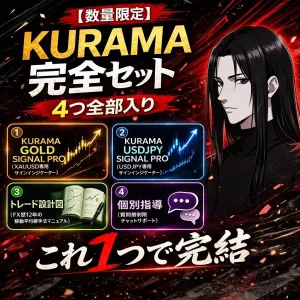 【Finish as a capable trader】GOLD × USD/JPY Indicator +教材 + One-on-one coachingFor those who want to learn my MA approach, video教材, and one-on-one coaching together.See product page for details →
※This article provides guidance on features and usage. Signals and reference prices do not guarantee future profits, win rates, or executions at specified prices. Trading involves risk of losses, and orders, executions, and final investment decisions are yours alone.