
Stand out from those around you. Instantly master on smartphone with mobile app
Analytical support to confirm market direction on smartphones
See direction and confidence at a glance while looking at charts.
An option called AI ASSIST 369 Android
In FX chart analysis, you may switch between instruments to check multiple timeframes and technical information. AI ASSIST 369 Android displays the analysis information delivered by the provider on your smartphone, making it easy to compare with the charts in your usual trading app.
Its feature is that the analysis results are not confined to the app screen alone but can also be checked via overlaid round buttons and notification/toolbar displays. For those who want to minimize the hassle of jumping back and forth between charts and analysis screens, the setup is easy to consider.
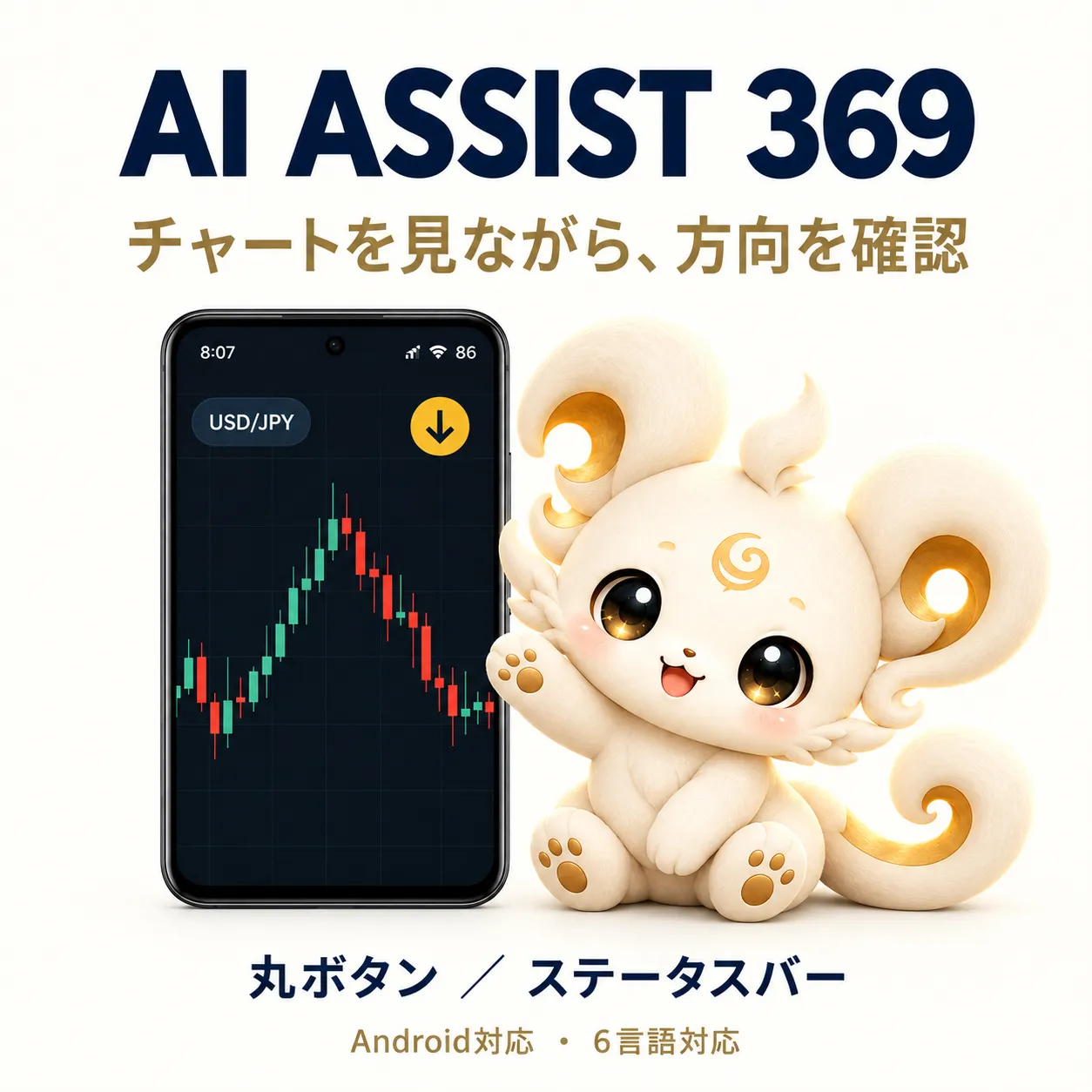
Keep the chart screen open and compare directions
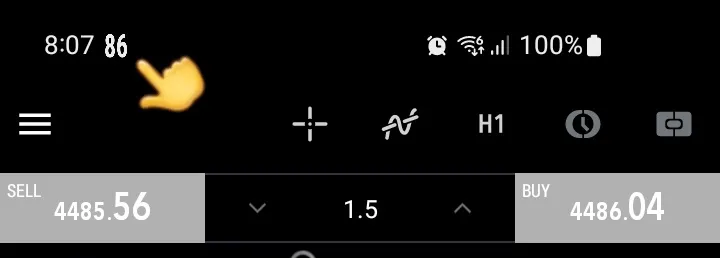
The app display method can be chosen from the movable round button and the toolbar (status bar). The round button can be displayed on top of other apps and you can drag it to adjust its position. Tapping the button opens the app screen, and you can switch targets from the instrument name area.
When a signal is lit, the BUY/SELL direction is shown with arrows, and when waiting for signals, the AI direction expectancy obtained is displayed as a percentage. Since you can also confirm directions and numbers from the notification area or toolbar, you can reduce the number of times you switch back to the app while viewing charts.
Round button while signal is on
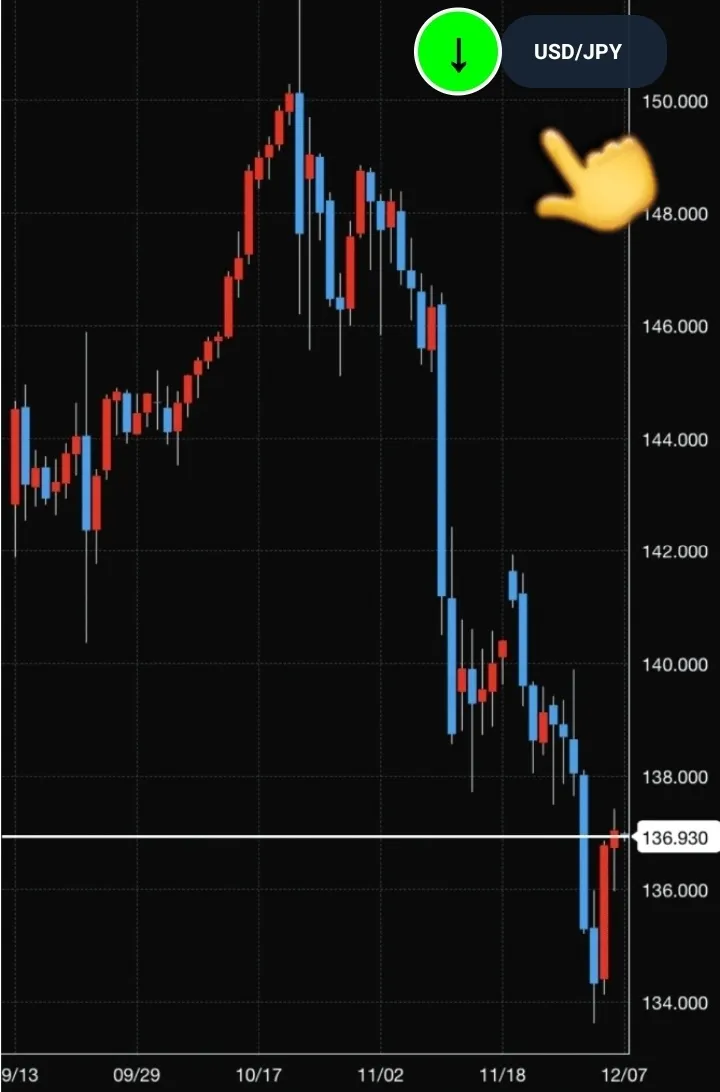
Background color and arrows illustrate the signal state and direction.
Round button while signal is waiting
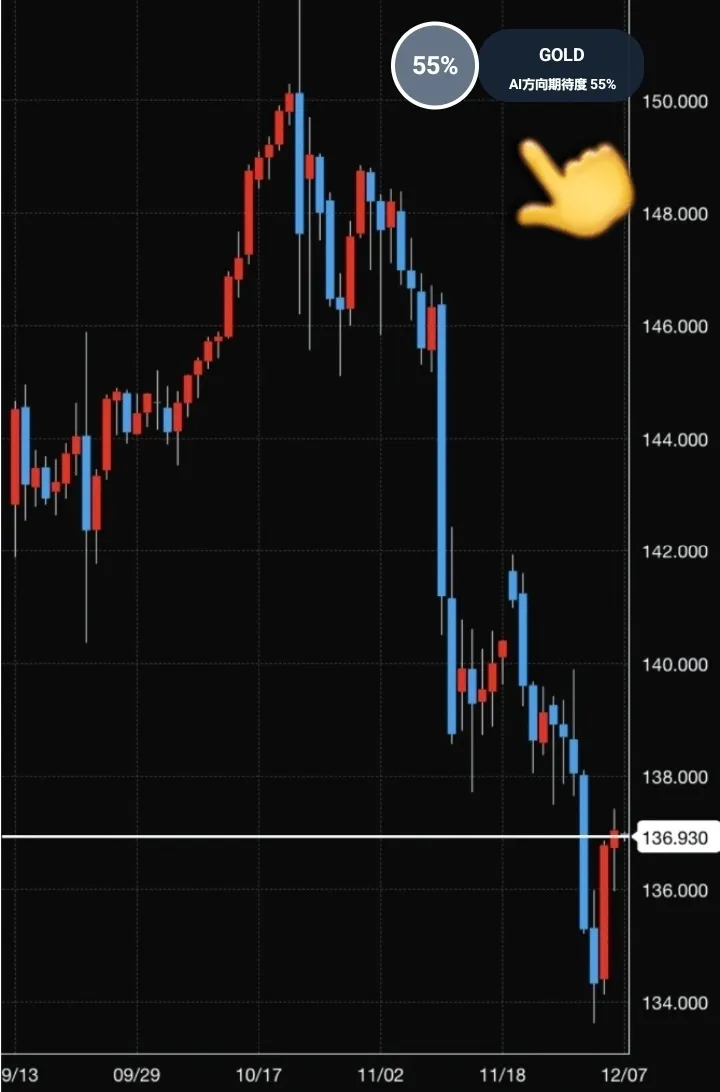
While waiting, the expectancy obtained is shown instead of a dash. The instrument name can also be checked.
● High
● Medium
● Low
% Spreads depend
% display is a reference value for reading the direction
On the app screen, in addition to direction consistency rate and BUY/BUY-oriented or SELL-oriented analysis information, you can check explanations of trends by timeframe and technical information. The point is that you can compare across multiple timeframes, not just short ones, to help organize the current market.
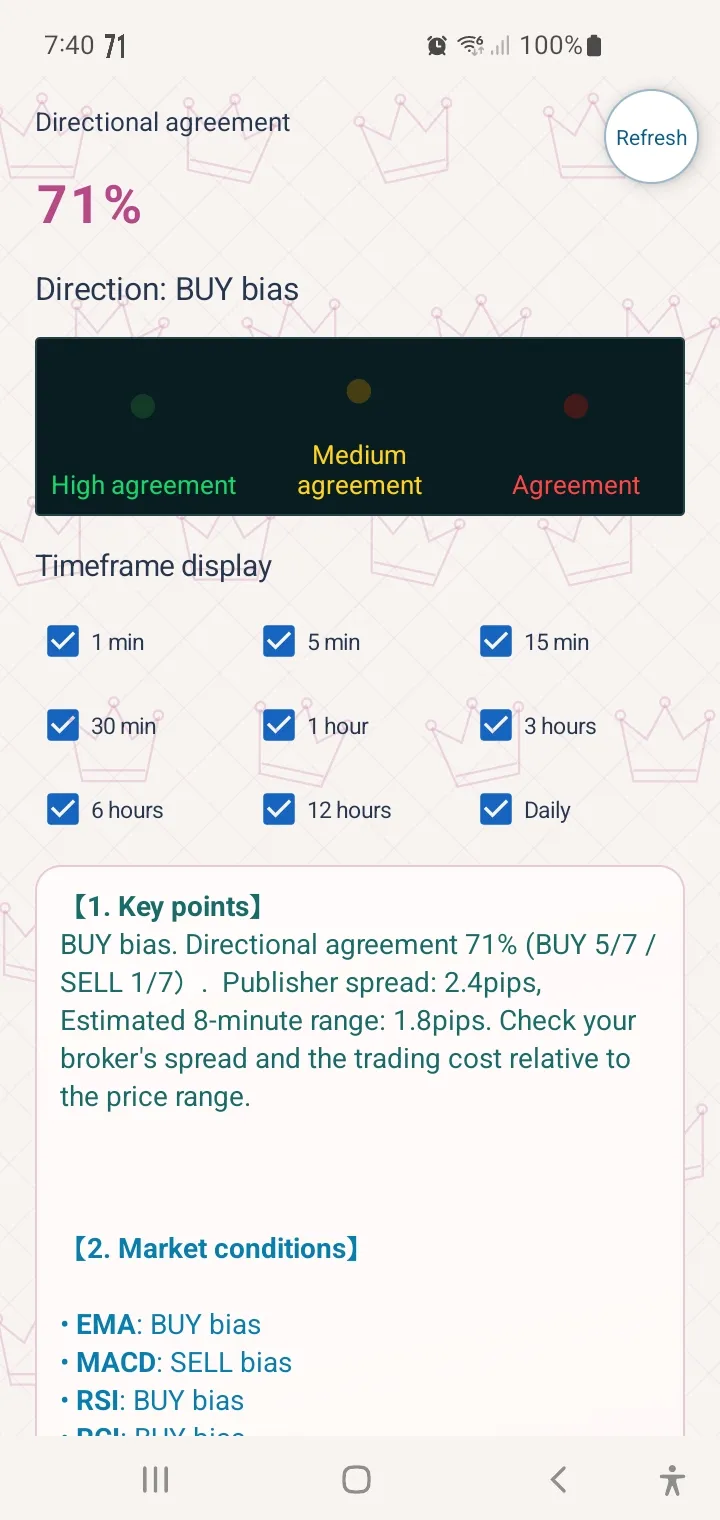
“Direction consistency rate” and “AI direction expectancy” do not indicate actual win rate or profit probability. Do not decide to buy or sell solely based on the percentages shown on the screen; also check price movement, spreads, fees, and trading conditions.
Settings to make everyday checks easier
Choose instrument to check
Supported instruments are USD/JPY, GOLD, EUR/USD. When cross-checking with the trading app's charts, the user should confirm that the instrument and timeframe match.
Choose display method
Pick round button display or toolbar display, and the chosen display method is carried over to the next startup. The round button position can also be adjusted to a convenient location.
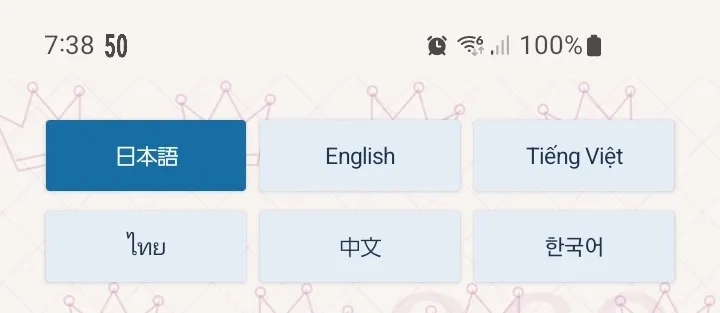
Supports 6 languages
Display language can be selected from Japanese, English, Vietnamese, Thai, Chinese, and Korean.
Details shown in the app screen
If you want to quickly see directions and expectancy at a glance, you can return to the app screen for detailed checks of justification and multi-timeframe status.
Who it is suitable for
- People who want to reference analysis information from another screen while viewing smartphone trading charts
- People who want to organize and check multiple timeframes and technical information on one screen
- People who want to reduce switching between analysis screen and chart
- People who want to choose a confirmation method that suits them, such as round buttons or notification displays
Conversely, for those seeking automatically placed orders or guarantees of profit or win rate, this tool is not aligned. AI ASSIST 369 Android is an app that delivers analysis information in an easy-to-understand way and assists confirmation in discretionary trading.
Things to know before use
- This app does not recommend or execute trades, and there are no order or settlement functions. The final decision on trades is the user’s responsibility.
- Direction consistency rate, expectancy, and explanations are reference information and do not guarantee win rate, future price movements, or profit.
- Due to communication environment, device power-saving settings, provider status or maintenance, information reception or display may be delayed or paused. Please check the display time and instrument.
- Display permissions and notification settings for the app are required. Depending on device settings, OS updates, or manufacturer-specific power-saving features, the method of setting may vary.
- Prices, spreads, fees, and order conditions vary by counterparty. Also be careful of losses due to rapid changes or mispricings.
The numbers in the included images are examples of screen displays and do not indicate current market conditions or trading results. Please refer to the product page and the seller’s guidance for current features, supported environments, licensing, and latest terms.
This article is a product introduction structured based on the described features and screen examples. It does not reflect third-party real-world user reviews or operational performance.