
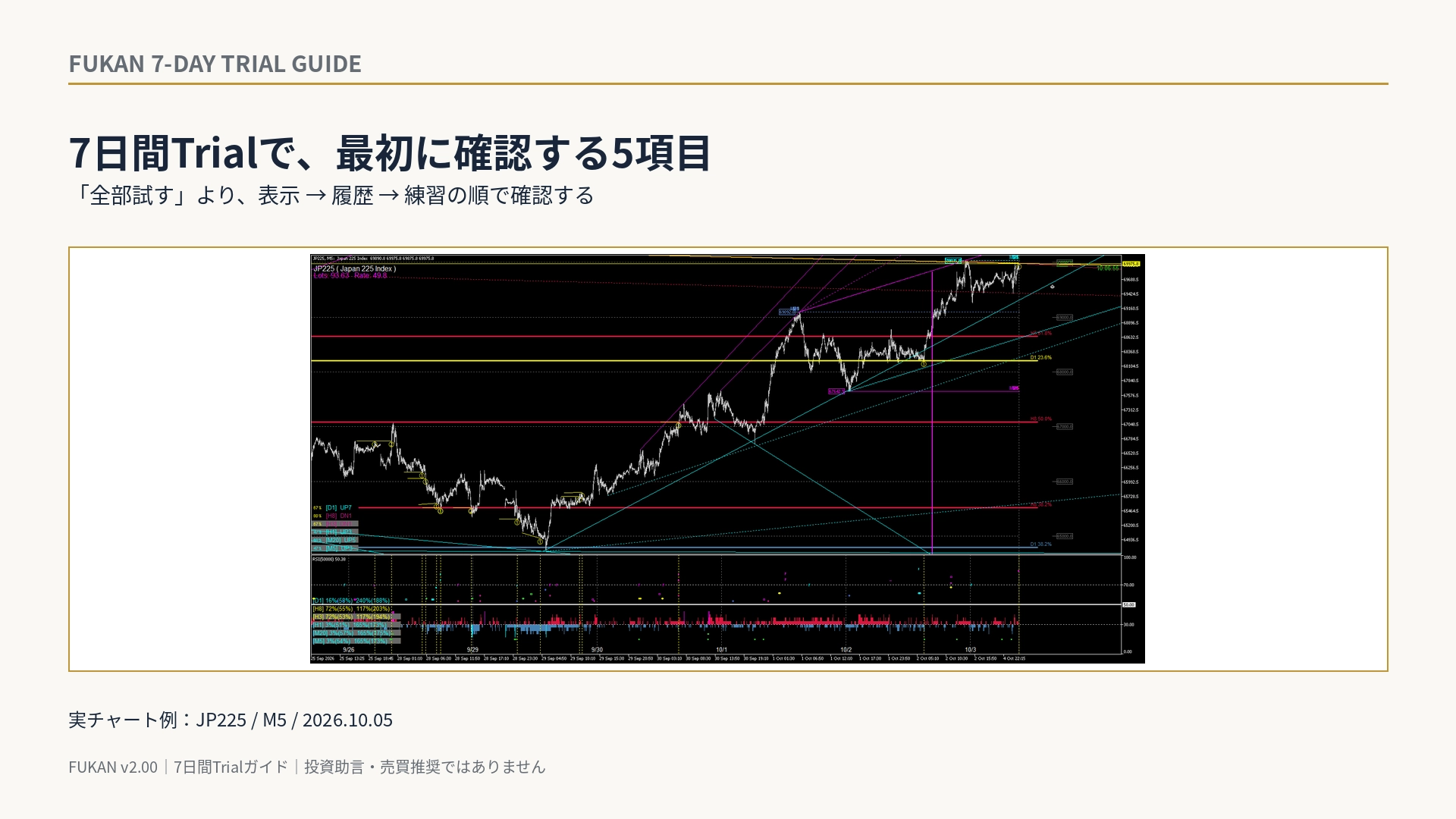
FUKAN's 7-day Trial, what should you look at first? — 5 items to confirm in the first 30 minutes
FUKAN's 7-Day Trial: What to Look at First — 5 Items to Check in the First 30 Minutes
FUKAN offers a 7-day trial. Because there are many features, it’s easier to grasp the product’s approach by deciding an order to check things rather than testing everything from the start.
This time, we organize the 5 items to check when you first launch FUKAN, using actual chart screens.
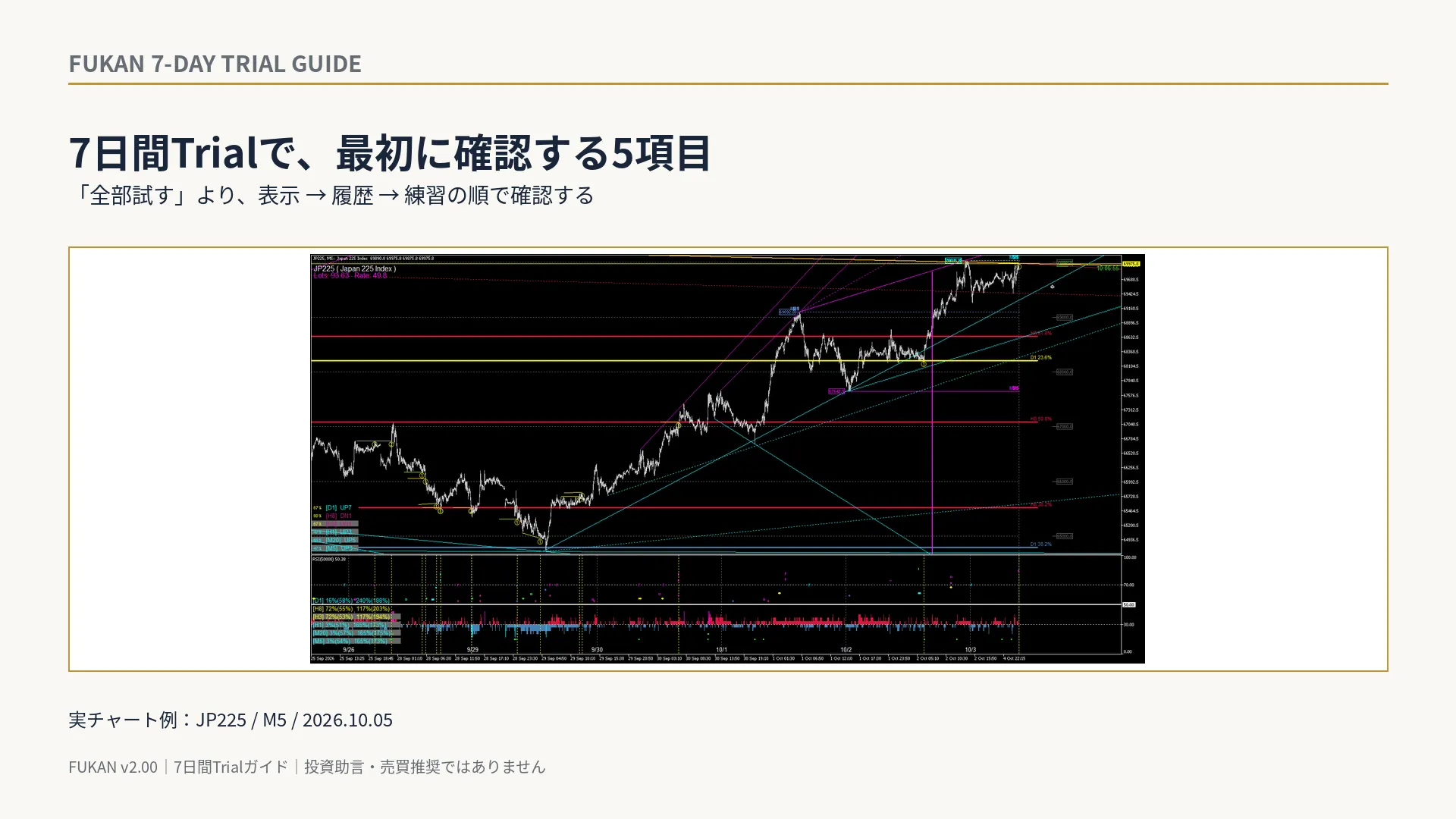
1|First, confirm initial calculations with a single chart
Initially, it’s simplest to confirm with just one chart using “Current Chart Only.” By default, the system calculates the past 500 bars, and a progress indicator such as “Initial calculation in progress Remaining bars: xxx” will appear on the screen.
If the remaining bars are decreasing, the calculation is in progress. In the early stage of the initial calculation, render load is reduced, and from the remaining 300 bars, standard technical rendering begins. After completion, it moves to normal display.
The first goal is not to open many charts, but to confirm that your MT5 environment completes the initial calculation and moves to normal display.
2|Switching the time frame and technical displays
FUKAN’s standard time frames are M5 / M20 / H1 / H3 / H8 / D1.
Use the time axis buttons at the bottom of the screen and D / T / F / E to organize the displays of Dow, Trend / Channel, Fibonacci, and Elliott.
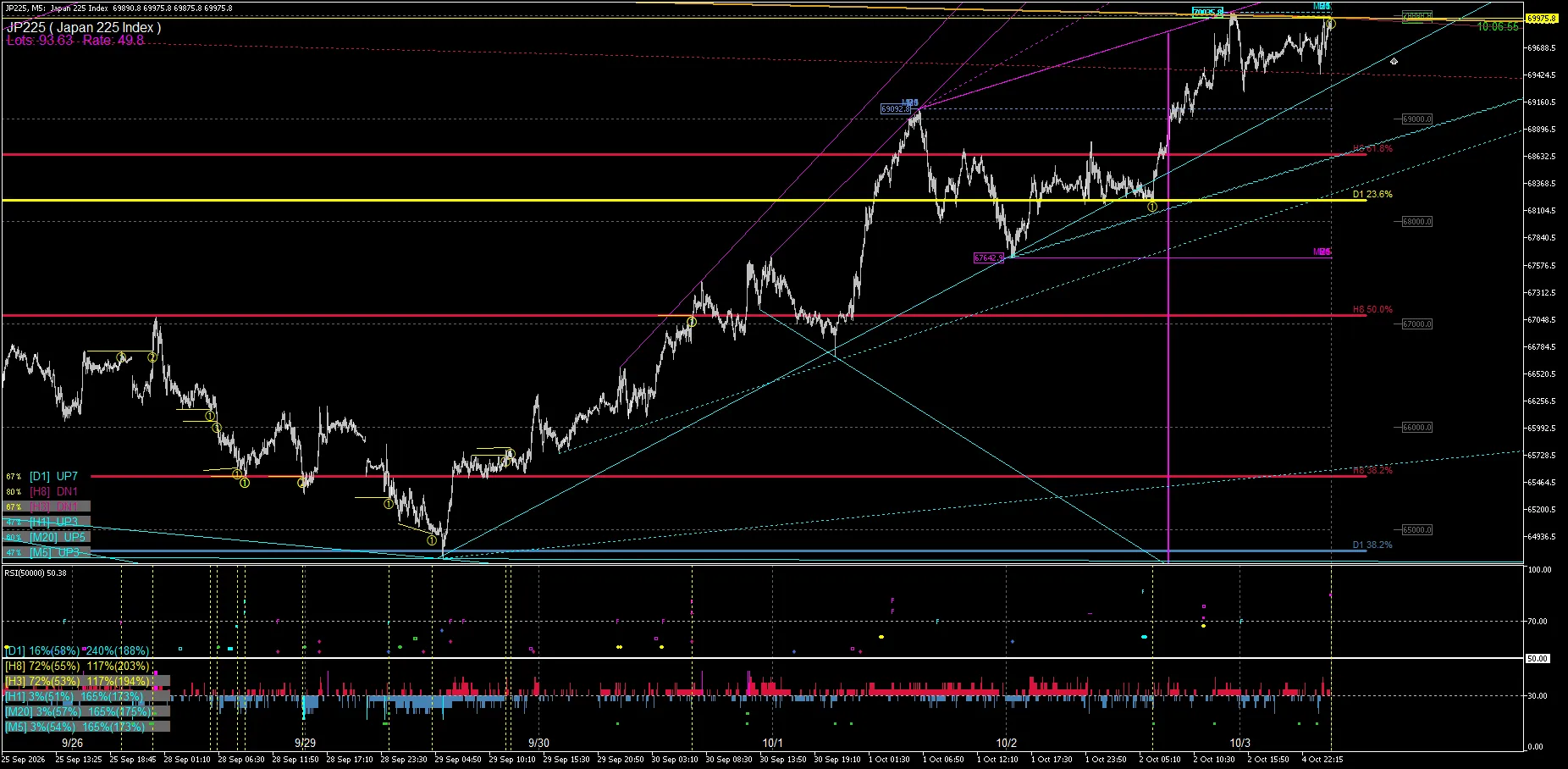
The above real chart is JP225 / M5, saved on 2026-10-05. Multiple time-frame structures are overlaid on the M5 chart.
At first, rather than hunting for which line intersects, it’s easier to understand FUKAN by confirming which time frame and which type of structure are projected on the same screen.
3|Do not view Yellow / Goldenrod as “predictions”
Yellow / Goldenrod highlights indicate lines that still monitor past reaction history.
Yellow lines or yellow traces do not instruct “buy here” or “sell here.” They also do not guarantee that a reversal will occur next time.
In the Trial, it becomes clearer to follow not only when they turn yellow, but also whether the price recontacts, reverses, or breaks through afterward, to understand the concept of reaction history.
4|Place orders using a demo account or Practice to confirm
FUKAN can be used for analysis display alone.
If you want to try the order function, it is recommended to first test it with a demo account or MT5 Strategy Tester’s Historical Replay / Practice.
Press B to click a Technical line to create a BUY pending order line, or press S to click a line to create a SELL pending order line. Delete one entry with D, or delete all FUKAN pending orders on the chart with Shift + D.
New-order operations during the Trial are possible only with a DEMO account. On REAL / CONTEST accounts, new orders cannot be placed during the Trial.
5|Check Risk / SL / TP and “remaining pending orders”
Before trying orders, check the current Risk, SL distance, TP distance, and Lot size. If FUKAN cannot safely obtain the necessary information, it will not place orders with estimated Lot and will wait until calculations are ready.
Another important item is the pending order lines and rectangles.
FUKAN’s pending orders may be restored after MT5 or FUKAN restarts. If you turn trading permissions back on at that time, the conditions at that moment are reevaluated.
Therefore, before changing trading permissions, ensure there are no unnecessary pending orders remaining.
Trial applications consist of three items
For a Trial application, run MT5 once with License Request Utility and inform the seller of the following three items displayed.
• Fingerprint
• Broker server time
• trade_mode (DEMO / REAL / CONTEST)
There is no need to send the MT5 login number or server name itself.
Based on the application information, a seven-day Trial EX5 is issued for the registered MT5 account. The validity period is 7×24 hours starting from the Broker server time shown by the Utility.
Order sequence for seven days
Day 1 covers initial calculation and analysis displays.
Next is switching time frames and technicals.
Then the reaction history of Yellow / Goldenrod.
If you want to test orders, confirm order lines, Risk / SL / TP, and deletion operations with a demo account or Historical Replay / Practice.
With this sequence, you can understand FUKAN not as a “signal-seeking EA,” but as a tool to organize market structure across multiple time frames and, if needed, link to order conditions.
This article explains FUKAN’s features and trial methods and does not constitute investment advice or a buy/sell recommendation. It does not guarantee future price movements, profits, or win rates.