

Understand MTP from Manga #03 Where does the source EA run?
“Does the copying EA have to run on a real account?”
“Can I use it with a demo account?”
“Where should the Master be placed?”
Even when you understand how MTP works, once you actually try to use it, the next thing you’ll be curious about is,“Where do you run it?”I think.
This time, we’ll organize as simply as possible how to actually position the Copying EA, Master, and Slave.
The key point is to “configure on the same VPS.”
First, check with the video
Here is Episode 3 YouTube Shorts.

First conclusion: run it on the same VPS
In MTP, the Copying EA, Master, and Slaveare configured on the same VPS.
Copying EA
↓
Master
↓
Slave
↓
Your own account
It is not a mechanism to send to another VPS.
Within one VPS, operate with multiple MT4 instances, dividing the roles.
undefined undefined undefined
The question starts with “Where do I run the Copying EA?”
undefined undefined undefined
The point is to configure from the Copying EA to your own account within the same VPS.
undefined undefined undefined
Copying EA → Master → Slave → your own account. This basic flow does not change.
undefined undefined undefined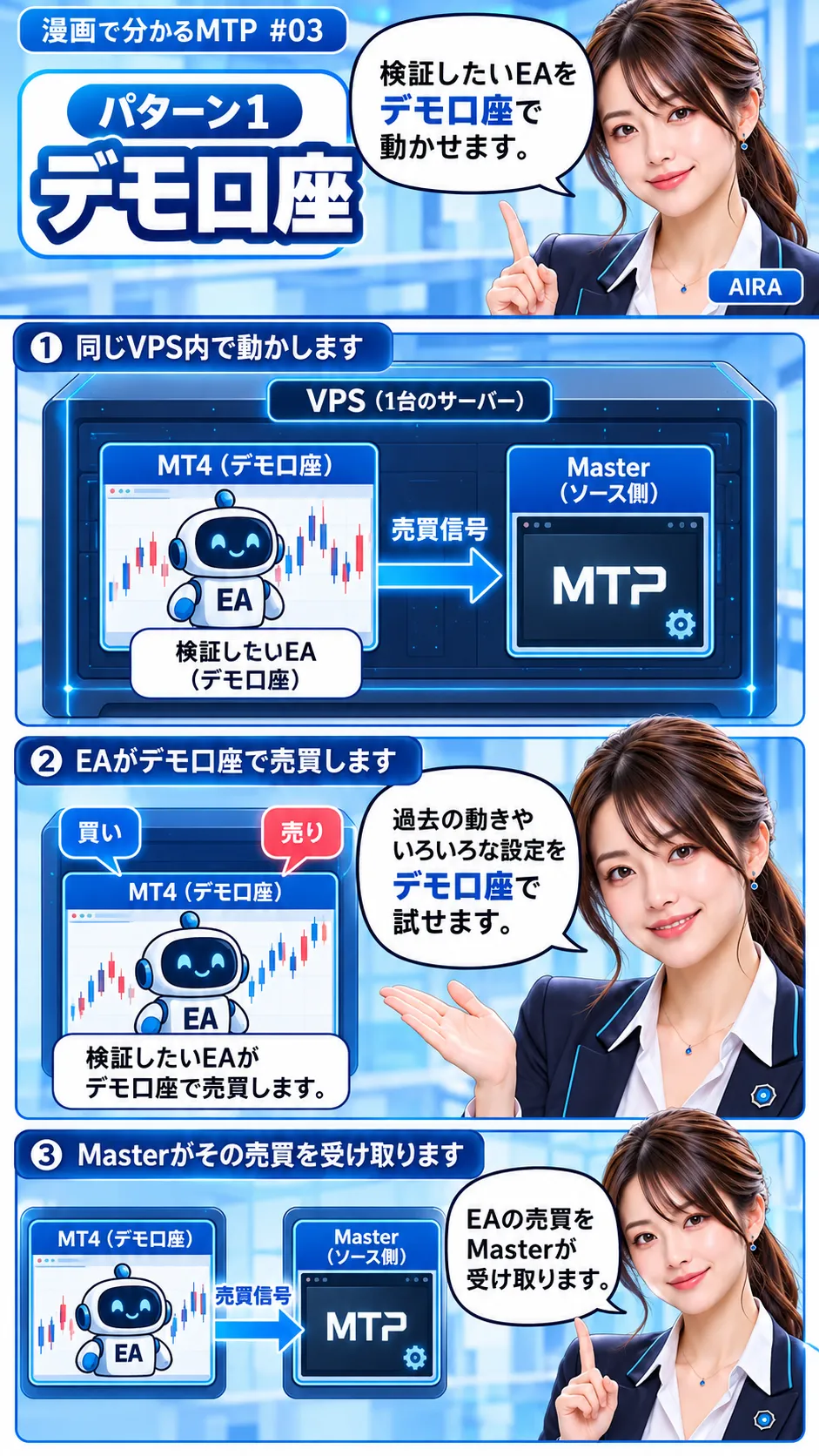
Copying EA can also run on a demo account.
undefined undefined undefined