
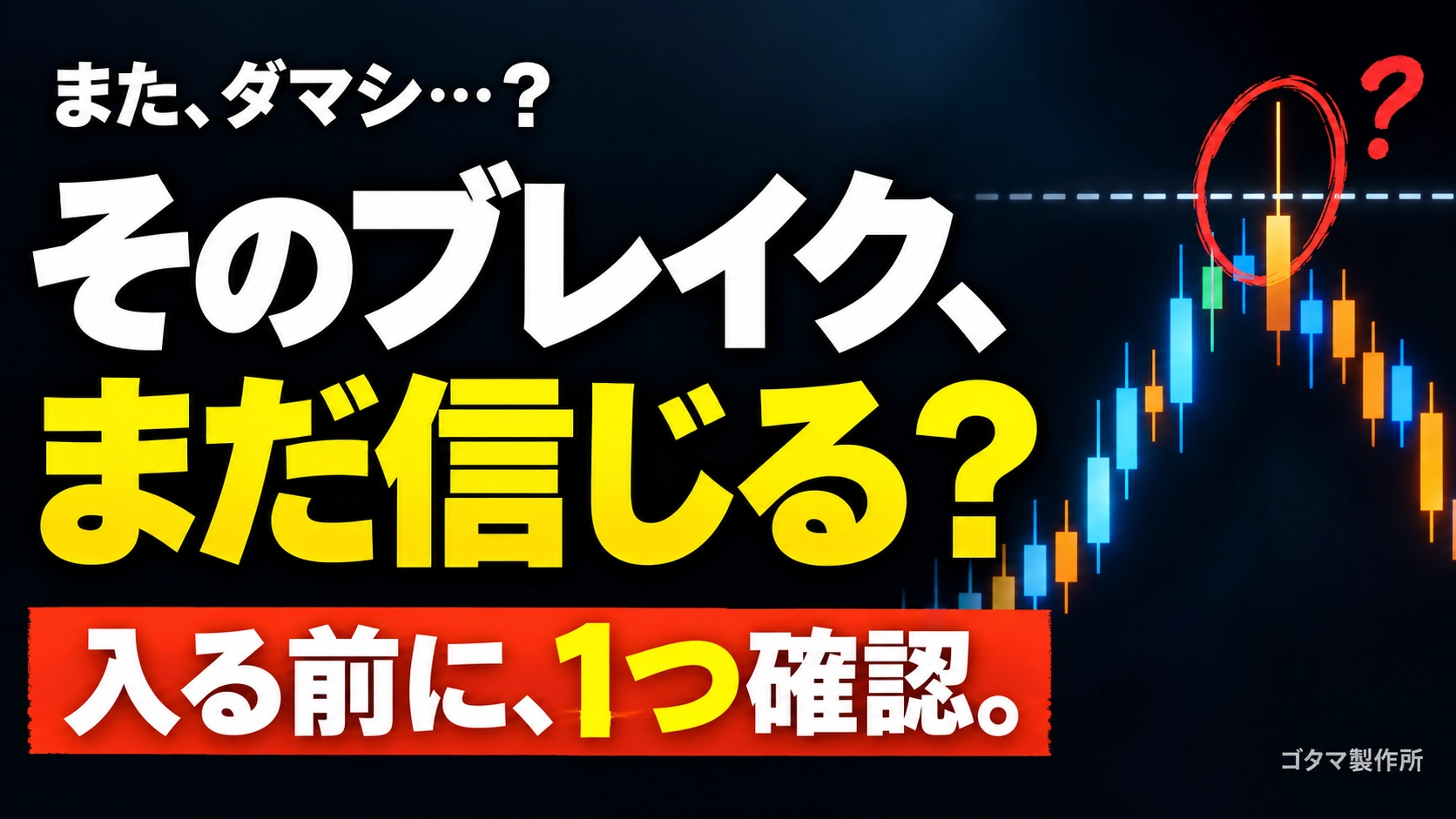
"Shaved by the beard..." to be dramatically reduced! A single pre-entry check habit
Hello everyone. We are Gotama Manufacturing.
While trading, have you ever experienced, “I got shaved by the wick at the moment of entry…” or “things were going well until just after, then it suddenly went against me…”?
Even when you are diligently doing environmental recognition and technical analysis, encountering such unexpected reversals can feel a bit frustrating, right?
Actually, there is a simple habit I would love you to try to reduce losses caused by “fakeouts” and “temporary wick reversals.”
This time, I will talk about the one simple confirmation habit to improve entry accuracy.
1. What is the single confirmation habit right before entry?
To put it briefly, it is to “check the remaining time until the higher timeframe candlestick closes.”
In the market, when the higher timeframes such as 15-minute, 1-hour, or 4-hour are about to close (a few minutes to a few seconds beforehand), orders from traders around the world tend to pile up all at once.
Therefore, just before the higher timeframe closes, there are phenomena (so-called fakeouts) such as:
Price temporarily seems to extend a lot and appear to have broken out
But as soon as it closes, take-profit or counter-trades come in, creating a long wick and returning to the original range
which makes fakeouts very prone to occur.
By not only looking at the currently viewed timeframe but also understanding in advance the timing of higher timeframe closes, you can calmly decide, “Now is just before the close, so I will wait to see how it moves after the close.”
2. To grasp the close time without stress
Even if you understand that the remaining time on the higher timeframe is important, calculating in your head “how many minutes until the next higher timeframe closes…” during a trade can be a bit tough.
To let you focus on chart analysis and entry decisions, the MT5 indicator ‘G_CandleCountdown’ was developed as a tool to check the remaining time across multiple timeframes at a glance.
We’ve incorporated several refinements to make daily trading easier.
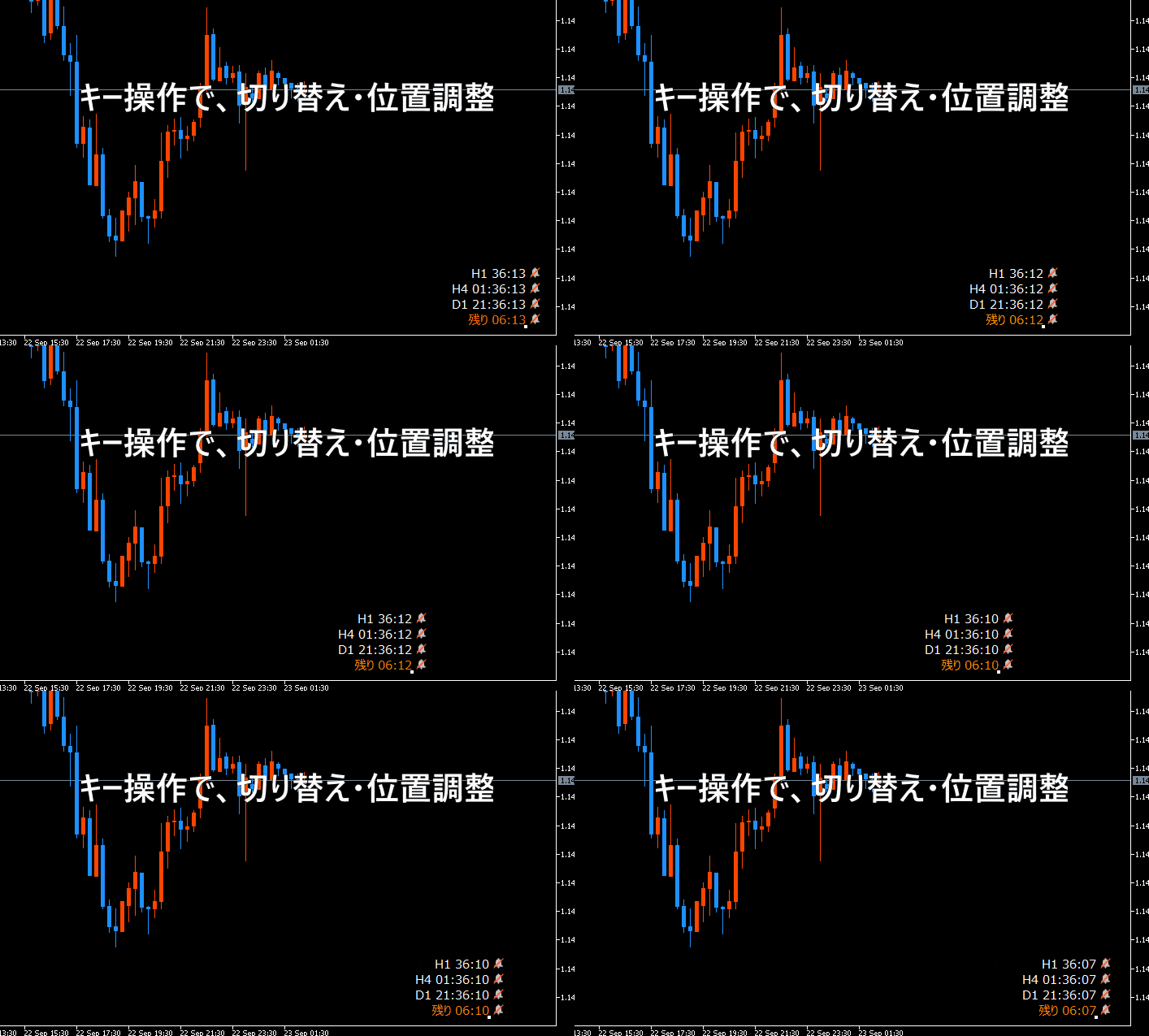
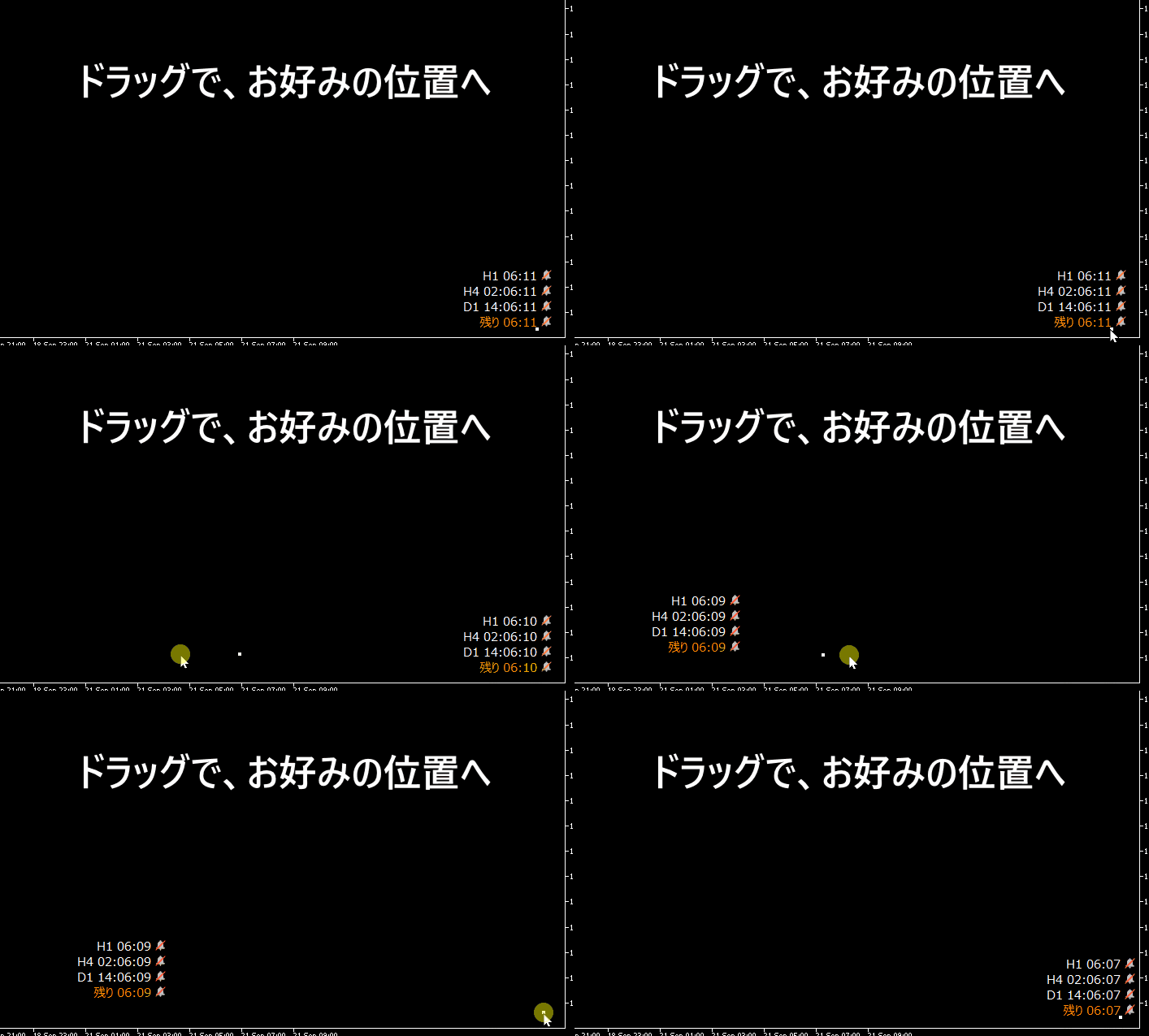
① Move quickly to a visible position with key operations and dragging
To focus on chart analysis, the remaining time display position can be easily changed at any time. You can toggle display on/off with the H key, and use the I, J, K, L keys or mouse drag to instantly move away from the part of the chart you want to view.
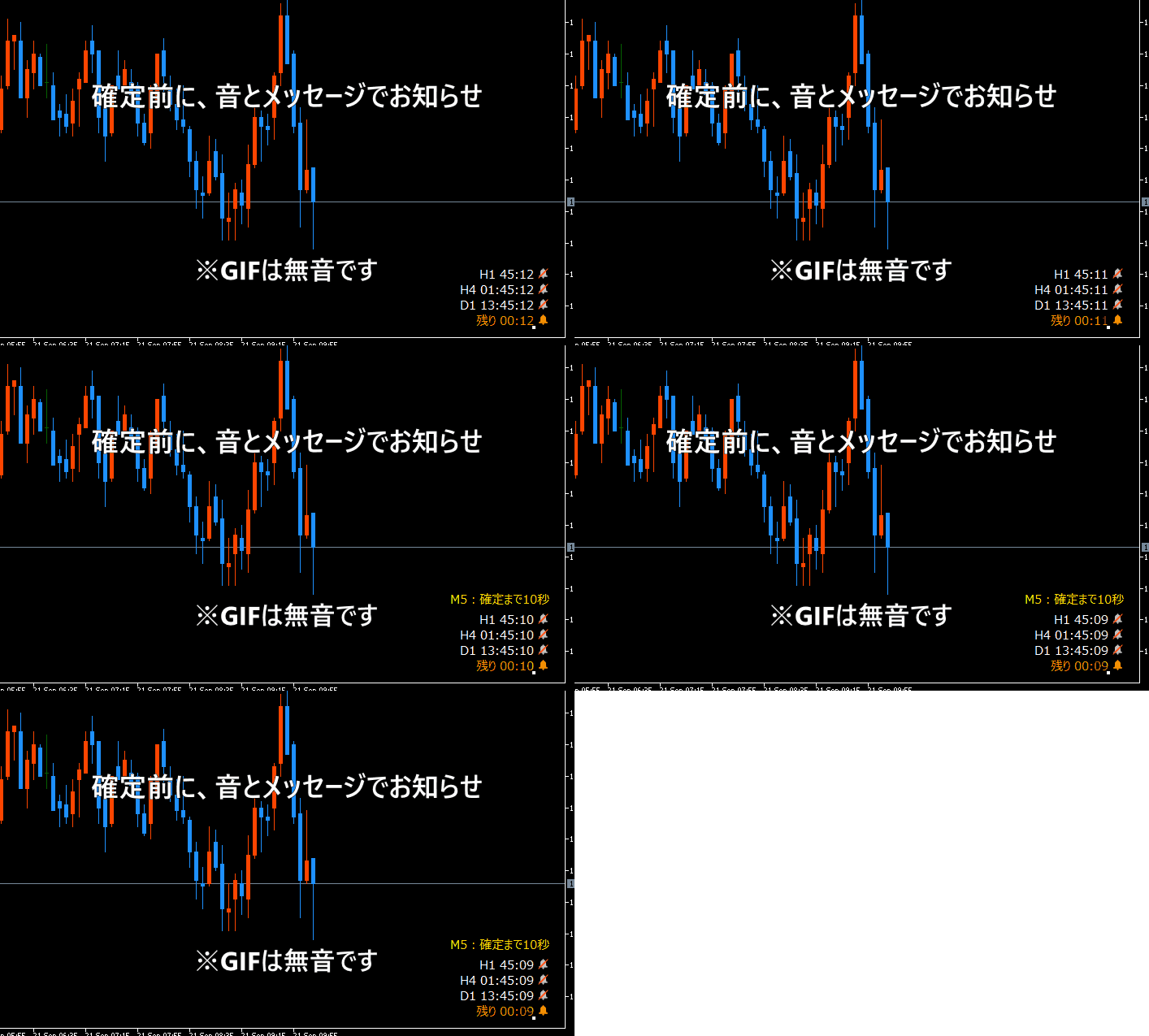
② Notify before candlestick close with sound and message
You can freely set the timing for each timeframe, such as “5-minute bullish in 10 seconds” or “1-hour close in 60 seconds.” In addition to on-screen messages, sound notifications let you stay aware without staring at the chart, giving you time to prepare mentally for when higher timeframes are about to close.
③ Use only the necessary notifications
If you want a simple on-screen display but still want close-before notifications, you can opt to use the notification feature without showing the remaining time display.
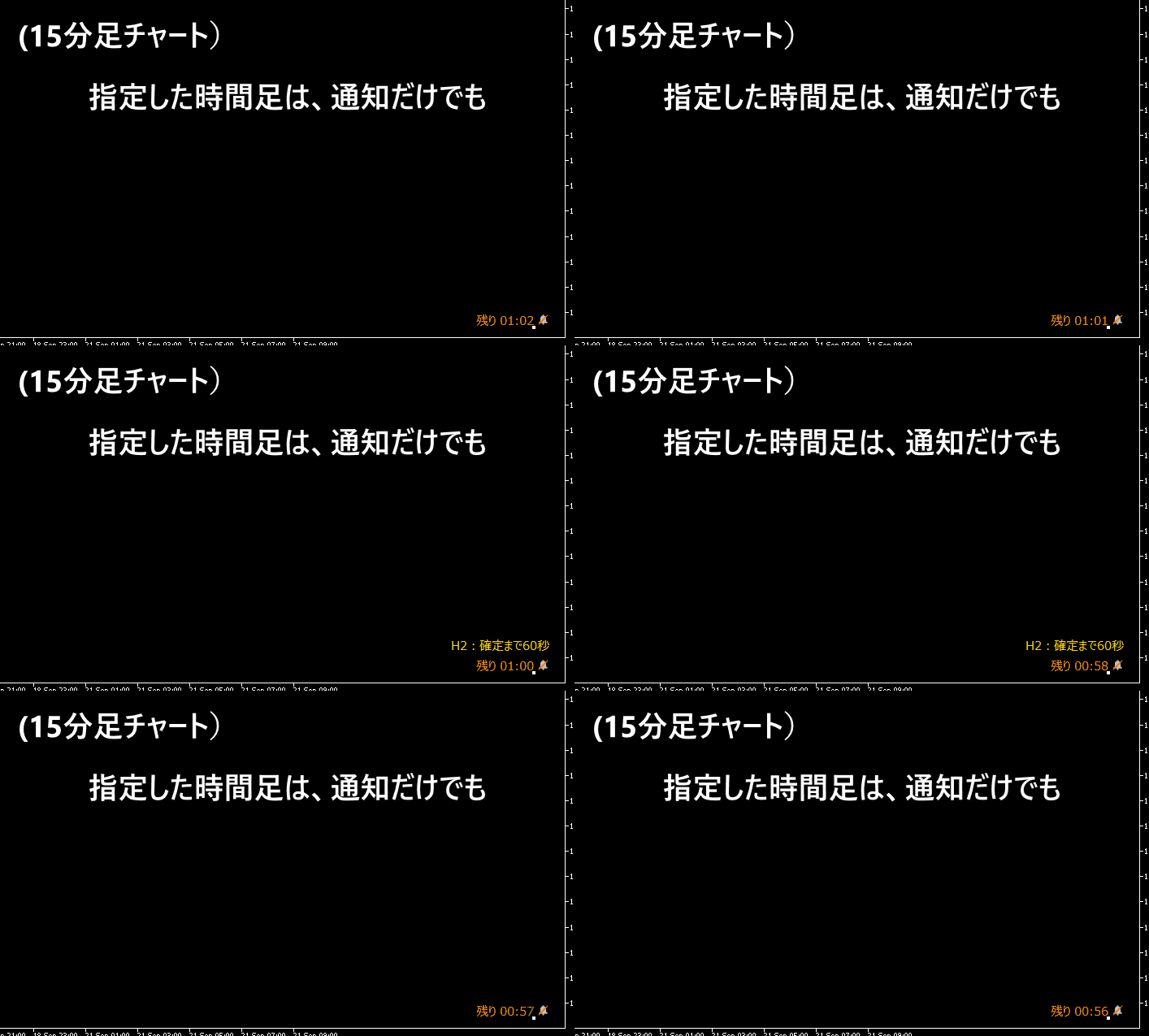
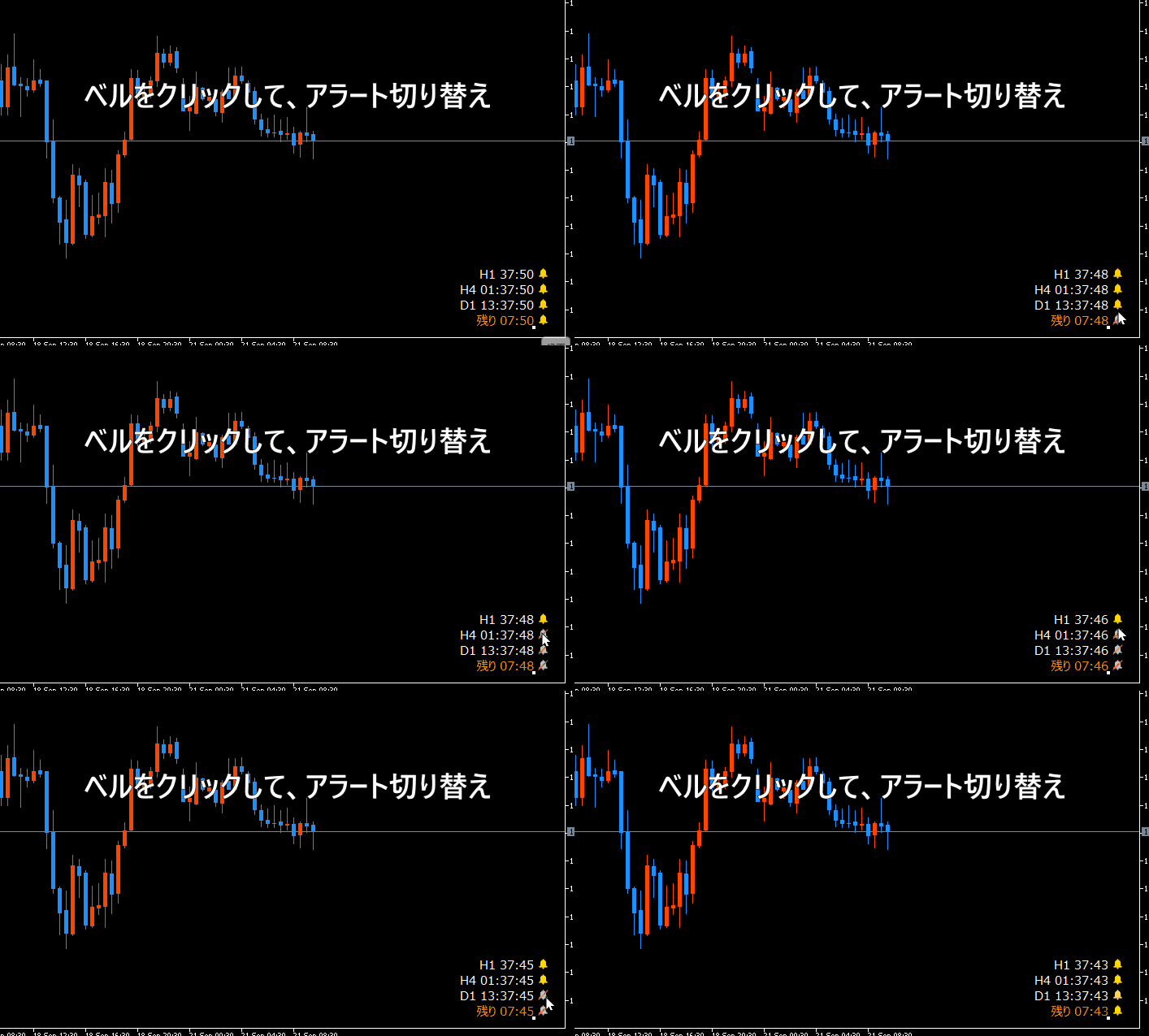
④ One-click switch on the chart
You can turn alerts for the displayed timeframe on or off just by clicking the bell icon on the chart. No need to open the settings page.
3. Finally
In trading, being mindful of the timing of candlestick closes is a very effective method to avoid fakeouts and protect your capital.
I hope the habit of “checking the remaining time before the close” introduced here helps your daily trade analysis and entry accuracy.
For details and features of the product, please refer to the listing page below. If you’re interested, I would be glad if you take a look.
Thank you for reading until the end.