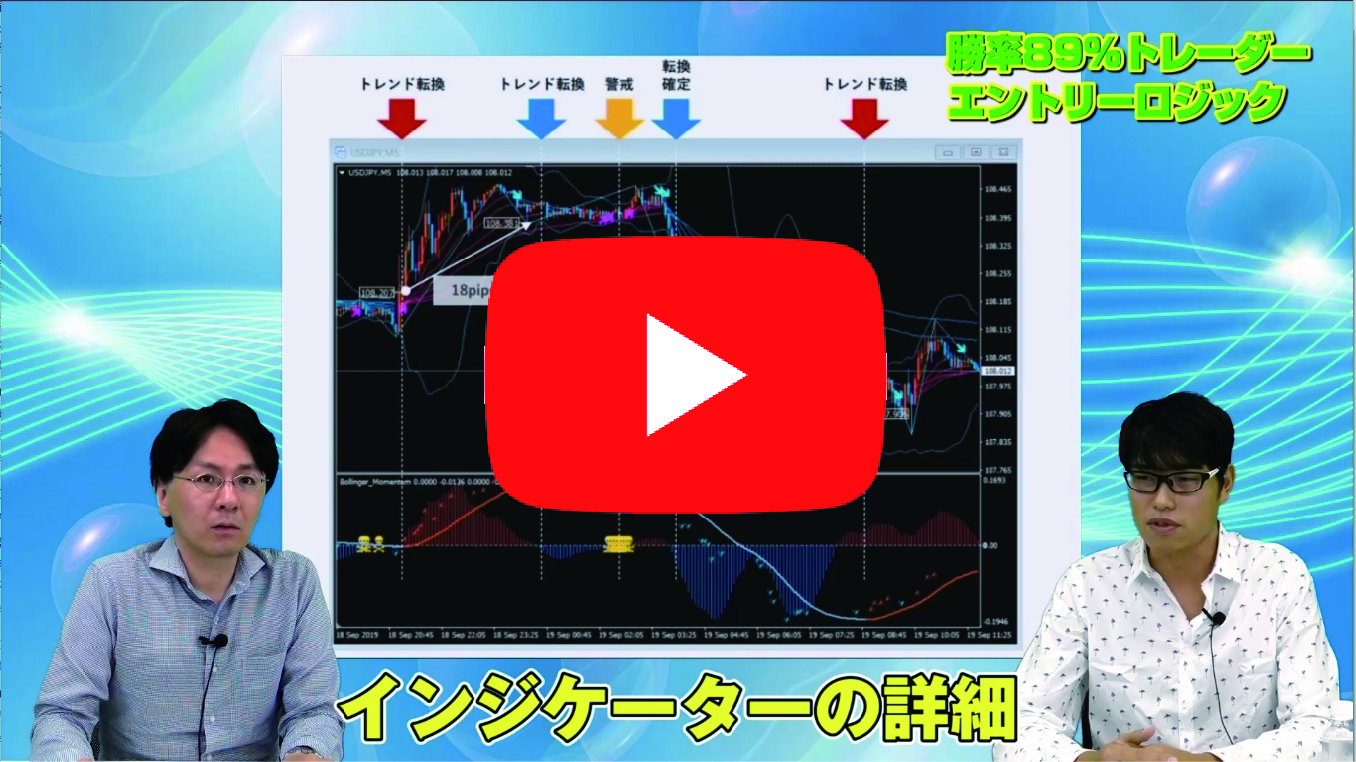

【Video】 I was taught from scratch by the FX Noble about how to view the GoGoJungle System Trade sales page!
I want to buy the EA on GogoJungle, but I don’t understand how to view the page or the terminology… Could there be many people like that? So, as the developer of the best-selling EA “Scalping Dragon,” the FX Noble, who is famous for it, explained these basic parts for us. (Interview: Editorial Department Ebizawa)
What you can learn from this video

Left photo: Ebizawa, Right: FX Noble
In this video, you will learn the following.
- How to read the GogoJungle system trade sales page
- “Profit” isn’t very indicative! (because the lots differ)
- “Recommended Margin” is for reference!
- The meaning and importance of “Profit Factor”
- You should look at “Average Profit” and “Average Loss”!
- Points to consider when looking at “Win Rate”
- How to think about “Drawdown”
- Where you can confirm the lot size for forward testing?
- Points to look at when viewing the forward test graph
- How to read the “Detailed Statistics” and key points
- How to read the Calendar
- Reasons why forward test and real trading may diverge
- What to look at in “About the Strategy”
- EA moves only with the specified currency pair and timeframe!?
- Points to look at when viewing the forward test
- Points to look at when reviewing the backtest
Video: 19 minutes 48 seconds
FX Noble profile

Turning from discretionary trading to automatic trading, since 2017 he has been listing his EA on GogoJungle. His representative work “Scalping Dragon” and others have sold over 1,000 copies in total. He shares information about automated trading on his blog and Twitter.
Official blog:FX Noble’s EA Development Blog
Twitter:https://twitter.com/yenpetit
A word from the editor in charge, Ebizawa

For beginners, it’s hard to grasp terms like “Profit Factor is important” or “I’m looking at maximum DD” right away. So I created a video that explains these technical terms and how to view GogoJungle’s EA sales pages in an easy-to-understand way.
How to view FX videos
The portion that can be viewed by those who purchase the article (at the bottom of this article) includes the FX video. Click the play button to start the video.