
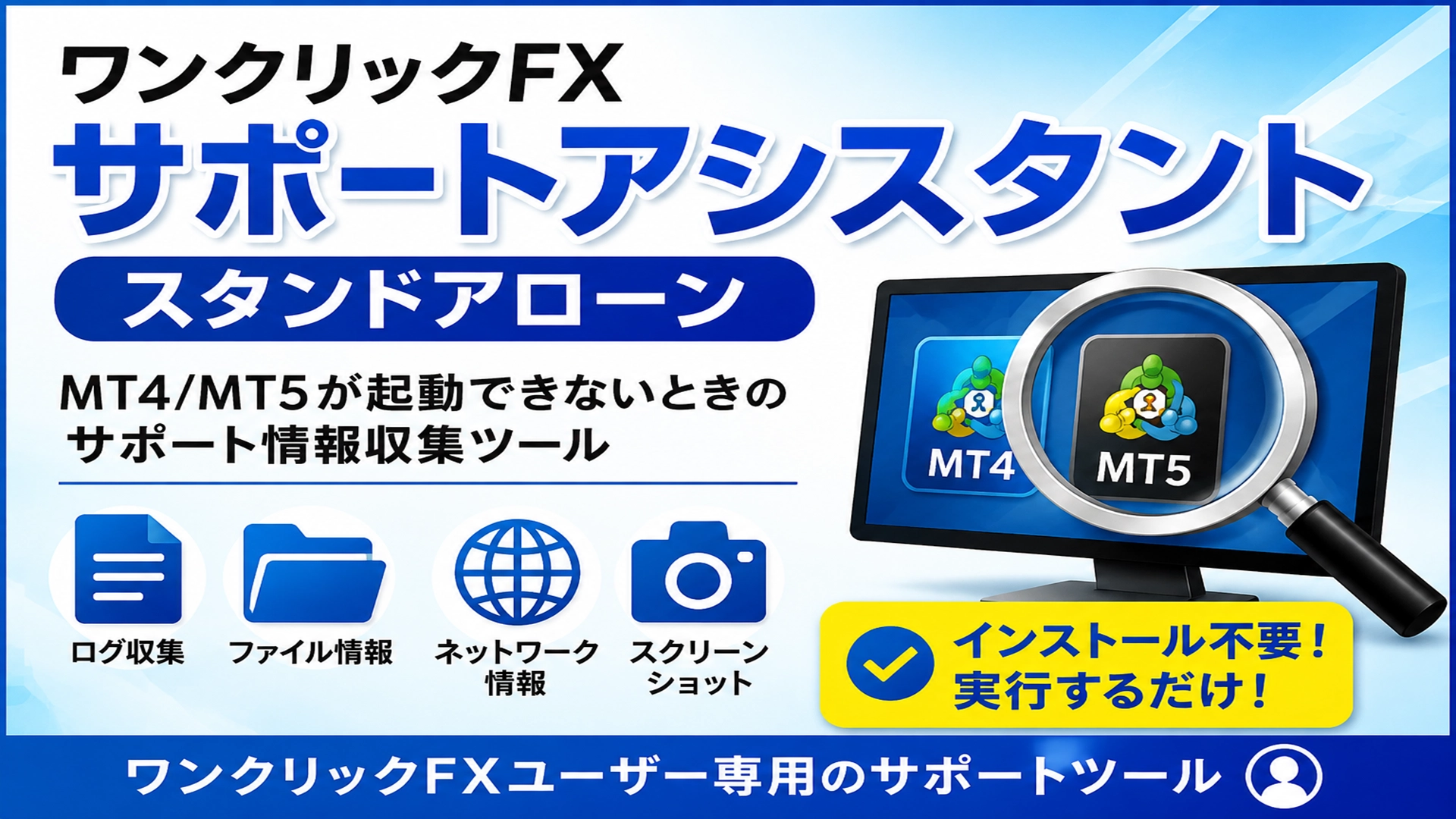
One-click FX Support Assistant, Standalone
Thank you for using our service.
The latest is version v10.
This tool is free ⇒One-Click FX Support Assistant.zip
Product contents
When using the One-Click FX support, if MT4/MT5 cannot start normally or settings cannot be checked,a tool that automatically collects information needed for supportis provided.
Unlike the usual OneClickSA,there is no need to start MT4/MT5.
Also, there is no need to look for MT4/MT5 data folders.
? Setup
No special setup is required.
- Download OneClickSA.ZIP
- Save to desktop or similar
- Double-click OneClickSA.exe
That’s it.
There is no need to search for MT4/MT5 data folders or copy files there.
? How to use
When you run OneClickSA.exe, Windows may display a warning; click Details and then Run.

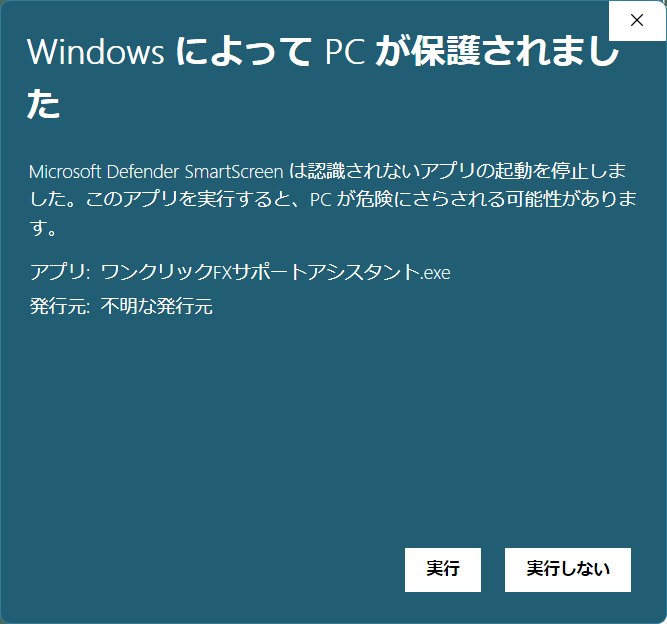
1. Start OneClickSA.exe
When started, you will be asked to confirm whether to begin collecting support information.
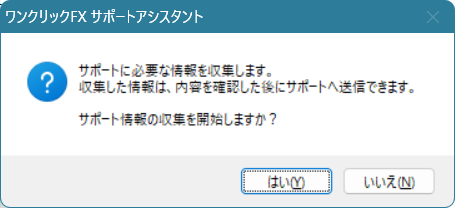
Review the content andselect “Yes”.
2. Automatically collect information
The One Click FX Support Assistant will search your computer for MT4/MT5 and collect the information needed for support.
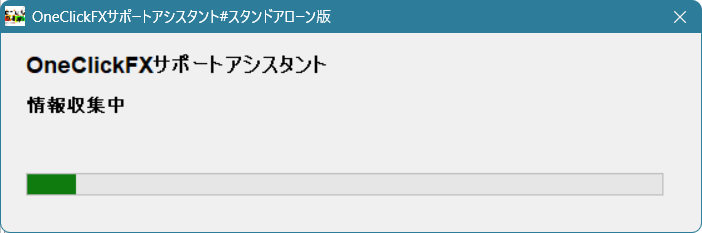
It will mainly gather the following information:
- MT4/MT5 terminal information
- MT4/MT5 logs
- File list
- File sizes and last modified dates
- Network connection information
- Screenshots of the screen
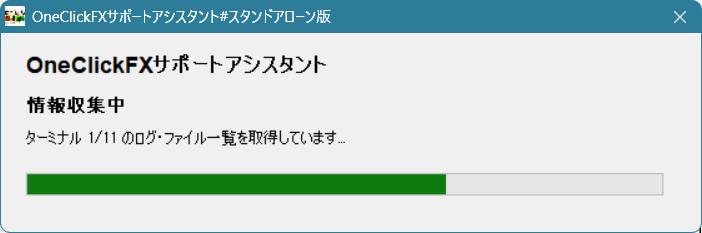
If MT4/MT5 are installed more than once,they will be automatically detected and collected together.
3. Review collected content
When collection is complete, a folder containing the collected information will open.
Please review the contents as needed.
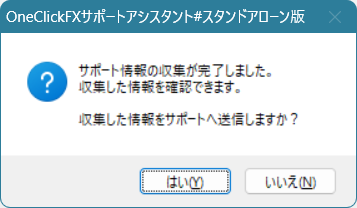
Then,you will be asked to send the collected information to support?.
4. Send to support
If the contents are correct, please select “Yes.”
The collected information will be zipped and sent to the support server.
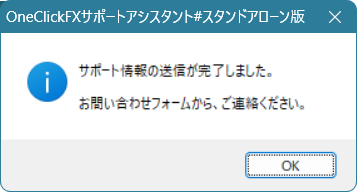
After the transmission is complete,please contact us via the inquiry form.
? It’s okay if MT4/MT5 won’t start
A major feature of this tool isthat you can use it even if MT4/MT5 is not started.
Also,you do not need to confirm things like “Where is the MT4 data folder?”.
Just download OneClickSA.exe and run it as is.
⚠️ Eligible users
This tool is for customers who usethe One-Click FX series.
If you do not use the One-Click FX series, please do not use it.
Also, if the normal MT4/MT5 is functioning properly, you can continue using theregular OneClickSA.
? Finally
If support asks you to collect information, please run this tool first.
“I don’t know where the data folder is”
“I don’t know which MT4/MT5 to target”
These questions are not a problem.
Just run OneClickSA.exe on the desktop.
When collection and sending are complete,please contact us.