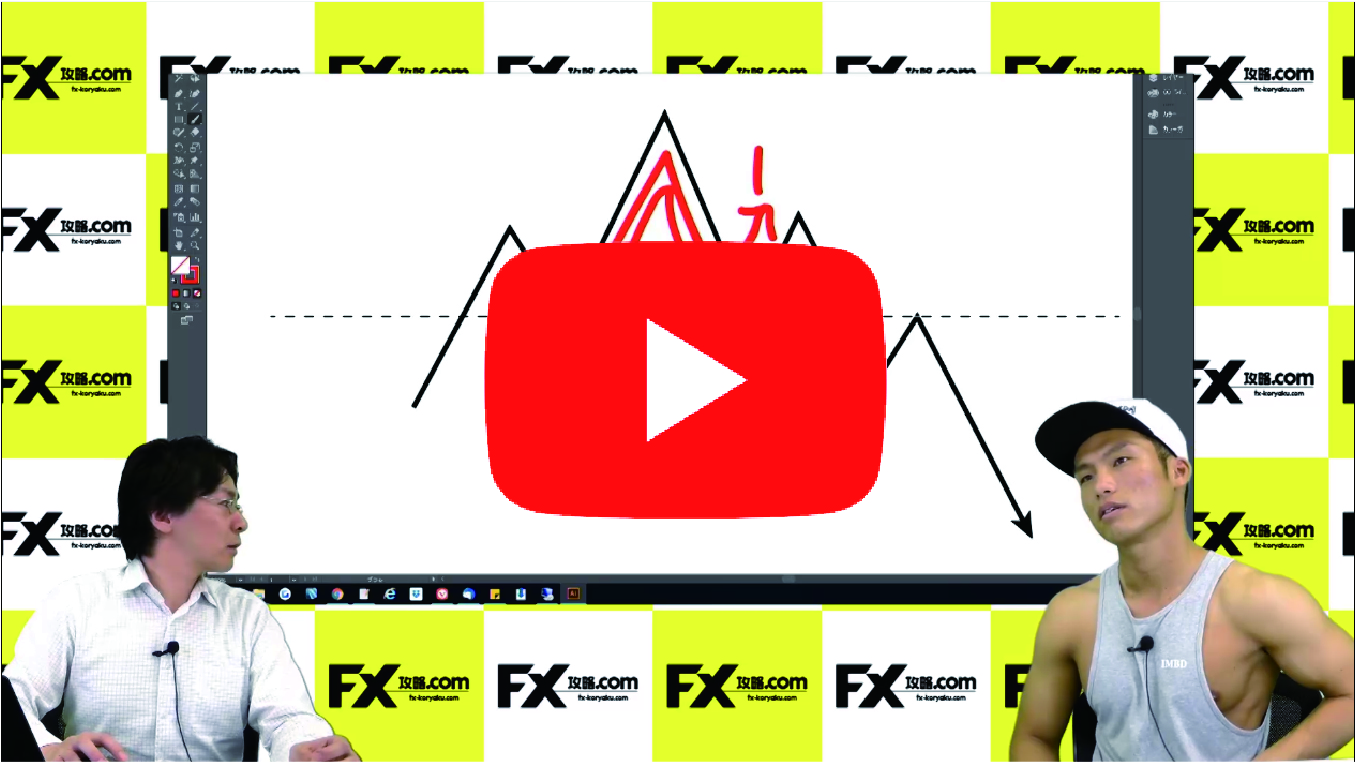

[Video] Full-time trader Subaru explains the basics of TradingView! Also understands how to draw a parallel channel!
We asked professional trader Subaru to explain from introducing the trending trading platform TradingView to the basics of how to use it. It also explains how to use parallel channels for Subaru-style trading. (Interview: FX攻略.com Editorial Department Takumi Kaneuchi)
What you can learn from this video
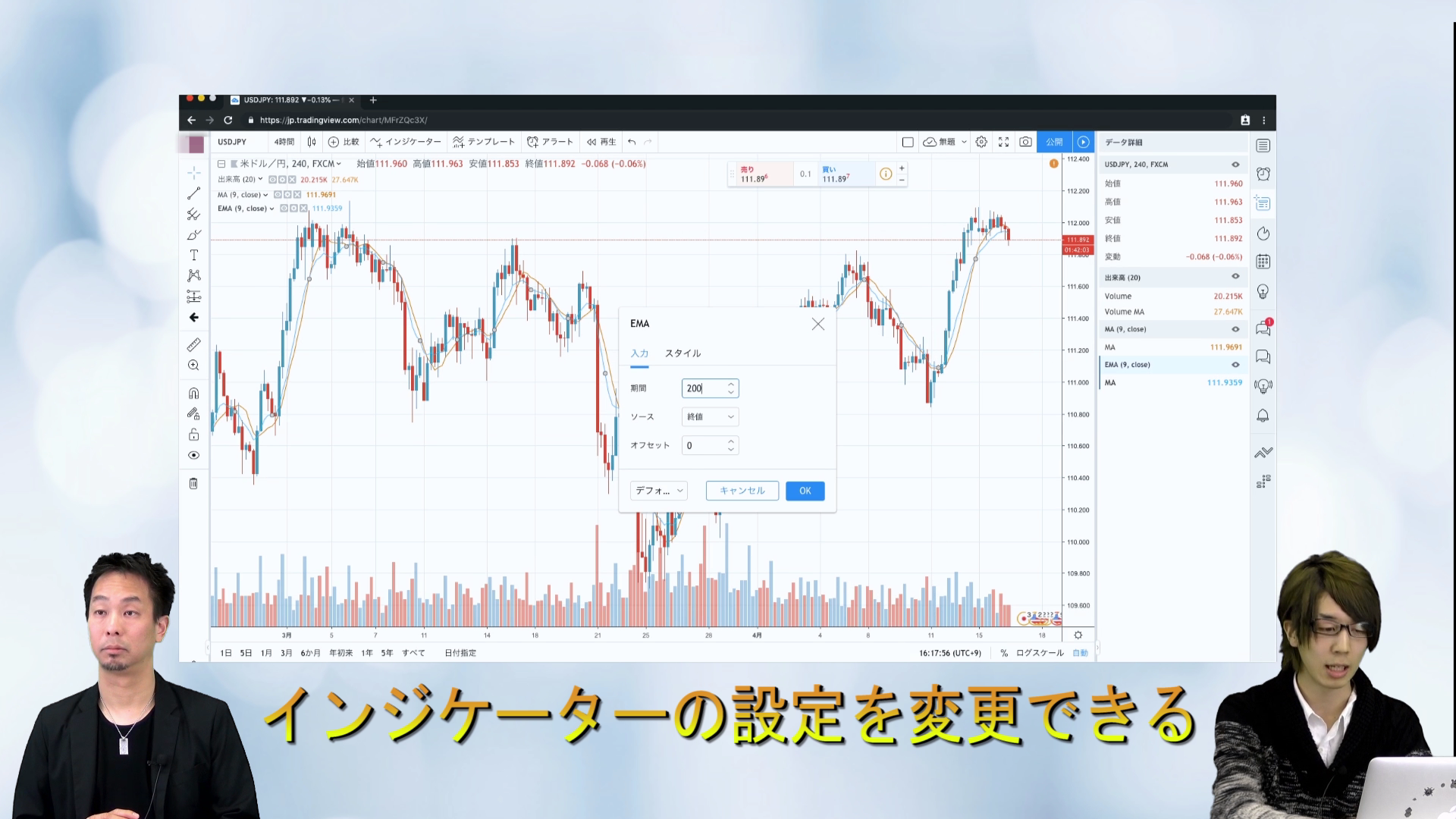
In this video, you will learn the following.
- Benefits of free registration for TradingView
- Steps to register for free on TradingView
- How to switch to the chart screen
- Display USD/JPY
- Changing the time frame
- How to display indicators (moving averages)
- Changing moving average parameters
- How to delete indicators
- How to draw a trendline
- Extending a trendline
- How to draw a parallel channel
- Customizing the parallel channel
- Building a watchlist for currency pairs
- Changing the chart background color
- Okay on Mac too!
● Video: 21 minutes 26 seconds
Subaru’s profile

A full-time trader who calmly targets 300 pips per month. He earns steadily with a style that, while not punchy, excels at bunting and consistent profit.
Twitter:https://twitter.com/M45FX
A word from the editor in charge, Kaneuchi

TradingView is something I’ve been into recently. It’s very convenient, and above all, the ability to share chart analyses across multiple environments is a big plus.
If you own multiple computers or frequently view charts on a tablet, this is especially recommended.
How to view FX videos
In the section at the bottom of this article, where you can view the article after purchase, we have embedded FX videos. Click the play button to start the video.