
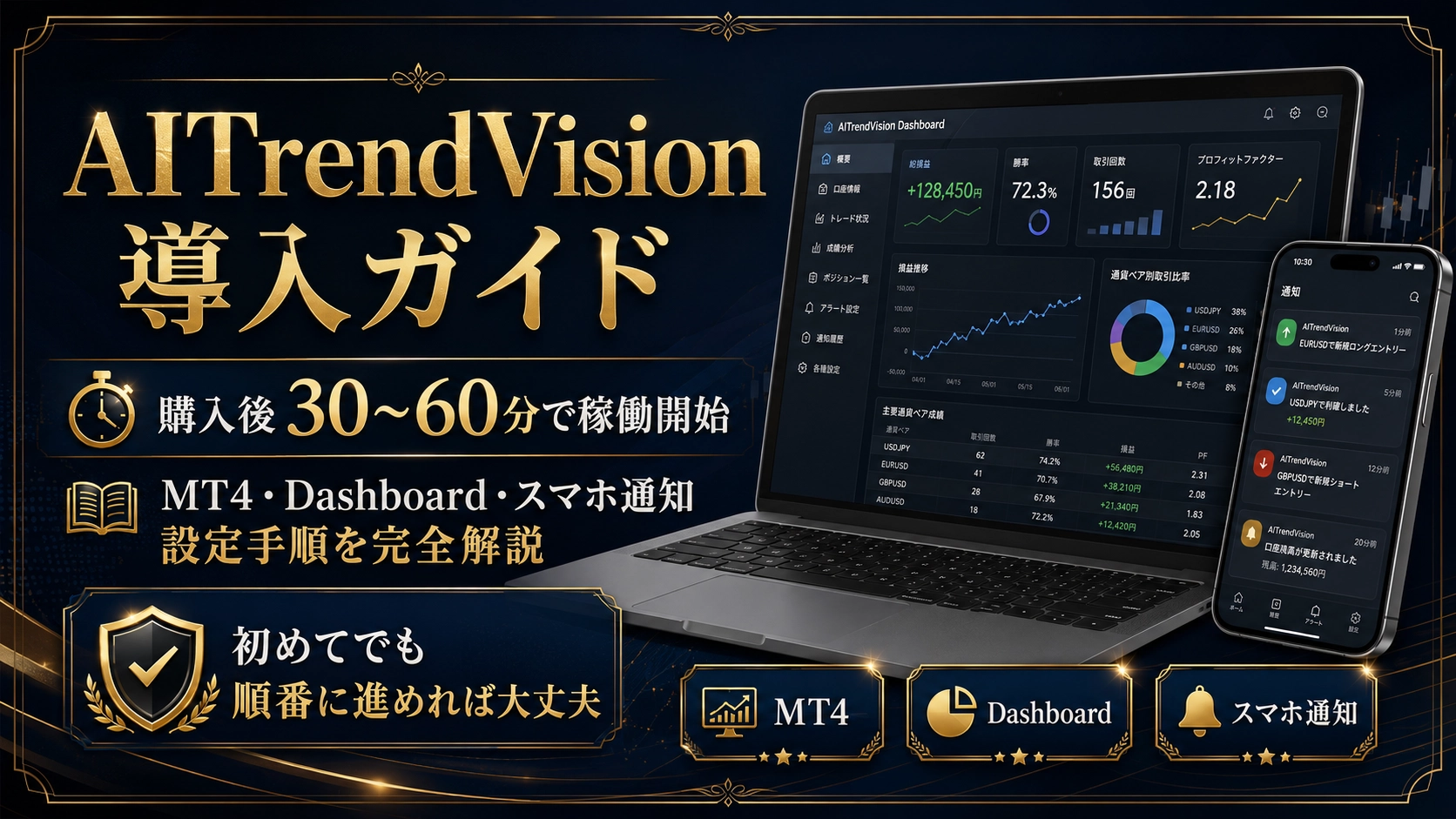
AI Trend Vision Installation Guide | Start Operating 30–60 Minutes After Purchase. Setup Steps for MT4, Dashboard, and Mobile Notifications
Hello, this is Tsumo.
I’m interested in AITrendVision.
But,
“The EA setup seems difficult.”
“Even if I purchase it, I’m worried I can’t implement it myself.”
“I don’t know how to set up MT4 or Google Sheets.”
I think many people feel this way.
In reality, at first the settings items look numerous.
However, if you proceed step by step, the installation work is roughly 30–60 minutes.
No special programming knowledge is required.
In this article, after purchasing AITrendVision, the following will be needed:
Preparation for MT4
Installation of AITrendVision
Dashboard settings
Smartphone notifications
Initial parameter settings
Verification of normal operation
I will explain these in order.
If you’re interested in AITrendVision, please see here.
【AITrendVision】Validation of 15,000 yen to over 150 million yen → 10-year no-collapse AI-like chart analysis EA (full single-feature inclusion of MTP) for MT4
After installation, you can monitor operation status from your smartphone
AITrendVision is not a standalone automatic trading system that operates only the EA itself.
As needed,
MT4
Dashboard using Google Sheets
Push notifications for MT4
can be combined and used.
By configuring the Dashboard, you can check the EA’s operating status not only on a PC but also on a smartphone.
There is no need to open MT4 every time and check charts and trade history one by one.
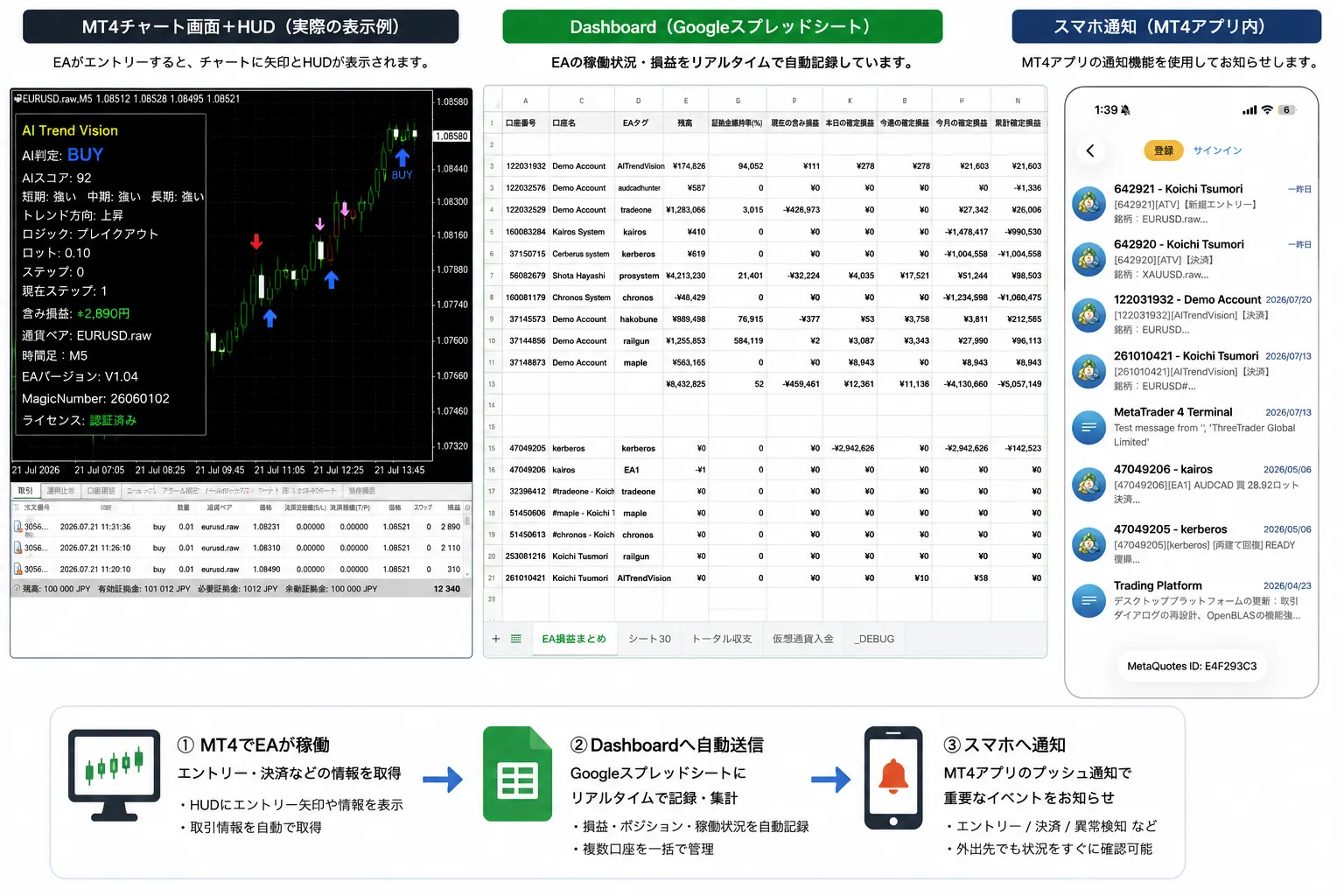
In the Dashboard, you can mainly confirm the following information:
Current profit
Profit today
Profit this month
Current unrealized loss
Number of positions held
Current lot
Active currency pairs
AI decision
EA version
EA operating status
If you operate multiple accounts, you can display them all together on one Dashboard.
For example,
EURUSD operation
GOLD operation
Demo account
Other EA operations
can be managed on the same Google Sheets.
Which account is running which EA.
How many positions you currently hold.
The ability to grasp that status at a glance is a major feature of the Dashboard.
You can receive notifications of EA activity on your smartphone
AITrendVision supports MT4 push notifications.
If you configure the mobile MT4 app, you can receive information such as:
AI signal generation
New entries
Settlement completed
License authentication error
Entries skipped by filters
Currency pair
Lot
Entry price
AI decision
Even if the EA did not enter, for supported versions you will be notified of the reason for skipping.
“Is the EA stopped?”
“Is it waiting because conditions don’t match?”
You can check these differences from your smartphone.
[Smartphone notification image insertion point]
Overview of the installation process
The installation of AITrendVision proceeds as follows.
Prepare a Windows PC or VPS
Purchase and download AITrendVision
Set up the Dashboard
Install MT4 and perform initial settings
Install the EA files
Configure parameters
Verify proper operation
Dashboard and smartphone notifications are optional.
The EA itself can operate alone.
However, if you want to monitor operation status while away from home, we recommend configuring the Dashboard and notifications.
STEP0|Prepare a Windows PC or VPS
AITrendVision runs on MT4 on a Windows PC.
It can run on your home PC.
However, if you turn off the computer, the EA will stop as well.
Also, operation may stop in cases such as:
Windows Update
PC restart
Power outage
Internet connection cut
MT4 termination
PC sleep
For long-running operation, you may use a Windows-compatible VPS.
First, configure and test operation on your home PC, then you can migrate to VPS when you start continuous operation.
STEP1|Purchase and download AITrendVision
Please purchase AITrendVision from the sales page.
After purchase, download the EA file and related materials from Golazo’s purchasers page.
If you’re interested in AITrendVision, please see here.
【AITrendVision】Validation of 150,000 yen to over 150,000,000 yen → 10-year no-collapse AI-like chart analysis EA (MTP full feature standalone) for MT4