
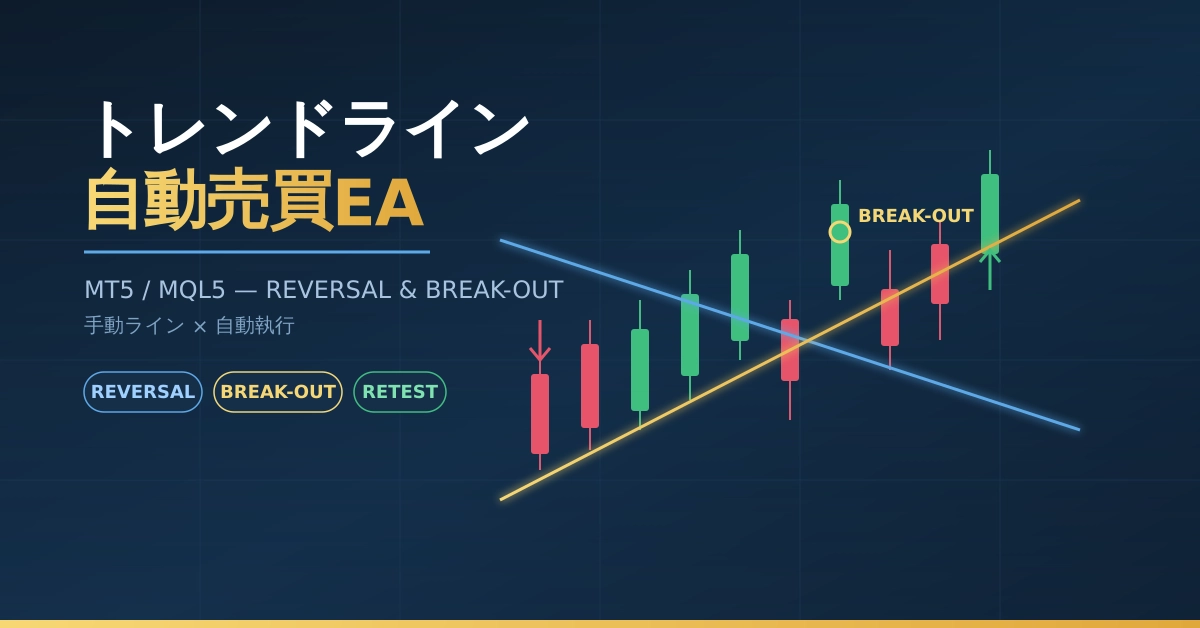
Quants Garage tried it: an AI-powered free reference prompt EA to prevent the “Posi-Posi disease” in trading, an MT5 EA that supports trading.
Hello.
That one line you always draw on the chart.
If you could just draw it, and then a robot (EA) would
automatically place trades—what if—
you want to create it with the latest AI, but how to command it?
![]()
you want to create it with the latest AI, but how to command it?
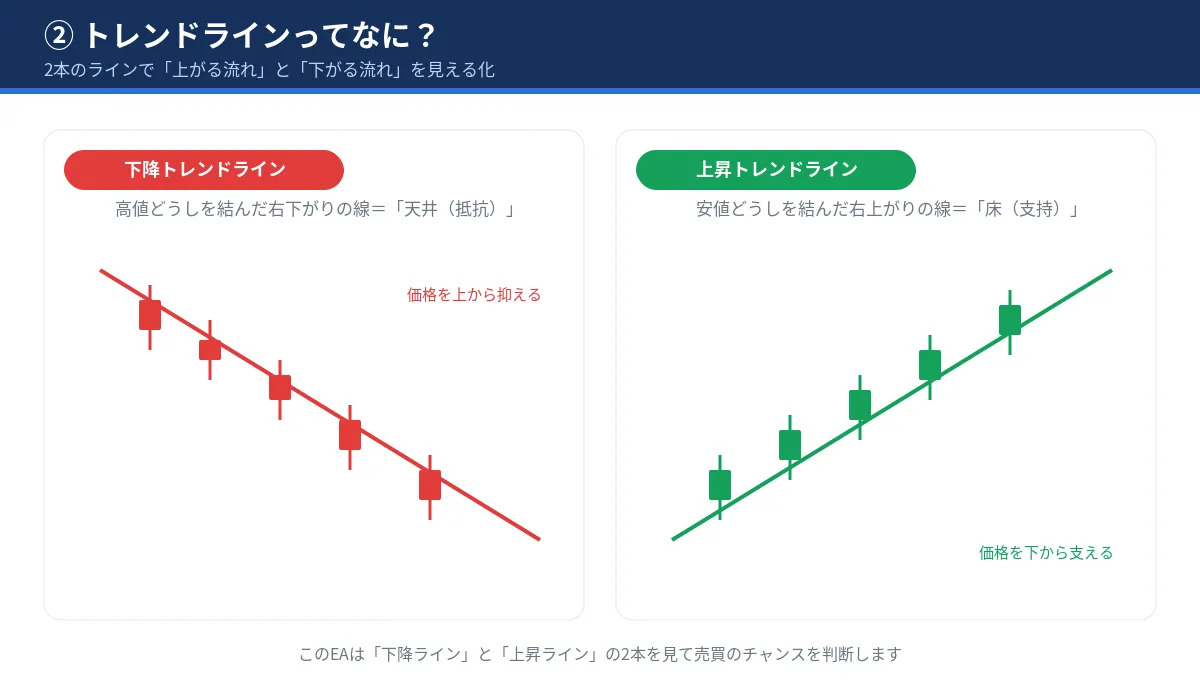
1. Just draw the line on the chart.
Then the EA trades automatically—
that MT5 “Trend Line Auto-Trading EA”
![]()
✓ No programming required
✓ Three modes: reversal / breakout / both
✓ Auto risk management with stop loss & 1:4 risk
2. “I love analysis. But staying glued to the screen is tough…”
That’s exactly for such people.
Turn manual trendline analysis into automatic trading with this EA.
The robot will keep monitoring the drawn lines.
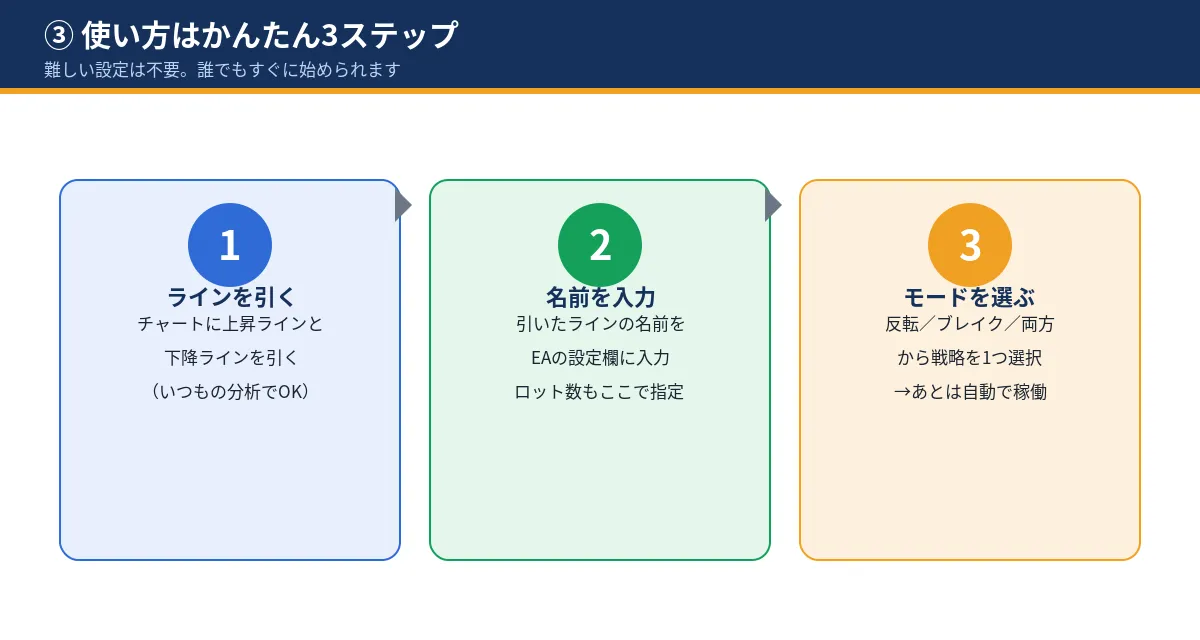
3. Enter only when all conditions are met in one go.
Block overlapping orders on the same time frame.
Suppress the so-called “chasing trades” and support disciplined trading.
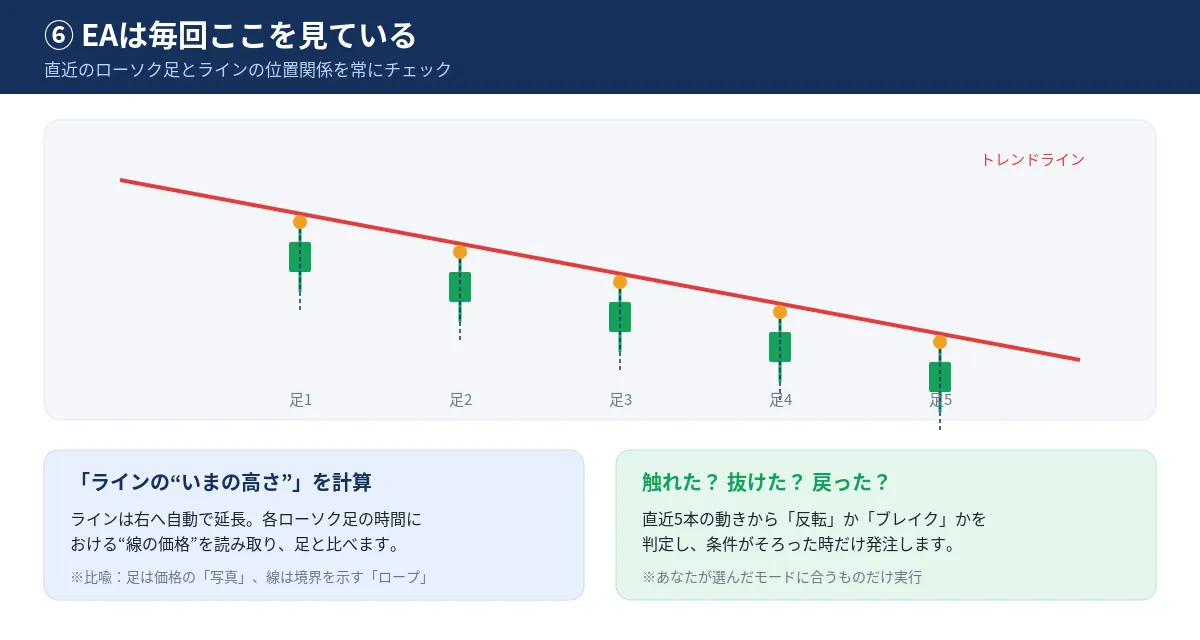
4. Automatically set take-profit at four times the stop loss distance.
If things go well, think of it as break-even if you win once every five trades.
Stop losses are also set automatically at entry time.
![]()
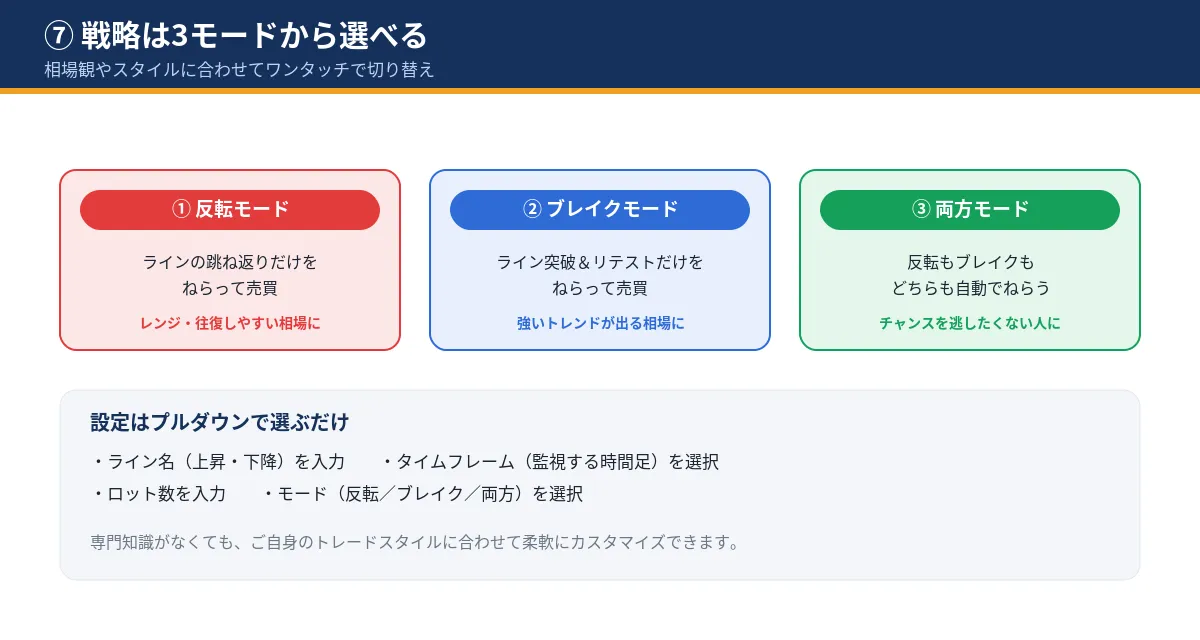
Can you choose the strategy in 3 modes?
① Reversal mode (suitable for ranges)
② Breakout mode (suitable for trends)
③ Both modes (focus on opportunities)
Just switch with a dropdown according to market and style.
Free public reference command to make this with AI!!
Free public reference command to make this with AI!!
# Role
You are a professional MQL5 developer compatible with MT5 Build 5800.
Please implement a fully fledged Trendline-Linked EA (complete file, not a diff) with the following specifications.
In Japanese, provide a structured explanation using tables, headings, and glossary.
# Strategy Overview
The two manually drawn trendlines on the chart (upward line = support,
downward line = resistance) will be referenced by the EA by object name and will automatically place orders based on price interaction.
## Handling of trendlines
- In inputs, specify the names of the upward and downward trendlines as strings,
check existence with ObjectFind (if missing, log a warning and do not place orders).
- Extend to the right with ObjectSetInteger(chart_id, name, OBJPROP_RAY_RIGHT, true).
- Use ObjectGetValueByTime(chart_id, name, barTime, 0) to obtain the line price level at the time of each confirmed bar
and compare with the high/low/open/close of the candles.
## Trading modes (selected by input enum)
1. REVERSAL
- Downward line: after the high touches/exits above the line, a bearish candle closes below the line → Sell.
- Upward line: after the low touches/breaks below the line, a bullish candle closes above the line → Buy.
2. BREAK-OUT
- Downward line: break above the line and close → touch for retest → confirm bullish candle → Buy.
- Upward line: break below the line and close → touch for retest → confirm bearish candle → Sell.
3. REVERSAL_AND_BREAKOUT
## Profit/Loss settings
- SL: for buys, use the low of the confirming bar; for sells, use the high.
- TP: distance from entry to SL with risk-reward ratio 1:R (R is input, default=4).
- If there are in the last N bars signals in the same direction, do not place new orders (to prevent overtrading; N is input).
- Only one entry per confirmed bar (managed by lastTradeBarTime).
# Essential Quality Requirements
1. New Bar Processing: implement IsNewBar() and execute judgments and orders only on new confirmed bars.
Do not call CopyOpen/Close/High/Low/Time on every tick.
2. Confirmed Bar Criteria: treat shifts from 1 bar onward as confirmed, standardize time references.
3. Variable Separation: strictly separate line price variables for up and down,
to prevent mix-ups (names distinguished as tu_ / td_).
4. Type Strictness: counters and conditions should use explicit numeric comparisons, not mixing bool and int.
5. Risk-Based Lot: derive position size from RiskPercent input using SL distance; normalize via tick value / contract size / volume step.
Fixed lot size is optional (UseFixedLot, default=false).
6. SL/TP Normalization: round prices using NormalizeDouble and SYMBOL_TRADE_TICK_SIZE.
7. Safe Minimum Stop Distance: account for SYMBOL_TRADE_STOPS_LEVEL and spread; if below minimum distance, skip orders and log.
8. Return Value Checks: validate all CopyOpen/Close/High/Low/Time results and trade.ResultRetcode(). If data fetch fails, safely skip the tick.
9. Strict Backtest Criteria: manage three stages explicitly—breakout confirmed bar → retest touch bar → confirmation bar—with allowed bars (input) and allowed deviation (ATR ratio, input).
10. Filters: add trading-time filter and ATR-based spread filter (both default=false).
11. Magic Number: make it an input and manage only its own positions.
12. OnTester: return a composite metric combining profit factor, max drawdown, and number of trades (for IS/OOS verification).
# Coding Standards
- All new features start disabled by default with input default=false.
- Avoid iCustom dependencies.
- Use MQL_TESTER guard to suppress non-essential actions during testing.
- Use #include with CTrade.
# Deliverables
- A single complete .mq5 file (version v1.00).
- Version history comments at the top of the file.
- A parameter list (table format) + glossary + explanations of known limitations.
# Cautions for Verification
- Since trendlines depend on manually drawn objects, strategies cannot auto-draw in the tester, which may limit backtester reproducibility; document this clearly.
- If needed, propose switching to a method that specifies two prices and times via input or auto-generates from the latest swing highs/lows within the constraints.
This post is for information purposes and is not investment advice.
Using automated trading does not guarantee profits and may incur losses.
Please act based on your own judgment and responsibility.
AI depends greatly on your own history; even if this becomes complete, AI may not be able to create it in some cases.