
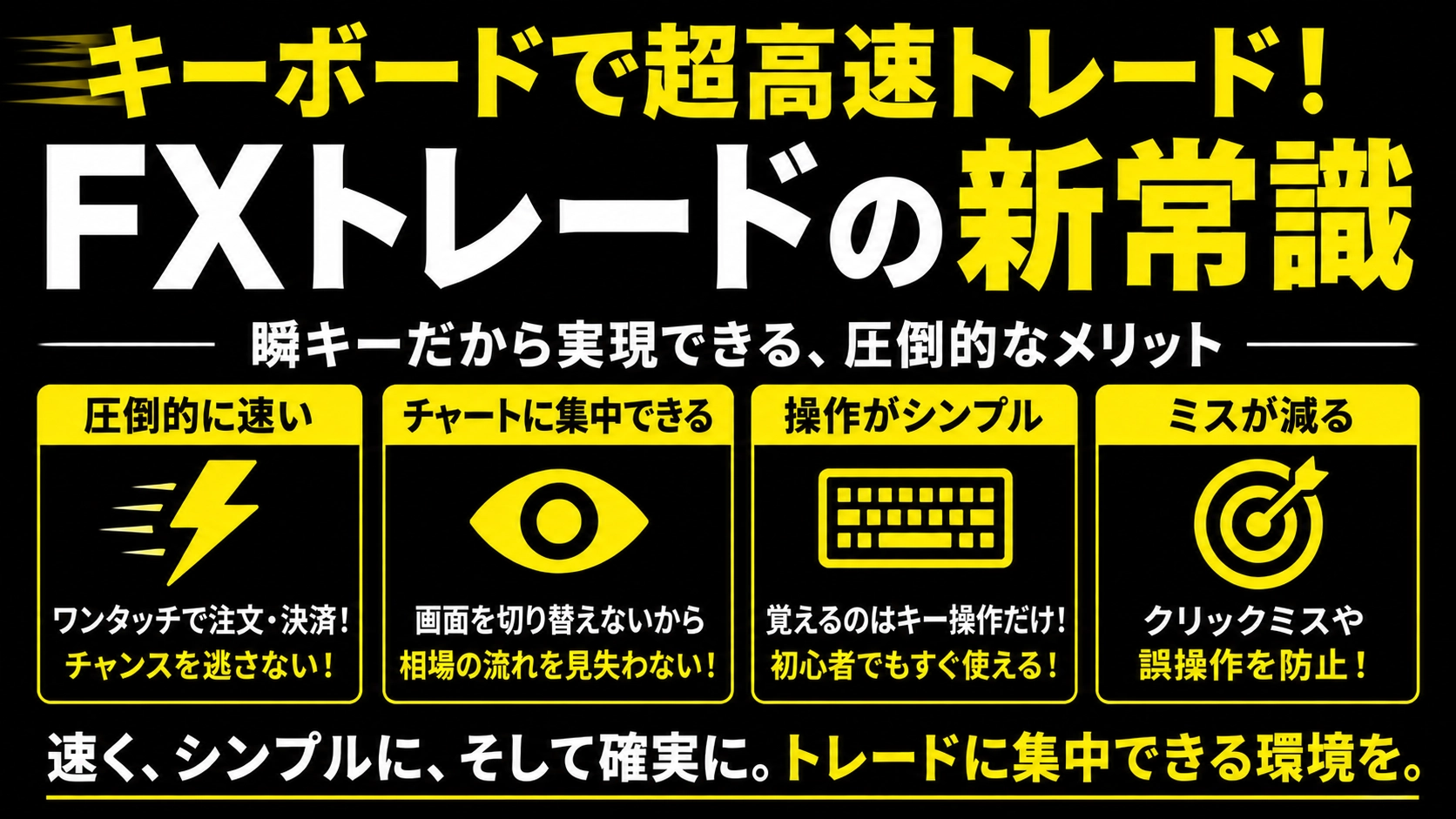
New standard for ultra-fast FX trading with a keyboard【Instant Key Complete Guide Part 1】
The people who just started FX, don’t you have experiences like this?
“Even though I can see the chart, I search for the order screen, enter the lot, press the button... and realize the entry timing was late.”
Mouse操作 (operation) takes more time than you think.
That's where the MT5-exclusive EA comes in“Shun-key”is.
What is Shun-key?In a word,
a tool that allows buy/sell/close with one key on the keyboard1-key.Just attach it to the MT5 chart,
- B-key→ Buy
- S-key→ Sell
- C-key→ Close all positions
likewithout hesitation, without getting lost, instantlyyou can place orders.
Mousedoesn’t need to open order panel,
✅The operation becomes simpler→ You can focus on judgments
✅A few seconds’ difference directly translates to opportunity→ Especially powerful in short-time trading
These two are the biggest attractions of Shun-key.
What you can do (rough list)
I can’t explain everything in this article, so I’ll cover each in a 20-episode series.
| Operation | Content |
|---|---|
| One key | Market orders: buy/sell |
| One key | Close all positions / cancel all pending orders |
| Key + click | Set take profit / stop loss lines in bulk |
| One key | Move to breakeven / Trailing ON/OFF |
| Chart click | Limit order / Stop-L limit orders |
People who think “this looks difficult…” don’t worry.
You only need to remember a few keysto start with.
Installation steps (3 steps)
Copy the downloaded .ex5 file after purchase into
MT5: File → Open Data Folder → MQL5 → Experts.
STEP2: Restart MT5
In the Navigator, you should see “Shun-key”.
Place the EA on the chart of the currency pair you want to use, and turn on “Algorithmic Trading.”
That’s it—the setup is complete.
From there, just press the keys.
What to try first
If you can, try the following on a demo account in this order.
- Press B keyto confirm whether a market order to buy is filled
- Use C keyto confirm you can close quickly
With just these two, you’ll feel that the mouse is slower thanShun-key—you’ll realize it.
Series preview starting tomorrow
This article is a complete guide of all20 days, one article every day.
| Episode | Content |
|---|---|
| Episode 2 | “B-key” Thorough explanation of market buy |
| Episode 3 | “S-key” Market sell edition |
| Episode 4 and beyond | Closings / Pending orders / Move to breakeven / Trail… explored in order |
“You don’t have to read everything to master using it.”
But reading one article at a time makes operations faster and reduces hesitation.
Even just bookmarking the titles you’re curious about would help.
Summary
Shun-keyis especially suitable for FX beginners.
- Eliminates hesitation in mouse-based operations
- 1-keyfor entry and settlement
“I want to trade faster and simpler.”
If that’s you, try it on a demo account first.