
Dow Theory Pro Development Notes #1 | A part-time trader in their third year of day trading creates "Visible Dow Theory"
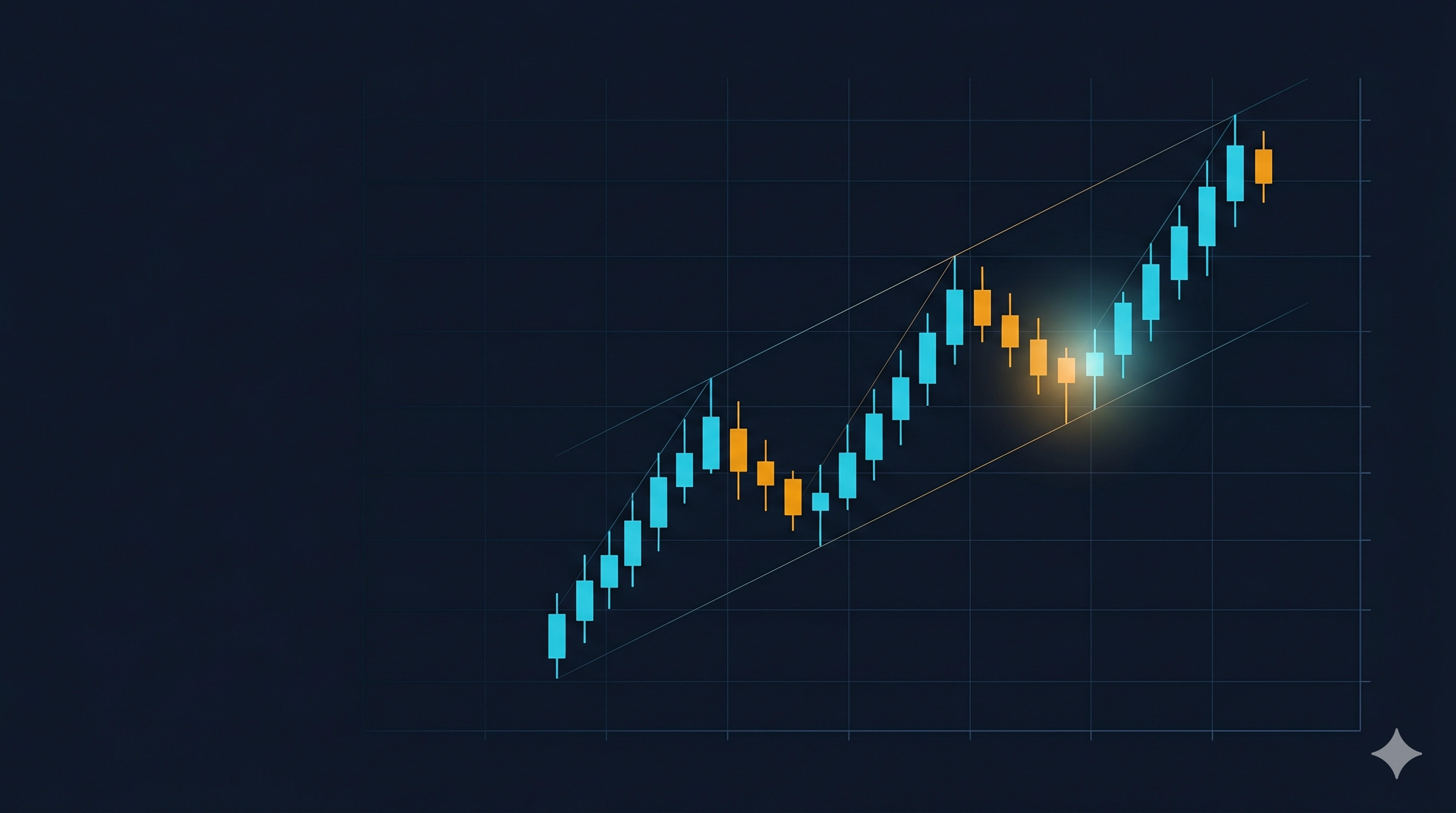
Even if you study Dow Theory, when you actually look at the chart, you can’t instantly tell “where in the trend you are right now.”
Haven't you had that kind of experience?
That was exactly my experience.
In this series “Development Notes,” I will introduce the tools I created for my own trading, along with the motivation behind their development.
The first installment starts with the story of the first-developed tool, the “Dow Theory Trend Monitor Pro.”
Nice to meet you, I’m oz
I run FX as a side job for about three years.
My style is mainly day trading; on weekdays I look at the charts between my main job breaks, and if there’s an entry opportunity, I go for it.
On GogoJungle, under the name “oz|FX Tool Developer,” I’m gradually sharing indicators and EAs I made for myself.
This series is less about product features and more about “why I built each tool” and “where I got stuck,” written from a developer’s perspective in rough form.
I’d be happy if you enjoy it as material for judging before buying tools, or as behind-the-scenes development chatter.
Why I wanted to visualize Dow Theory
I started FX three years ago.
After reading several introductory books, the first thing I felt was important was Dow Theory.
A simple idea: define market trends by higher highs and higher lows, and by lower highs and lower lows.
As a textbook, it’s a beautiful theory, but in practice the hurdles rise quickly.
—Is the chart I’m looking at truly in an uptrend?
—Is the recent pullback a sign of a trend reversal?
In day trading, you need to make such judgments in seconds to tens of seconds.
As a part-time trader, you face the market in a limited amount of time between your main job.
There wasn’t really the time to reassemble Dow Theory in my head.
Then wouldn’t it be great if there were a tool that visually displayed “at what stage of Dow Theory the current market is” on the chart?
That became the starting point for the Dow Theory Trend Monitor Pro.
Three obstacles faced during development
When I actually started building, it became clear that mechanically judging Dow Theory was difficult.
There were three main barriers I ran into.
Barrier 1: Definition of highs and lows
From where to where do you view the recent price movement to consider it a high or a low isn’t clearly defined.
If you look at too short a period, you get noise; if too long, you miss the current flow.
We needed to parameterize it and set default values that feel reasonable across different markets.
Barrier 2: Timing of trend reversal judgment
Do you judge a reversal the moment highs and lows switch, or on a confirmed bar basis?
Getting this wrong would cause frequent false reversal signals.
By incorporating multi-timeframe consistency checks, false signals were greatly reduced.
Barrier 3: Easy-to-understand display
If you add too many lines and numbers, the chart becomes hard to read.
In the end, I settled on a simple panel display that shows the trend direction with color alone.
The goal is that when you hesitate between upward or downward direction, you just glance at the panel once.
How my trading changed
Since adopting Dow Theory Trend Monitor Pro in my own trading, decision-making has become noticeably steadier.
Three changes were particularly effective.
Before entering, I can instantly check whether the current market is more suitable for trend-following or counter-trend strategies.
While holding a position, when a trend reversal signal lights up, I can switch my exit decision immediately.
And it has become easier to skip entries when I’m unsure.
The scariest thing in part-time day trading is entering while uncertain and exiting while uncertain.
Visualizing Dow Theory helped mechanically separate some of that uncertainty.
As a result, the time I spend facing the market isn’t reduced, but the quality of my judgments has improved.
Fortunately, more than 10 people are already using it at present.
If you feel you want to reduce judgment drift in part-time day trading, this might be a good fit for you.
Related tools developed with the same philosophy
After releasing Dow Theory Pro, I wanted to add a few more tools for my own trading, and developed several.
All share the concept of “reducing judgment drift in part-time day trading.”
- Entry Visualization Smart Trade Panel── Reduces hesitation at entry
- Easy Lot Calculator── Prevents miscalculation of lots
- TradeManagerPro── Partially automates position management
All of them originated from situations where I personally faced difficulties.
If you liked Dow Theory Pro, you’ll likely find these also useful.
Next time
In the next Development Note #2, I plan to write about the Entry Visualization Smart Trade Panel.
I’ll also share the trial-and-error process of solving the problem of not being able to see entry points in part-time day trading.
See you next time.
Related products
- Dow Theory Trend Monitor Pro
- Entry Visualization Smart Trade Panel
- Easy Lot Calculator
- TradeManagerPro